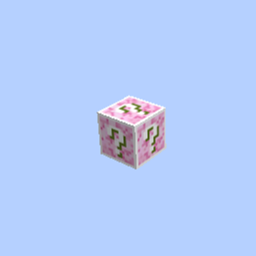
Lucky OneBlock
An ultimate 1.21.11 Fabric skyblock adventure! Mine a single chaotic Lucky Block that changes phases, rewards you with epic RPG loot, and unlocks magical dimensions.
截图
介绍
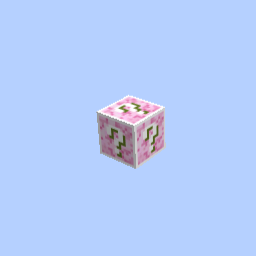
Welcome to the ultimate survival challenge in Minecraft 1.21.11! You start with absolutely nothing but a single, mysterious Lucky Block floating in the endless void. Every time you mine this block, it evolves, drops random blocks, spawns deadly mobs, or rewards you with insane treasures!
- Dynamic Lucky OneBlock: A unique progression system where the main block upgrades as you mine.
- RPG-Style Combat: Includes ‘Simply Swords’ and ‘Better Combat’ for epic combos, new weapon classes, and smooth animations.
- New Dimensions to Explore: Journey beyond the void into beautiful custom dimensions like ‘The Bumblezone’ and ‘Eden Ring’.
- Performance Boost: Powered by Sodium and Lithium for high FPS and lag-free gameplay.
- Quality of Life: JEI for crafting recipes, Waystones for easy teleportation, and inventory tweaks.
- If you haven’t already, download and install the official CurseForge Desktop App for Windows or Mac.
- Open the CurseForge App and select Minecraft.
- Search for “One Block Lucky Block Adventure” (or your modpack name) in the browse section.
- Click the Install button and wait for the files to download.
- Go to your My Modpacks tab and click Play on this profile.
- The Minecraft Launcher will open with the correct profile selected. Click Play again.
- Once the game loads, click on Singleplayer.
- You will see a pre-built world named “Lucky OneBlock”.
- Open that world and start mining your first block to begin your adventure!
常见问题
Lucky OneBlock 支持哪些 Minecraft 版本?
Lucky OneBlock 基于 Minecraft Java 版 1.21.11,使用 Fabric 加载器。
Lucky OneBlock 怎么安装?
点本页「前往下载」拿到整合包文件(Modrinth 的是 .mrpack,CurseForge 的是 .zip),在 PCL2 或 HMCL 启动器里选择「导入整合包」,启动器会自动装好 Minecraft、加载器和全部模组。建议在启动器里给游戏分配 4–6 GB 内存。
Lucky OneBlock 开服需要多大内存?
推荐服务器内存 12 GB。在线人数多、或者建了大量机器和区块加载器时,可以再加 2–4 GB。
怎么和朋友一起玩 Lucky OneBlock?
点本页的「一键开服」,选好配置后会自动安装 Lucky OneBlock 的服务端,几分钟就能开好。把服务器地址发给朋友,大家用同一个版本的整合包连进去就行。
NoobGamerz 的其他作品
查看全部 →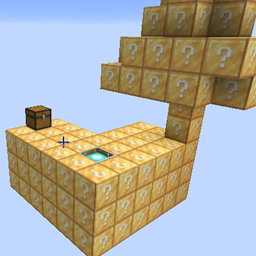
Ultimate LuckyBlock Skyblock
A thrilling Skyblock survival experience where every single block is a Lucky Block! Test your luck, gather insane loot, and survive the void

BoxPvP Map
A fast-paced, open-style BoxPvP map! Grind resources, tier up your gear, jump into intense arena fights, and dominate the leaderboard. Perfect for servers and friends!

Cpvp Arena
A high-performance, flat Crystal PvP (CPvP) Arena featuring a clean flat layout, clear purple borders, and dedicated anchor/beacon stations for ultimate explosive combat
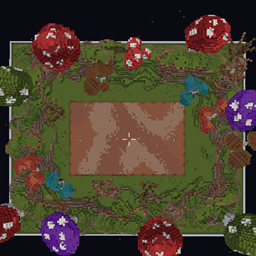
Ultimate Mace PvP Arena
A highly strategic Mushroom-themed Mace PvP Arena featuring towering custom shrooms and rocky cliffs designed perfectly for high-altitude smash attacks.
评论
登录后评论和评分