截图
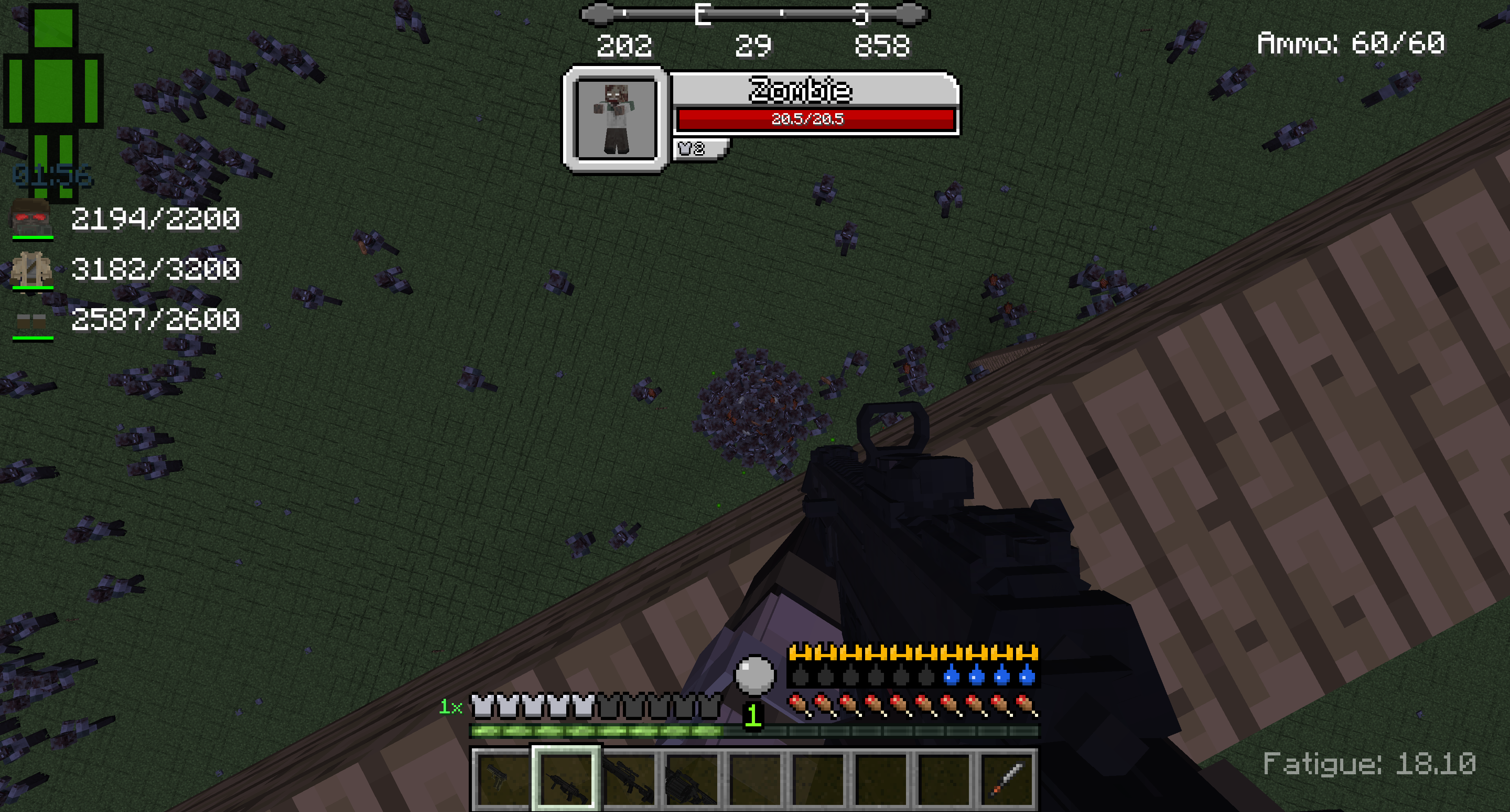
介绍
LiveZ is a very diffucult modpack filled with zombies and death…
SETUP & INSTALLATION
Automatic Install (recommended):
CURSEFORGE LAUNCHER: https://curseforge.overwolf.com/
This is the easiest way to install LiveZ. Link your Minecraft game, go to browse modpacks, find LiveZ and install, click play, that’s it!
Anyone moving from the Twitch launcher to the CurseForge launcher will automatically keep all profiles and modpacks.
Manual Install :
- FORGE: The latest version of Forge for 1.12.2 should work, but in the case it breaks an older mod in this modpack, the version I have currently packaged with the modpack is Forge 14.23.5.2855
Recommended
I highly recommend using Optifine for this modpack, and you should use smooth fps for Optifine as well so your game will have better framerates with this modpack
Things you should know:
There is temperature, there is zombies everywhere, food might be scare, getting resources will be diffucult,
and I think food can rot, there is more mobs, and guns, and you will probably die…
A Lot
Zombies are very much buffed and they are the only enemies to naturally spawn (Unless you add the lost cities mod, because of spawners, other mobs spawn)
Features:
Zombies only spawn
Better enviroment
Guns
Vehicles
Just enough items
Realism
Better Survival
Good luck!
常见问题
LiveZ 支持哪些 Minecraft 版本?
LiveZ 基于 Minecraft Java 版 1.12.2,使用 Forge 加载器。
LiveZ 怎么安装?
点本页「前往下载」拿到整合包文件(Modrinth 的是 .mrpack,CurseForge 的是 .zip),在 PCL2 或 HMCL 启动器里选择「导入整合包」,启动器会自动装好 Minecraft、加载器和全部模组。建议在启动器里给游戏分配 4–6 GB 内存。
LiveZ 开服需要多大内存?
推荐服务器内存 12 GB。在线人数多、或者建了大量机器和区块加载器时,可以再加 2–4 GB。
怎么和朋友一起玩 LiveZ?
点本页的「一键开服」,选好配置后会自动安装 LiveZ 的服务端,几分钟就能开好。把服务器地址发给朋友,大家用同一个版本的整合包连进去就行。
评论
登录后评论和评分