截图
介绍
A minimalistic Vanilla+ pack featuring Create.
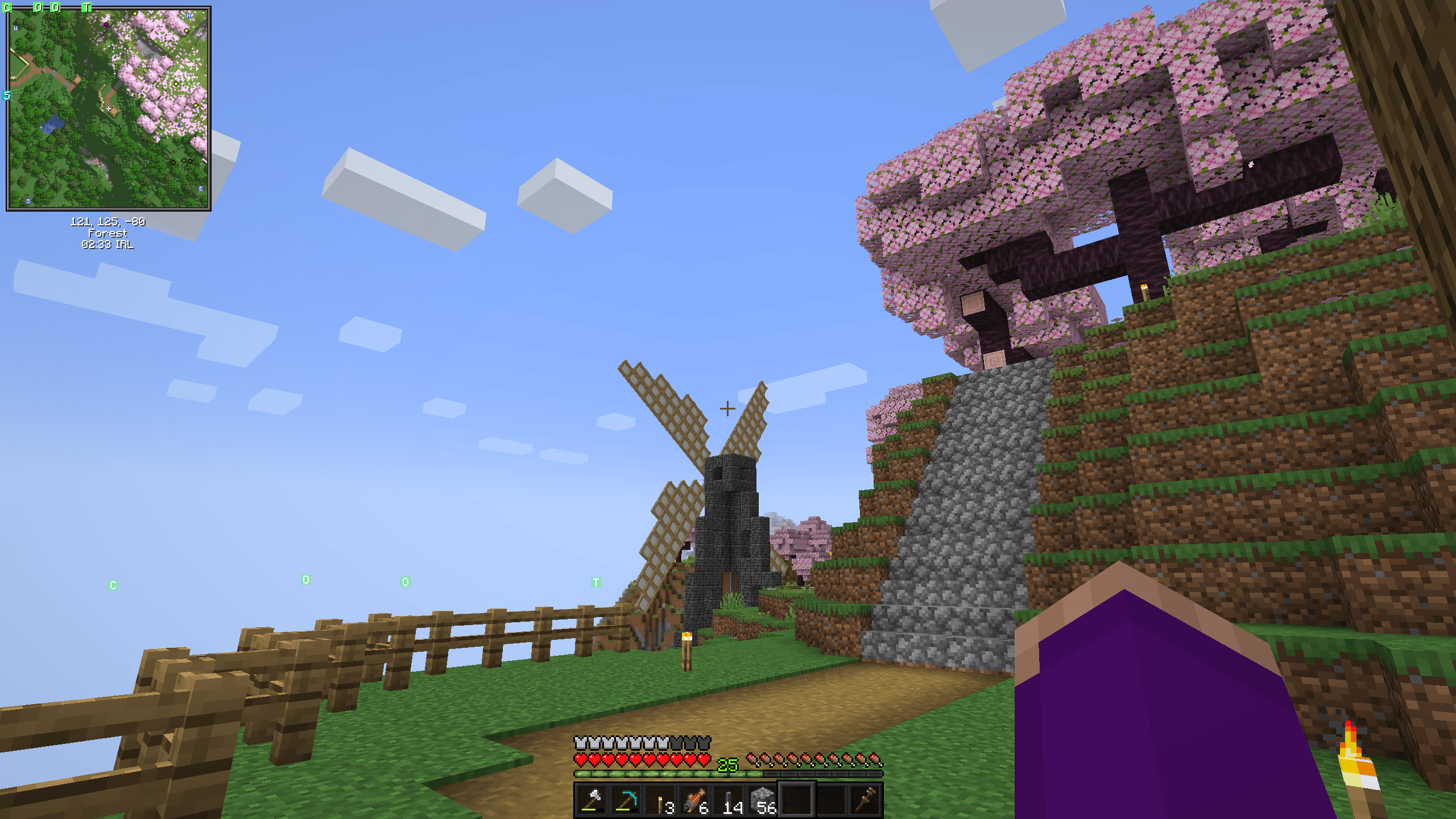
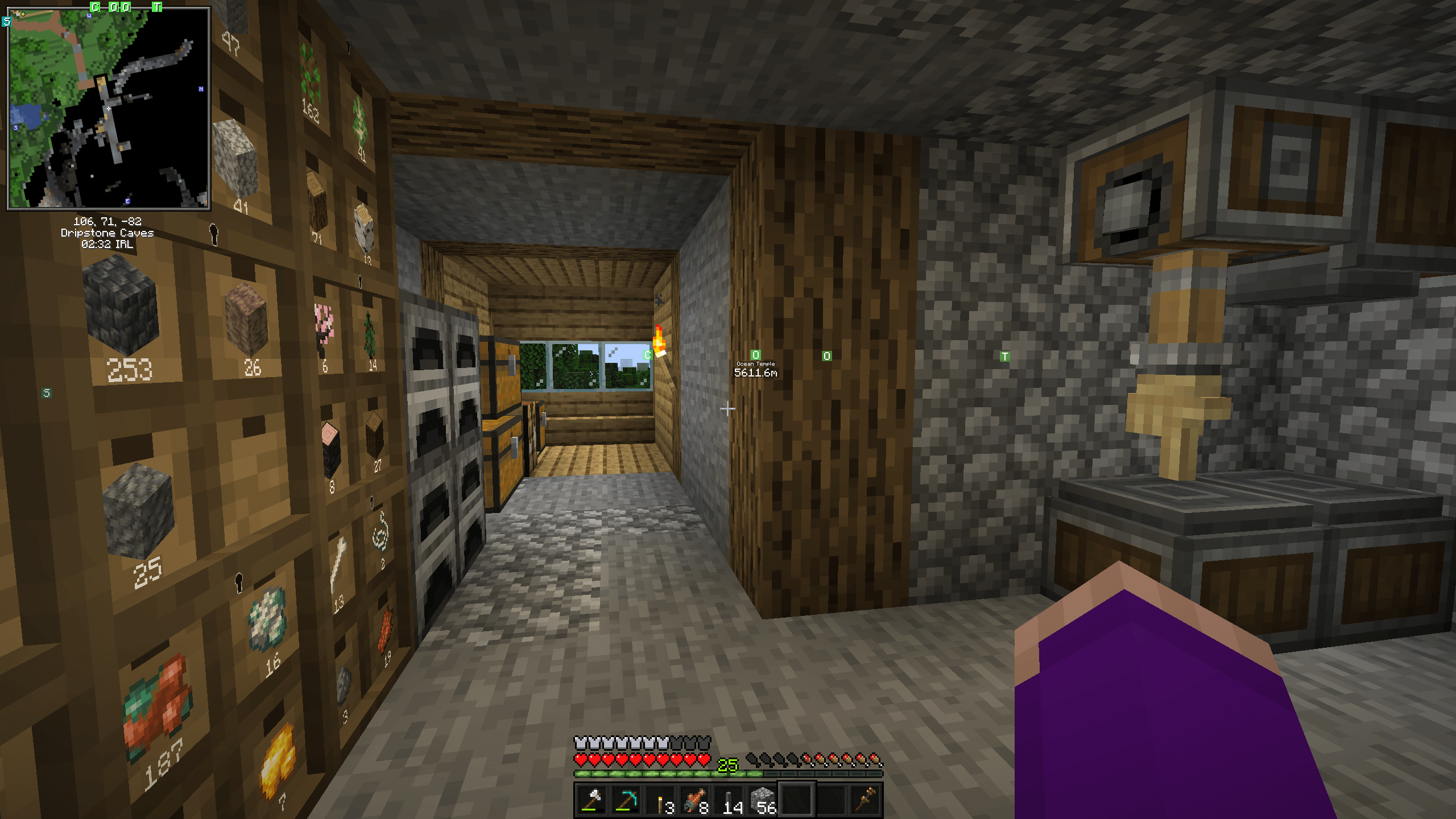
This is not the only pack of it’s kind, but I was unable to find another pack which has a good balance of “vanilla” and “bonus features” to my liking. My aim is to create a pack which primarily features the Create mod, but also has some UI improvements to make general gameplay more convenient.
But I dislike for example backpacks, which removes inventory management entirely as a element to the game. So my pack only includes the bare minimum which enhances the experience when interacting with the main feature mod. Another thing that is a negative to me is having too many structures generated. I want to live in a empty natural world, where everything I can see is built by myself.
PS: This pack is primarily for personal use.
But feel free to try it out if you want…
Content Mods:
- Create
- Storage Drawers (works well with create)
- Supplementaries (adds less overpowered storage options)
- Waystones (for large worlds)
Enhancement Mods:
- Just Enough Items (recipe and item search)
- Jade (block info)
- Inventory Profiles Next (inventory sorting)
- Controlling (searchable keybindings)
- Leaves Be Gone (cleans up leaves)
- Visual Workbench (keeps items)
- Crawl on Demand (convenient)
- Effect Descriptions (extra potion tooltips)
- Xaero’s World Map & Minimap (planning and satisfaction)
常见问题
Ledii: Create Plus 支持哪些 Minecraft 版本?
Ledii: Create Plus 基于 Minecraft Java 版 1.20.1,使用 Forge 加载器。
Ledii: Create Plus 怎么安装?
点本页「前往下载」拿到整合包文件(Modrinth 的是 .mrpack,CurseForge 的是 .zip),在 PCL2 或 HMCL 启动器里选择「导入整合包」,启动器会自动装好 Minecraft、加载器和全部模组。建议在启动器里给游戏分配 4–6 GB 内存。
Ledii: Create Plus 开服需要多大内存?
推荐服务器内存 12 GB。在线人数多、或者建了大量机器和区块加载器时,可以再加 2–4 GB。
怎么和朋友一起玩 Ledii: Create Plus?
点本页的「一键开服」,选好配置后会自动安装 Ledii: Create Plus 的服务端,几分钟就能开好。把服务器地址发给朋友,大家用同一个版本的整合包连进去就行。
评论
登录后评论和评分