
The Last Song
An adventure modpack that brings new mobs, new biomes, new activities to the game. Level up, improve your skill. Forge new armor and be a real blacksmith or a real alchemist! Find new friends who can help you fight the darkness that lies in Last Song!
截图
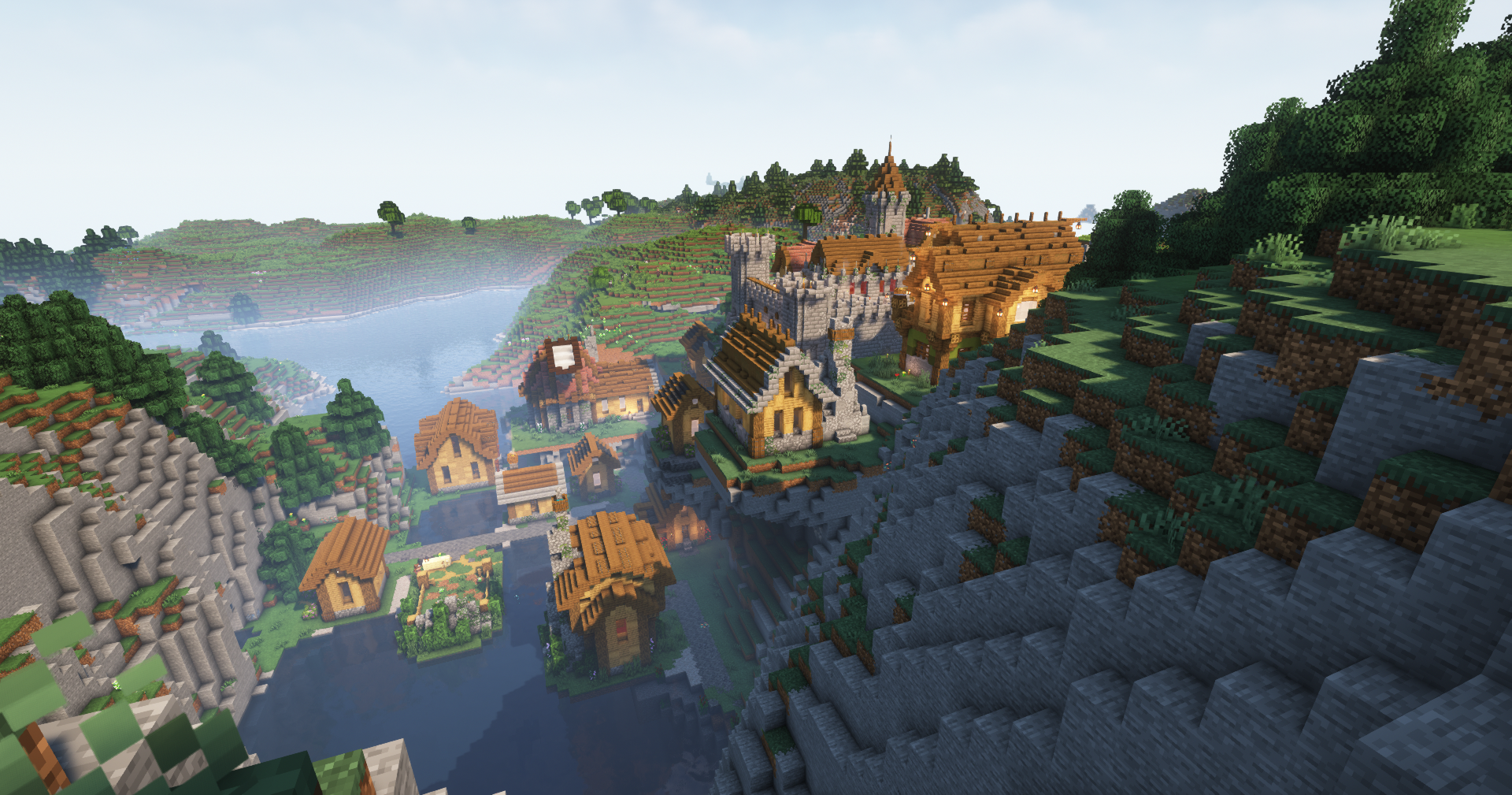
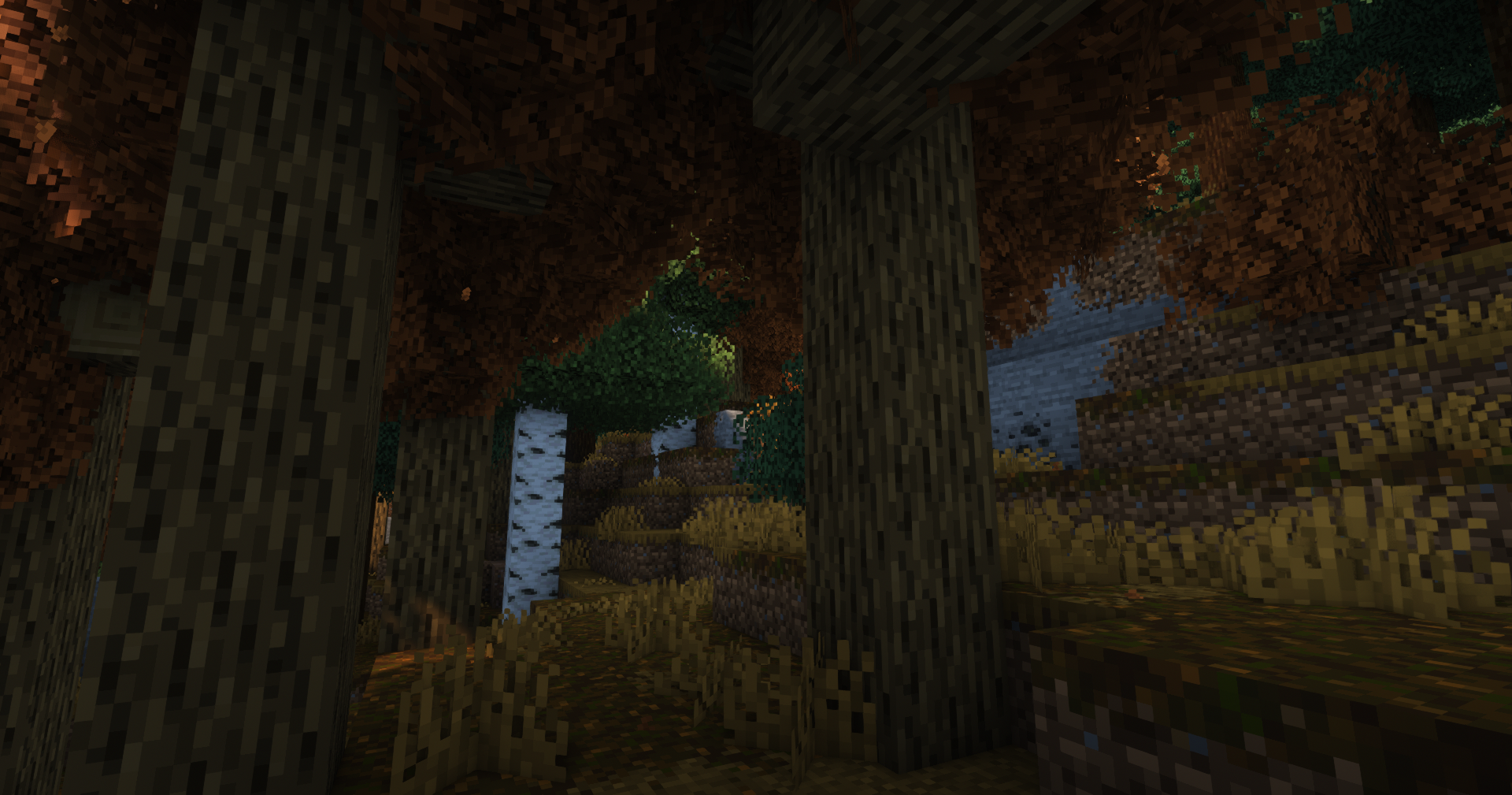
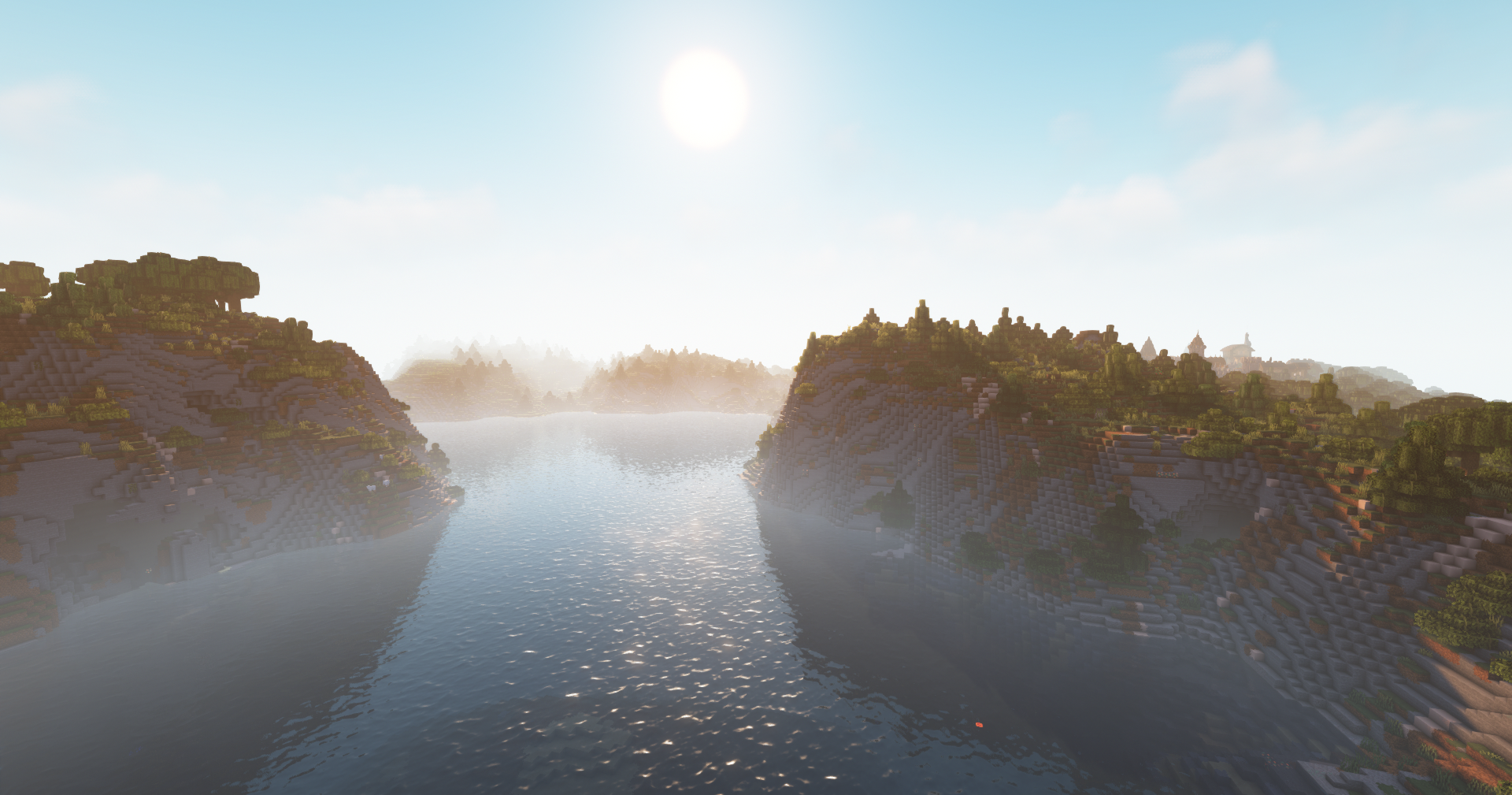
介绍
PLEASE READ HERE!
1) IMPORTANT INFORMATION!
2) Modack description
3) Little tutorial: How to start
1)
– Shaderpacks preinstalled, if you want to remove them press “o” and change to “default”
– Resourcepacks preinstalled, if you want to remove them go to settings and change them in “not active”
– Please allocate 4gb to 5gb ram for this modpack! NOT MORE!
2)
Overall:
– 100+ mods in Fabric: Sodium+indium+Iris which gave the modpack a lot of stability
– Enhanced graphics with details and particles.
– Better sounds and sound physic. You can hear them coming.
– Tweaks and life utilities, also some aesthetic touch!
– Better Camera and animations!
What a beautiful sight!
– Explore a whole new world! Terralith + William Wyther’s Overhauled Overworld
– End and Nether so cool! Better End + Better Nether
– Immerse yourself with Visuality, Effective and lots of more enviromental enhancement!
– Also explore new structures and new great villages!
Survive!
– You’ll need to drink something..
– ‘Cause you’re hot then you’re cold
You’re yes then you’re no
You’re in then you’re out
You’re up then you’re down
Your life skills matter!
– Seasons! It’s snowing! Oh no.. MY CROPS!
– Go fish! Fishing is funnier. You can fish a lot of things.. Whoa, who threw this into the water!?
– Extra alchemy! Maybe some witchers move in the overwold.. that’s a lot of alchemy tho!
– Farmer delight (and every plugins!) May Gordon Ramsay be with you in this one.
Meet new friends!
– New villagers and new professions!
– New animals! Every biomes have its local flora and fauna! Damn.. maybe it’s a bit too much fauna..
Fight the deadly world!
– LevelZ as new levelling system! Start and choose what you want to be!
– Harder crafting!
– New armors and weapons!
– New combat system!
Beware the darkness..
– Enchanted mobs! You may want to be prepared.
– Scaling difficulty over time
– New bosses! .. everytime you fight one, the next may be.. a little tough!
– Beware the Depths.. the dead.. and everything that’s moving at night..
3)
HOW TO START:
In The Last Song you’ll start with nothing, you’ll need to learn everything, from how to use a sword to how to use a furnace. You’ll start with 5 skill points which you can allocate in different specializations (pressing K or from your inventory). Every specialization will unlock a tool, a block or a particular item. For example: farming at level one grants you the knowledge to use a furnace or mining at level 5 grants you the knowledge to gather coal.
Gathering the classic minecraft experience gives you also LevelZ experience to skill up!.
Everything else is classic minecraft experience but with every aspect tuned up. You’ll have lot of more recipes for cooking, plenty of more fishes to catch and LOT of more mobs to kill.. or several new ways to die (that’s another point of view!)
Ps: Zoomify will warn you to swtich a keybind! (just do it lmao)
Pss: You’ll not find ores if you dig tunnels. Ores will not spawn if not exposed to air/fluids (you have to go into caves <3)
How to Install:
Premium minecraft can use directly curseforge which is easier.
If you don’t want use curseforge (due to overwolf COFF) or you haven’t premium minecraft you can download it manually. Install minecraft 1.19.2 and then install Fabric Loader
INSTALL FABRIC 0.14.10
After installed Fabric loader (which installation is really similar to an optfine one) you have to launch the game twice. Run your minecraft launcher and select the new fabric profile, when the game is open check in the left bottom corner the game version, if it said fabric, you’re good. Close the game, open your minecraft directory (by default it should be in Roaming.. you can access this folder by pressing (Win+R) ->write %appdata% -> Roaming -> .minecraft) and move the download files from the modpack zip in your .minecraft directory. Close all the folders, run the game in fabric profile and there you go! If all went well it should say, always in the left bottom corner, a number of mod installed.
Good luck and have fun 😉
常见问题
The Last Song 支持哪些 Minecraft 版本?
The Last Song 基于 Minecraft Java 版 1.19.2,使用 Fabric 加载器。
The Last Song 怎么安装?
点本页「前往下载」拿到整合包文件(Modrinth 的是 .mrpack,CurseForge 的是 .zip),在 PCL2 或 HMCL 启动器里选择「导入整合包」,启动器会自动装好 Minecraft、加载器和全部模组。建议在启动器里给游戏分配 4–6 GB 内存。
The Last Song 开服需要多大内存?
推荐服务器内存 12 GB。在线人数多、或者建了大量机器和区块加载器时,可以再加 2–4 GB。
怎么和朋友一起玩 The Last Song?
点本页的「一键开服」,选好配置后会自动安装 The Last Song 的服务端,几分钟就能开好。把服务器地址发给朋友,大家用同一个版本的整合包连进去就行。
评论
登录后评论和评分