
Lag Optimizer
This is a lightweight, carefully optimized Fabric modpack designed to completely eliminate game lag, maximize FPS, and add essential quality-of-life features for playing with friends.
截图



介绍
Lag Optimizer
A lightweight, performance-focused Fabric modpack for Minecraft 1.21.1 designed to maximize your frame rates and make playing with friends completely seamless.
What this project does:
This modpack brings together the absolute best open-source optimization mods available for the Fabric loader. It completely swaps out Minecraft’s default rendering system with modern, high-efficiency engines that eliminate stuttering, lower memory usage, and keep your game running smoothly.
Why you should download it:
If you struggle with low FPS, screen tearing, or server-connection lag, this pack is built for you. It includes:
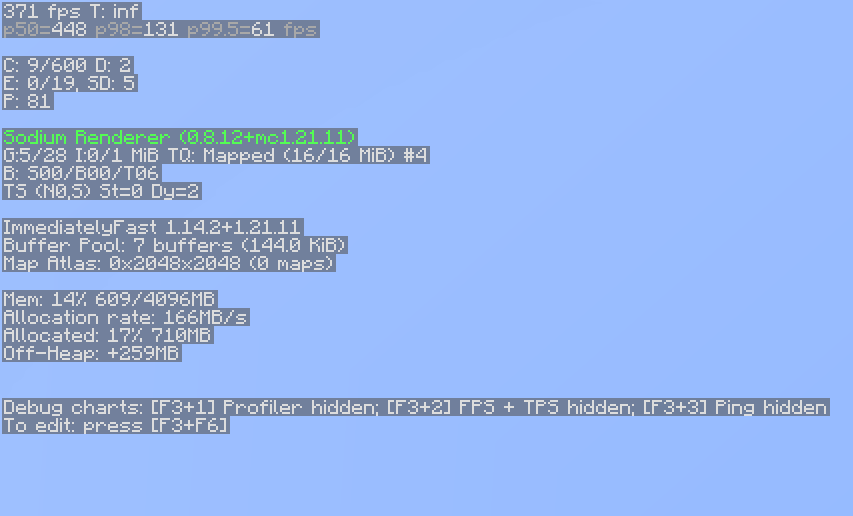
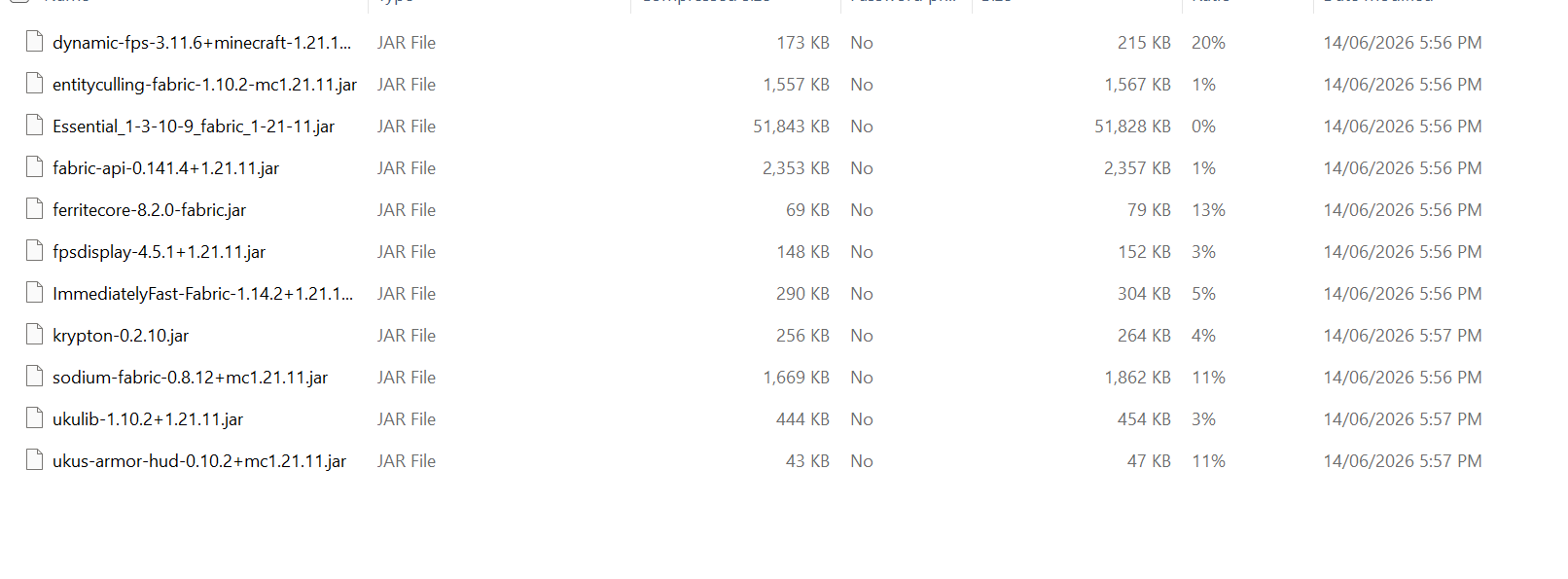
Sodium & ImmediatelyFast: Massive boosts to your graphical frame rates and HUD rendering.
FerriteCore & Entity Culling: Drastically reduces RAM usage and stops the game from processing blocks or mobs you can’t see.
Essential Mod: Allows you to host multiplayer worlds and invite your friends directly from your singleplayer menu without needing a paid server.
uku’s Armor HUD: Adds a clean, minimalist display on your screen to track your current gear durability.
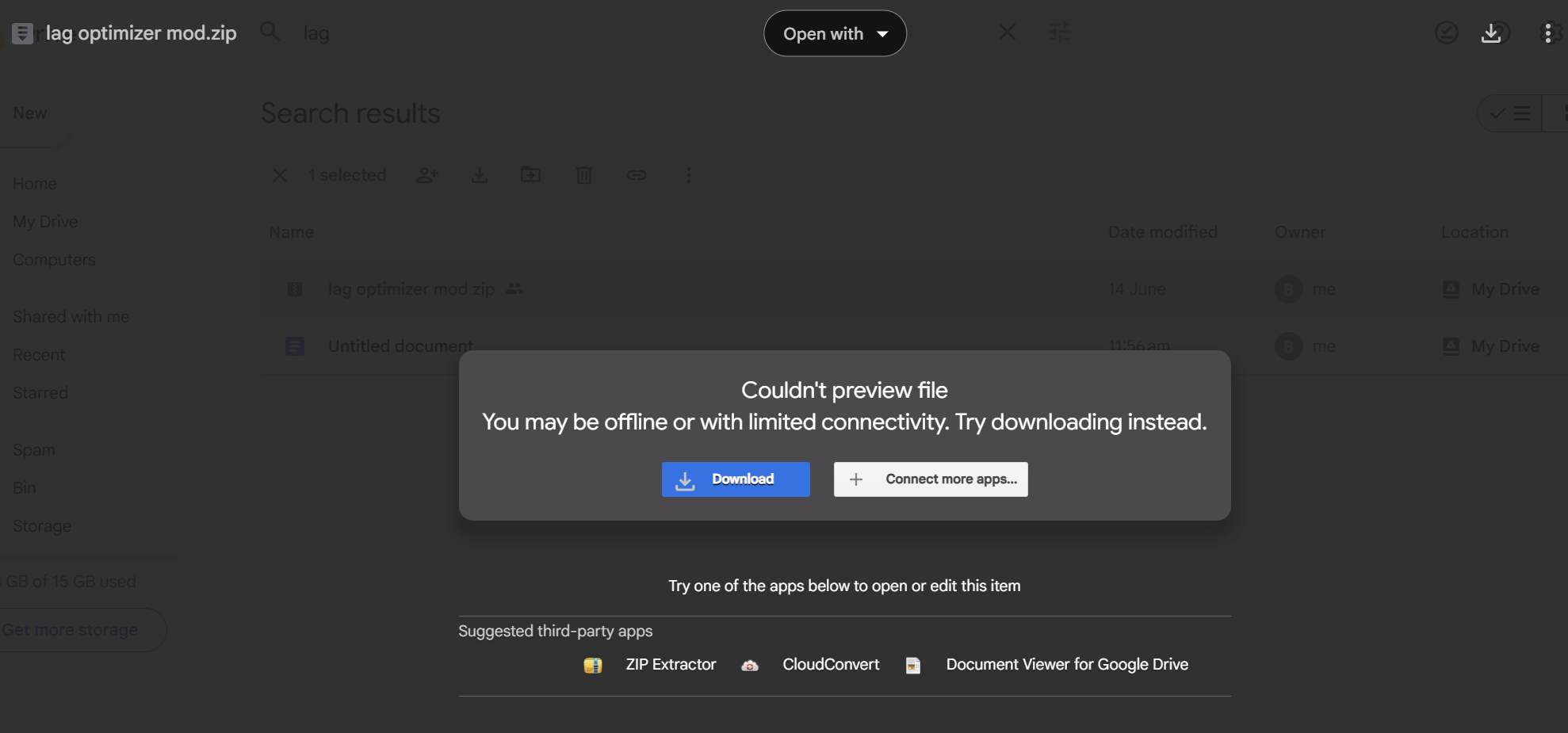
If you want it to be your minecraft mods then, follow the step under (You can see these step in gallery) Copy the URL and paste it into your google search bar
- (Version 1.21.11) https://drive.google.com/file/d/1I_K0xA_x8HfJzxIoON7o7R61VfO0ZYB1/view?usp=sharing
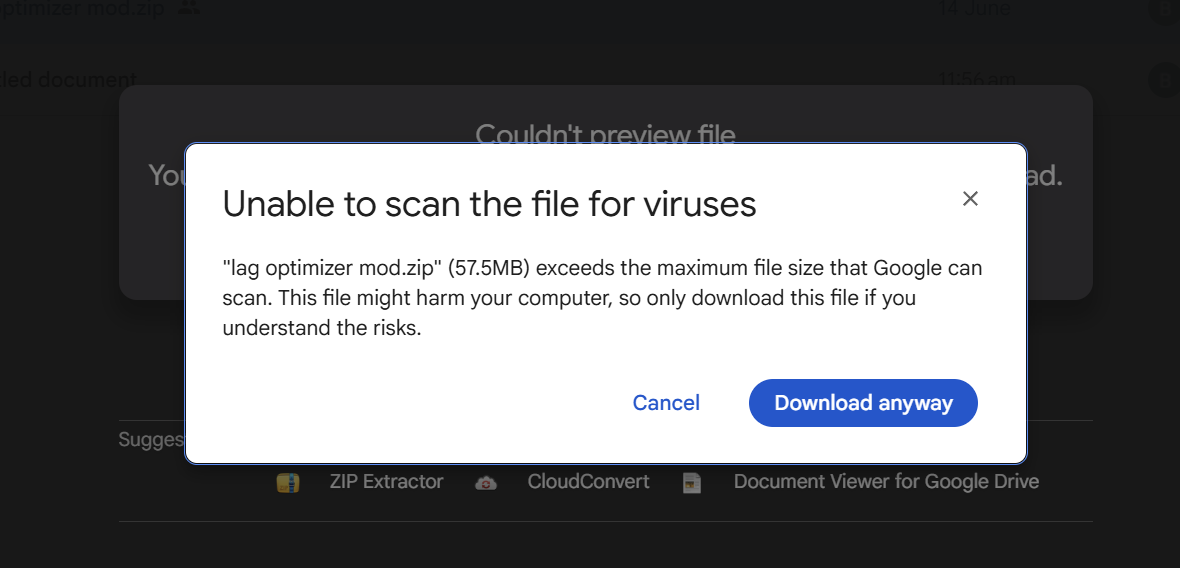
1.Paste URL into google search bar. Once there press download. A screen should pop up, press download anyway and you should get the file downloaded.
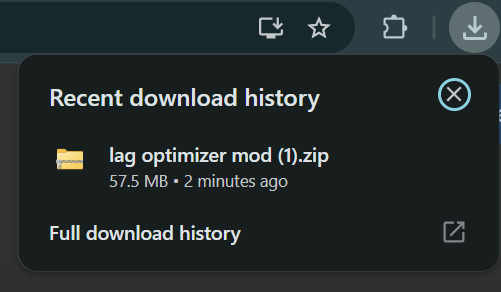
- Once downloaded press the download button at the top right corner and press on the file named Lag optimizer.
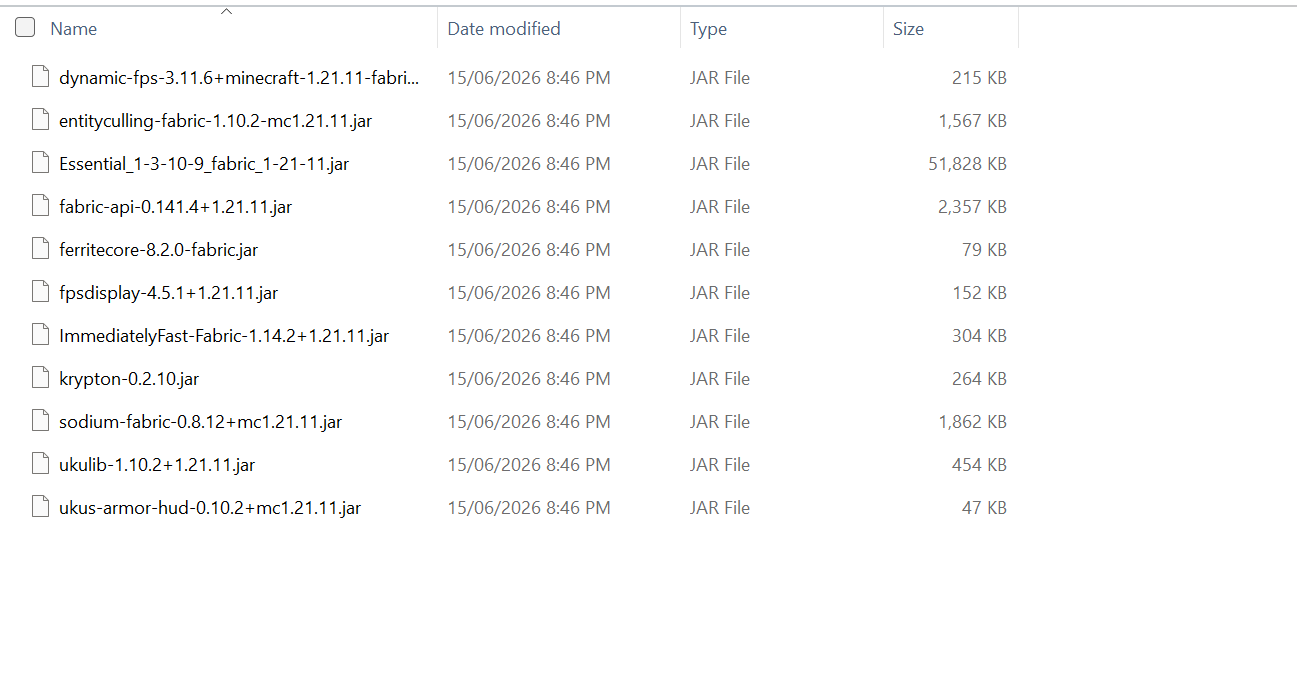
- Once pressed on you should be a page. Press on Lag Optimizer and it should bring you to the next page, on that next page press mods after pressing mods you should see all the mods that I have put.
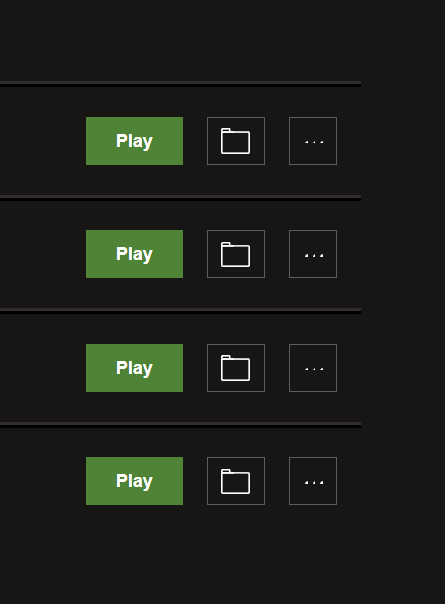
- After copying the mods go to minecraft launcher, and at near the top you should see intalliation, after pressing installiation press on the file symbol next to the play button
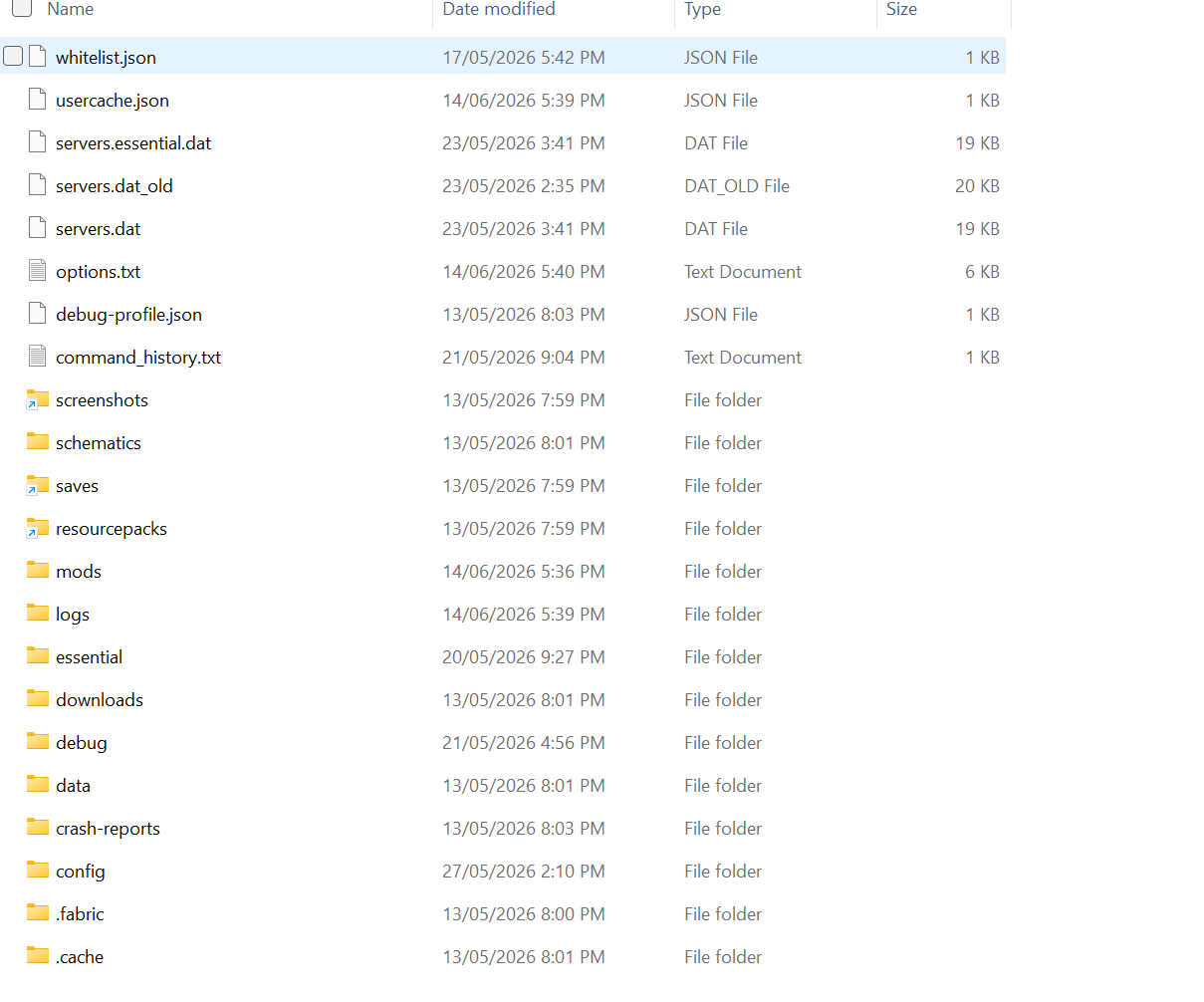
- Once you pressed on the file symbol press on mods if you don’t make on named mods and paste the mods that you have copied into that folder.
- You are ready to play
If you have problems please inform me about it
包含的模组 12 个
 Borderless Mining Updated
 Dynamic FPS
 实体剔除
 Essential Mod
 Fabric API
 FerriteCore
 FPS - Display
 ImmediatelyFast
 Krypton
 钠
 uku's Armor HUD
 ukulib
绿色边框的模组本站有收录,点进去看中文介绍;其余跳转到 Modrinth。
常见问题
Lag Optimizer 支持哪些 Minecraft 版本?
Lag Optimizer 基于 Minecraft Java 版 1.21.11,使用 Fabric 加载器。
Lag Optimizer 怎么安装?
点本页「前往下载」拿到整合包文件(Modrinth 的是 .mrpack,CurseForge 的是 .zip),在 PCL2 或 HMCL 启动器里选择「导入整合包」,启动器会自动装好 Minecraft、加载器和全部模组。这个整合包有 12 个模组,建议在启动器里给游戏分配 4–6 GB 内存。
Lag Optimizer 开服需要多大内存?
推荐服务器内存 12 GB。在线人数多、或者建了大量机器和区块加载器时,可以再加 2–4 GB。
怎么和朋友一起玩 Lag Optimizer?
点本页的「一键开服」,选好配置后会自动安装 Lag Optimizer 的服务端,几分钟就能开好。把服务器地址发给朋友,大家用同一个版本的整合包连进去就行。
评论
登录后评论和评分