KitsuneCraft – 20 Tails Adventure
Become a kitsune in one click: KitsuneCraft: 20 Tails Edition, ready to play with Minecraft 1.21.1, Fabric and Fabric API set up for you.
截图
介绍
A ready-to-play pack for KitsuneCraft: 20 Tails Edition: one click in the CurseForge app and you’re a kitsune, with the right Minecraft version, Fabric Loader and Fabric API already set up.
What you get
- Become a kitsune and grow from one tail to twenty, with nine kitsune types, each with its own powers.
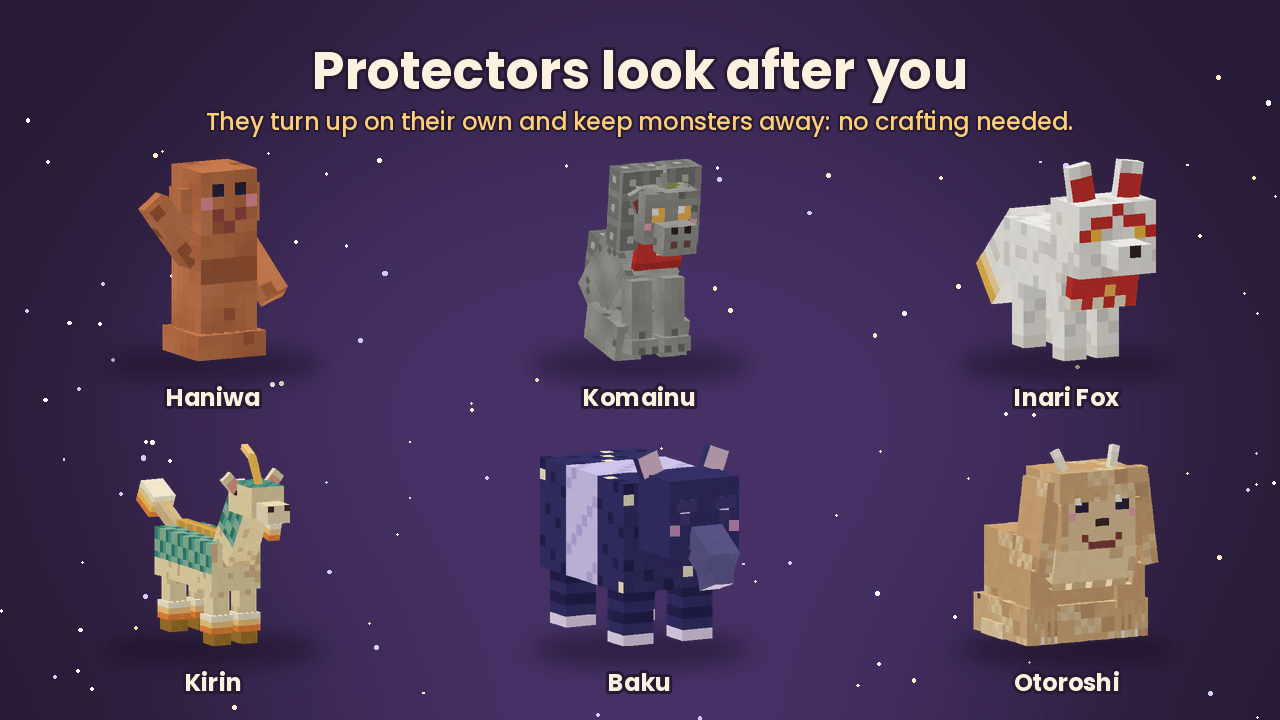
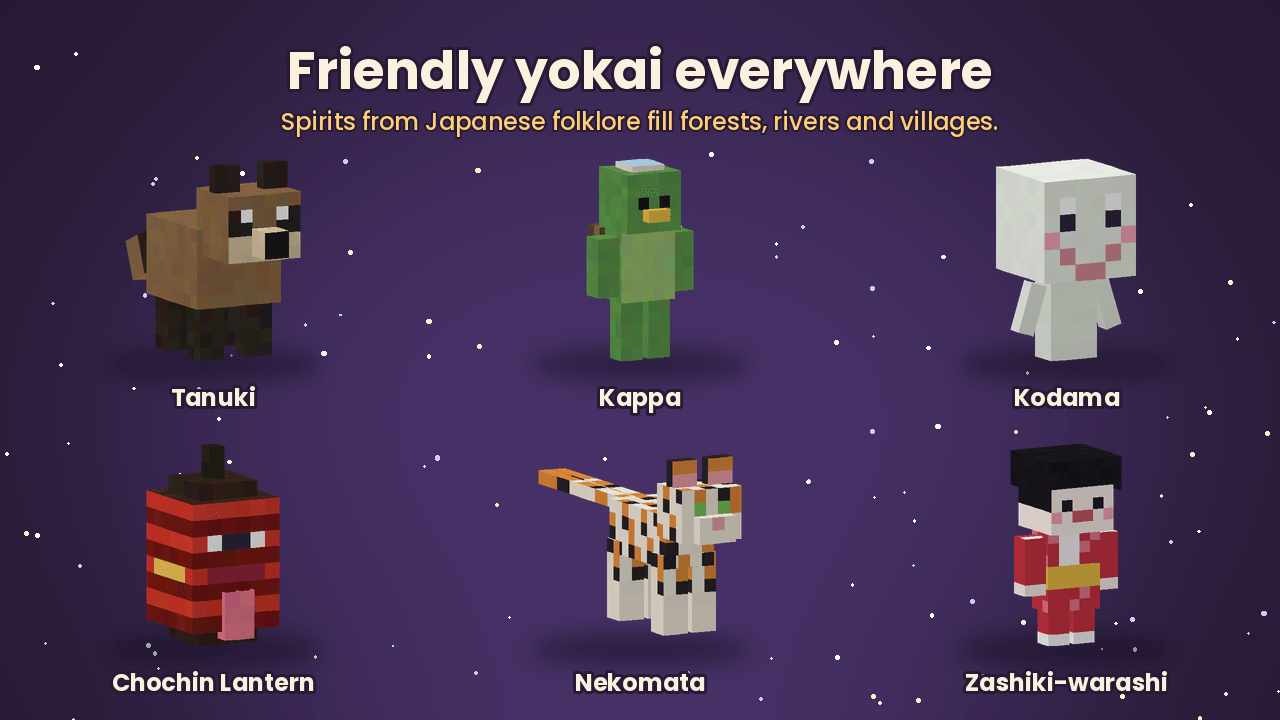
- A world full of spirits: more than 50 creatures from Japanese folklore, kitsune towns joined by roads and signposts, and protectors that turn up on their own to keep you safe.
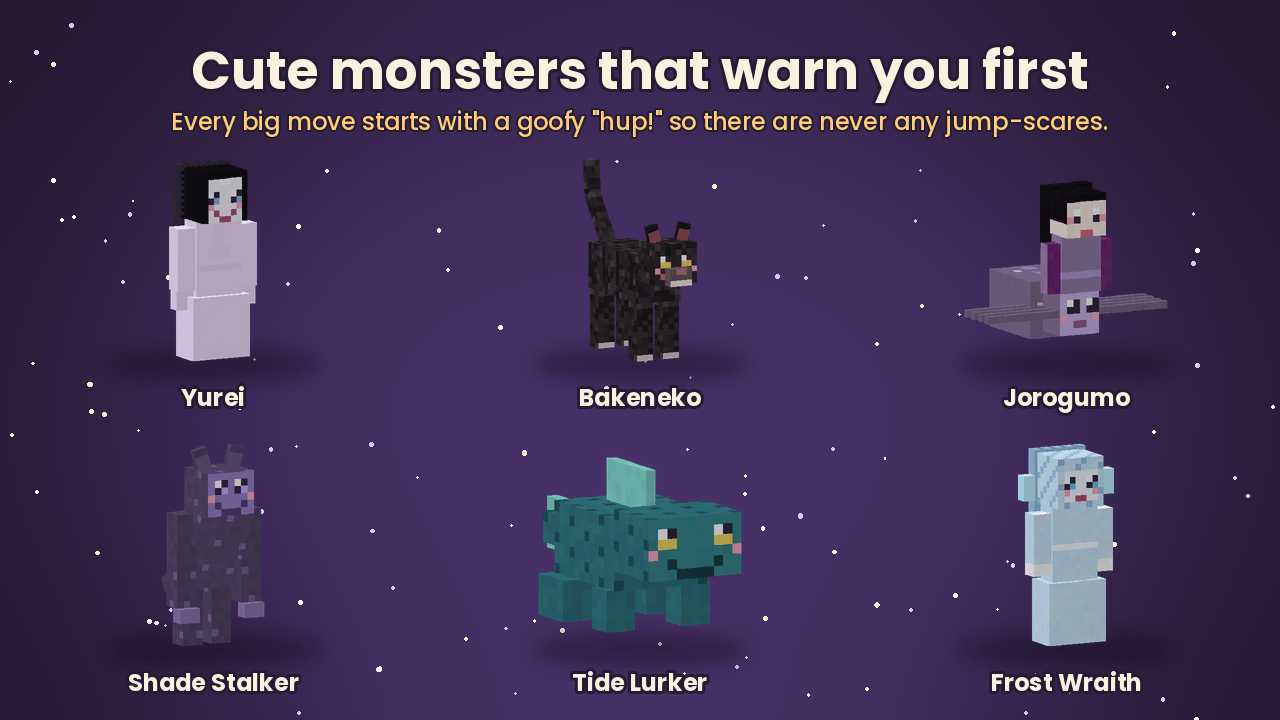
- Gentle monsters: friendly faces, soft sounds, and a goofy “hup!” before every big move, so there are never any jump-scares.
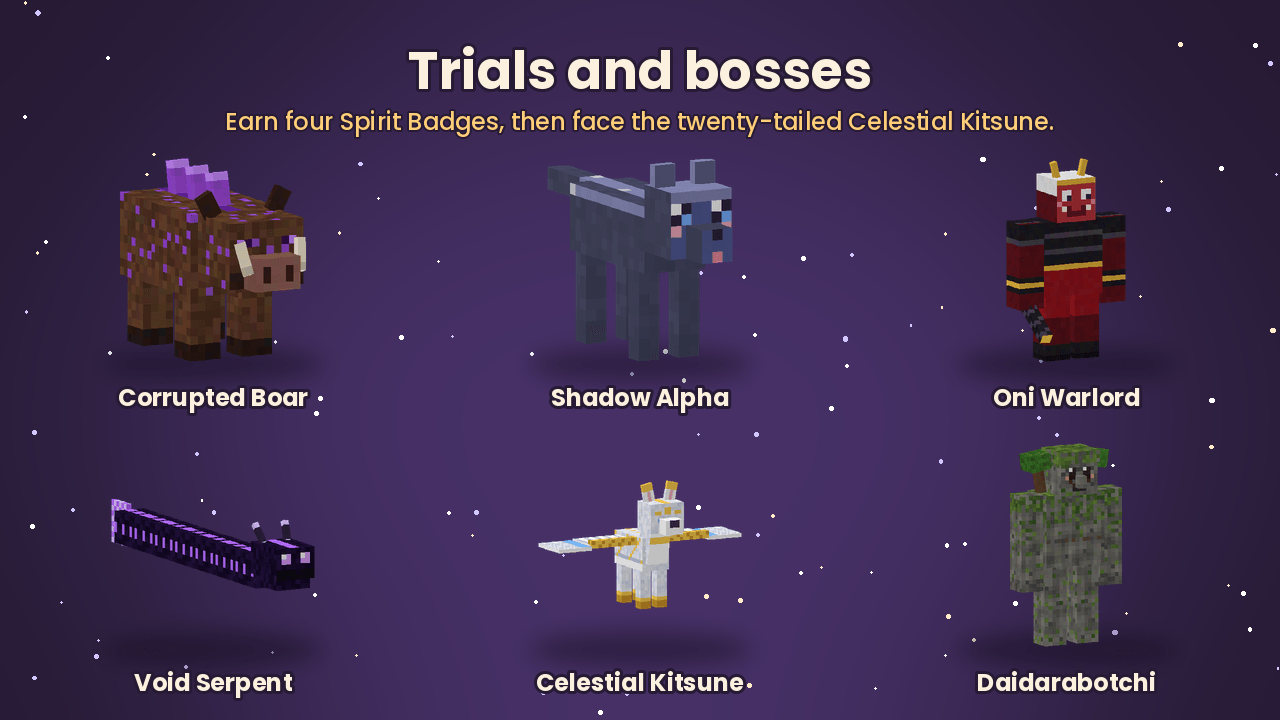
- The Path of the Kitsune: four trials with Spirit Badges, the Celestial Kitsune at twenty tails, and the Primal Daidarabotchi roaming the land.
Play together
Want a world for your family and friends? Click Create Server on the BisectHosting banner on this page to rent a server for this pack, with 25% off the first month.
Made by Meowmi Studio. Not an official Minecraft product. Not approved by or associated with Mojang or Microsoft.
常见问题
KitsuneCraft – 20 Tails Adventure 支持哪些 Minecraft 版本?
KitsuneCraft – 20 Tails Adventure 基于 Minecraft Java 版 1.21.1,使用 Fabric 加载器。
KitsuneCraft – 20 Tails Adventure 怎么安装?
点本页「前往下载」拿到整合包文件(Modrinth 的是 .mrpack,CurseForge 的是 .zip),在 PCL2 或 HMCL 启动器里选择「导入整合包」,启动器会自动装好 Minecraft、加载器和全部模组。建议在启动器里给游戏分配 4–6 GB 内存。
KitsuneCraft – 20 Tails Adventure 开服需要多大内存?
推荐服务器内存 12 GB。在线人数多、或者建了大量机器和区块加载器时,可以再加 2–4 GB。
怎么和朋友一起玩 KitsuneCraft – 20 Tails Adventure?
点本页的「一键开服」,选好配置后会自动安装 KitsuneCraft – 20 Tails Adventure 的服务端,几分钟就能开好。把服务器地址发给朋友,大家用同一个版本的整合包连进去就行。
评论
登录后评论和评分