
介绍
Inventory QOL
(Fabric 1.21.x)
⚡ Fast Inventory Interaction
Inventory systems in modern Fabric mods focus on speed + automation
instead of manual dragging.
Instant item transfer between chests / inventory / shulkers
Smart sorting with one click
Saved loadouts (mining, combat, building setups)
Less clicking, more action
📦 Storage & Item Visibility
_You get way more control over what’s inside your items:_
Shulker previews directly in tooltips
Chest searching / tracking across storage systems
Container info shown instantly without opening menus
🔍 Information & Crafting UI
_The UI becomes a full item database:_
Recipe browser (crafting, smelting, uses)
Modded item support included
Block + entity info overlay when looking at them
📊 HUD & Hotbar Improvements
_Everything on screen becomes clearer and more readable:_
Armor durability & potion effects visible in real time
Better item selection feedback in hotbar
Cleaner, less cluttered UI layout
🧠 Overall Result
_A system where:_
→ inventory management becomes instant
→ storage becomes searchable
→ information is always visible when needed
→ vanilla gameplay stays unchanged
包含的模组 55 个
 Animated Items
 Animated items (emissive)
 苹果皮
 Architectury API
 Better Recipe Book (Adorable♡Girl aVa Seriously Extended)
 Better Statistics Screen
 BetterHotbar+
 Black Inventory Gui
 ChestTracker
 Clear Inventory
 Cloth Config API
 Connected Hotbar (Dark)
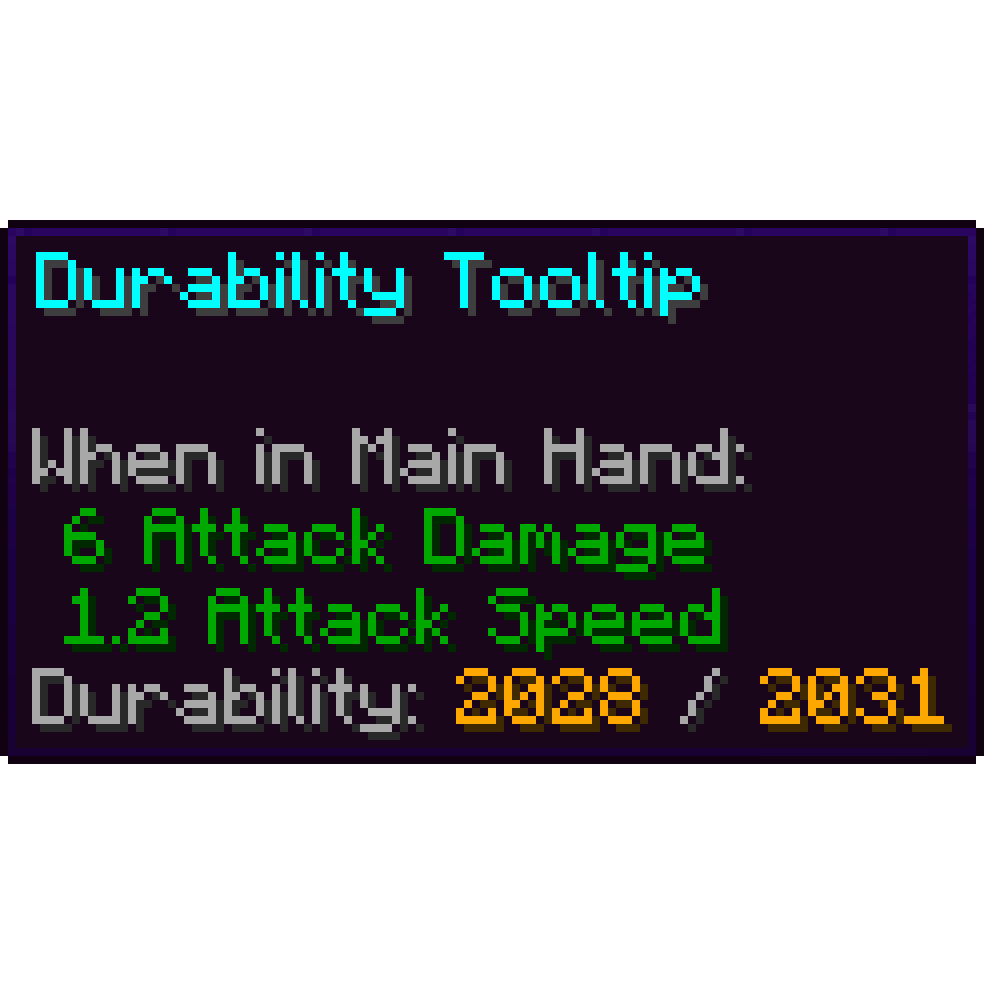 Durability Tooltip
 实体剔除
 Etsan's Better Hotbar
 Even Better Enchants
 Fabric API
 Fabric Language Kotlin
 FerriteCore
 Food Tooltips
 Fresh Hearts - Health Bar
 Frogcrafting Hotbar
 Iceberg
 ImmediatelyFast
 Inventory Profiles Next
 Inventory Sorting Dark Theme
 InventoryHUD+
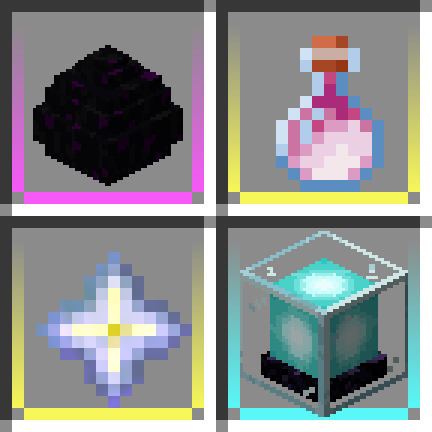 Item Borders
 Jade 🔍
 JEI物品管理器
 libIPN
 锂
 MB-3D Items Pack
 McMouser
 模组菜单
 More Mouse Tweaks
 鼠标微调
 Mouse Wheelie
 No Dark Inventory Overlay
 Numbered Hotbar
展开全部 55 个








绿色边框的模组本站有收录,点进去看中文介绍;其余跳转到 Modrinth。
常见问题
Inventory QOL 支持哪些 Minecraft 版本?
Inventory QOL 基于 Minecraft Java 版 1.21.11,使用 Fabric 加载器。
Inventory QOL 怎么安装?
点本页「前往下载」拿到整合包文件(Modrinth 的是 .mrpack,CurseForge 的是 .zip),在 PCL2 或 HMCL 启动器里选择「导入整合包」,启动器会自动装好 Minecraft、加载器和全部模组。这个整合包有 55 个模组,建议在启动器里给游戏分配 4–6 GB 内存。
Inventory QOL 开服需要多大内存?
推荐服务器内存 12 GB。在线人数多、或者建了大量机器和区块加载器时,可以再加 2–4 GB。
怎么和朋友一起玩 Inventory QOL?
点本页的「一键开服」,选好配置后会自动安装 Inventory QOL 的服务端,几分钟就能开好。把服务器地址发给朋友,大家用同一个版本的整合包连进去就行。
评论
登录后评论和评分