Far Craft: illager Battleground
A FarCry-inspired-experience. The illagers have taken over the region. Craft guns and vehicles, find outposts and raid them and fight against several new bosses.
截图
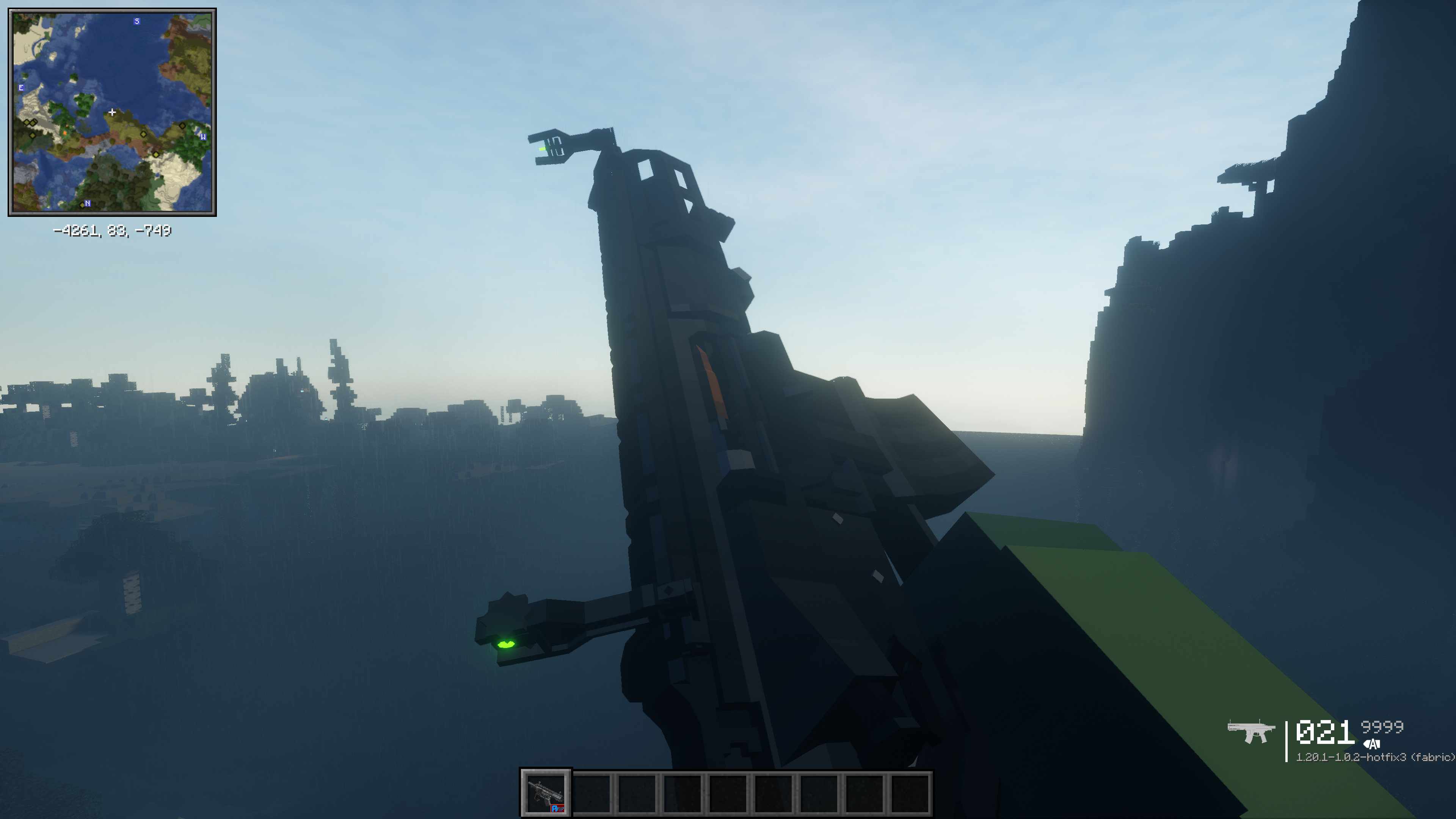
介绍



! CurseForge version has been discontinued. Download on Modrinth instead !
The illagers are attacking. They have become stronger and taken over the land. It is now up to you to fight back. With realistic guns and vehicles at your disposal you will show them what you are made of.
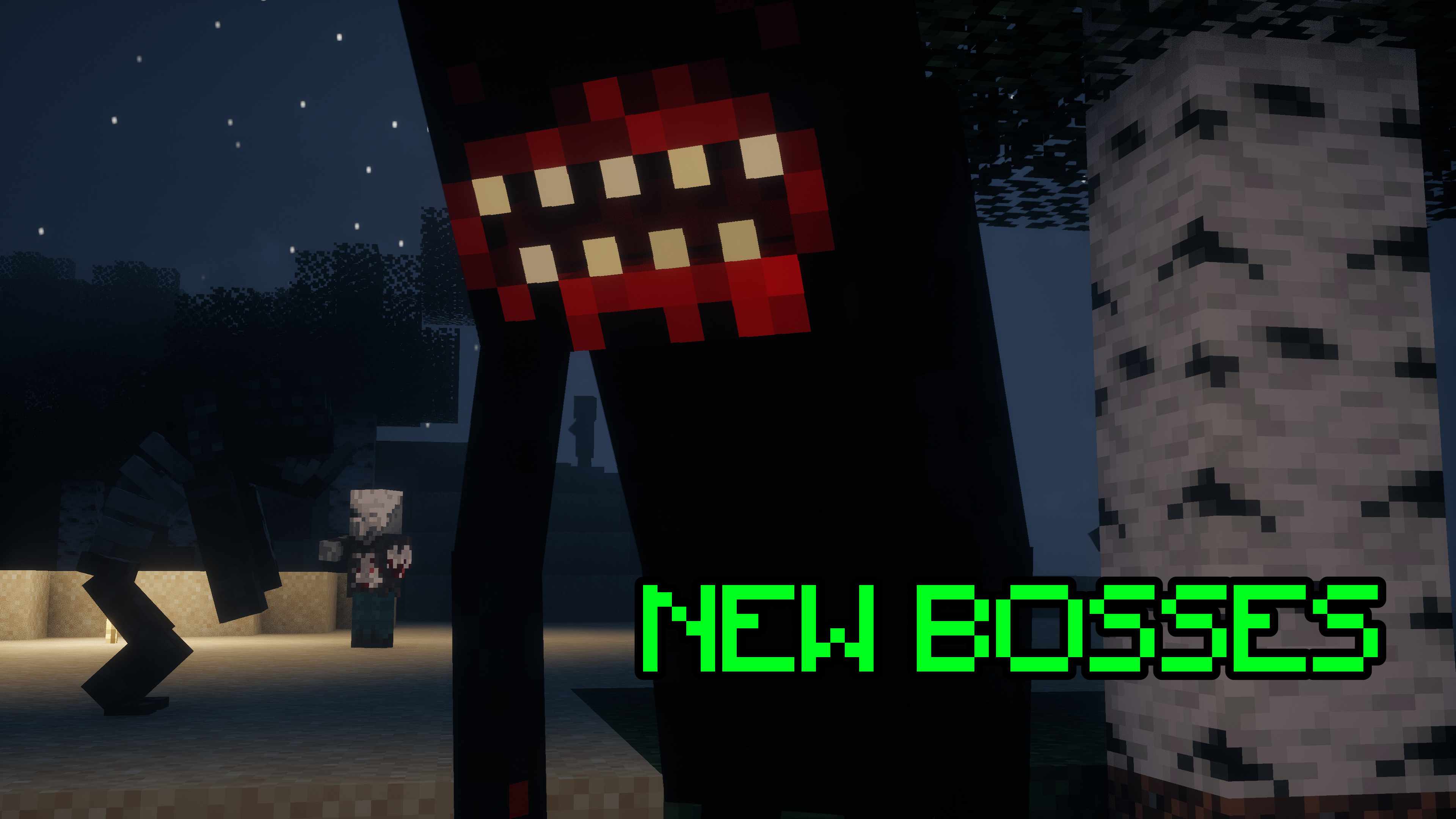
But the illagers aren’t your only problem. There are creatures far more powerful out there that have been created by failed experiments by the illagers and are now roaming free. Can you stop them?

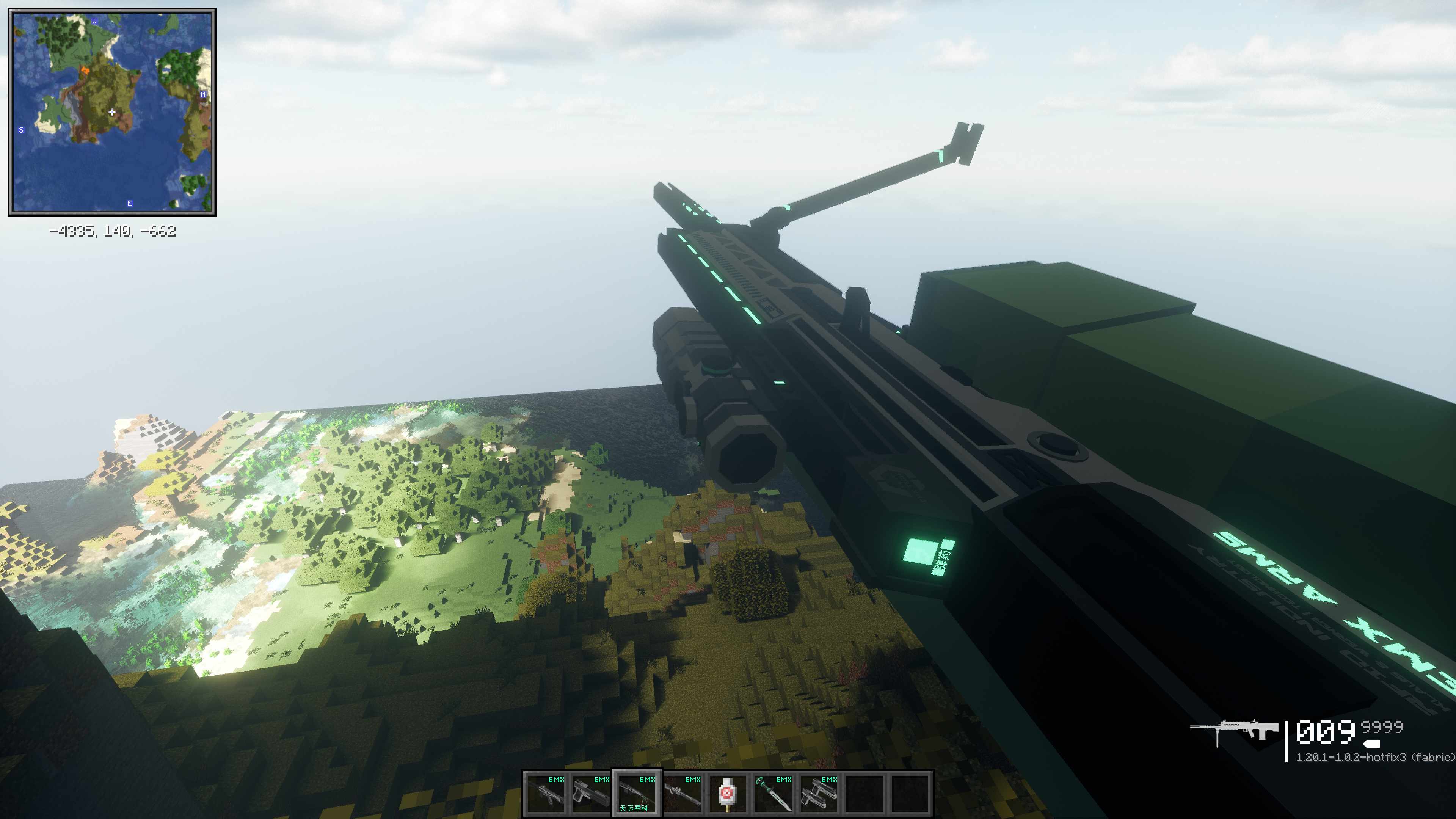
Weapons
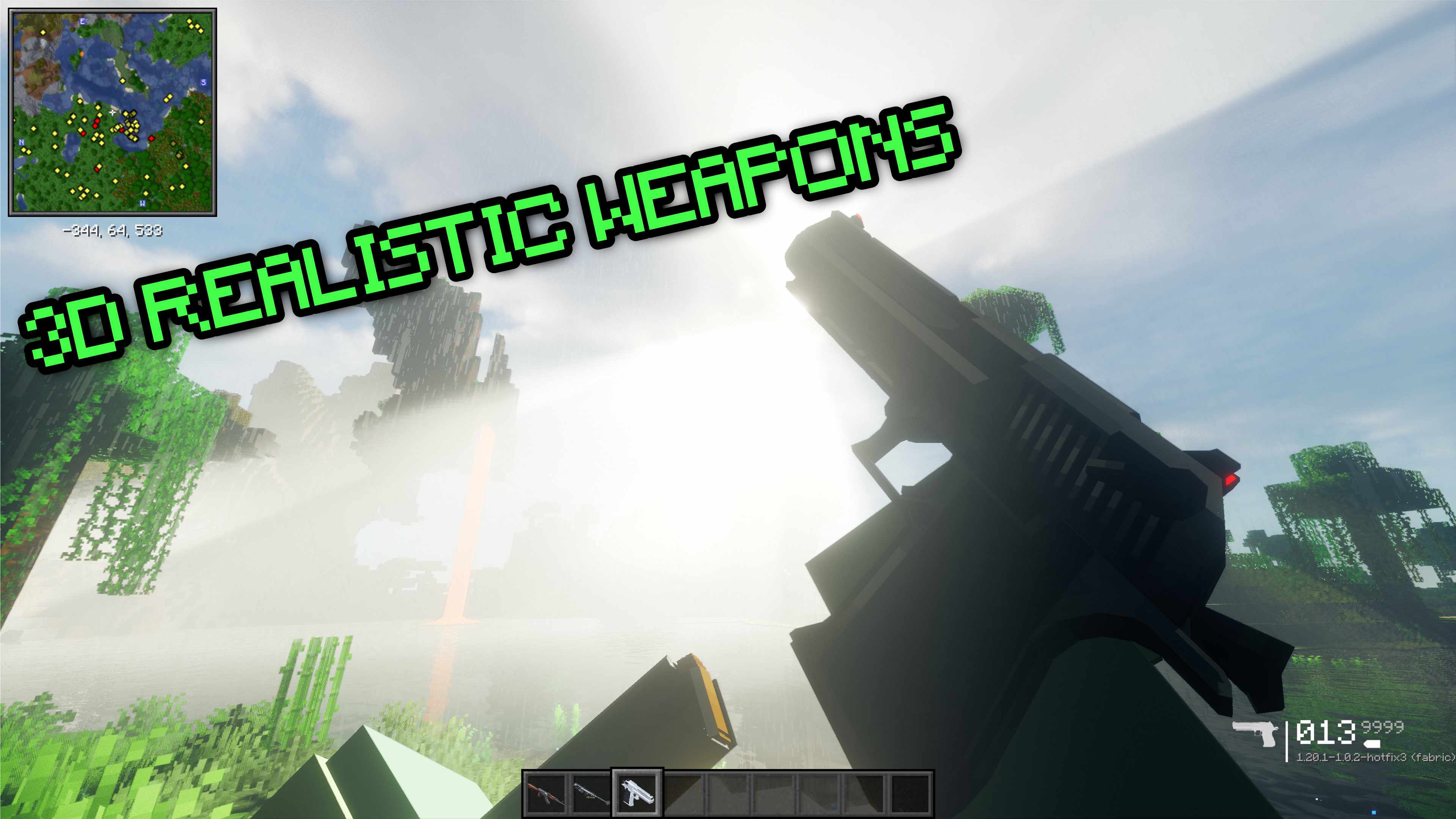
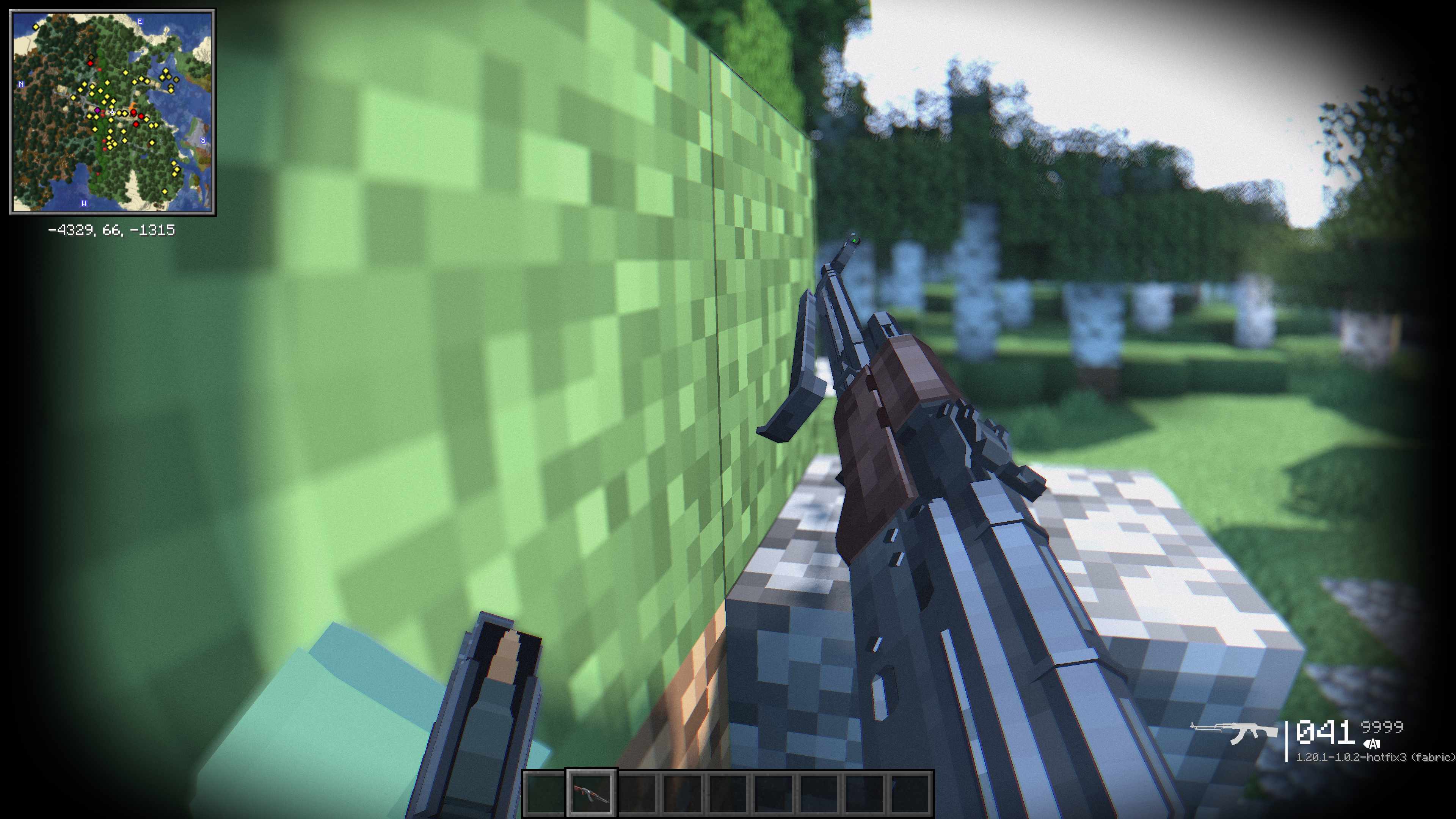
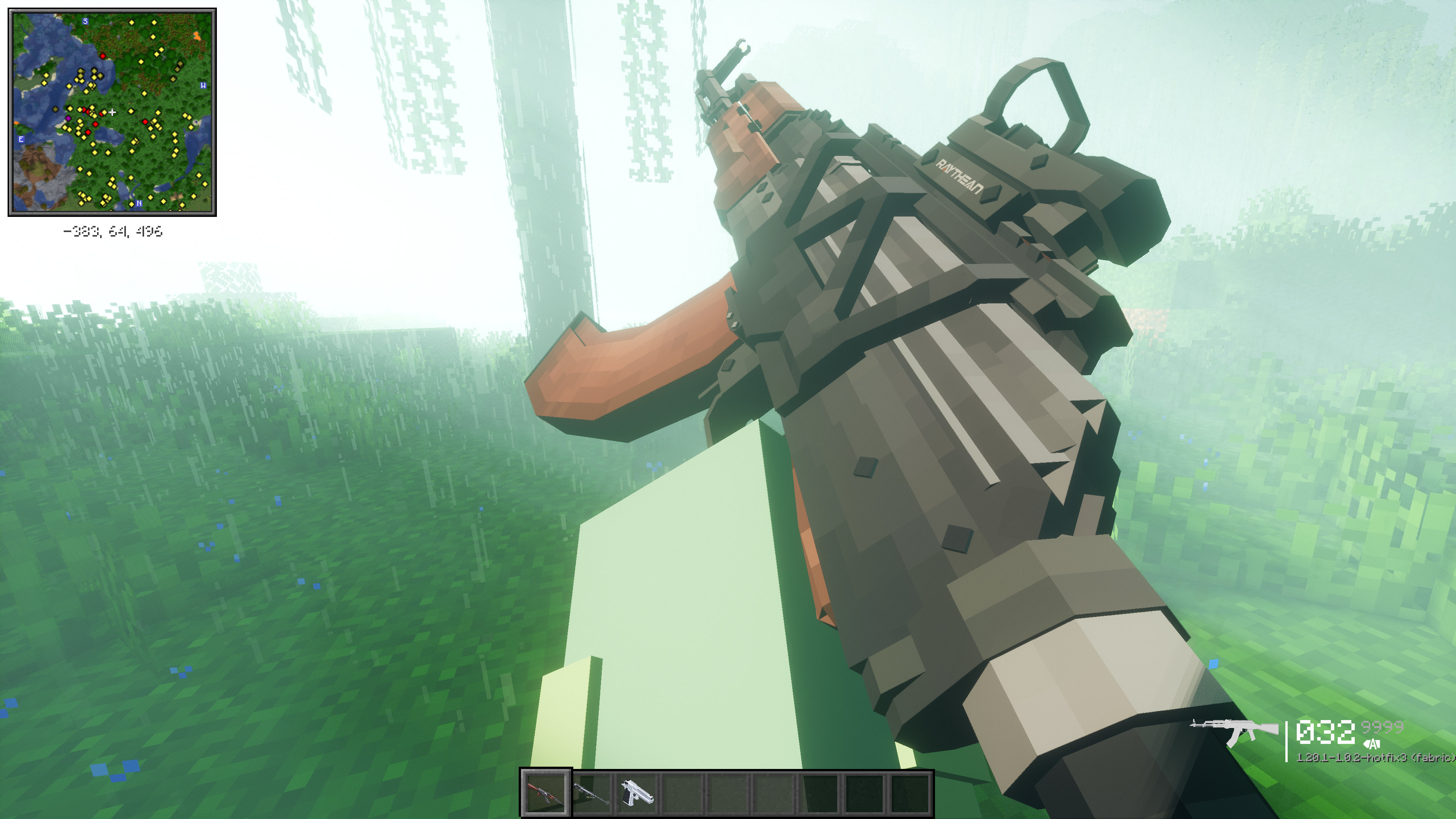
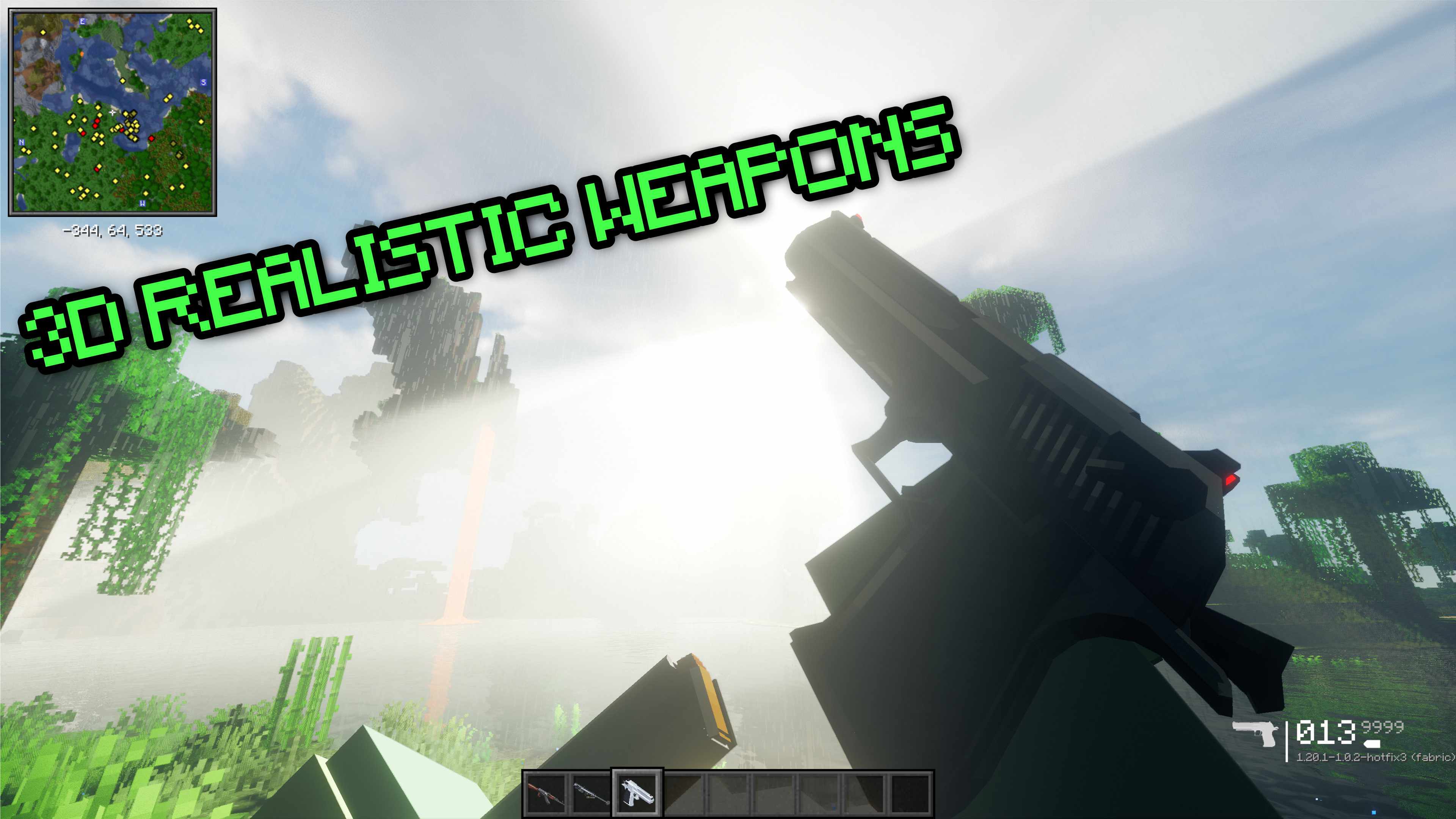
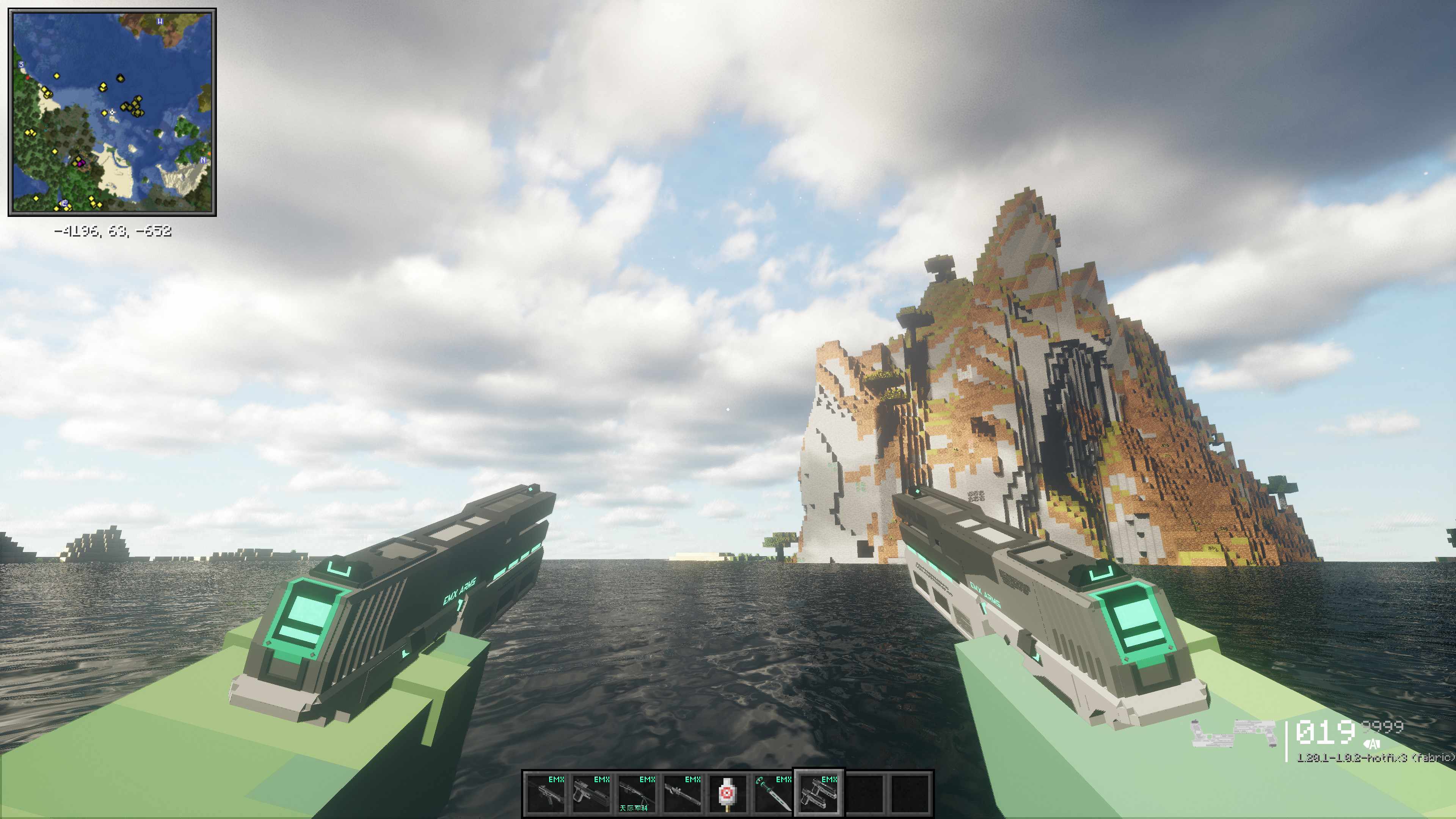
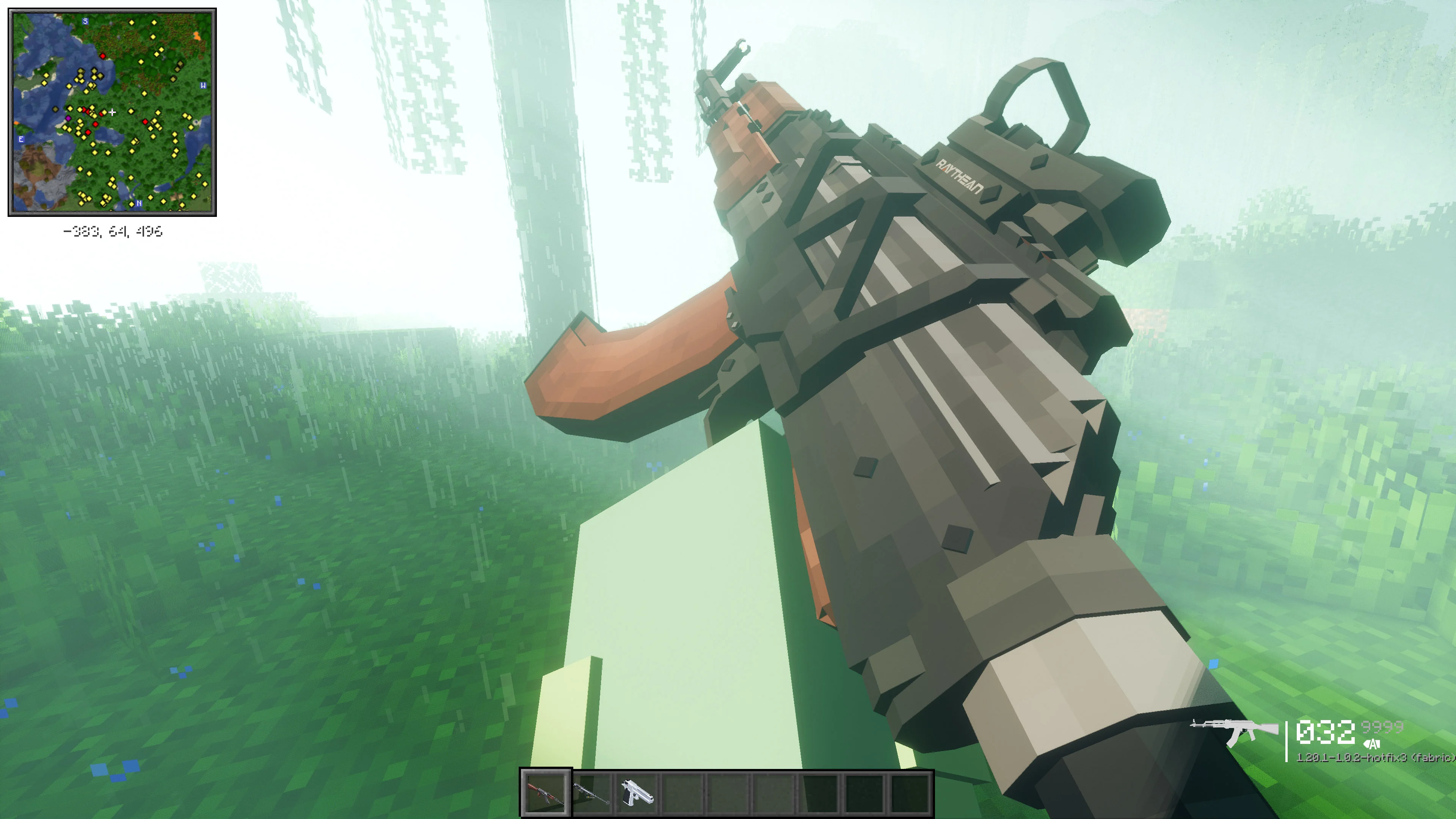 A big library of real-life-inspired weapons each with their own unique animations and ammos. These are all craftable using the gun bench.
Vehicles & Planes
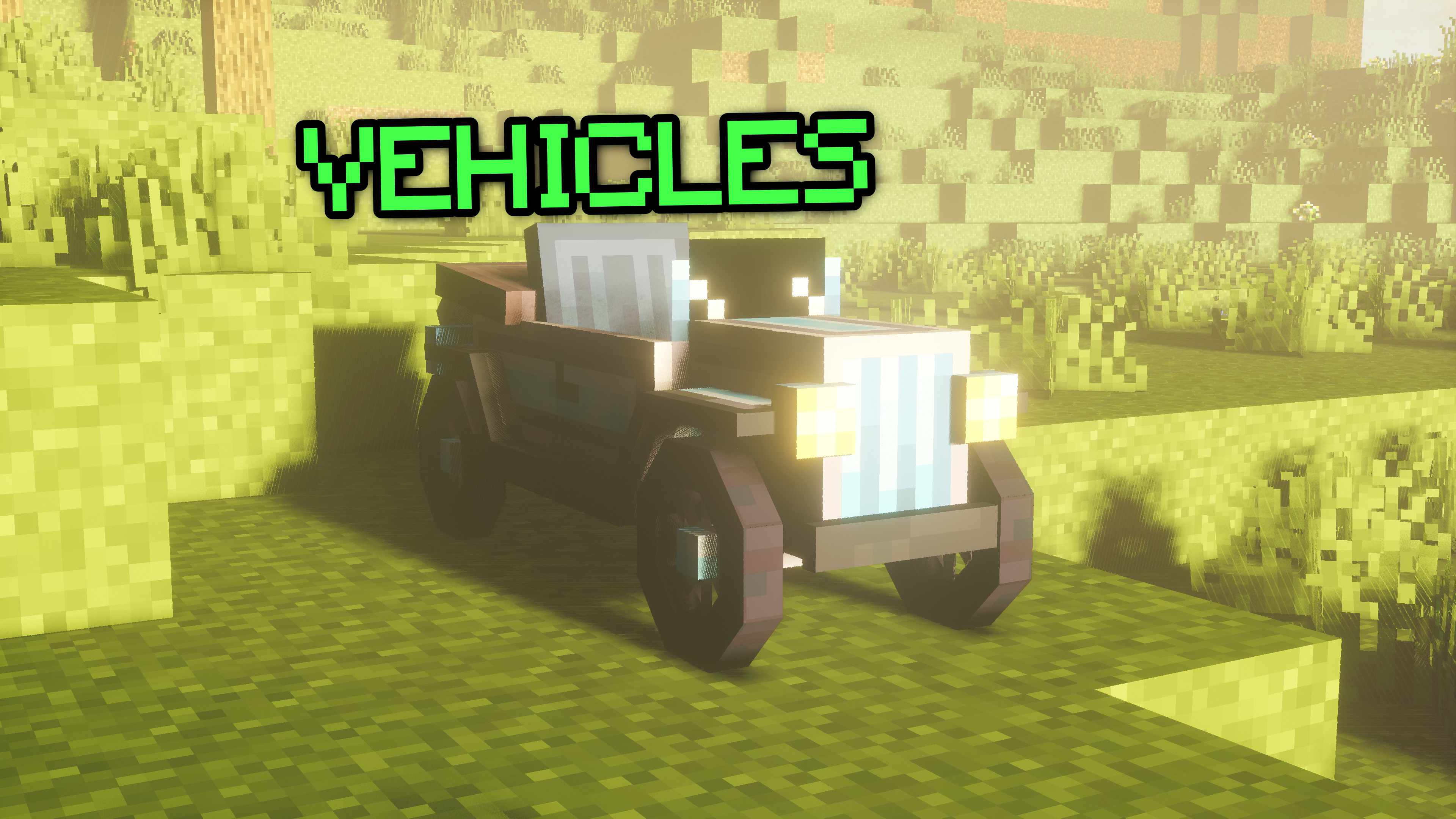
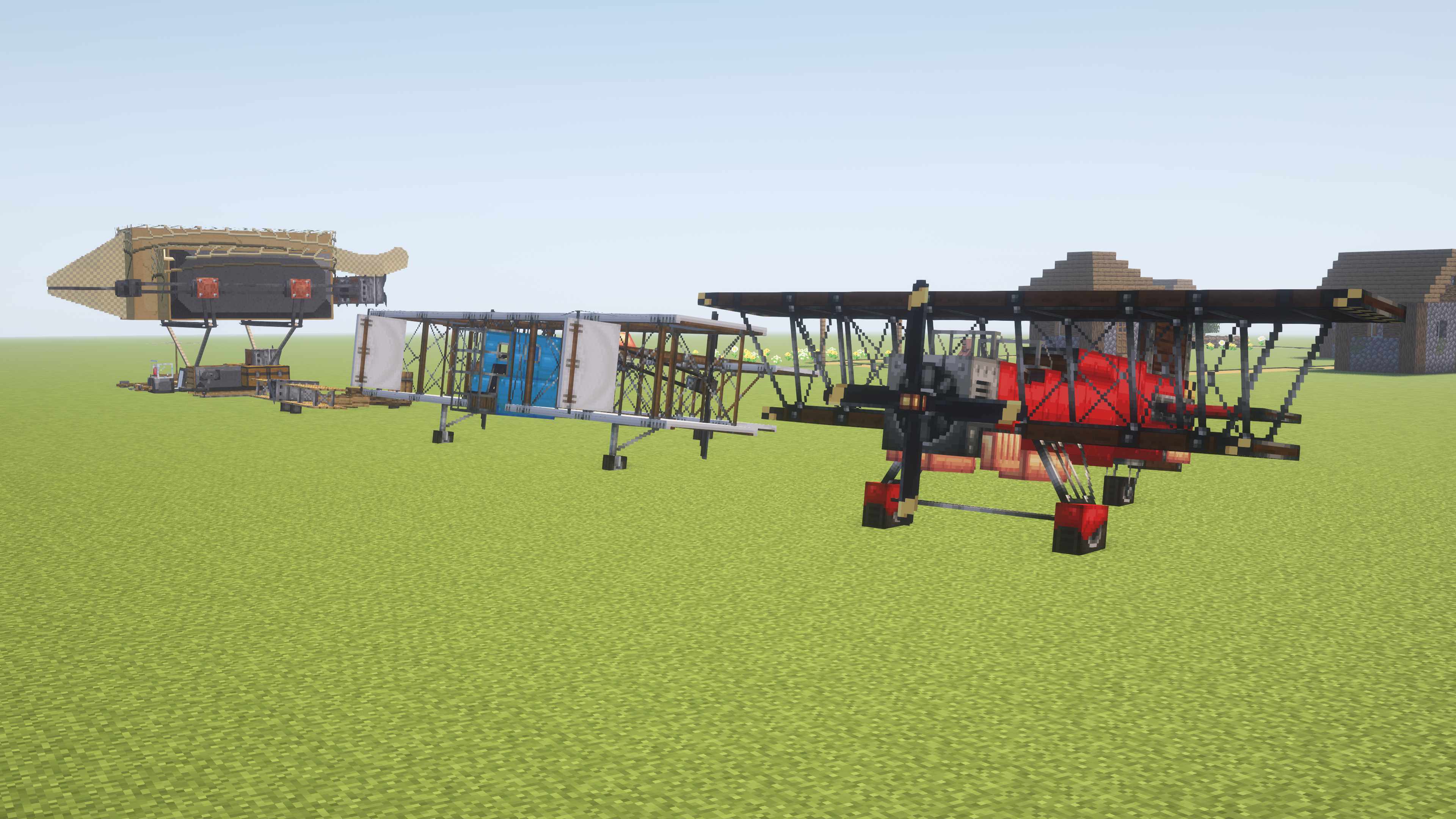
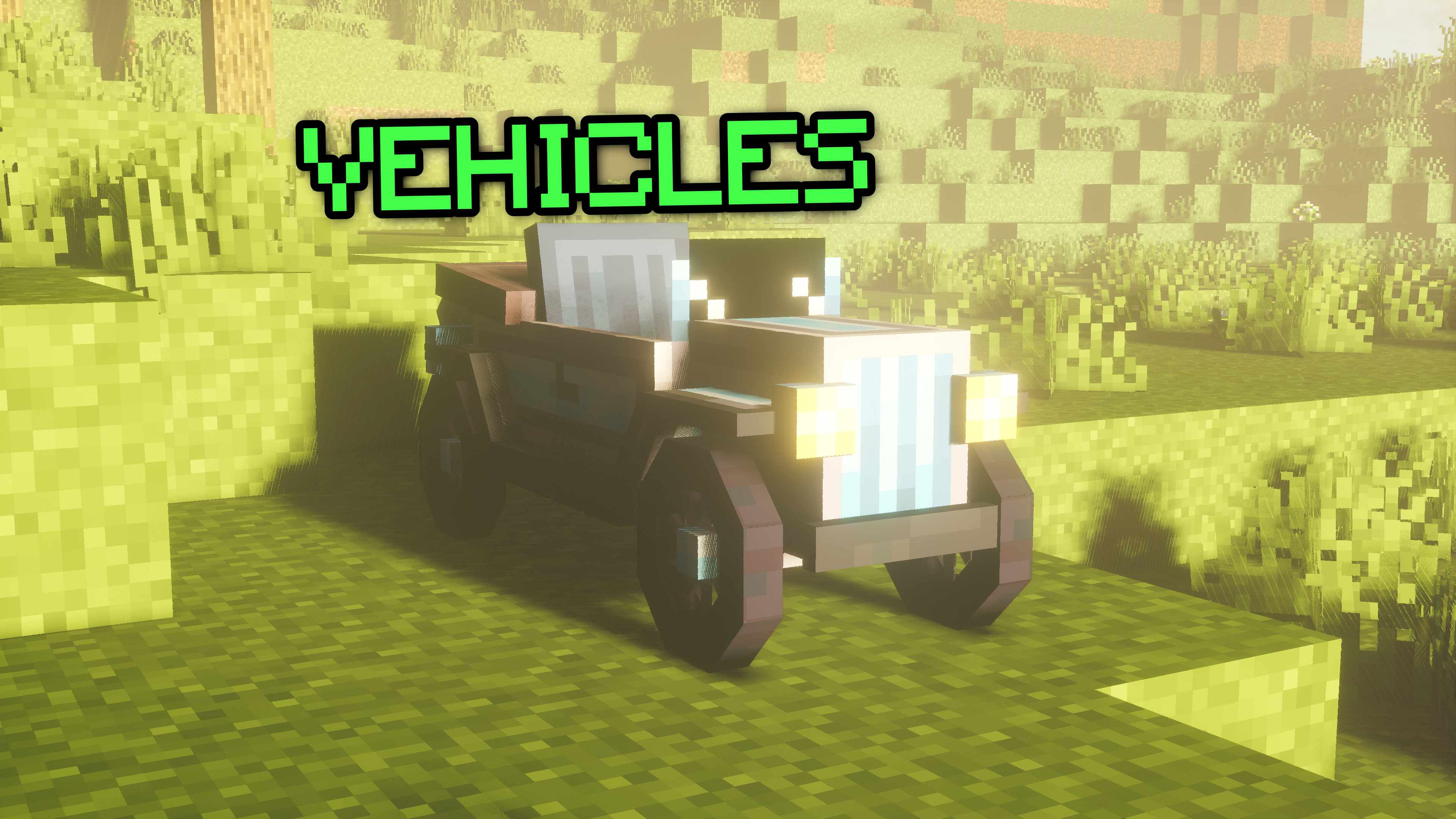
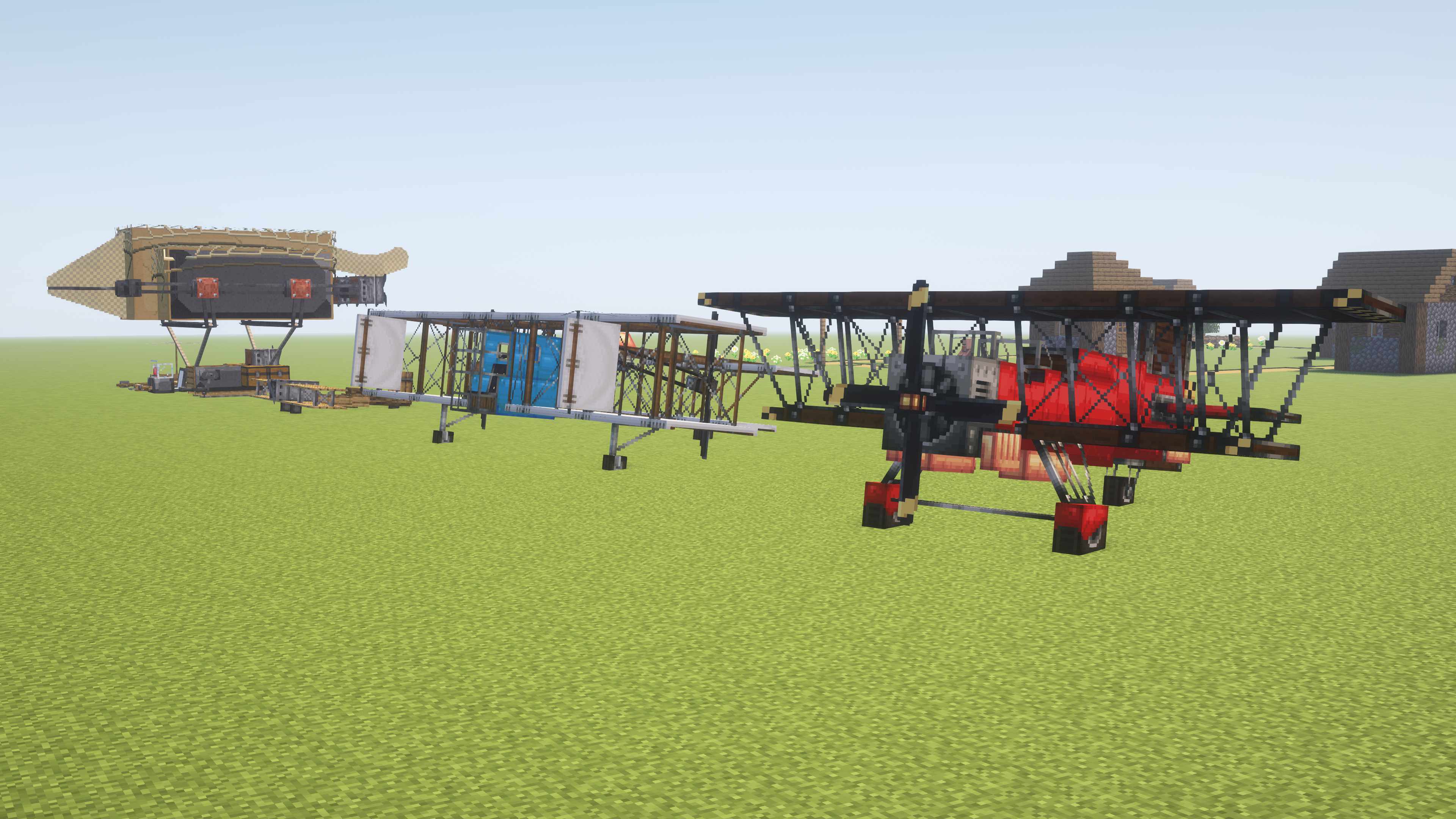 A large amount of craftable vehicles and planes. Some with special abilities like driving up blocks or loaded guns.
Parkour (Slide, dive & wall-running)
(Video by BeaTheBee. Source.)
Enjoy a new way of moving through the world. Slide, dive or wall-running will make your moves very efficient and, more importantly, satisfying.
Bosses
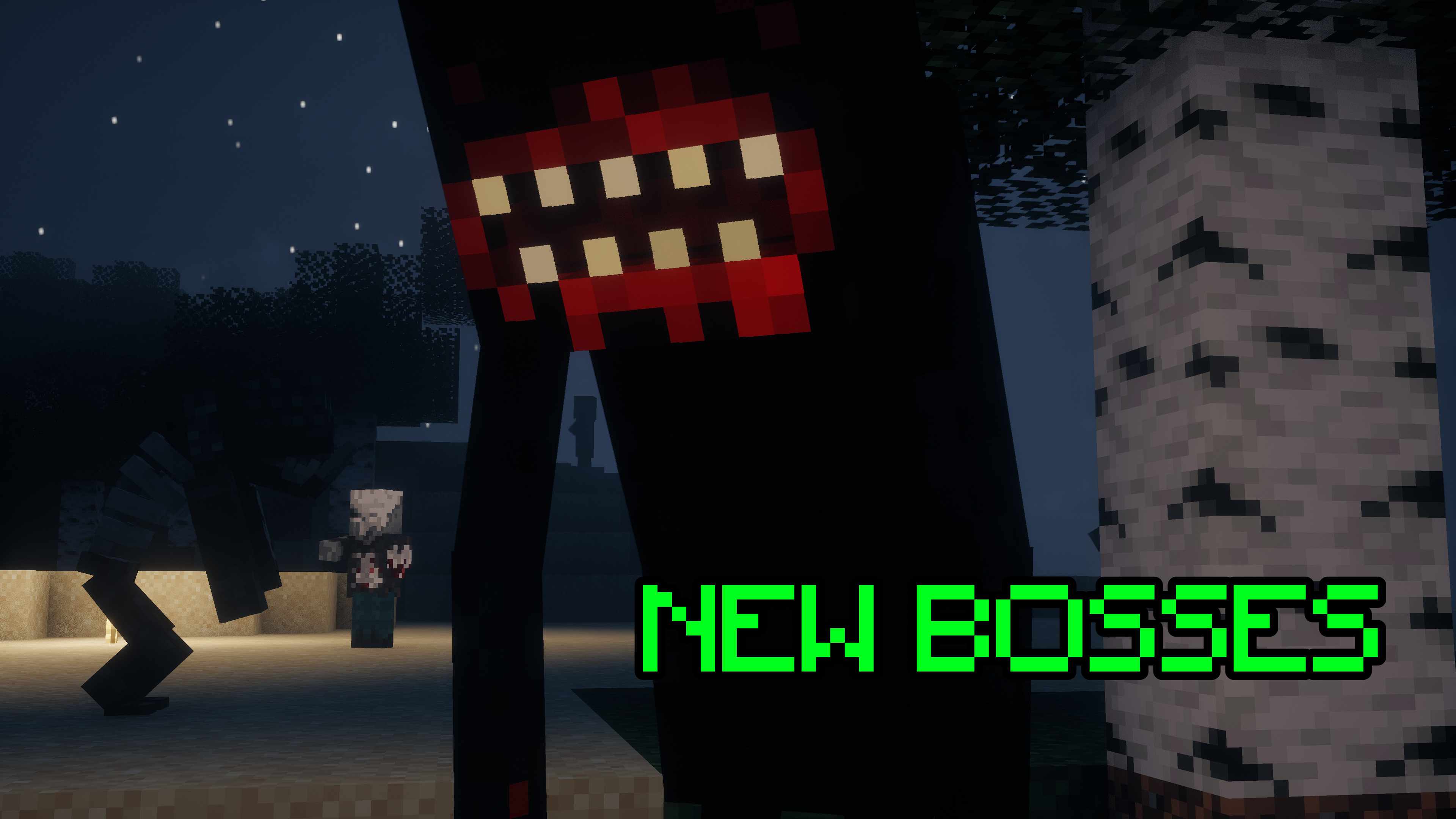 A bunch of new and exciting bosses to face. Use your arsenal wisely.
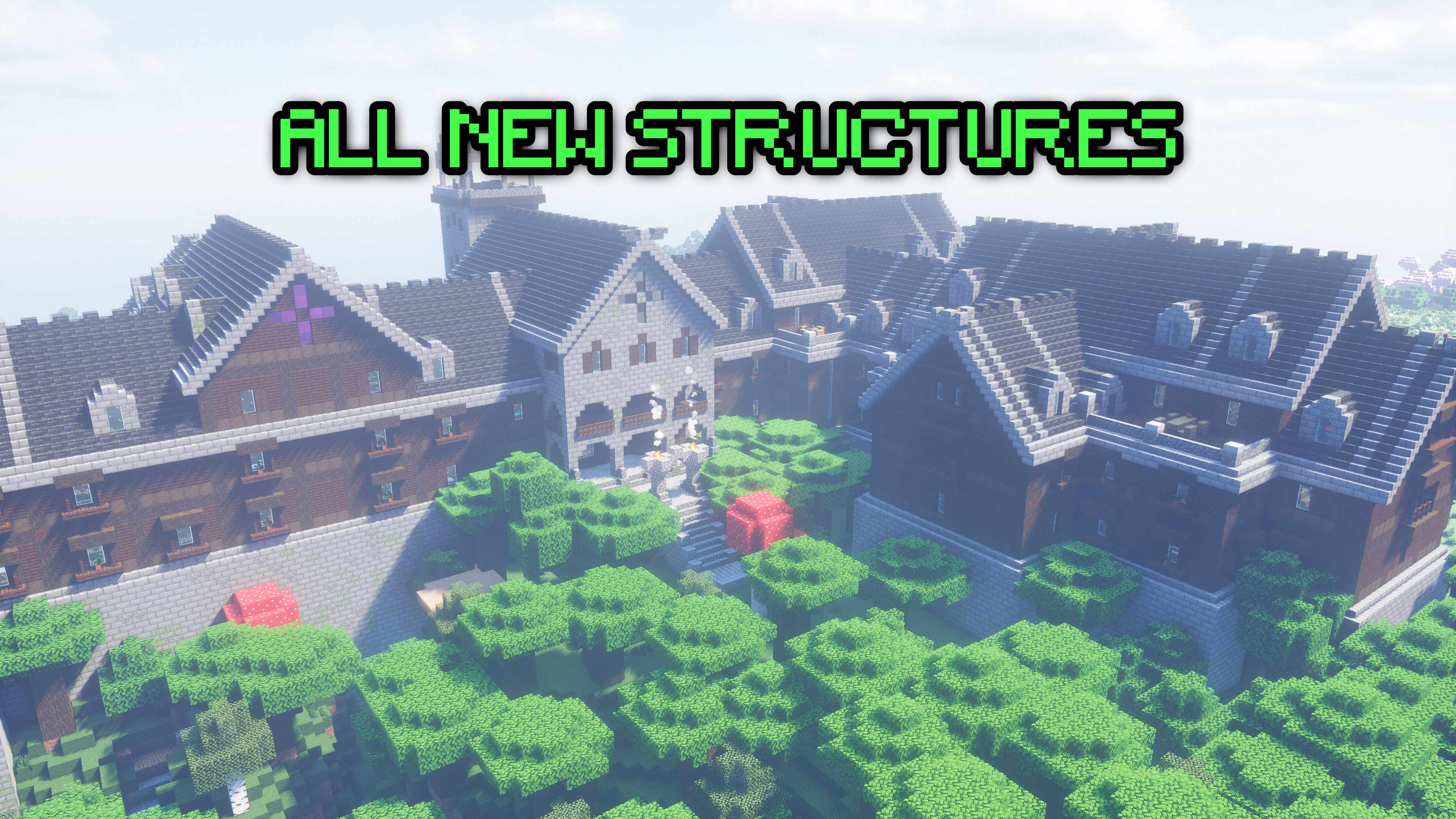
New and harder structures
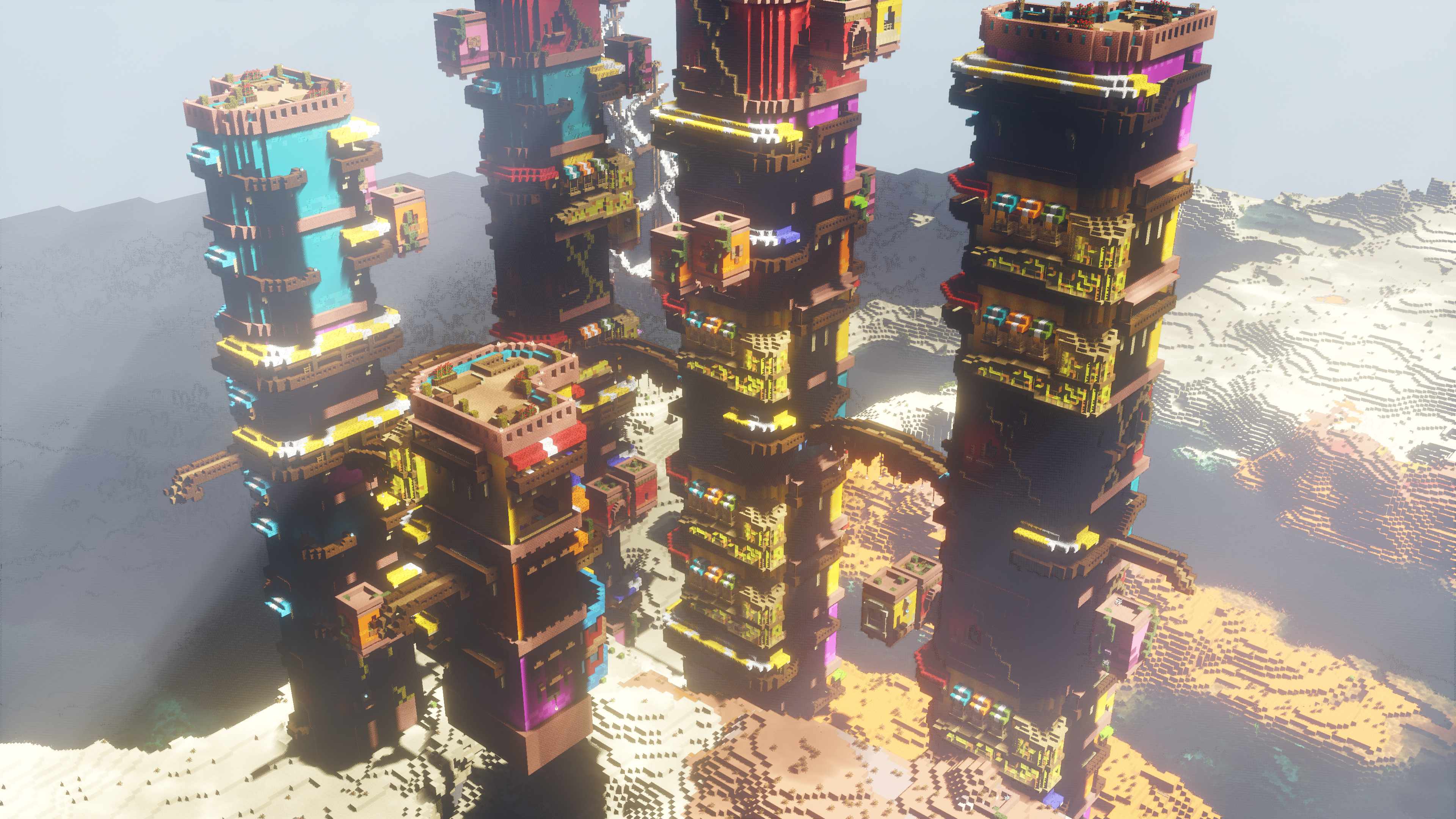
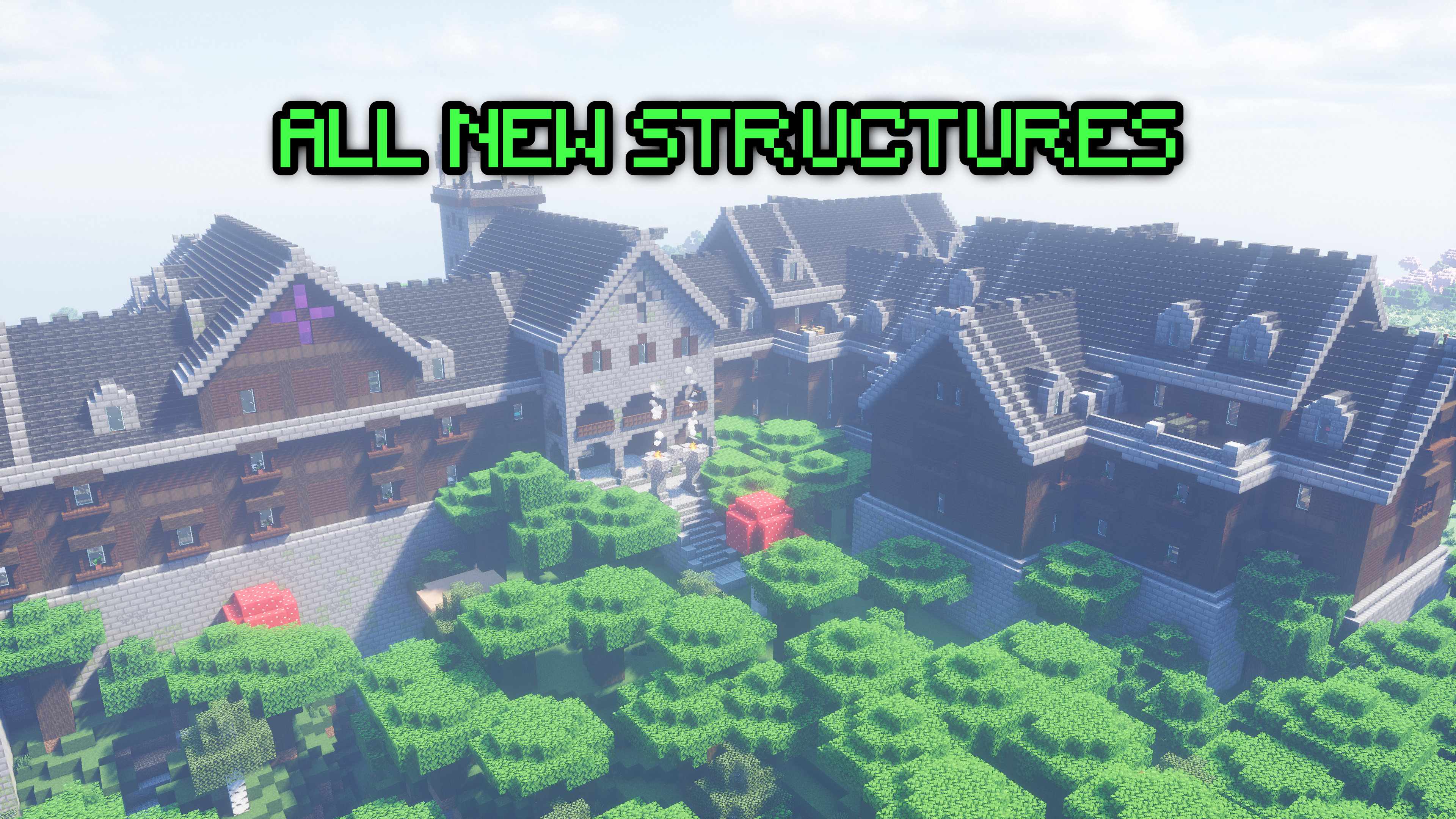 Explore and raid a bunch of new structures which the illagers reside in. It won’t be easy so bring your best gear.
(Optional) Body cam shader
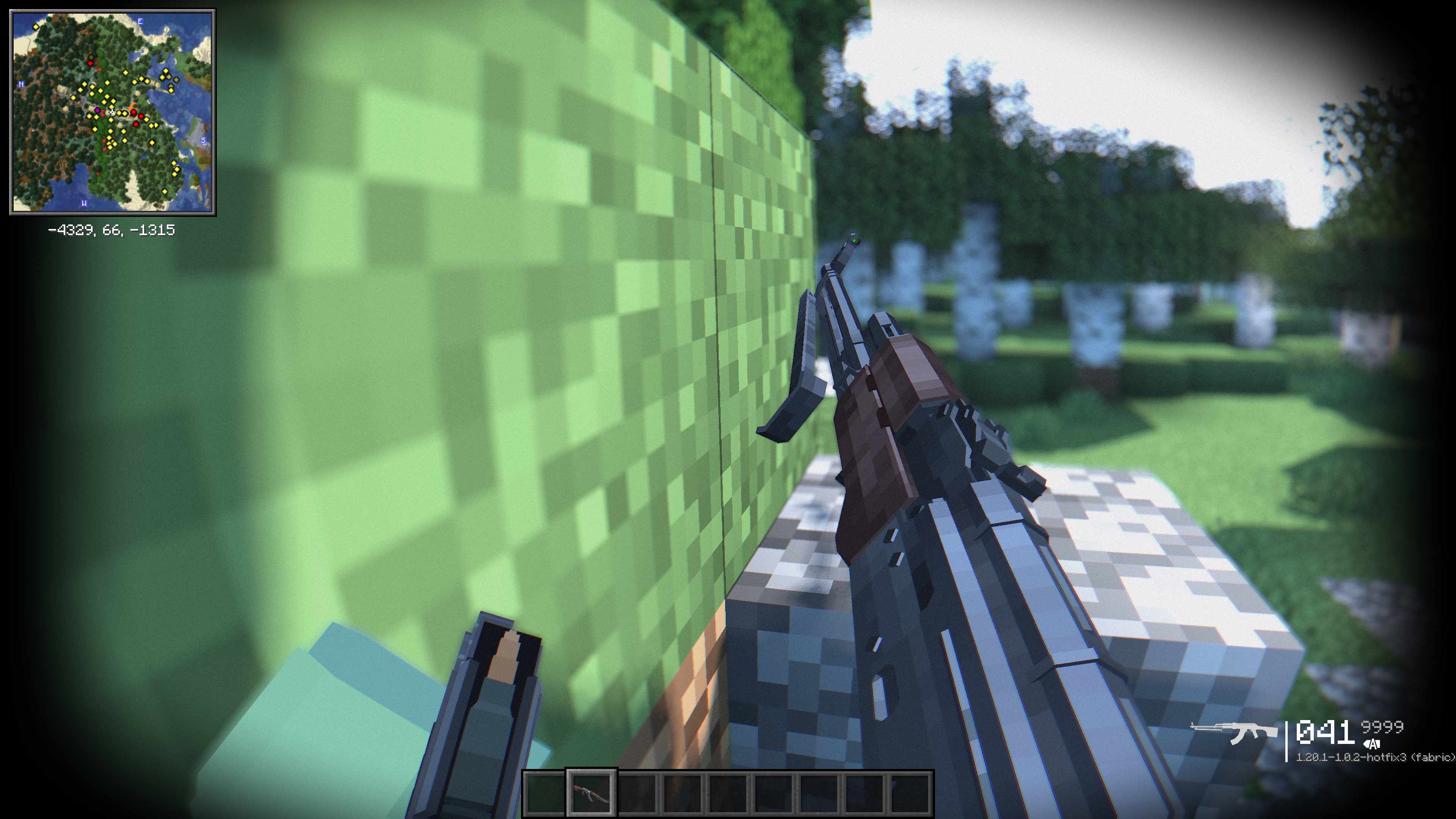 This shader replicates the look of a body camera used by the police or the military. Can be turned on in the shader settings but is NOT enabled by default.
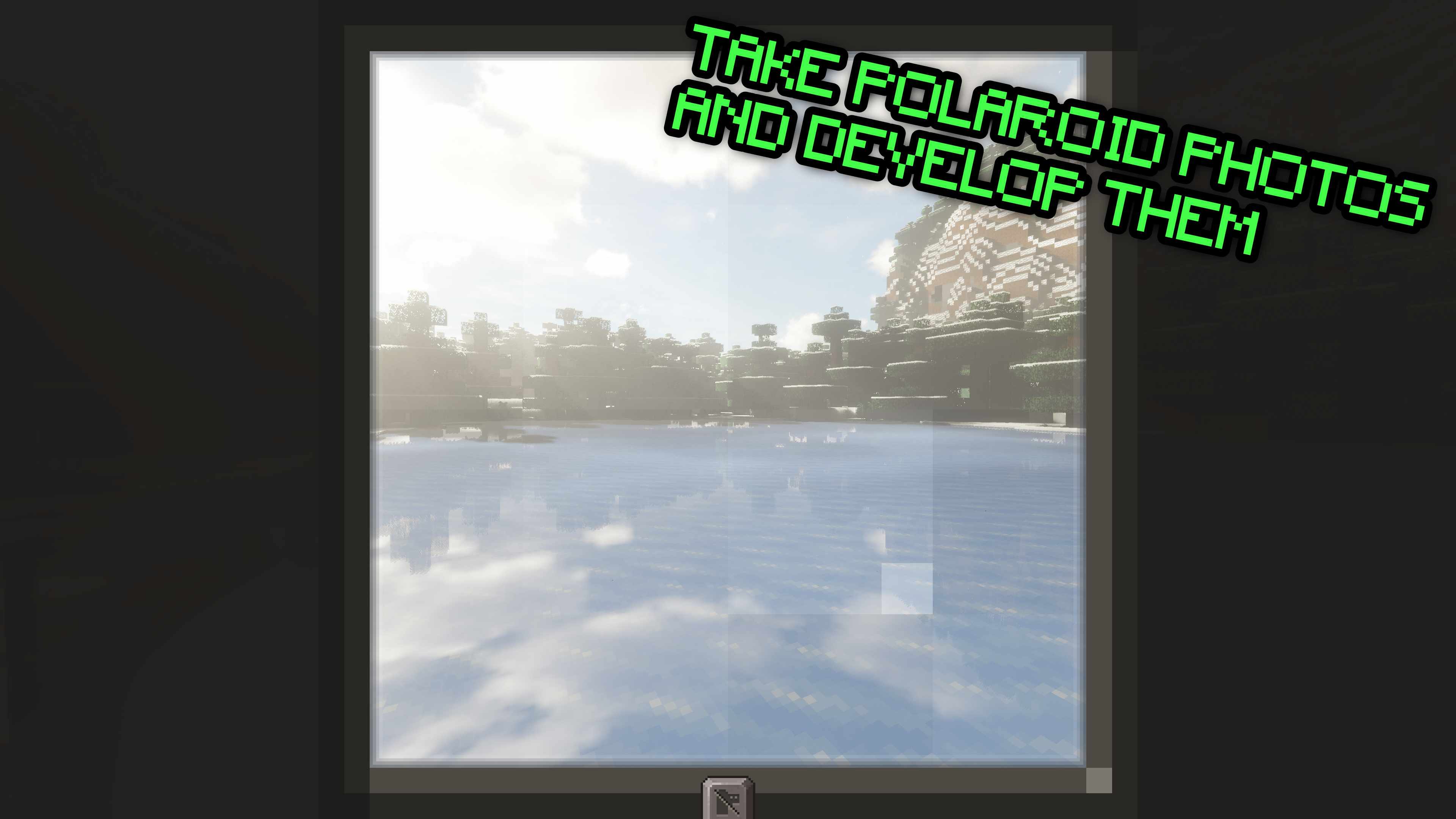
Take & develop polaroid pictures
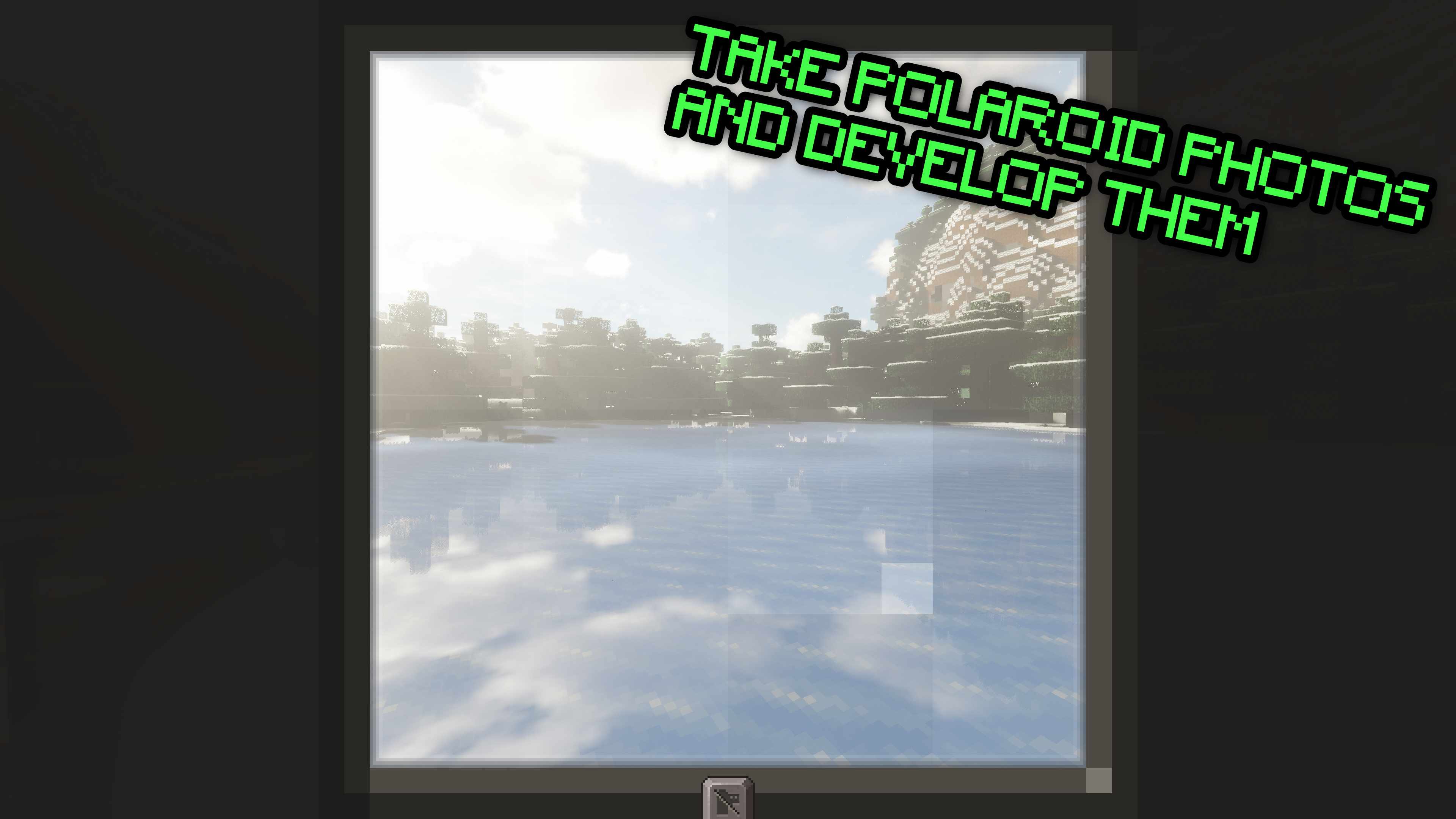 Whether it’s for gathering intel on your enemies or just to remember your adventures you can now craft a polaroid camera and film to take photos of the things you explore, or yourself and some friends. These photos can be hung on your wall at home.
Optimization mods
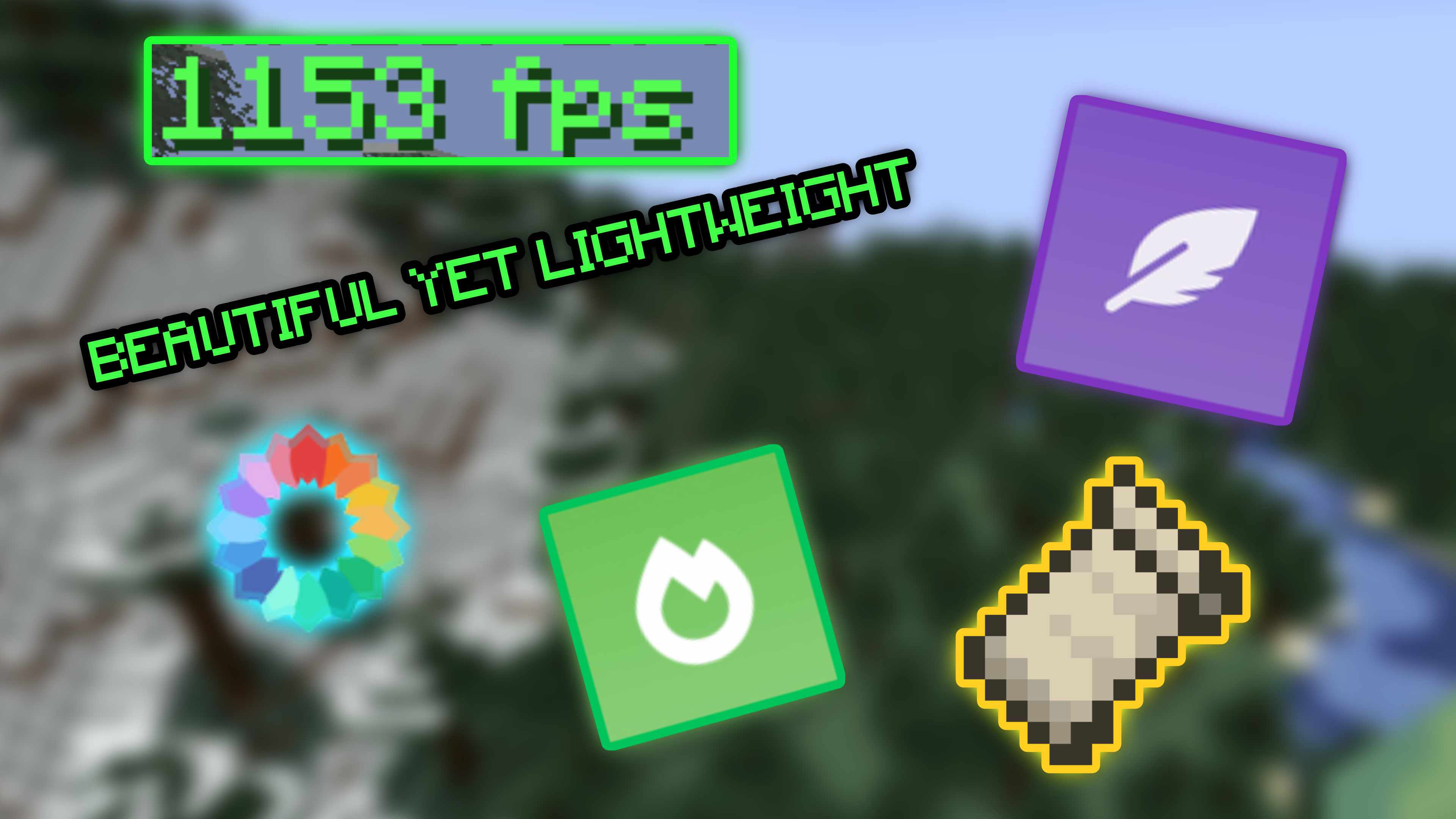 Rest assured that even with all of the mods above your game will still run smoothly thanks to all of the optimization mods that have been put into this.
Resourcify support
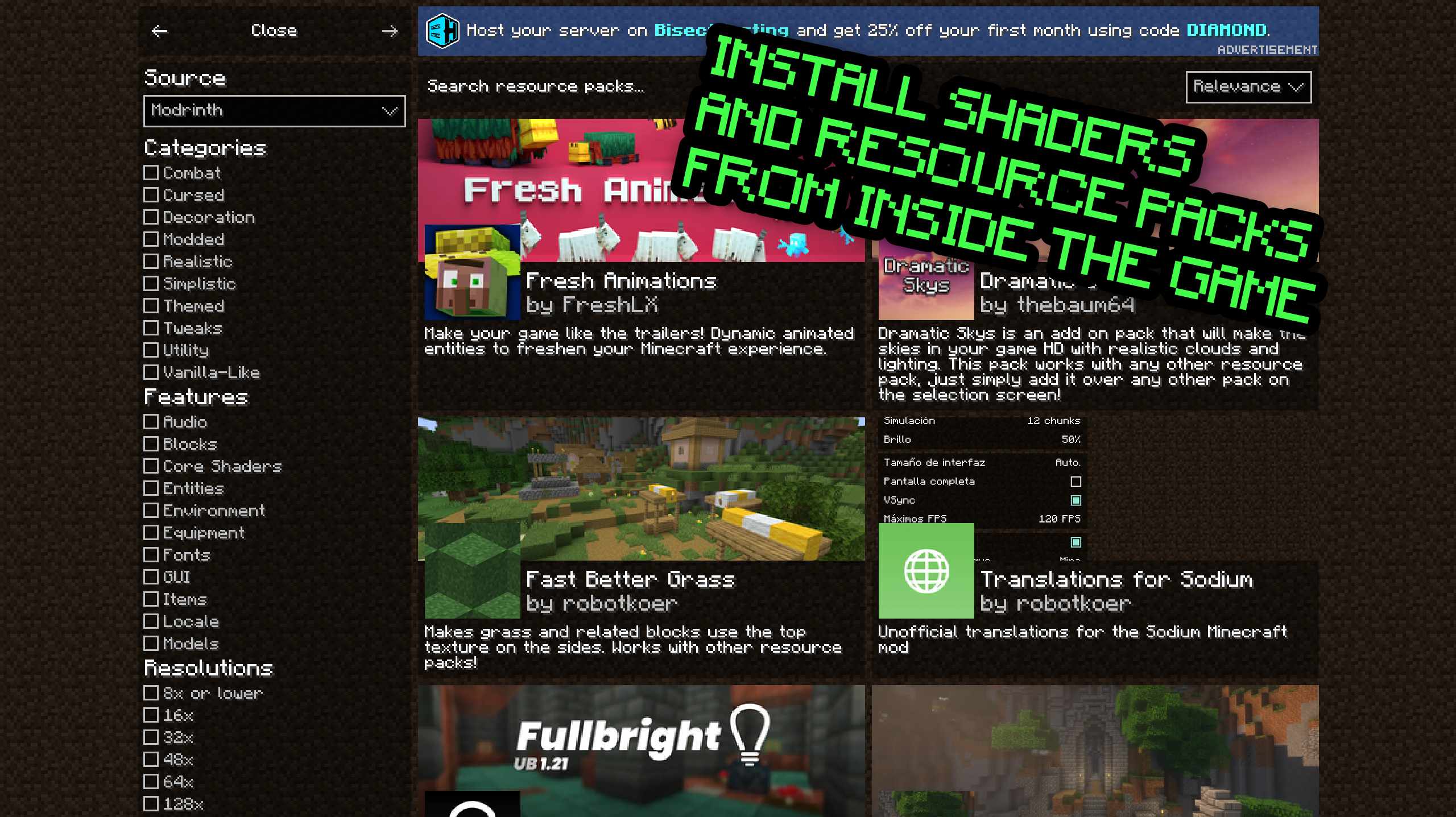 Conveniently install resource packs and shaders straight from the game itself without having to restart.
Mods used (On the latest version of the pack)
Gameplay Mods:
- Timeless and Classics Zero (Adds 3D realistic guns along with ammo and attachment crafting)
- Automobility (Adds driveable cars)
- Armorful (Adds armor for various mobs naturally)
- Exposure (Adds a polaroid camera to take photos, develop them and maybe hang them on your wall)
- FastMove (Add some style to your movement with fully animated dive rolls, wall runs, and more)
- illager invasion (Adds new illager types and structures)
- The Graveyard (Adds structures, mobs, bosses and blocks themed around the graveyard.)
- Towns and Towers (Adds new villages, pillager outposts, and even new ships)
- AmbientSounds (Adds ambient nature sounds that are dynamic)
- Bosses of mass destruction (Adds bosses)
- e4mc (Open a LAN server to the public even people outside your network)
- Dungeons And Taverns (Adding dungeons, taverns and other structures to find while you explore the world.)
- Ultris: Boss Expansion (Adds 8 new bosses, new structures, items, and stories for you to unravel.)
- Traveler’s Backpack (Adds upgradeable backpacks to store items in on the go.)
- Shoulder Surfing Reloaded (Highly configurable third person camera mod)
- When Dungeons Arise (Adds several new structures to explore and fight in.)
- When Dungeons Arise: Seven Seas (Expansion to the base mod that adds ships and other water dungeons/structures.)
- Immersive Aircraft (A bunch of rustic aircraft to travel, transport, and explore!)
- Man Of Many Planes (Expansion to Immersive Aircraft adding modern planes.)
- Gliders (Adds a hang glider. Similar to the Elytra but easier to obtain.)
- AdventureZ (Adds a new endboss and more creatures.)
- Simple Voice Chat (Adds a proximity chat with Sound Physics Remastered support (reverb in caves, muffled sounds through blocks, etc.))
- Simple Voice Radio (Adds a radio to talk to other players from a distance.)
- JourneyMap (Real-time mapping in game or in a web browser as you explore.)
- Underground Bunkers (Randomly generated bunkers hidden within your worlds)
Gun Packs
Performance Mods:
- Sodium (Rendering engine to significantly enhance FPS)
- ImmediatelyFast (Optimizes all immediate mode rendering by using a custom buffer implementation)
- BetterF3 (Makes the F3 menu customizable. My included config removes a lot of the unneeded information which improves performance.)
- Dynamic FPS (Reduces FPS when you’re not tabbed into Minecraft (CONFIGURABLE).)
- Entityculling (Hides blocks/entities that aren’t visible.)
- Clumps (Merges XP orbs together into bigger but lesser clumps to improve performance.)
- Packet-Fixer (Fixes issues with packets.)
- Modernfix (Overall performance enhancer.)
- FerriteCore (Reduces memory/RAM usage.)
- Ksyxis (Speeds up loading of the world by rendering all chunks every time you load a world.)
- BadOptimizations (Optimization mod that focuses on things other than rendering)
- Debugify (Fixes Minecraft bugs found on the bug tracker)
- Indium (Sodium addon providing support for the Fabric Rendering API, based on Indigo)
- Lithium (Game logic/server optimization mod)
- Language Reload (Reduces load times and adds fallbacks for languages)
- ServerCore (Optimizes the minecraft server.)
- Concurrent Chunk Management Engine (Improves the chunk performance)
- Enhanced Block Entities (Reduce block entity FPS lag with almost no compromises, and improve their visuals)
- Very Many Players (Improves server performance at high playercounts)
- ThreadTweak (Improves CPU threading to improve performance)
- Fast IP Ping (Decreases the time it takes for servers to load in the server list.)
- Cull Leaves (Adds culling to leaf blocks. Resulting in big performance boost.)
- Fadeless (Remove fade out animations.)
- BetterGrassify (OptiFine’s Fancy and Fast better grass implemented on Fabric and NeoForge!)
Quality-of-life Mods:
- Sodium Dynamic Lights (Adds dynamic lighting. Makes a torch you hold in your hand light the place without placing it.)
- Resourcify (Adds a menu to install shaders and resource packs from within the game. Screenshot)
- CraftPresence (Adds discord rich presence to the game which is also customizable)
- Cubes without borders (Adds a borderless fullscreen option)
- Fabrishot (Takes 4k screenshots)
- 3D Skin Layers (Renders parts of player skins in 3D)
- Chat Heads (Adds the head of the player as an icon in chat)
- Model gap fix (Fixes gaps in Block Models and Item Models)
- Mouse Tweaks (Enhances inventory management by adding various functions to the mouse buttons. )
- Not Enough Animations (Adds new animations to players in third person)
- Presence Footsteps (Adds dynamic & detailed footstep sounds)
- Random Village Names (Gives every village a name and shows it on screen)
- Village Spawn Point (Sets the spawn point in a new world to the center of a village.)
- Villager Names (Gives all villager entities a default or custom name to liven up the world.)
- Sound Physics Remastered (Provides realistic sound attenuation, reverberation, and absorption through blocks.)
- Just Enough Items (Adds an item menu that shows crafting recipes.)
- Hide Experimental Warning (Hides the warning that pops up whenever you create or load into a singleplayer world.)
- Effect Timer Plus (Shows a timer on the top right that shows what shows what status effects you currently have and for how long it lasts)
- RightClickHarvest (Allows you to harvest crops by right clicking)
- Particular (Enhances Minecraft’s ambience with hand-crafted visual effects like fireflies, falling leaves, and waterfall cascades)
- World Play Time (Adds a timer for how long you have played each world)
- No Resource Pack Warnings (Removes incompatibility warning for resource packs)
- Dark Loading Screen (Makes the game’s initial loading screen black instead of red)
- Ping Wheel (Press the middle mouse button to ping the location you are looking at which other players will be able to see.)
- EasyAnvils (Anvil overhaul: Free name tag changes, repairable anvils, no max level limit and more.)
- EasyMagic (Items stay in the enchanting table, adds a button to re-roll enchantments and more.)
- Better Ping Display (Shows the server ping on TAB in ms instead of bars.)
- Bobby (Gives you the option to set a further render distance than what the server allows.)
- Trade Cycling (Adds a button to villager trades to reset their offerings.)
- Explosive Enhancements (Adds cooler looking explosions to creepers and tnt)
- Danger Close (Torches, campfires, and stonecutters will now deal damage to players, animals, or enemies that run over or brush against them.)
- Villagers: Far From Home (Adds a way to transport villagers. For more information check mod page.)
- Villager Death Message (Adds a message in chat when a villager dies.)
- Detail Armor Bar (More detail about armor in Armor bar.)
- Eating Animation (A mod that adds sprite animations for edible and drinkable items.)
- Falling Leaves (Adds a neat little particle effect to leaf blocks)
- Tiny Item Animations (Adds little animations when you pick up or insert items with your mouse.)
- AttributeFix (Removes arbitrary limits on Minecraft’s attribute system. Fixes MANY mods!)
- Memory Leak Fix (A mod that fixes random memory leaks for both the client and server)
- Enchantment Descriptions (Provides a way to get enchantment descriptions from enchanted books.)
- Configured (Dynamically creates configuration menus for every mod with a supported config system.)
- Solid Mobs (Gives mobs collisions & interactions like blocks.)
- More Mob Variants (Adds new variants to existing mobs.)
- Visuality (Little visual improvements by adding a bunch of new particles.)
- Item Borders (Add colored borders to inventory slots to make your rare items stand out!)
- Perception (Enriching the world with immersive visual effects)
- Particle Rain (Replaces weather with prettier particle effects)
- Fog (Enhances fog rendering with dynamic, customizable effects—improving atmosphere and depth while preserving the vanilla experience and maintaining compatibility with other mods.)
Shaders:
Resource packs:
- Low on fire (Lowers the fire on your screen when you’re on fire.)
- Fast better grass
- Even Better Enchants (Gives every enchantment book its own unique texture)
- Recolourful Containers GUI + HUD (Changes the GUI texture of every interactable block)
- Fancy Crops (Makes crops and farms look fuller.)
- Ray’s 3D Ladders & Ray’s 3D Rails (Makes both the ladders and rails 3D)
- Motschen’s Better Leaves (Improves the appearance of leaves with high mod compatibility and performance!)
Library/Dependency Mods:
- Areas
- Cardinal Components API
- Cloth Config API
- Collective
- Continuity
- CreativeCore
- Cristel Lib
- Fabric API
- Fabric Language Kotlin
- Forge Config API Port
- Geckolib
- YetAnotherConfigLib (Dependency for Fog)
- MRU
- Puzzles Lib
- Reeses Sodium Options
- Sodium Extra
- Sodium Options API
- UniLib
- Entity Model Features
- EntityTextureFeatures
- owo-lib
- JamLib
- CIT Resewn (Required for Even Better Enchants)
- LexiConfig (Dependency mod for Simple Voice Radio)
- MonoLib
- Bookshelf (Dependency mod for Enchantment Description)
- Architectury API
Copyright notice
If a modder of any of the mods featured in this pack wants their mod removed from this pack, please let me know and I will do so.
Contribution
Issues and suggestions can be done on the Codeberg issues page.
常见问题
Far Craft: illager Battleground 支持哪些 Minecraft 版本?
Far Craft: illager Battleground 基于 Minecraft Java 版 1.20.1,使用 Fabric 加载器。
Far Craft: illager Battleground 怎么安装?
点本页「前往下载」拿到整合包文件(Modrinth 的是 .mrpack,CurseForge 的是 .zip),在 PCL2 或 HMCL 启动器里选择「导入整合包」,启动器会自动装好 Minecraft、加载器和全部模组。建议在启动器里给游戏分配 4–6 GB 内存。
Far Craft: illager Battleground 开服需要多大内存?
推荐服务器内存 12 GB。在线人数多、或者建了大量机器和区块加载器时,可以再加 2–4 GB。
怎么和朋友一起玩 Far Craft: illager Battleground?
点本页的「一键开服」,选好配置后会自动安装 Far Craft: illager Battleground 的服务端,几分钟就能开好。把服务器地址发给朋友,大家用同一个版本的整合包连进去就行。
ZANESaber 的其他作品
查看全部 →
CaveTerrors VR
Adds several new creatures, along with a sanity system, proximity voice chat and even VR-support to make the game feel as intense and scary as possible.

Performancify
A well-researched open source Modpack for the utmost performance using NeoForge.
评论
登录后评论和评分