
HyperFrames
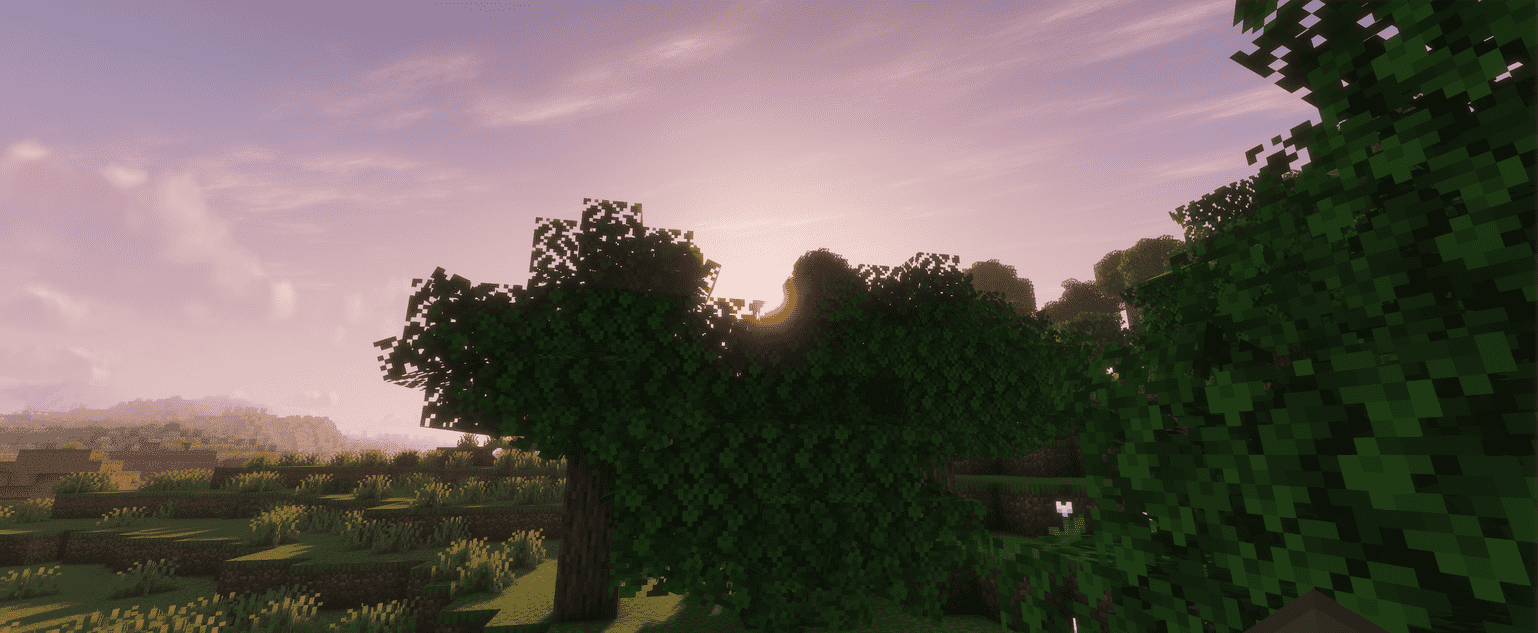
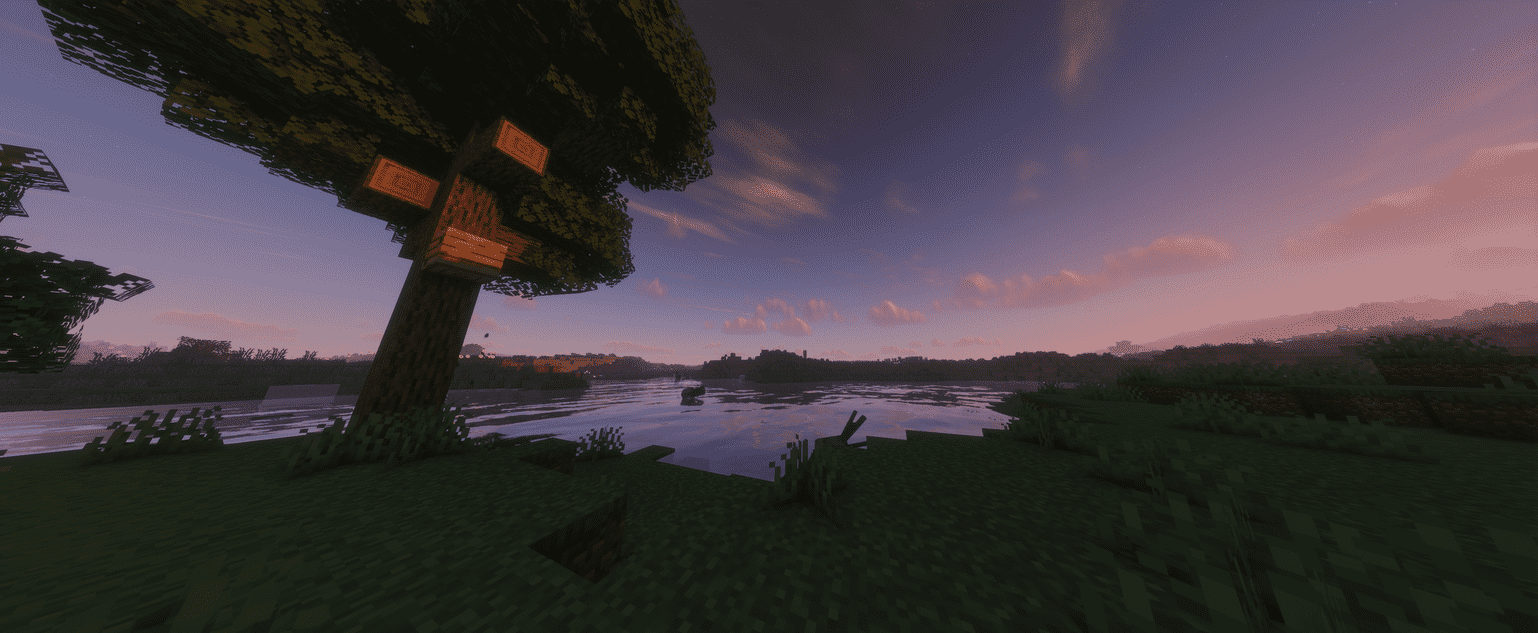
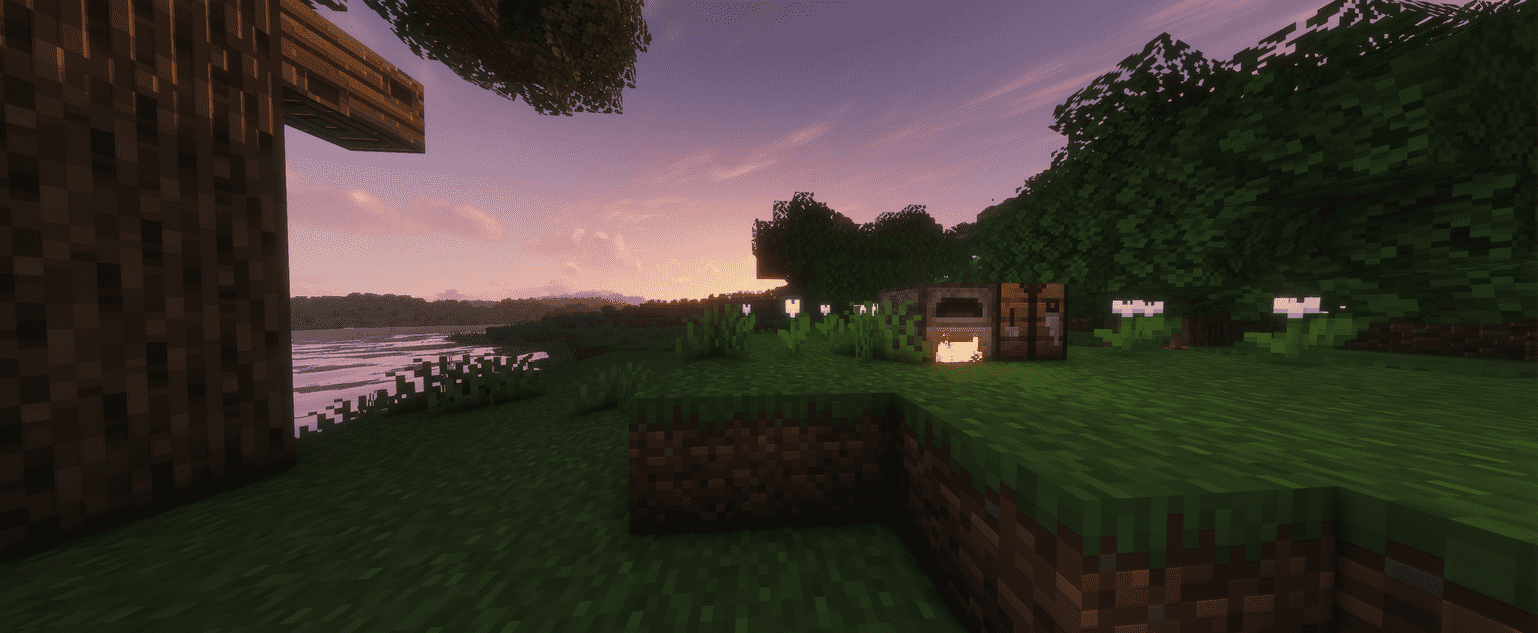
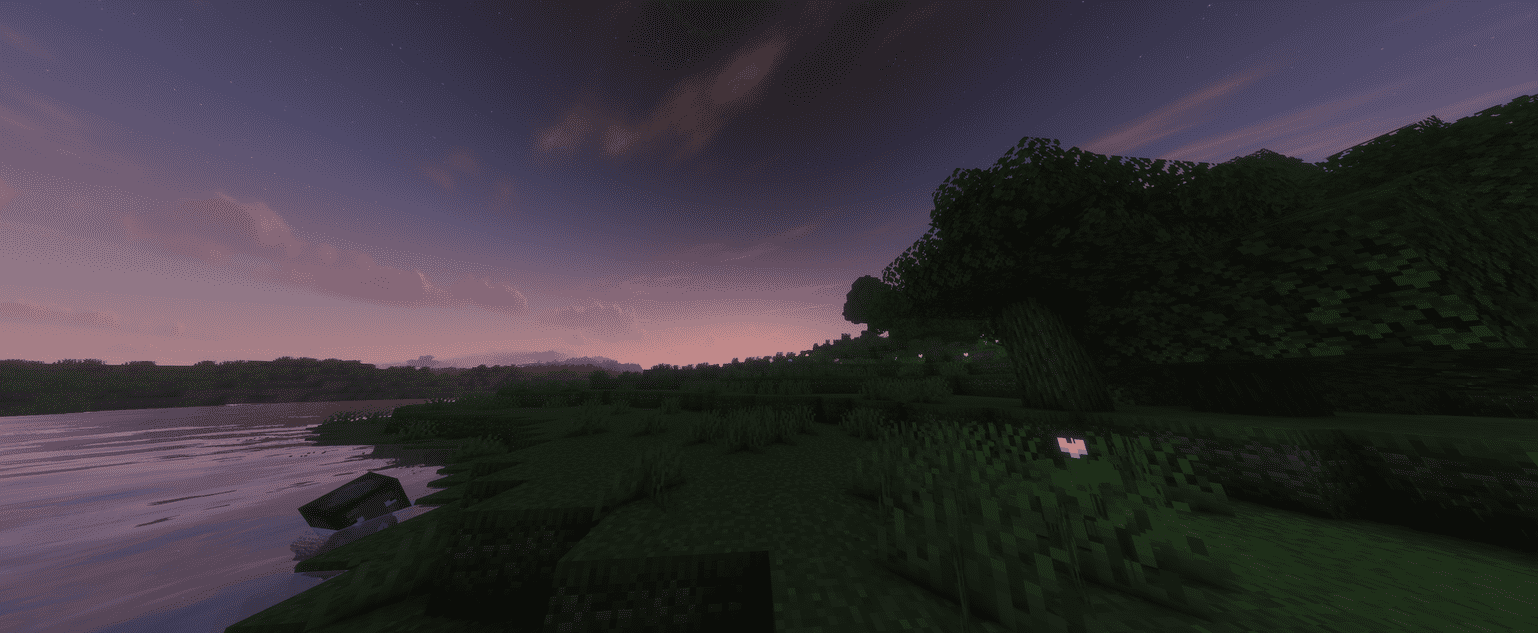
This modpack is made with one main goal: getting as much FPS as possible without making the game feel stripped down.
截图
介绍
A lot of optimization mods and performance tweaks have been included to keep things running smoothly, while still keeping Minecraft enjoyable to play.
On my system, I was able to get around 1,800 FPS at 3440×1440 with the settings shown in the screenshot.
My PC.
- CPU: Intel Core i5-12600KF
- GPU: AMD Radeon RX 9070 XT 16GB
- RAM: 64GB DDR4-3600
- Resolution: 3440×1440
Obviously, you won’t get 1,800 FPS on every system. Your FPS will depend on your CPU, GPU, render distance, world, and what you’re doing in-game. The benchmark above is mainly to show just how far the pack can be pushed on stronger hardware.
Recommended for very high FPS
For results closer to the benchmark, I’d recommend something around:
- CPU: i5-12600KF or better
- GPU: RX 9060 XT or equivalent
- RAM: 16GB+ DDR4/DDR5
- SSD: Recommended
Minimum
The pack should still be playable on much older hardware.
For a decent 1080p experience, I’d recommend at least:
- CPU: Ryzen 5 1500X or equivalent
- GPU: RX 460 or equivalent
- RAM: 8GB DDR4-2133
- Storage: SSD recommended
The minimum specs aren’t meant to give you crazy FPS. They’re more of a baseline for being able to play the pack at 1080p without the game being a slideshow.
Basically, if you’re looking for a modpack that doesn’t destroy your FPS, this is what I’m going for.
performance test in real time:
https://www.youtube.com/watch?v=TvcPhDQrdb8
常见问题
HyperFrames 支持哪些 Minecraft 版本?
HyperFrames 基于 Minecraft Java 版 1.21.10,使用 Fabric 加载器。
HyperFrames 怎么安装?
点本页「前往下载」拿到整合包文件(Modrinth 的是 .mrpack,CurseForge 的是 .zip),在 PCL2 或 HMCL 启动器里选择「导入整合包」,启动器会自动装好 Minecraft、加载器和全部模组。建议在启动器里给游戏分配 4–6 GB 内存。
HyperFrames 开服需要多大内存?
推荐服务器内存 12 GB。在线人数多、或者建了大量机器和区块加载器时,可以再加 2–4 GB。
怎么和朋友一起玩 HyperFrames?
点本页的「一键开服」,选好配置后会自动安装 HyperFrames 的服务端,几分钟就能开好。把服务器地址发给朋友,大家用同一个版本的整合包连进去就行。
femboiuwu 的其他作品
查看全部 →
Performance and Aesthetic
this modpack is targeted towards performance and looks

VOID.JAR
A simple, atmospheric horror modpack focused on survival tension, enhanced by immersive food mods and essential quality-of-life improvements.

wonderpack.jar
This modpack is pure chaos — completely unbalanced on purpose to make every moment unpredictable and intense. Built for multiplayer horror, it throws fairness out the window so you and your friends can experience nonstop panic, madness, and fun together.

nofferston totem of undying
nofferston totem of undying
评论
登录后评论和评分