
Hyper Tech Survival
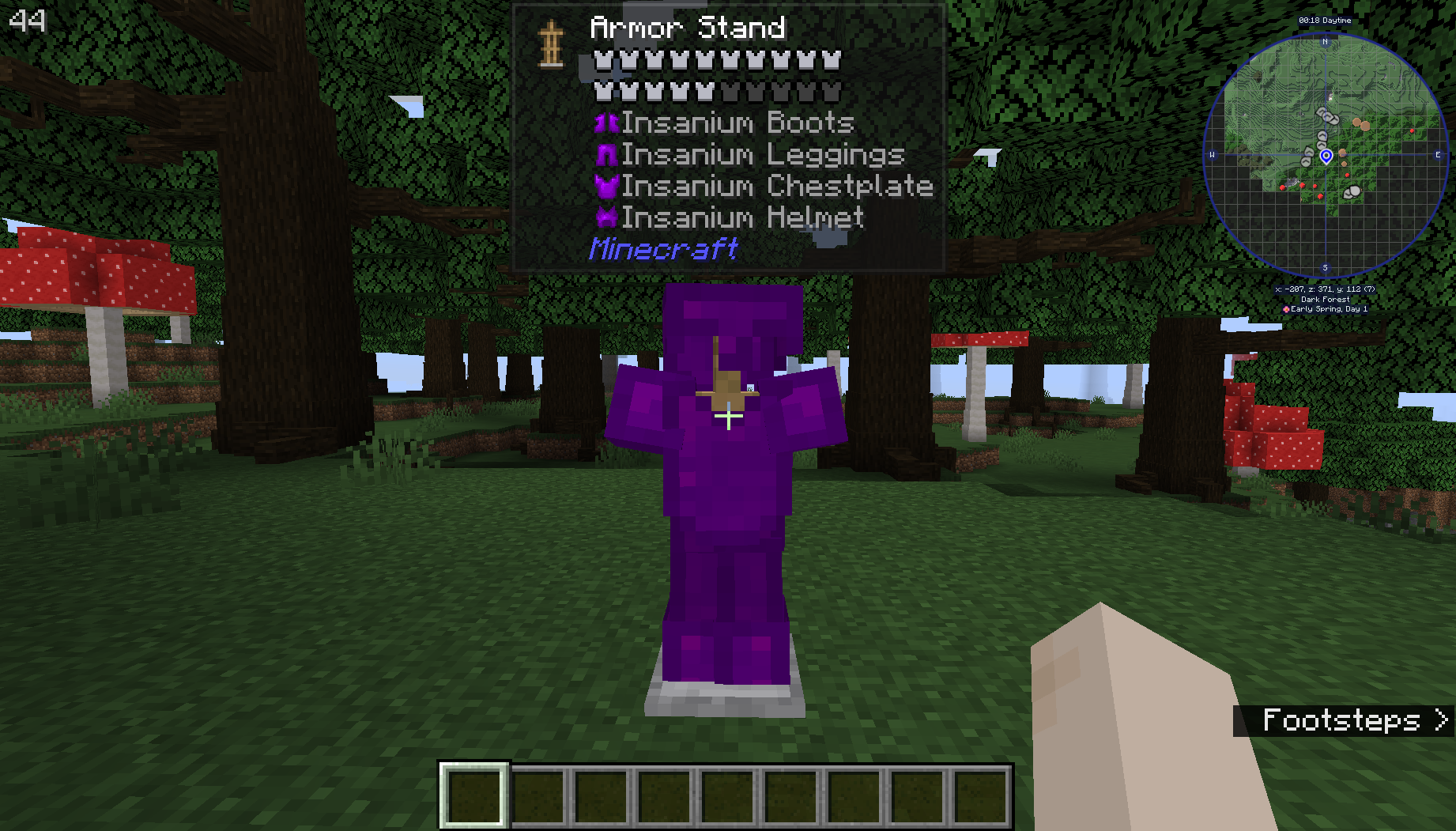
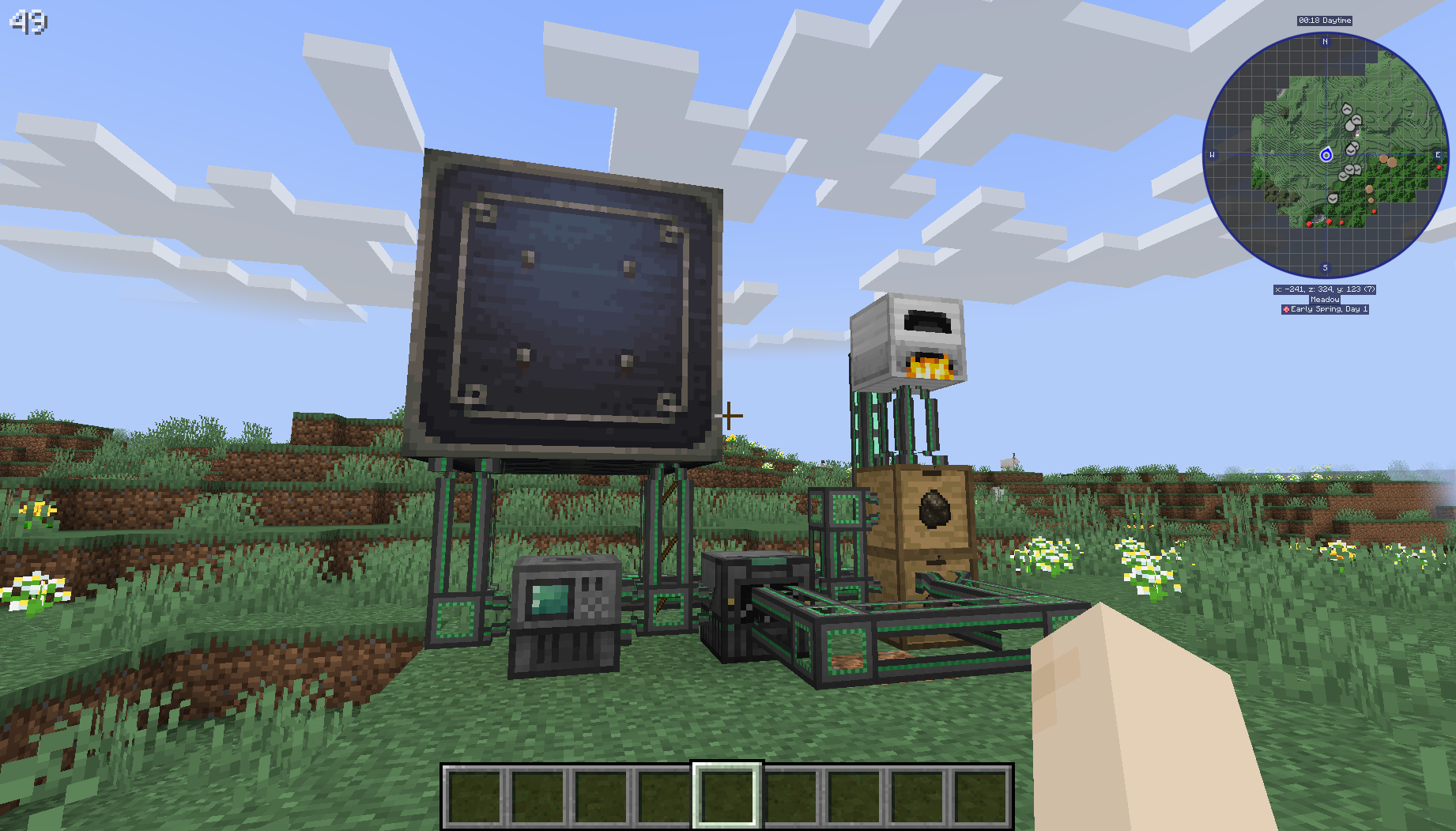
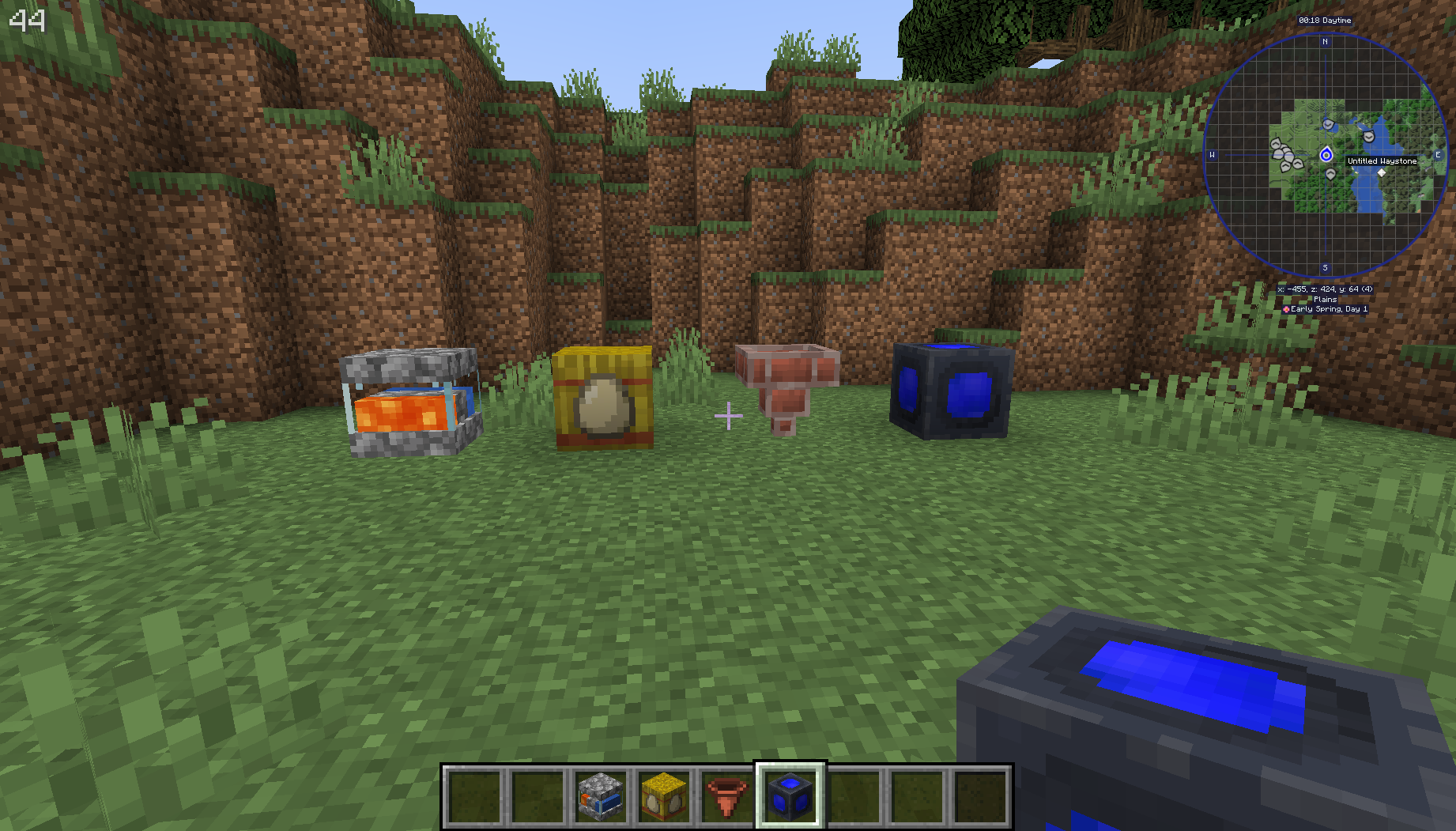
A modpack focused on making the game more challenging and adding a bunch of technology
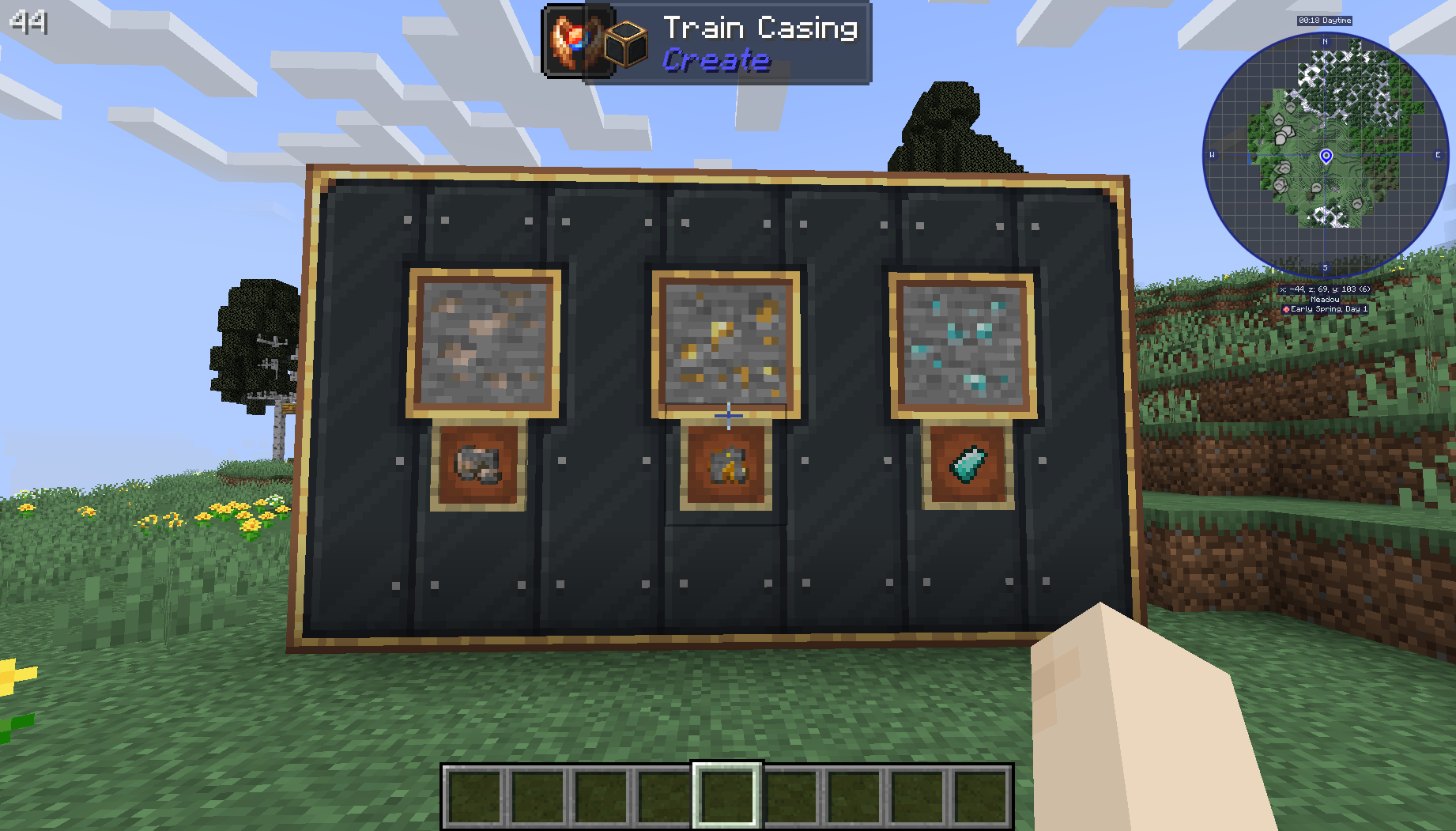
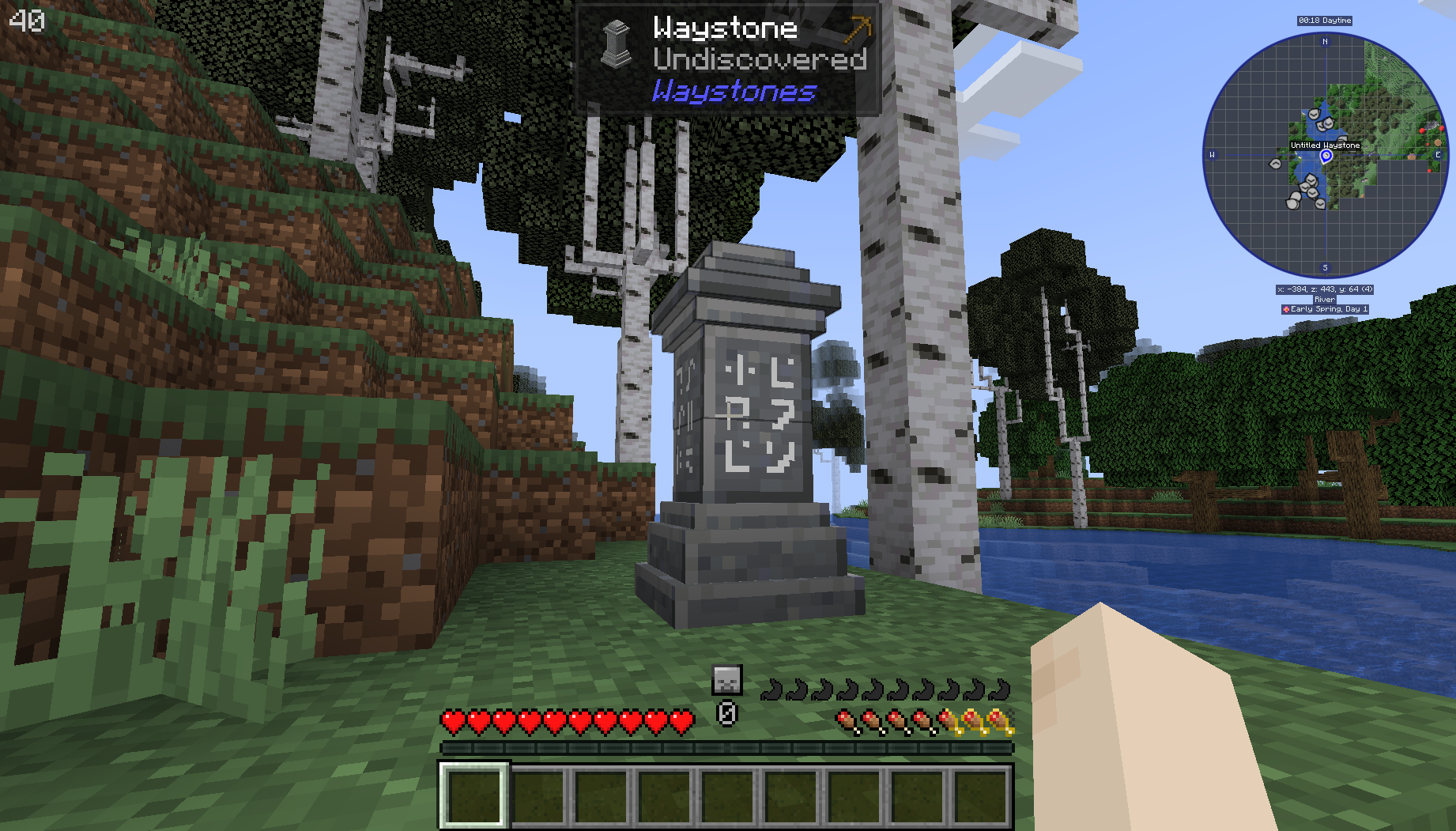
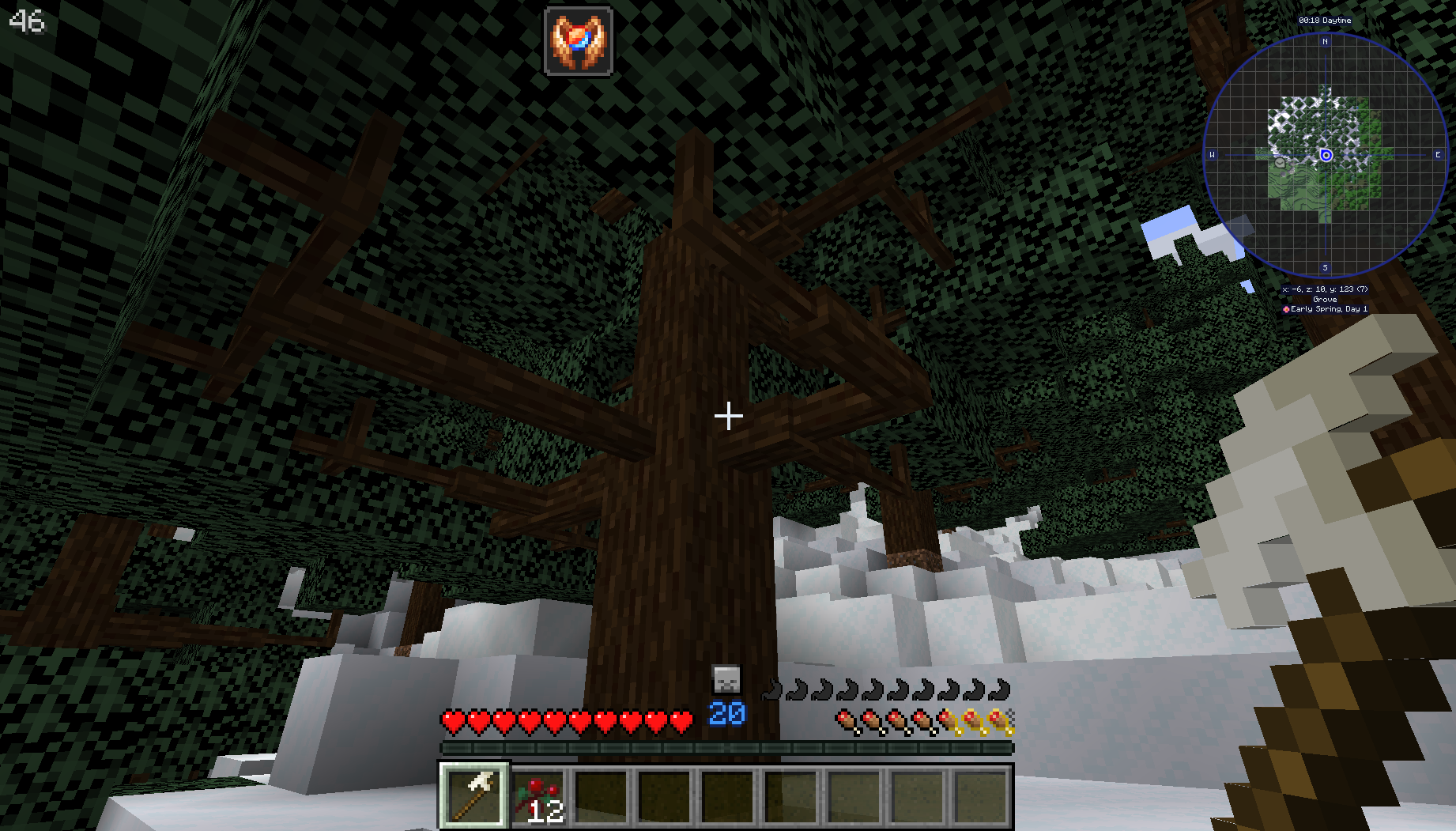
截图
介绍
— Creator note: If you feel the modpack is too challenging, roughly all the items are achievable in peaceful mode —
This is a modpack that is intended to:
– Be nice and challenging to play, not too easy as vanilla, neither too hard.
– Explore different mods and mechanics.
– Stimulate the player to create farms and automations in general.
– Not require prior knowledge of mods or modpacks.
The modpack includes famous mods like:
– Mekanism
– Create
– Mystical Agriculture
– Easy Villagers
– Refined Storage
– Nature Compass
Some mechanics have been altered to make surviving more challenging, like including temperature and nutrition, increasing hunger and making the player plant crops in the right time.
Tips:
(some stuff might not work this way in older versions)
-Break leaves to get sticks and make a crafting table out of Improvised Planks (look at JEI). Kill some animals to get bone and make primitive tools. You will need the Reinforced Bone Pickaxe to harvest iron, and the smithing table can be crafted with copper.
-Start with Create, making a bulk washing machine to get iron from gravel (and obviously, gravel from cobblestone). Iron is not as abundant as in Vanilla, and getting a renewable source is essential.
-Mekanism and Create ores will not be available through mining (except fluorite). You will need to use Alchemistry mod to get these.
-Use Iron Furnaces to start generating power. It’s not efficient, but there’s not too many alternatives in the early game.
-If you need Blaze Rods, Iron Golems will be a great source.
-Quartz will be dropped by Creepers, Zombies, Skeletons and Silverfish.
-Echo shards are dropped by vexes.
-Be careful in the End: The Ender Dragon is quite more powerful now.
常见问题
Hyper Tech Survival 支持哪些 Minecraft 版本?
Hyper Tech Survival 基于 Minecraft Java 版 1.19.2,使用 Forge 加载器。
Hyper Tech Survival 怎么安装?
点本页「前往下载」拿到整合包文件(Modrinth 的是 .mrpack,CurseForge 的是 .zip),在 PCL2 或 HMCL 启动器里选择「导入整合包」,启动器会自动装好 Minecraft、加载器和全部模组。建议在启动器里给游戏分配 4–6 GB 内存。
Hyper Tech Survival 开服需要多大内存?
推荐服务器内存 12 GB。在线人数多、或者建了大量机器和区块加载器时,可以再加 2–4 GB。
怎么和朋友一起玩 Hyper Tech Survival?
点本页的「一键开服」,选好配置后会自动安装 Hyper Tech Survival 的服务端,几分钟就能开好。把服务器地址发给朋友,大家用同一个版本的整合包连进去就行。
评论
登录后评论和评分