
Hippo – CAD Simplified
A 1.20.1 architectural design tool for near-unrestricted creative building and structural drafting.
截图


介绍

Offcial Hippo Pack
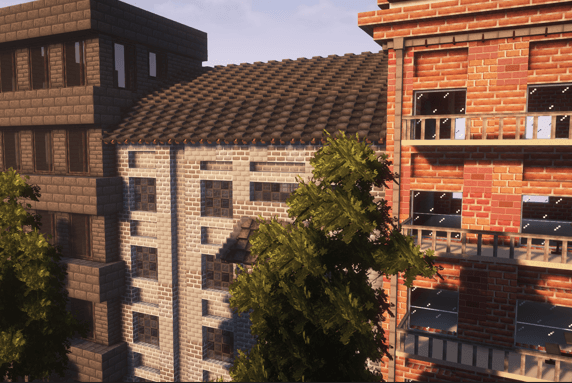
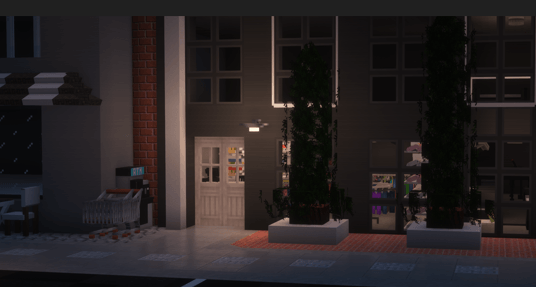
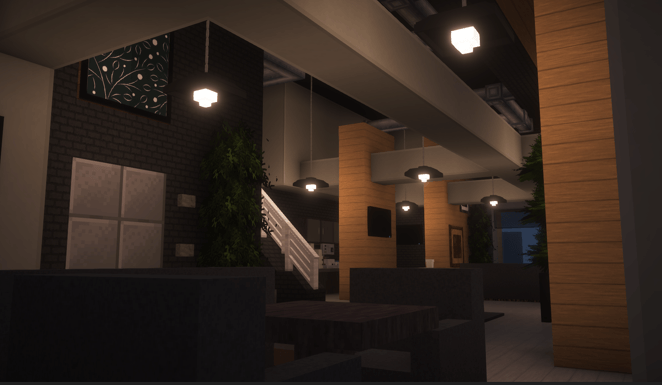
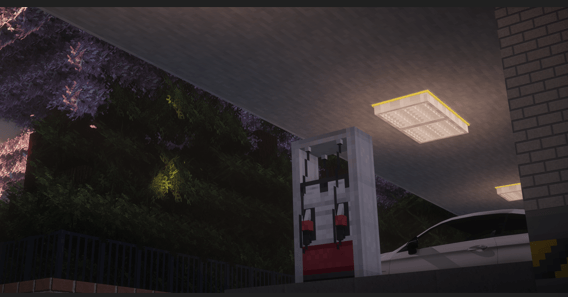
Why use Rhino when you have Hippo? Featuring a curated registry of over 80,000 unique architectural assets—nearly 8x the density of standard ‘large’ modpacks, Hippo is a masterclass urban design tool. Build cities, homes, skyscrapers, gardens, anything.
Hippo successfully integrates Axiom, Valkyrien Skies, Chisels & Bits, Oculus, Embeddium, Create, and Immersive Vehicles in one optimized package. This isn’t another building pack. It’s a complete CAD-Inspired platform for creative design.
Design → Build → Detail → Pose → Film
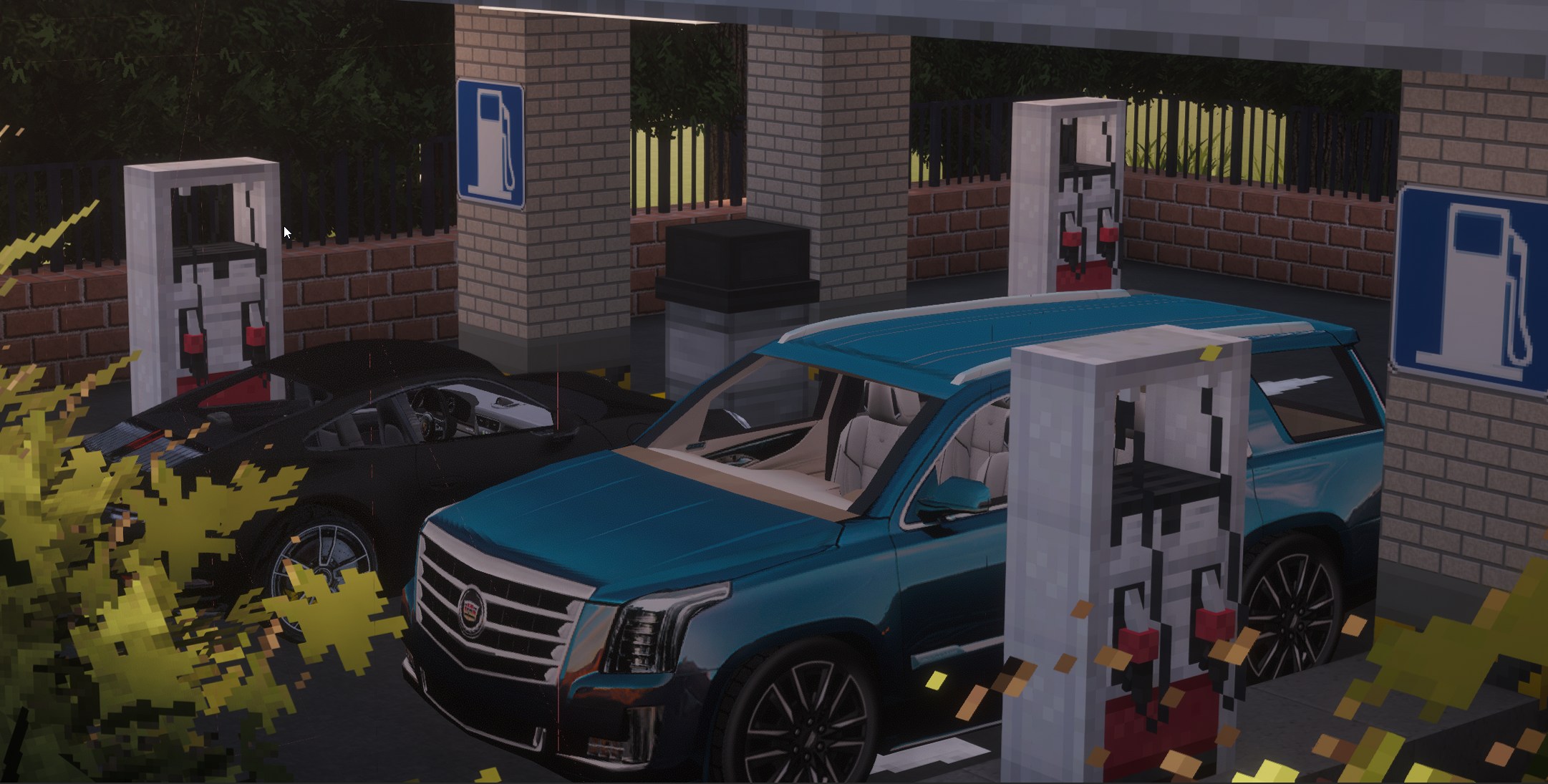
- Sculpt terrain with Axiom (organic landscapes, hills, coastlines)
- Build infrastructure with NX Roads and Saro’s Roads (realistic asphalt, lane markings, highways)
- Design buildings with FramedBlocks (custom geometry for any architectural style)
- Add micro-details with Chisels & Bits (signage, trim, ornamental work at 1/16th block scale)
- Drive through it with Immersive Vehicles (real cars on real roads)
- Make your builds move with Valkyrien Skies and Create (elevators, trains, moving structures)
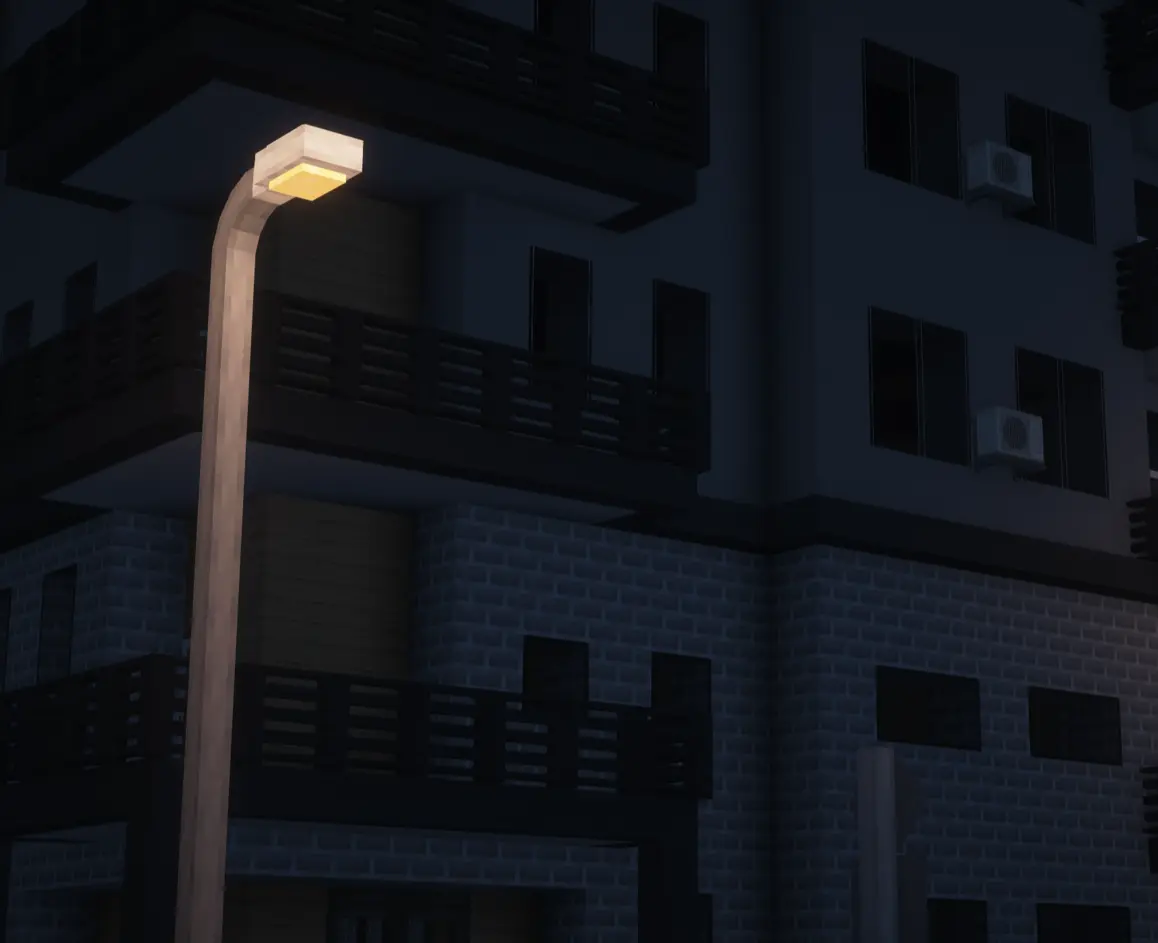
Complete Block Palettes
- Chipped
- Rechiseled
- XK’s Decoration
- Macaw’s Mods
- Paladin Furniture
- Vertical Blocks
- Architect’s Palette
- Yuushya
- NX Roads and Skyscrapers
- Nifty Blocks
- MUCH MUCH more!!
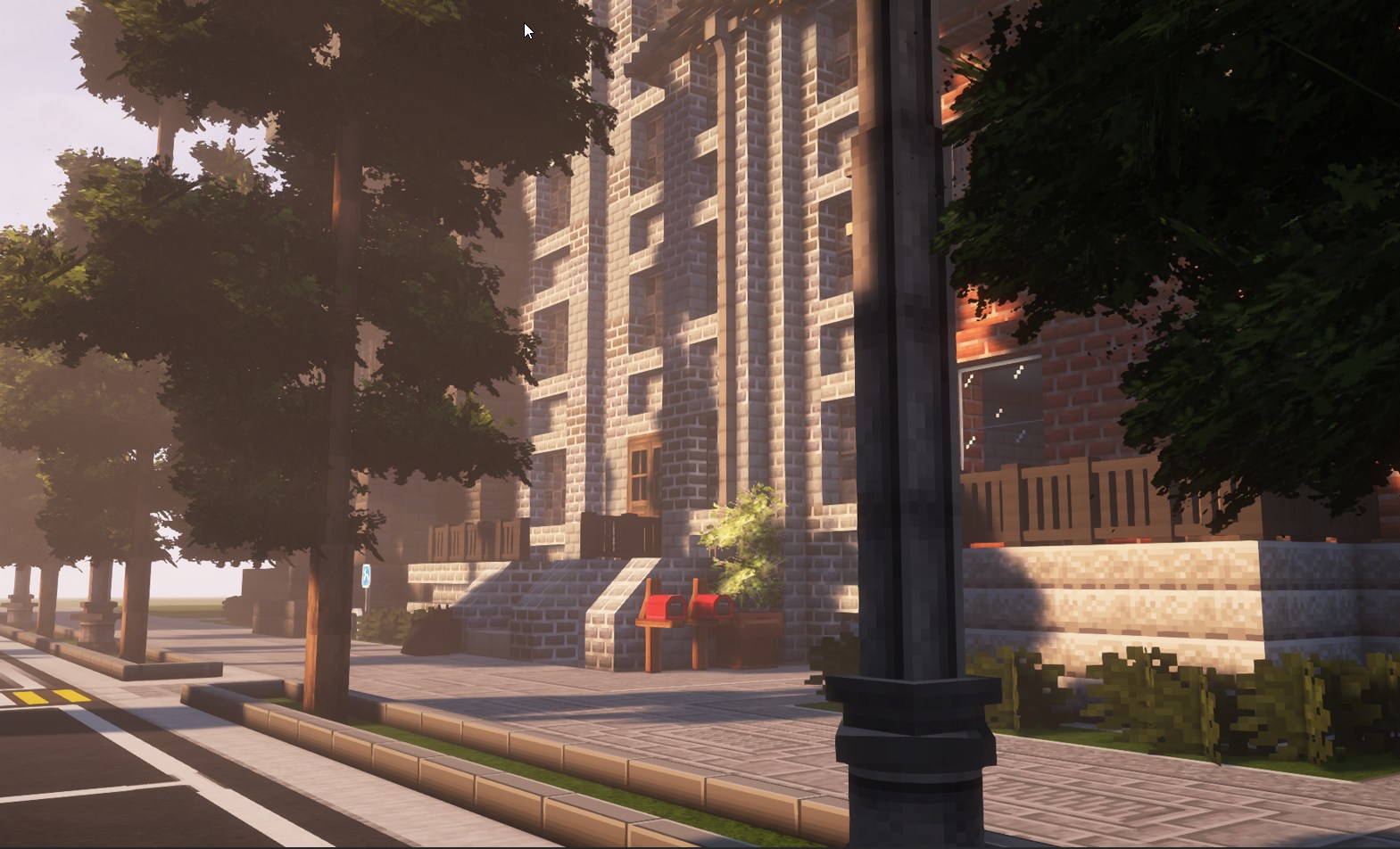
Create Ecosystem
- Create – Mechanical systems and automation
- Create Deco – Decorative additions
- Create: Copycats+ – Mimic any block
- Create: Steam ‘n’ Rails – Advanced train systems
- ClockWork
Test Create automation, design mechanical systems, integrate with structures, visualize physics with Valkyrien Skies. Elevators, working train signals, driveway gates, complex redstone. Try it with SecurityCraft…
Physics
The presence of VS2 and Clockwork allow you to rotate any structure or block at any angle. This feature does work with Chisel Bits and most of the furniture and decor mods.
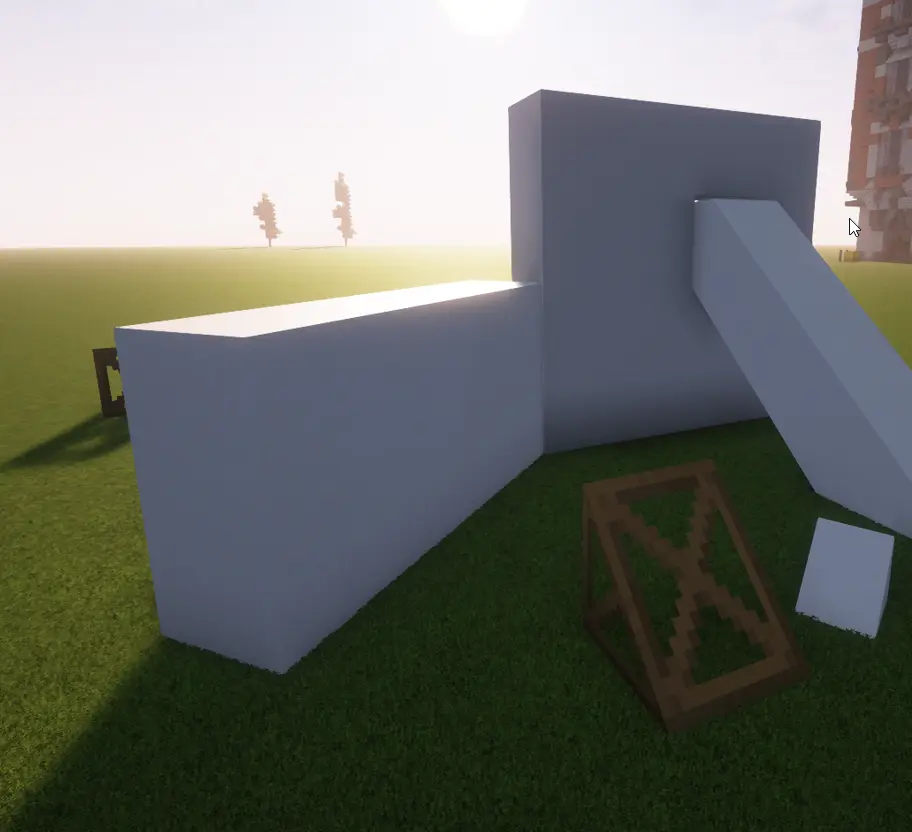
- 5 Shader Options – Bliss, BSL, Complementary (Reimagined & Unbound), Photon
- Multiple Texture Packs
- Optimized Performance with various perfomance boosters
Use Cases
- Architecture Enthusiasts
- Casual Night Building
- Urban Planners
- Cinematic Screenshots
Performance
Optimized with:
- Embeddium
- ModernFix
- ImmediatelyFast
- Entity Culling
- FerriteCore
- And More
Technical Achievement
Hippo solves some of the biggest compatibility issues in the modding community through careful mod selection.
Requirements
⚠️ PERFORMANCE NOTE: To access the full 81,000+ asset library with high-end shaders like Complementary, we recommend 12GB-16GB of allocated RAM.
Resolution plays a large part in performance
Getting Started
- Install and launch – Allocate 8-10GB RAM
- Choose a Texture Pack
- Choose a shader
- Open a flat world – Perfect for architecture
- Start building!
TIP Setup Keybinds Beforehand
Credits:
Includes mods from dozens and dozens of talented mod developers. Full mod list available on the files tab. Special thanks to the Minecraft modding community for making this possible.
Support & Community Questions? Join our Discord. This is just the start.
常见问题
Hippo – CAD Simplified 支持哪些 Minecraft 版本?
Hippo – CAD Simplified 基于 Minecraft Java 版 1.20.1,使用 Forge 加载器。
Hippo – CAD Simplified 怎么安装?
点本页「前往下载」拿到整合包文件(Modrinth 的是 .mrpack,CurseForge 的是 .zip),在 PCL2 或 HMCL 启动器里选择「导入整合包」,启动器会自动装好 Minecraft、加载器和全部模组。建议在启动器里给游戏分配 4–6 GB 内存。
Hippo – CAD Simplified 开服需要多大内存?
推荐服务器内存 12 GB。在线人数多、或者建了大量机器和区块加载器时,可以再加 2–4 GB。
怎么和朋友一起玩 Hippo – CAD Simplified?
点本页的「一键开服」,选好配置后会自动安装 Hippo – CAD Simplified 的服务端,几分钟就能开好。把服务器地址发给朋友,大家用同一个版本的整合包连进去就行。
评论
登录后评论和评分