截图
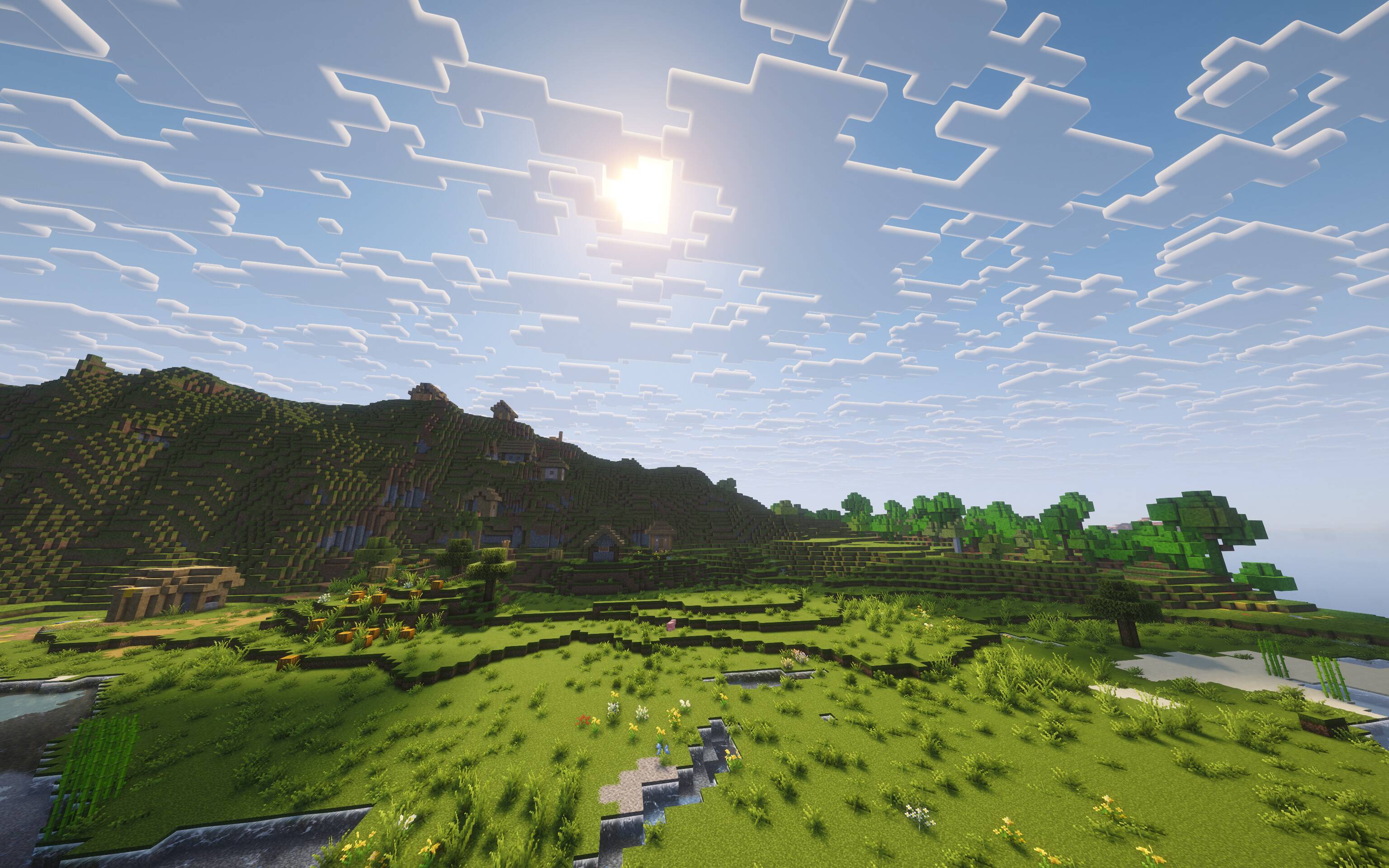
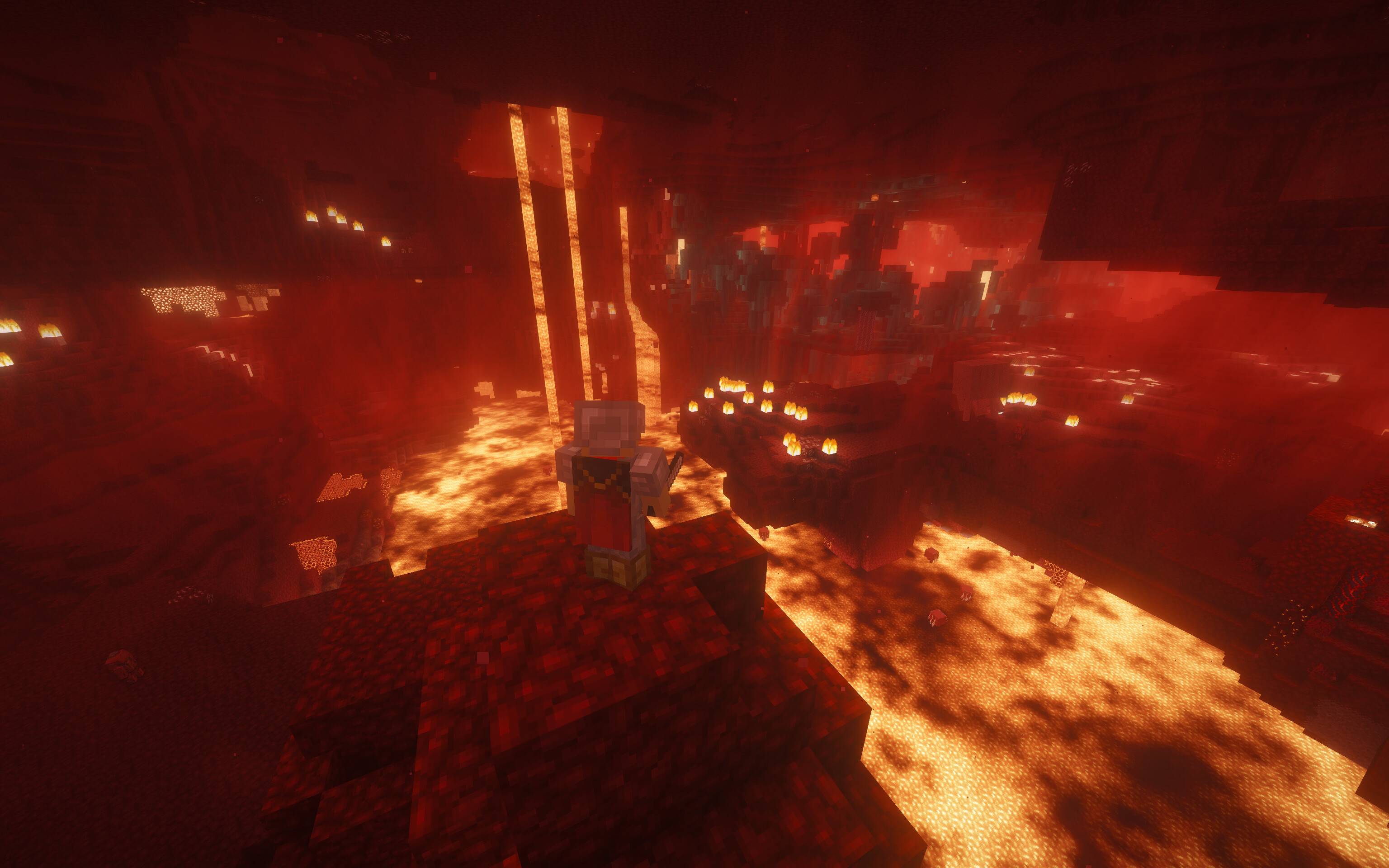
介绍
My favorite mods, shaders, and resource packs for playing vanilla Minecraft.
You may need to adjust the shader settings depending on how powerful your computer is. You can find my recommended settings in a folder in the shaderpacks folder, just drag it out into the shaderpacks folder to enable it.
Note that the Render Scale mod might be configured to lower the resolution when shaders are turned on. The value can be changed in video settings.
If you use Linux on an AMD graphics card and have glitches with water not rendering correctly, using Zink for rendering is a temporary fix: env MESA_LOADER_DRIVER_OVERRIDE=zink
If you’re on a mac, Voxy won’t work, consider using Distant Horizons instead.
I recommend adding this mod for distant chunk generation (the license doesn’t allow me to include it): https://modrinth.com/mod/voxy-worldgen
Voxy is included in this modpack: https://modrinth.com/mod/voxy
LOD Server Support is included in this modpack: https://modrinth.com/plugin/lod-server-support
常见问题
Haskell Pack 支持哪些 Minecraft 版本?
Haskell Pack 支持 Minecraft Java 版 1.18–26.2,共 4 个版本,可用的加载器:Fabric。下载时注意选择和你游戏版本一致的文件。
Haskell Pack 怎么安装?
点本页「前往下载」拿到整合包文件(Modrinth 的是 .mrpack,CurseForge 的是 .zip),在 PCL2 或 HMCL 启动器里选择「导入整合包」,启动器会自动装好 Minecraft、加载器和全部模组。建议在启动器里给游戏分配 4–6 GB 内存。
Haskell Pack 开服需要多大内存?
推荐服务器内存 12 GB。在线人数多、或者建了大量机器和区块加载器时,可以再加 2–4 GB。
怎么和朋友一起玩 Haskell Pack?
点本页的「一键开服」,选好配置后会自动安装 Haskell Pack 的服务端,几分钟就能开好。把服务器地址发给朋友,大家用同一个版本的整合包连进去就行。


评论
登录后评论和评分