截图
介绍

READ FULL DESCRIPTION!!!(if youre going to use this you need check the bottom![Also coloured text=important…)↓↓
I made this horror modpack to highlight the anomaly’s scariest aspects with the following features:
- MOST hostile mobs being disabled(Skeletons, zombies, endermen,[not spiders], etc) (If you wish to turn this off go to the bottom of the description)(you can beat the game with this on but its much harder)
- Other mods similar to it (no spoilers!!) which build off of the anomaly
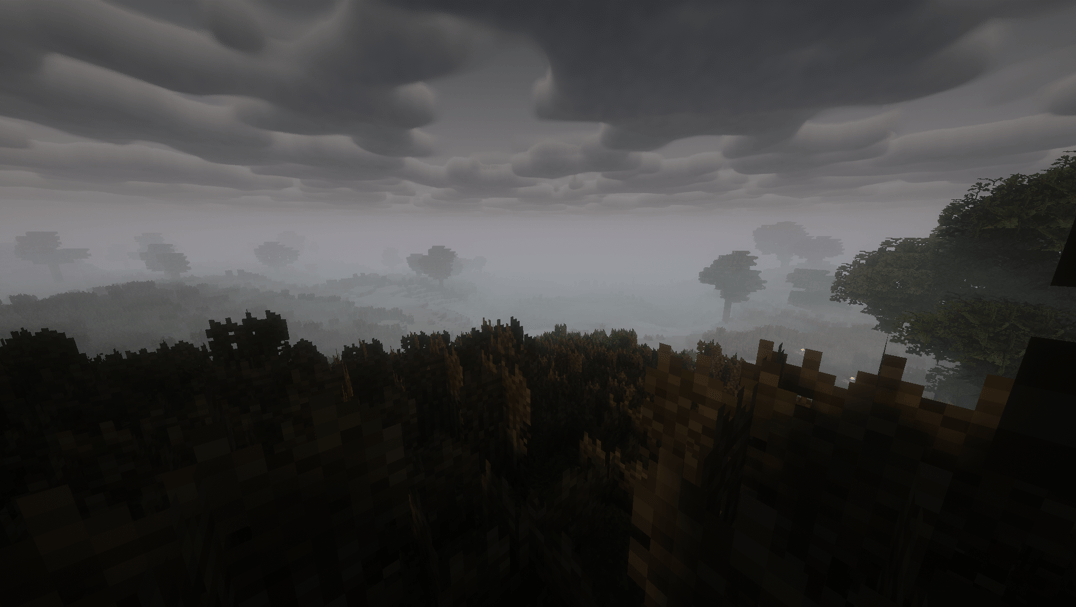
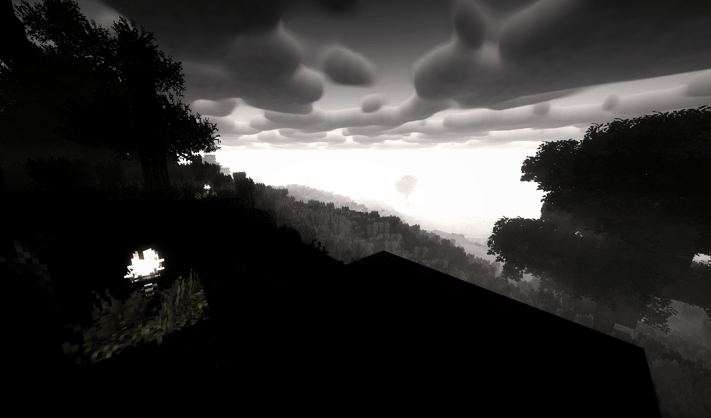
- A terrifying shader pack and texture pack combination (If you want to go no shaders i dont recomend using the texture pack because of leaf textures) ↓↓↓↓↓↓↓↓(Keep going!)
- I highly recomend Conquest using the conquest texture pack along with the complementary(bright) shader pack.
This modpack largely focuses on the following:
- (Obvioulsy) The anomaly
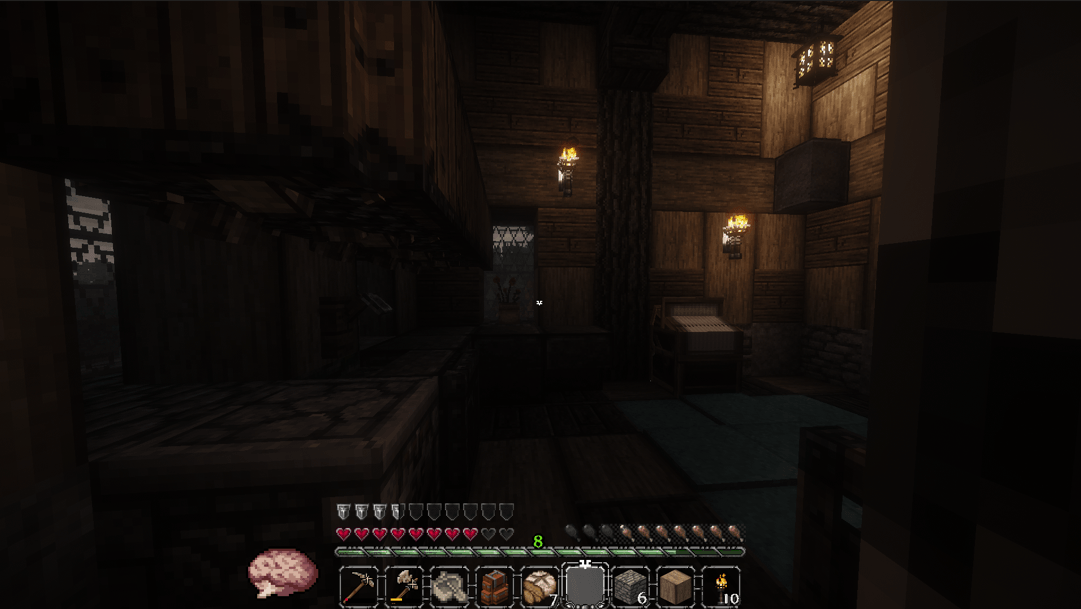
- Ambience
- Slow build up
- A world that feels both beautiful and terrifying (Terrain mods, shaders, texture packs, and animal mods)
- Performance boosting
- No cheap slop mods
- QOL
- User enjoyment (Not purely built for content/clip farming/faking, but rather actual enjoyment and scares[Well, I mean you still can…]) ↓↓↓↓↓↓↓↓(Important)
- When you first load into a world, go the escape menu, open to lan(to keep stuff running+commands) enable cheats, go into spectator mode, disable DayNightCycle, and do “/chunky help”. Look at all the commands and start. Now just leave the game running in the background and when you return you should be able to play without encountering un-generated chunks. (I recomend 100-200 chunk radius max)
- You can also use distant horizions chunk generation which will work just as well, if not better
- https://www.youtube.com/watch?v=GtPvX62bO30(A sort of guide to the terrain mod)
Dont expect frequent updates(Unless this actually does well) as I simply feel like sharing an actual scary modpack that I made for myself.
↓↓↓↓↓↓↓↓
How to turn on hostile mobs or change terrain(AND CHANGE OTHER MODS)******
- In the curseforger launcher(app)[If youre not using the app go to the third section], go to the modpack and press the three dots(config area) and go to profile options. Then, turn on “allow content management for this profile”. Next, exit the three dots menu and go to the “mods” section of the profile. Lastly, find the mod “bad mobs” and disable it. (You can use this to disable/enable anything else you want)
- If you dont like terrain gen being very vast and huge i recomend using this to disable the mods “lithosphere”(THESE TERRAIN MODS ALSO MAKE WORLD GENERATION TIME LONGER[worth it imo…])
- (MOD CHANGING) If youre not using the app/launcher, go into the modpack folder, go to the mods section, find bad mobs, and delete it or take it out of the folder into one seperate from the modpack for future use(like downloads folder or desktop folder)
常见问题
Forgotten World: Ancient Beings 支持哪些 Minecraft 版本?
Forgotten World: Ancient Beings 基于 Minecraft Java 版 1.20.1,使用 Forge 加载器。
Forgotten World: Ancient Beings 怎么安装?
点本页「前往下载」拿到整合包文件(Modrinth 的是 .mrpack,CurseForge 的是 .zip),在 PCL2 或 HMCL 启动器里选择「导入整合包」,启动器会自动装好 Minecraft、加载器和全部模组。建议在启动器里给游戏分配 4–6 GB 内存。
Forgotten World: Ancient Beings 开服需要多大内存?
推荐服务器内存 12 GB。在线人数多、或者建了大量机器和区块加载器时,可以再加 2–4 GB。
怎么和朋友一起玩 Forgotten World: Ancient Beings?
点本页的「一键开服」,选好配置后会自动安装 Forgotten World: Ancient Beings 的服务端,几分钟就能开好。把服务器地址发给朋友,大家用同一个版本的整合包连进去就行。
评论
登录后评论和评分