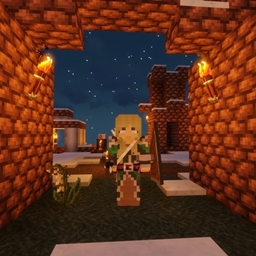
截图
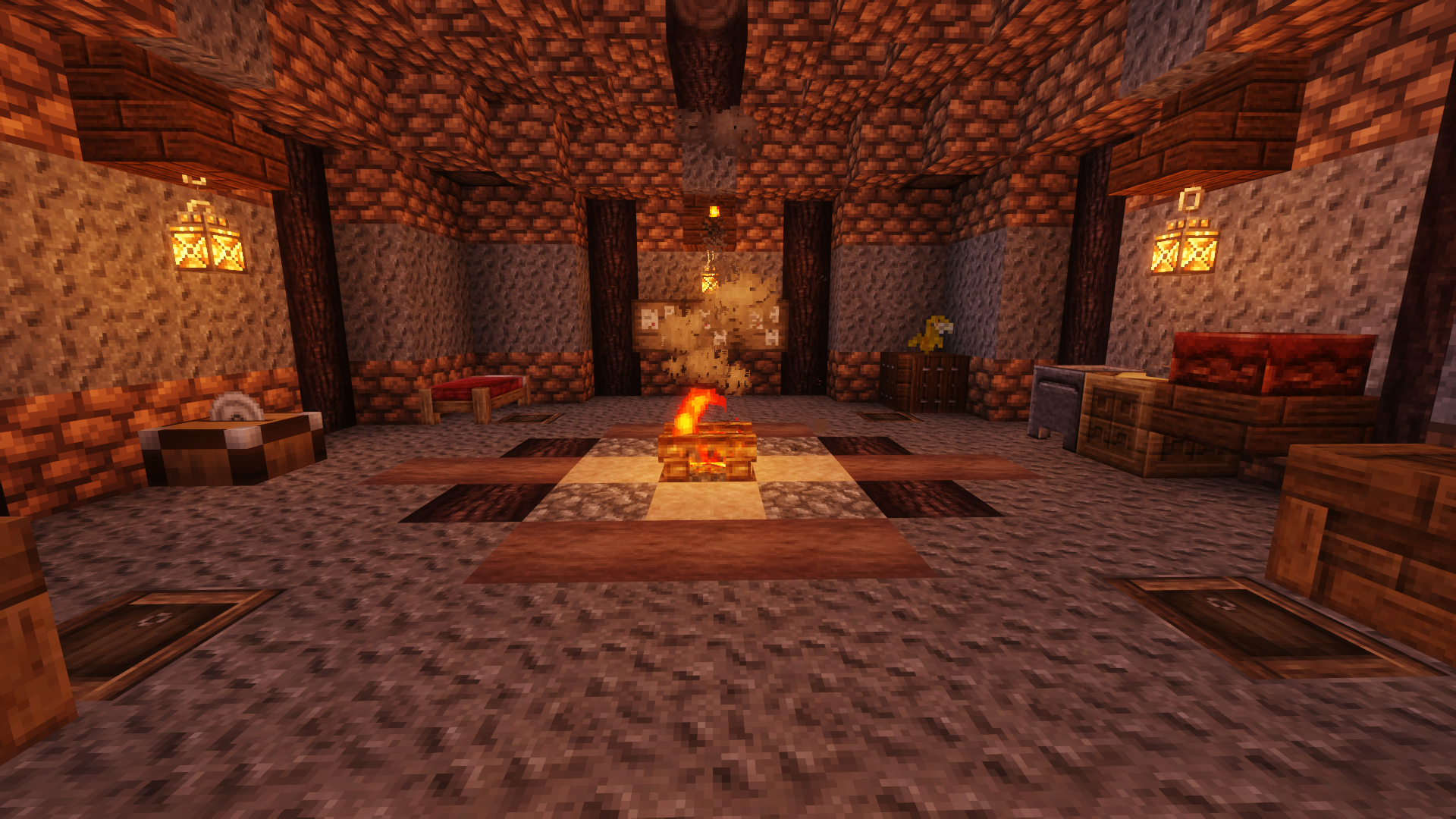
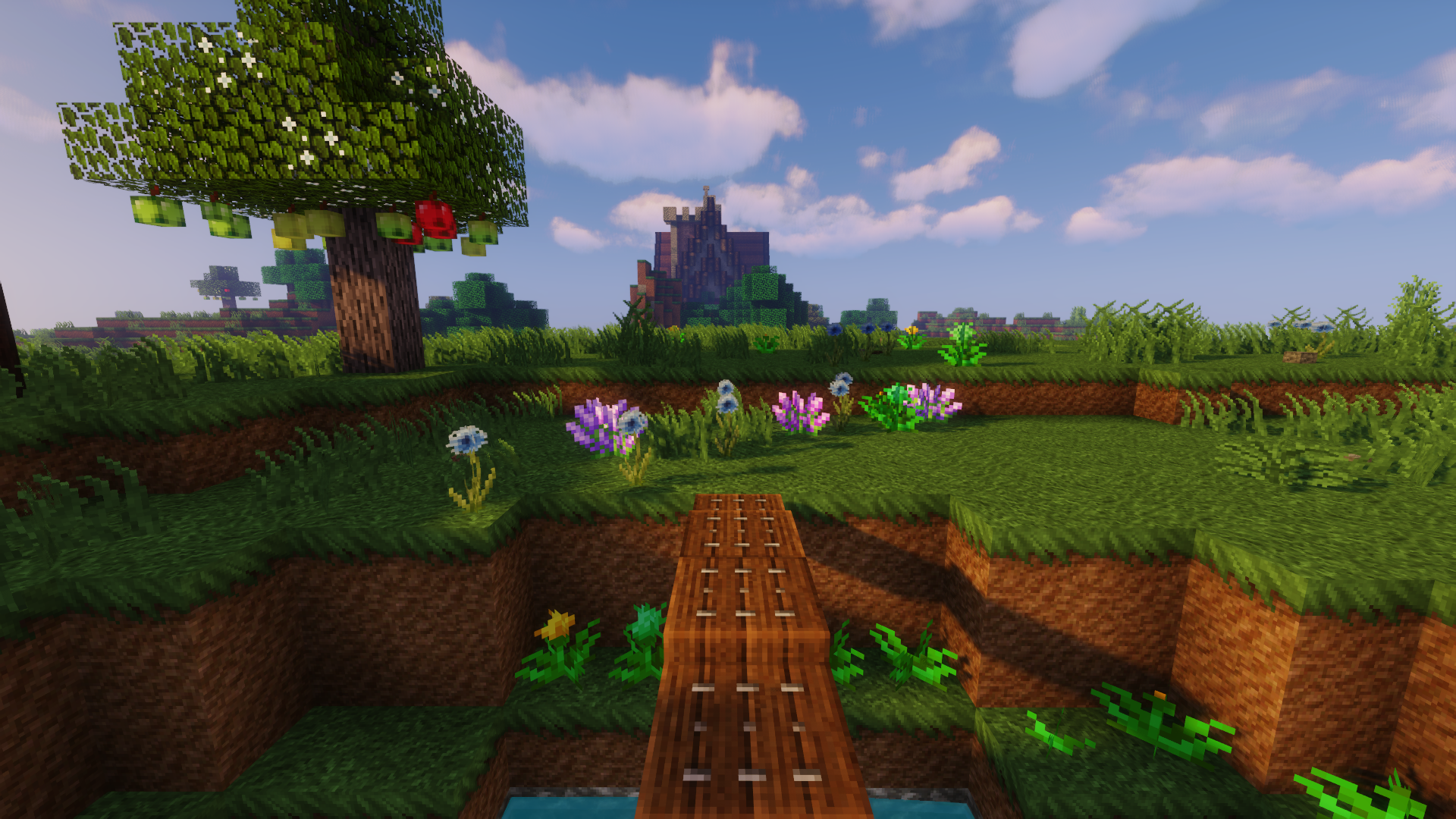
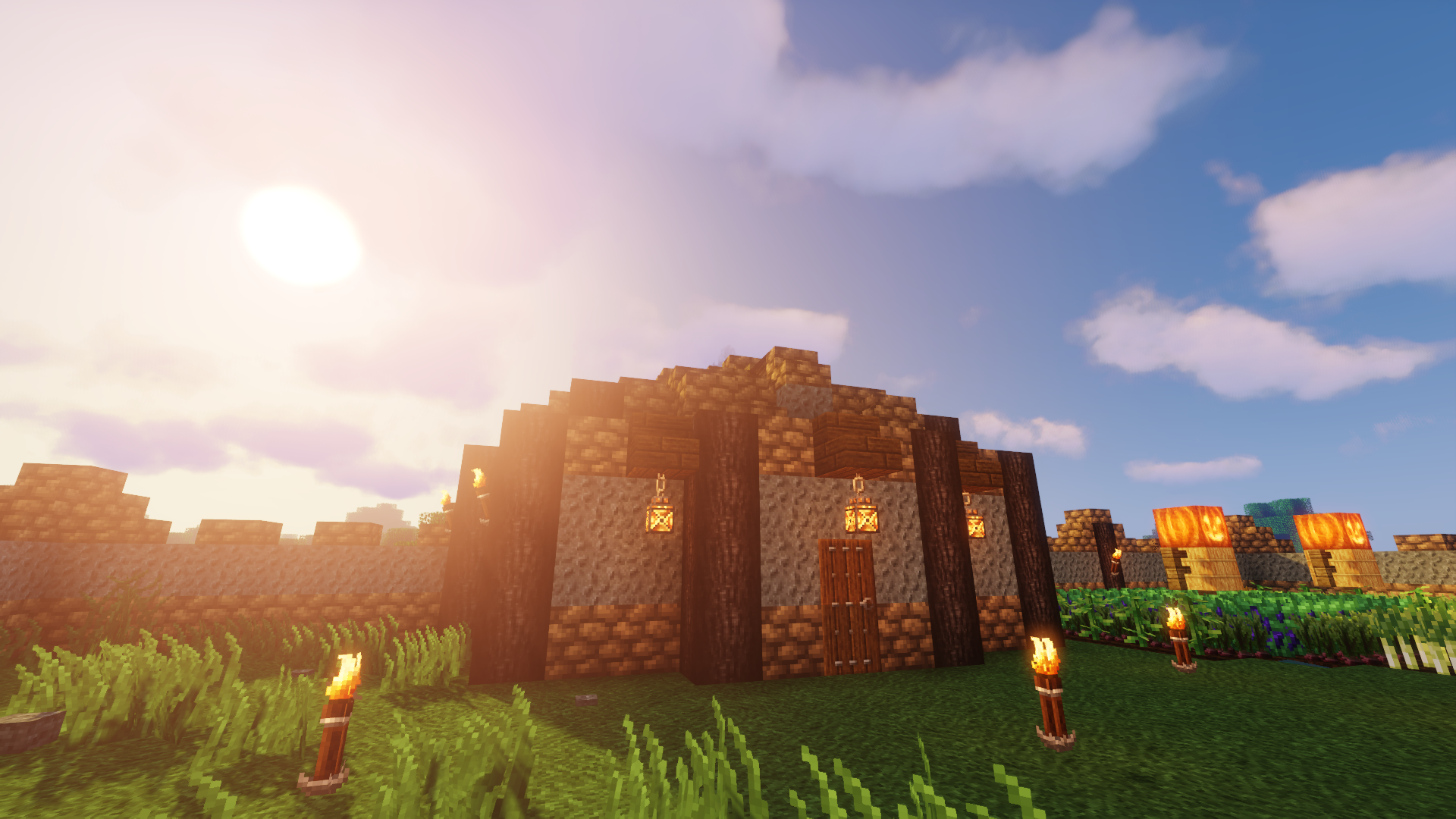
介绍
Welcome to EnderQuest, the ultimate survival-adventure!
The goal of this modpack is to provide an MMO-RPG experience to Minecraft. I’ve attempted to maintain a vanilla aesthetic but aim to provide plenty of variety.
This is not a new-player friendly modpack, so if you’re looking for a challenge then this is the pack for you! The End has been revamped as well as the method of getting to it, and many other aspects of the game have been completely overhauled.
In this pack, you will be required to level up many skills, explore the world, and fight deadly foes and creatures. Exploration is encouraged and necessary to reach the Endgame as well as to gain experience for knowledge and power. There are over 100 mod features in this pack so you will need a beefy computer in order to run it with no problems. I recommend adding Optifine and some Shaderpacks for a more immersive experience, if your PC will allow it, though they are not necessary for core gameplay.
Important Keybinds to familiarize yourself with
- C – Curios GUI
- V – Toolbelt Slot
- B & N – Curios Bags
- F – Access Toolbelt
- G – Trinkets GUI
- J – Class Selection (ProjectMMO)
- K – Skills List (ProjectMMO)
- Y – Advancements
- I – Access Quiver
- P – ProjectMMO Settings
- SHIFT – Used for climbing, picking up items, crouching, and picking up chests/furnaces
- SPACEBAR – double-tap to double-jump
To begin the game, you’ll start out with a few necessary items thanks to the StarterKit Mod
- Sword (Use this to make a Melee Recruitment Desk once it becomes obsolete as a tool)
- Shield
- Travel Bag with informational booklets and sleeping bag
The health and regeneration system has been completely overhauled. Now, you will no longer regenerate health, but not to worry. Build a campfire and you will slowly regenerate health. If no campfire is available, look for mobs and slay them to retrieve bandages to heal your wounds. And fear no more about death itself! When you die, a tombstone will appear at your death point, and you will be given a key to retrieve your items (by right clicking or holding shift over the grave). Never be afraid of losing your items again.
Skill-Levels and Items
Armor, weapons, and tools now have required levels in order to utilize them. Press ‘J’ to choose a class, and press ‘K’ to access your skills menu. This is important for leveling up and viewing your skills.
You also will not be able to break certain blocks unless you have the necessary tool to do so (besides dirt, gravel, and sand).
Tools for Leveling Skills:
- Sword – Combat (Any sort of attack with any item or weapon will yield combat exp.)
- Axe – Woodcutting
- Pickaxe – Mining
- Hoe – Farming (you will need to break the crops with a sword or hoe to receive experience)
- Shovel – Excavation
Gathering and Crafting
Most everything will yield skill experience as well as player exp. Digging dirt and gravel will yield Excavation exp and also give you extra drops that will be vital for your first few nights.
Another thing to note: the days and nights will be a little longer than what you’re used to…and there’s a chance for a Blood Moon to occur so beware! (Which means more monsters will spawn)
As stated above, you will not be able to gather resources unless you have the required tool, so it will be a while before you can mine for Iron. Not to worry, though. Mining and skill leveling will be a grind, but there are many rewards to be earned to make your time grinding even more valuable than mere skill level-ups.
- If you find flint rocks on the ground, use a pickaxe to gather it. otherwise, it’ll break and you won’t receive any drops.
Some useful tools you’ll want to make
- Gathering knife, for foraging food from grasses (1x Stick + 1x Flat Rock; flat rocks can be found in the overworld)
- Flint Knife, for gathering plant fibers to make into string (Find a flint, knap it by right clicking on stone, and use 1x Flint Shard + 1x Stick)
- Flint Axe to convert wood into planks (You can also find a Woodcuttter tool in a village, similar to a stone cutter)
- Flint Pickaxe for mining, of course.
Exploration
As stated, this pack will focus heavily on exploration. You will be given a journal starting out to explain why. There are many Curios to be found throughout the world that will help you on your journey, as well as various Waystones throughout. Create an Antique Atlas before you set out on your journey and rest often in a bed whenever you may come across one.
MODLIST
- The Farlanders (by ModdingLegacy)
- Just Enough Resources (JER) (by way2muchnoise)
- Serene Seasons (by TheAdubbz)
- Wyrmroost (by Wyrmroost)
- Random Village Names (by Serilum)
- Cosmetic Armor Reworked (by LainMI)
- GUI Compass (by Serilum)
- Collective (by Serilum)
- Stables (by f1ashfyre)
- LongerDays (by Insane96MCP)
- Structure Gel API (by ModdingLegacy)
- Chance Globe (by bl4ckscor3)
- Uncharted (by Epidra2077)
- Healing Campfire (by Serilum)
- Combustive Fishing (by TheIllusiveC4)
- FTB GUI Library (by FTB)
- ⛄ Snow! Real Magic! (by Snownee_)
- Enhanced Celestials – Blood Moons & Harvest Moons (by Corgi_Taco)
- 🥝 Kiwi (by Snownee_)
- ToroHealth Damage Indicators (by ToroCraft)
- Pet Names (by Serilum)
- Wandering Trapper (by lilypuree)
- Druidcraft (by VulpTheHorseDog)
- Wall-Jump! [FORGE] (by genandnic)
- Abnormals Core (by TeamAbnormals)
- Repurposed Structures (Forge) (by telepathicgrunt)
- Waystones (by BlayTheNinth)
- Ding (by ohaiiChun)
- Extended Caves (by Polyvalord)
- Areas (by Serilum)
- Placebo (by Shadows_of_Fire)
- iChunUtil (by ohaiiChun)
- Back Tools (by ohaiiChun)
- Legend (by OneLifePlay)
- ItemPhysic Full (by CreativeMD)
- Never Enough Candy (by DarkhaxDev)
- Tool Belt (by gigaherz)
- Silent Lib (silentlib) (by SilentChaos512)
- Dungeons Plus (by ModdingLegacy)
- The Conjurer (by ModdingLegacy)
- Classic Bars (by tfarecnim)
- Bookshelf (by DarkhaxDev)
- Paragliders (by Tictim)
- Scaling Health (by SilentChaos512)
- Mystical Biomes (by Noobanidus)
- Travel Bag (by Corail_31)
- Water Strainer (by Ruuubi)
- Clarity | Pixel Perfection [32x] [1.16] (by SCtester)
- Spartan Weaponry (by ObliviousSpartan)
- Dystopia (by liusscas_)
- Environmental (by TeamAbnormals)
- Dungeons Gear (by the_infamous_1)
- Bloom and Gloom (by schnappdragon)
- Lost Trinkets (by owmii)
- Soulbound! (by lllanes)
- Carry On (by Tschipp)
- Sit (by bl4ckscor3)
- Quick Paths (by Serilum)
- Mineral Chance (by Serilum)
- Curious Elytra (Forge) (by TheIllusiveC4)
- Chocolate Fix (by AlcatrazEscapee)
- JEI Integration (by SnowShock35)
- Relics (by SSKirillSS)
- Dark Crystal (by 0xmmalik)
- Curios API (Forge) (by TheIllusiveC4)
- Get exp for everything (by gosvoh)
- Project MMO (by Harmonised_)
- Evolved RPG (by Evolving_Play)
- CraftTweaker (by Jaredlll08)
- Champions (by TheIllusiveC4)
- Snow Under Trees (by bl4ckscor3)
- When Dungeons Arise (by Aureljz)
- Fins and Tails (by Coda1552)
- Hunter illager (by catscrafters)
- Starter Kit (by Serilum)
- ForageCraft (by Jonathing)
- Ice Ice Baby (by the_infamous_1)
- Architectury API (Forge) (by shedaniel)
- Workshops of Doom (by Commoble)
- EnhancedVisuals (by CreativeMD)
- Traveler’s Backpack (by Tiviacz1337)
- Fantasy Mounts (by Bonfyre_)
- Random Loot Mod (by milomaz1)
- Corail Tombstone (by Corail_31)
- [SBM] Bone Torch (by BuiltBroken)
- Rough Tweaks Revamped (by Mostafa55)
- Creeper Confetti (by SR2610)
- Antique Waystones (by HorribleNerd)
- Cuneiform (by azmalent)
- Chunk Animator (by Lumien231)
- Dark Loading Screen (by Neecko5b84)
- Illagers Wear Armor (by almightytallestred)
- Enchantment Descriptions (by DarkhaxDev)
- SwingThroughGrass (by exidex)
- Atmospheric (by TeamAbnormals)
- Doggy Talents (by percivalalb)
- Mod Name Tooltip (by mezz)
- Kotlin for Forge (by thedarkcolour)
- End Remastered (by jack_bagel)
- Whisperwoods (by itsmeowdev)
- Gobber [FORGE] (by kwpugh)
- Slimier Slimes (by Patrigan)
- AppleSkin (by squeek502)
- Terra Incognita: The Unknown Land (by azmalent)
- Packed Up (Backpacks) (by SuperMartijn642)
- Fast Leaf Decay (by olafskiii)
- Apotheosis (by Shadows_of_Fire)
- Guard Villagers (by almightytallestred)
- Bountiful (by ejektaflex)
- Pillagers (by DarkhaxDev)
- Just Enough Items (JEI) (by mezz)
- Progressive Bosses (by Insane96MCP)
- Lollipop (by owmii)
- Looot (by Commoble)
- Iron Age Furniture (by SkyBlade1978)
- The Outer End (by BlueDuckYT)
- Caelus API (Forge) (by TheIllusiveC4)
- Classes (by qSided)
- Towers Of The Wild (by idrae_)
- Patchouli (by Vazkii)
- Charms (by YaBoiChips_)
- Charm Reforged (by svenhjol)
- Aquaculture 2 (by Shadowclaimer)
- Artifacts (by ochotonida)
- Default Dark Mode (by nebuIr)
- Buddycards (by wildcard_gamer)
- Blood Particles (by ModdingLegacy)
- Alex’s Mobs (by alex1the1666)
- Supplementaries (by MehVahdJukaar)
- Extended Bone Meal (by Serilum)
- Spartan Shields (by ObliviousSpartan)
- CreativeCore (by CreativeMD)
- Mouse Tweaks (by YaLTeR)
- Upgrade Aquatic (by TeamAbnormals)
- Dynamic Surroundings (by OreCruncher)
- Storage Drawers (by Texelsaur)
- Curio of Undying (Forge) (by TheIllusiveC4)
- GeckoLib (by ThanosGecko)
- BountifulBaubles (by Cursed1nferno)
- Magma Monsters (by Kashdeya)
- Villager Names (by Serilum)
- No Tree Punching (by AlcatrazEscapee)
- GUI Clock (by Serilum)
- Bed Benefits (by DarkhaxDev)
- Citadel (by alex1the1666)
- It’s the little things (by Zlepper)
- Nature’s Compass (by Chaosyr)
- The Undergarden (by Quek04)
- Neat (by Vazkii)
- Antique Atlas (by Hunternif)
- Goblin Traders (by MrCrayfish)
- JEITweaker (by Jaredlll08)
- Mystical World (by EpicSquid315)
- Spiders 2.0 (by TheCyberBrick)
- GuardsCraft (by sgtmattbaker)
- Better Animals Plus (by cybercat5555)
- Dungeons Mobs (by the_infamous_1)
- Creatures and Beasts (by rubyr1derr)
常见问题
EnderQuest: Origins 支持哪些 Minecraft 版本?
EnderQuest: Origins 基于 Minecraft Java 版 1.16.5。
EnderQuest: Origins 怎么安装?
点本页「前往下载」拿到整合包文件(Modrinth 的是 .mrpack,CurseForge 的是 .zip),在 PCL2 或 HMCL 启动器里选择「导入整合包」,启动器会自动装好 Minecraft、加载器和全部模组。建议在启动器里给游戏分配 4–6 GB 内存。
EnderQuest: Origins 开服需要多大内存?
推荐服务器内存 12 GB。在线人数多、或者建了大量机器和区块加载器时,可以再加 2–4 GB。
怎么和朋友一起玩 EnderQuest: Origins?
点本页的「一键开服」,选好配置后会自动安装 EnderQuest: Origins 的服务端,几分钟就能开好。把服务器地址发给朋友,大家用同一个版本的整合包连进去就行。
评论
登录后评论和评分