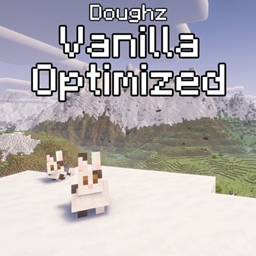
Doughz Vanilla Optimized
Vanilla server friendly optimized modpack with shaders, proximity chat and distant horizons.
截图
介绍
Doughz Vanilla Optimized
Doughz Vanilla Optimized was originally made for my own server, but it’s designed to be a complete click-and-play pack for anyone wanting to jump onto any vanilla server with much better visuals and performance.
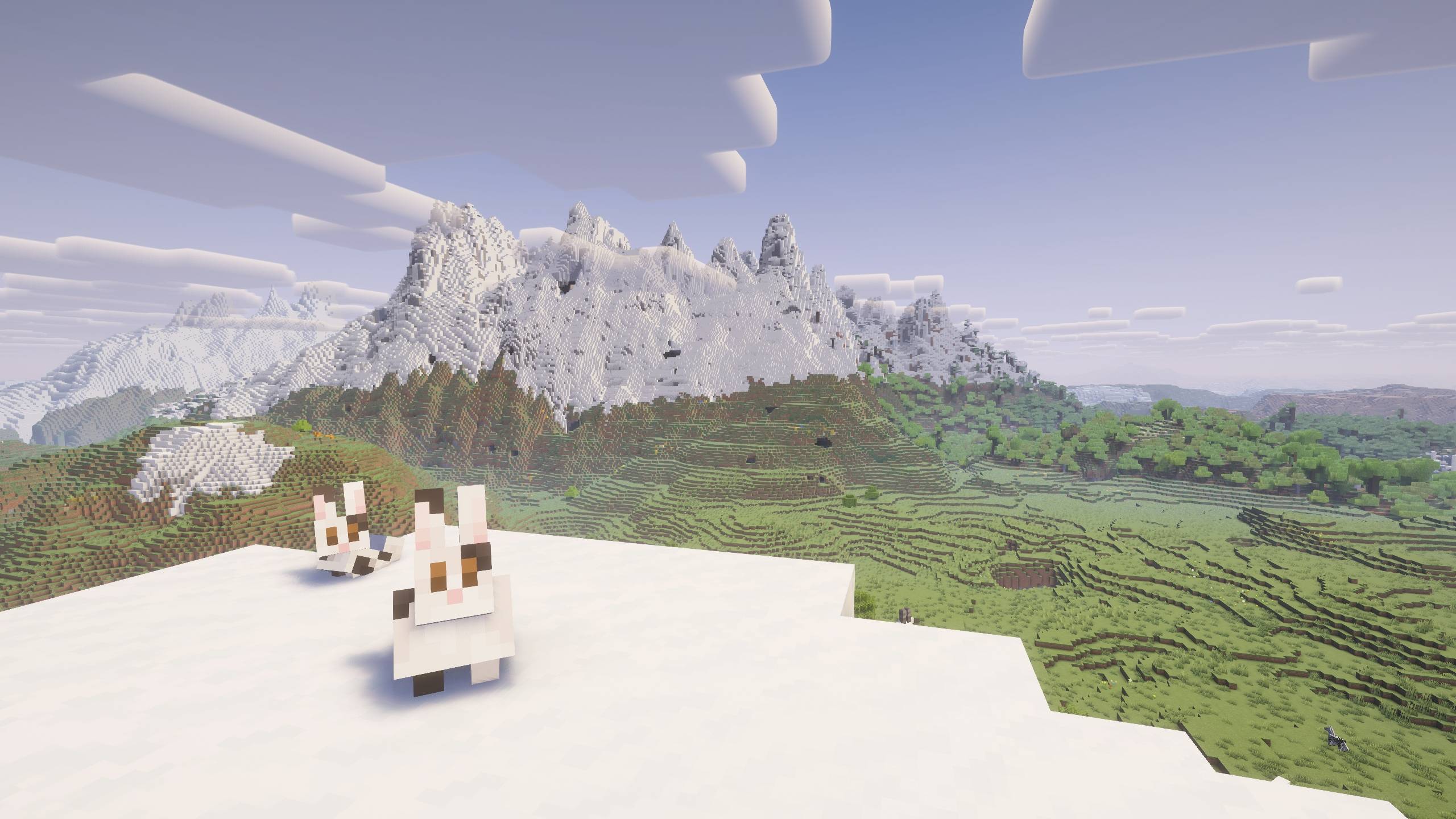
The main goal of this pack is to keep the game completely vanilla while massively boosting your frames. On top of the core optimization mods, I’ve included Distant Horizons and heavily preconfigured it to be as low-impact as possible right out of the box, so you get those massive views without melting your PC and making it play on lower end computers.
For lighting, the pack comes with two shaders ready to go: Complementary for standard setups, and Mellow for lightweight performance if you’re playing on a lower-end rig. Both of these are compatible with Distant Horizons. I also added “Just Zoom” mod since that was a standard feature for Optifine.
If you are playing multiplayer, proximity chat is already set up and ready to go with “R” as the push-to-talk default.
Finally, I’ve included a couple of optional resource packs in the files: Motschen’s Better Leaves and Default Dark Mode. I left these disabled by default so you can choose what you want, but I highly recommend turning on the dark mode GUI if you do a lot of gaming in the dark to save yourself from eye strain.
Also feel free to use this modpack as a foundation for adding mods/tweaks to your own liking!
Everything is pre-tweaked and ready. Just install, launch, and play. Enjoy!
Mods used:
Sodium (performance)
Lithium (performance)
ImmediatlyFast (performance)
FerriteCore (RAM performance)
Iris Shaders
Just zoom (click C for zoom)
Simple Voice Chat (proximity chat)
Distant Horizons (View distans increased to 64 chunks)
常见问题
Doughz Vanilla Optimized 支持哪些 Minecraft 版本?
Doughz Vanilla Optimized 基于 Minecraft Java 版 26.3,使用 Fabric 加载器。
Doughz Vanilla Optimized 怎么安装?
点本页「前往下载」拿到整合包文件(Modrinth 的是 .mrpack,CurseForge 的是 .zip),在 PCL2 或 HMCL 启动器里选择「导入整合包」,启动器会自动装好 Minecraft、加载器和全部模组。建议在启动器里给游戏分配 4–6 GB 内存。
Doughz Vanilla Optimized 开服需要多大内存?
推荐服务器内存 12 GB。在线人数多、或者建了大量机器和区块加载器时,可以再加 2–4 GB。
怎么和朋友一起玩 Doughz Vanilla Optimized?
点本页的「一键开服」,选好配置后会自动安装 Doughz Vanilla Optimized 的服务端,几分钟就能开好。把服务器地址发给朋友,大家用同一个版本的整合包连进去就行。

评论
登录后评论和评分