截图
介绍
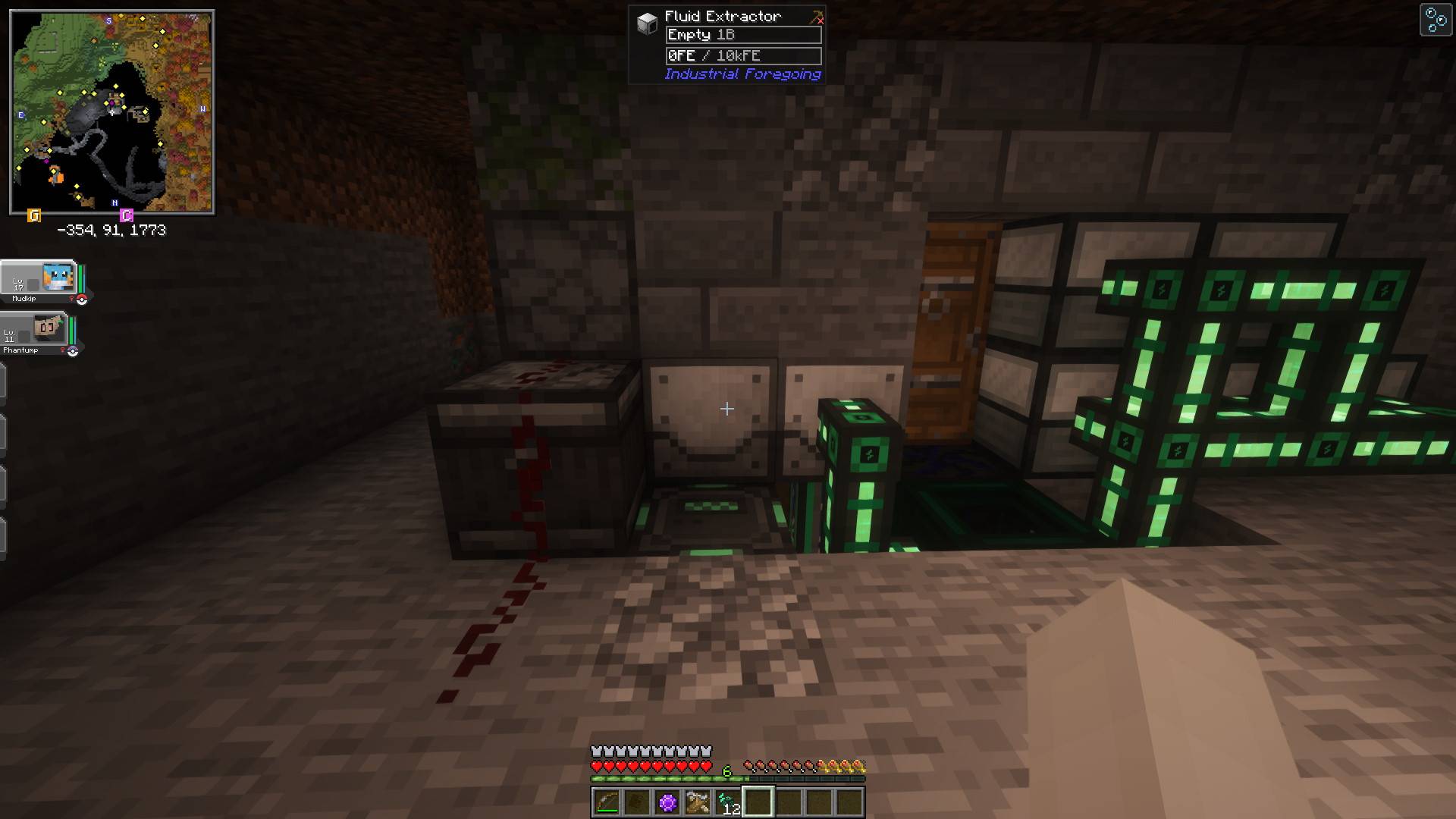
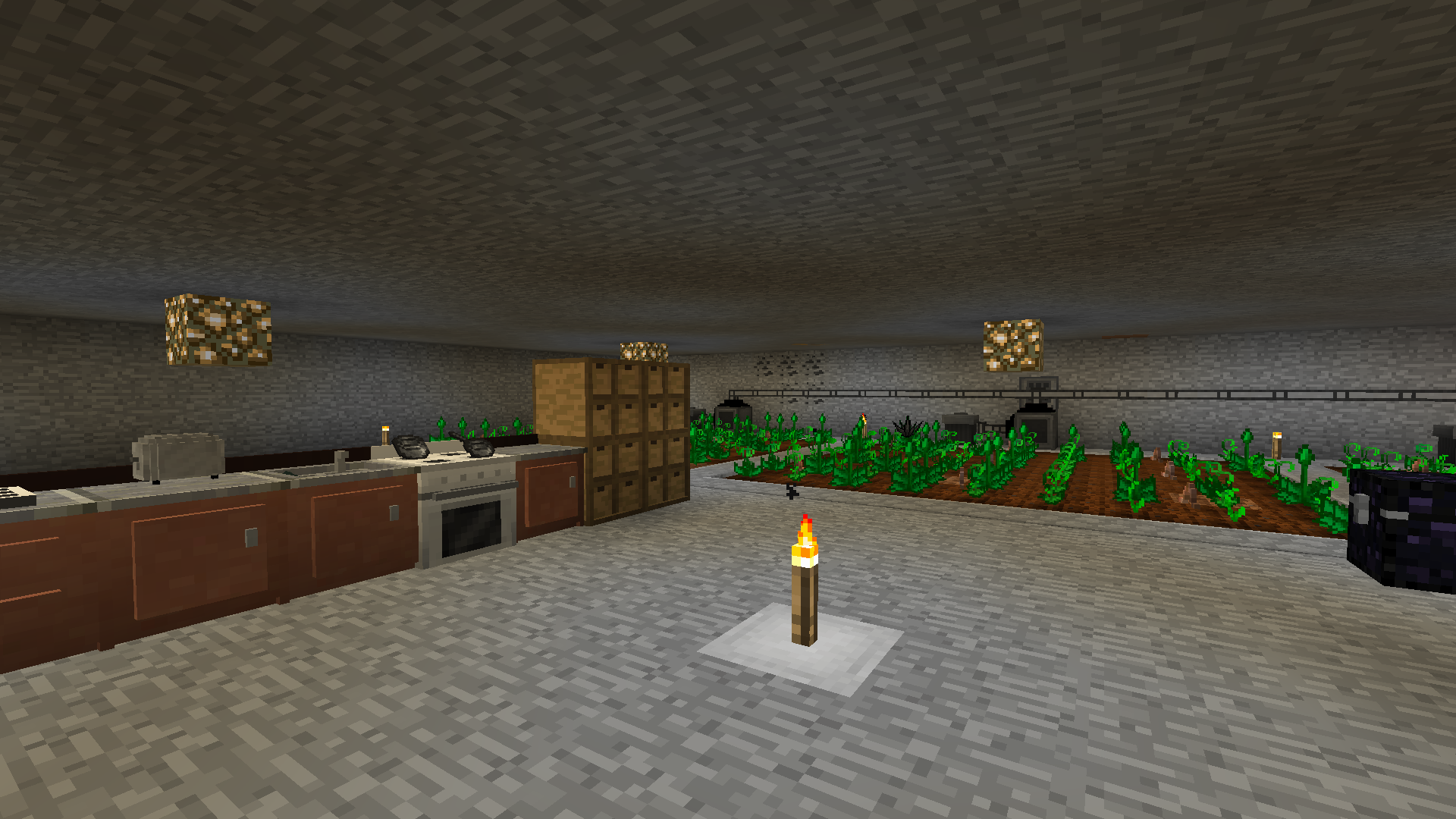
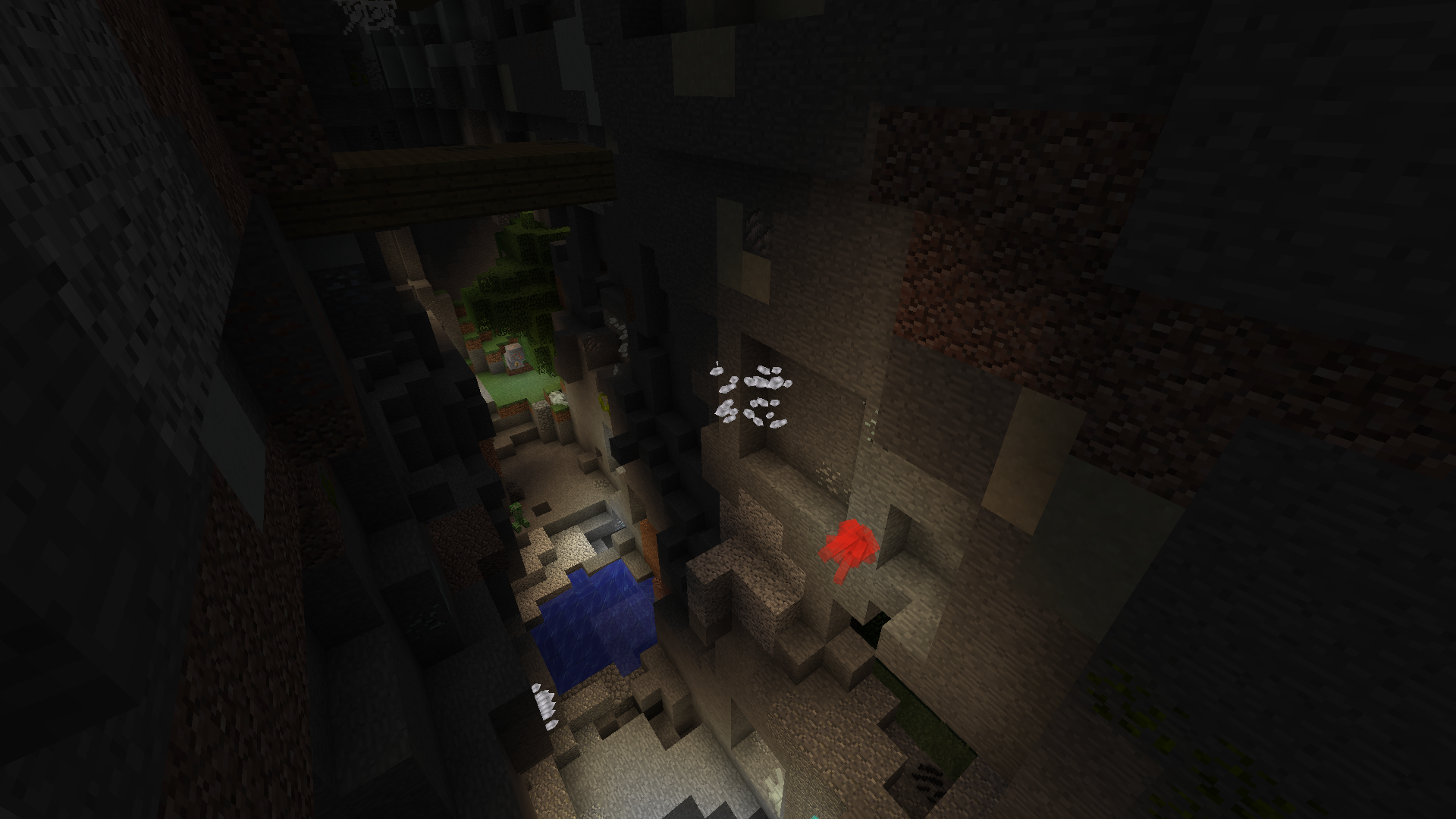
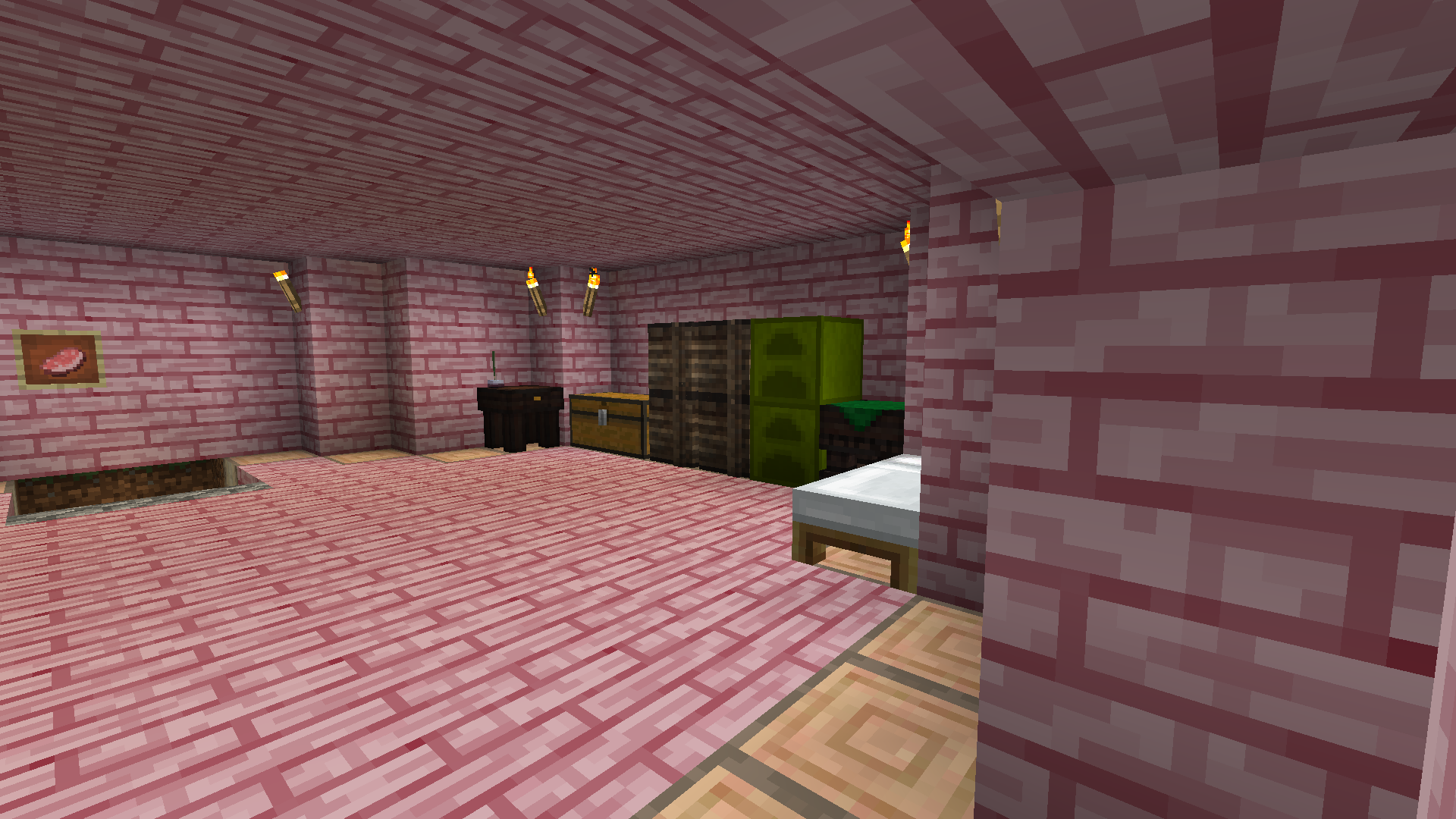
DortCraft is similar to “Attack of the B-Team.” It incorporates some of the most popular mods without compromising on user or server performance. This pack has a focus on tech, exploration, and magic.
Technical Info
4GB of RAM recommended.
Server Files Tutorial:
- Find the Forge version that matches the modpack.
- Download the forge version and install the server to a folder.
- Make a “mods” folder in the server folder and copy the mods over from the modpack.
- Make a “config” folder and copy the config files from the modpack over.
- Run the server and delete client-side mods that can’t run on the server.
If you are trying to start a server on DortCraft 6-6.2, remove Shulker Tooltip from the server-side files. It is a client-side only mod.
Mod Info
DortCraft 4 and 5 Include Galacticraft, which can be found here.
DortCraft 6 through 8 (excluding 6.2.1) are incompatible with Optifine.
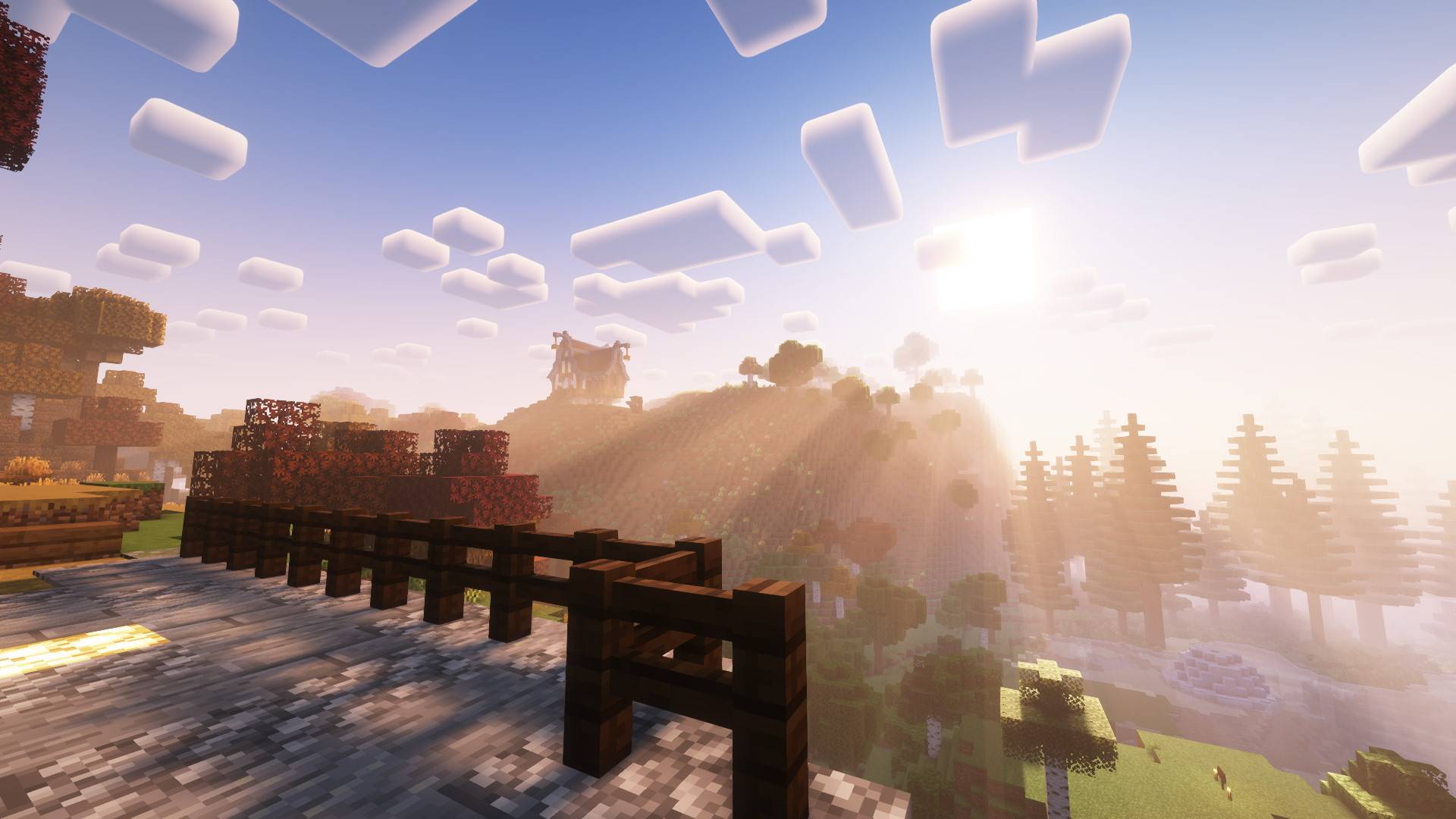
Shaders can be supported! Use a version of Oculus that corresponds to your Forge and game version. Just drop it in the mods folder.
Our Mod: UtopiaCraft
Server Hosting
 Kinetic Hosting provides the best Minecraft server hosting available. Try an affordable server using my affiliate link!
常见问题
DortCraft 支持哪些 Minecraft 版本?
DortCraft 支持 Minecraft Java 版 1.12.2–1.20.1,共 10 个版本,可用的加载器:Forge。下载时注意选择和你游戏版本一致的文件。
DortCraft 怎么安装?
点本页「前往下载」拿到整合包文件(Modrinth 的是 .mrpack,CurseForge 的是 .zip),在 PCL2 或 HMCL 启动器里选择「导入整合包」,启动器会自动装好 Minecraft、加载器和全部模组。建议在启动器里给游戏分配 4–6 GB 内存。
DortCraft 开服需要多大内存?
推荐服务器内存 12 GB。在线人数多、或者建了大量机器和区块加载器时,可以再加 2–4 GB。
怎么和朋友一起玩 DortCraft?
点本页的「一键开服」,选好配置后会自动安装 DortCraft 的服务端,几分钟就能开好。把服务器地址发给朋友,大家用同一个版本的整合包连进去就行。
评论
登录后评论和评分