截图
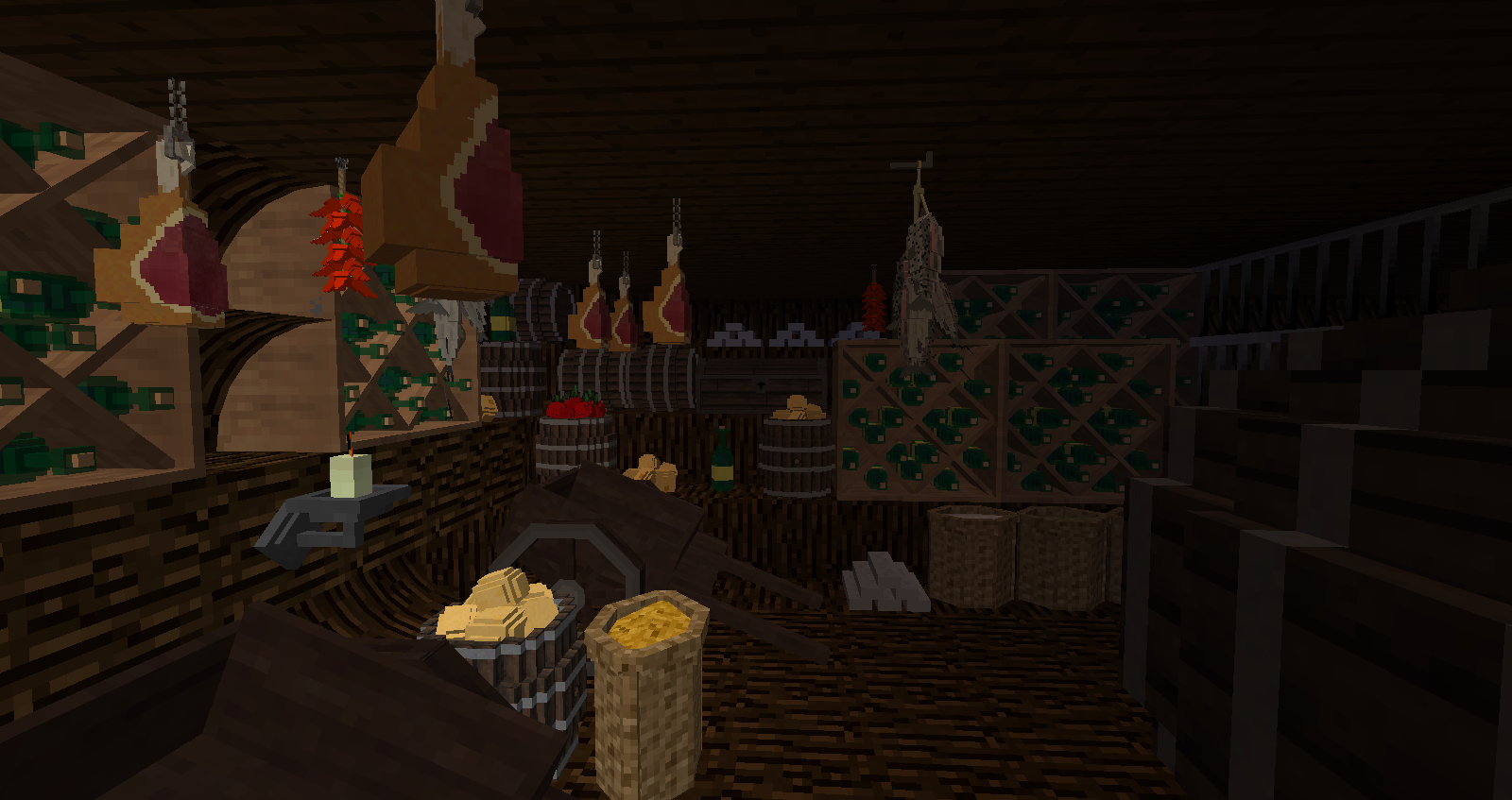
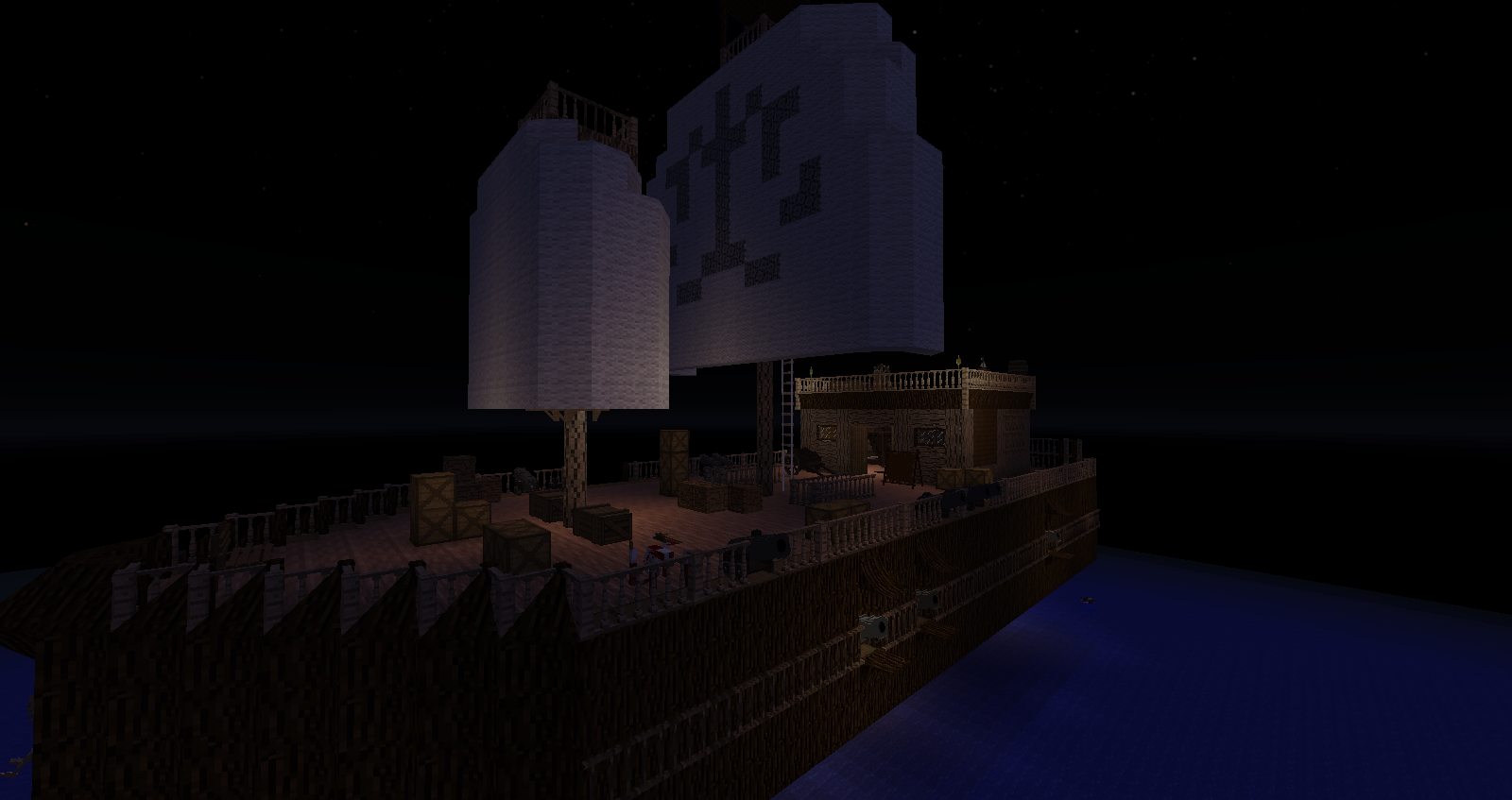
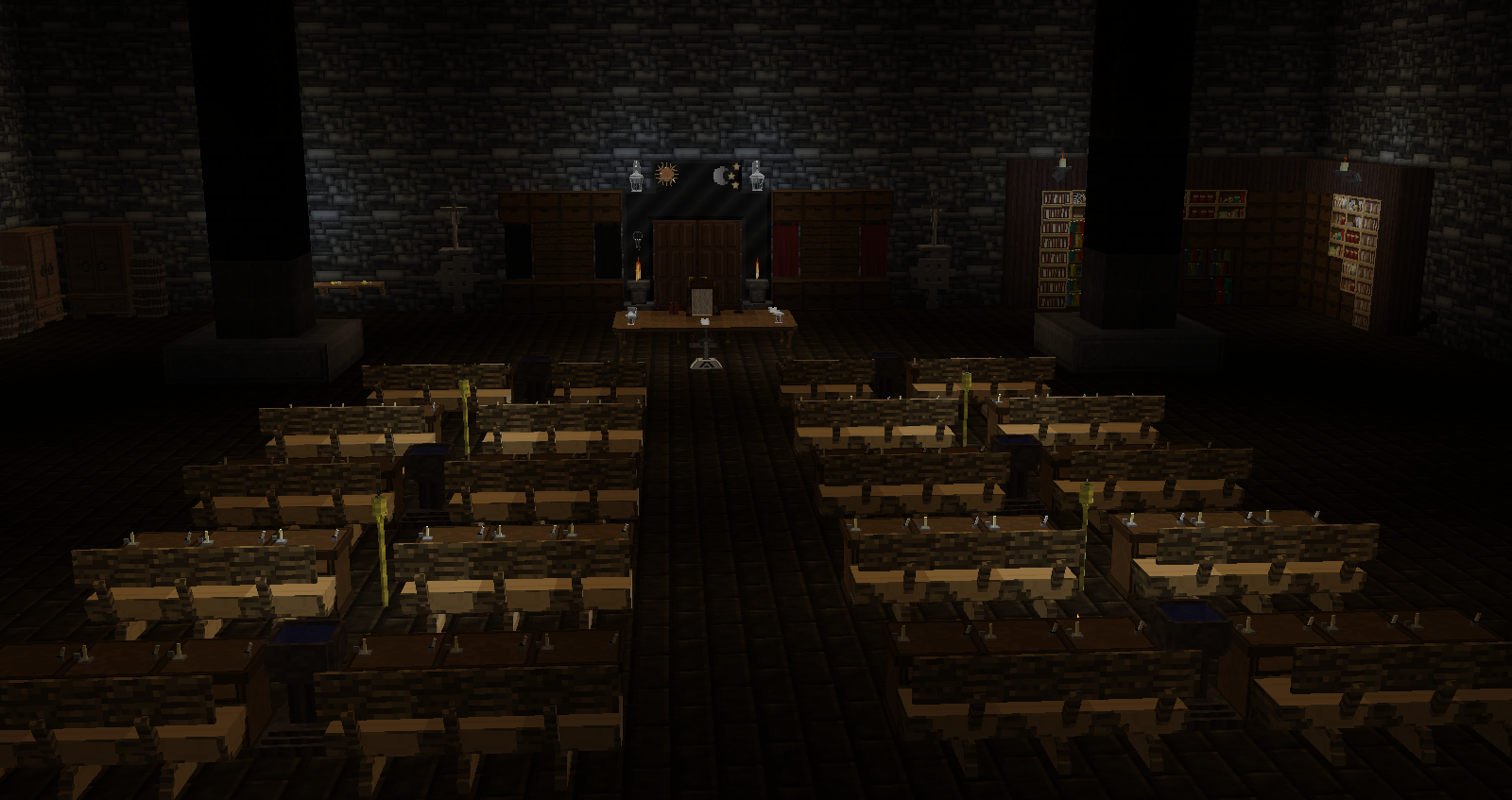
介绍
With many mods geared for creating the perfect Minecraft world whether a sprawling city, war torn plains, or small adorable little hamlets for chickens, I could think of no better way to visually represent my D&D campaigns. The block structures allow for a visual that can be mapped as an overhead town view or work as a basis for the rest of the imagination to take hold. Adding in ArchitectureCraft and Big Doors allowed me to really create vast structures that matched the image in my head. Bringing in other mods like metalurgy, minefactory, MrCrayfish’s furniture, witchery, ender io and many more gave me the small trinkets and filler items needed to create full immersion.
Mods such as Town Builder, Insta House, and Instant Blocks make it super easy to quickly create a town or village with the base Minecraft blocks. Everything was chosen to make it simple, quick, and stress free so you can get back to playing the world you have already created.
While the pack can certainly be played in survival, it was designed to be done in Creative for quick map generation.
Antique Atlas is a very fun and unique mod that creates awesome maps that can be exported, the only downside being that it only works with the base Minecraft blocks. Even still it is an amazing tool that can add further levels of immersion. Hope you enjoy!
常见问题
D&D Pack 支持哪些 Minecraft 版本?
D&D Pack 基于 Minecraft Java 版 1.7.10,使用 Forge 加载器。
D&D Pack 怎么安装?
点本页「前往下载」拿到整合包文件(Modrinth 的是 .mrpack,CurseForge 的是 .zip),在 PCL2 或 HMCL 启动器里选择「导入整合包」,启动器会自动装好 Minecraft、加载器和全部模组。建议在启动器里给游戏分配 4–6 GB 内存。
D&D Pack 开服需要多大内存?
推荐服务器内存 12 GB。在线人数多、或者建了大量机器和区块加载器时,可以再加 2–4 GB。
怎么和朋友一起玩 D&D Pack?
点本页的「一键开服」,选好配置后会自动安装 D&D Pack 的服务端,几分钟就能开好。把服务器地址发给朋友,大家用同一个版本的整合包连进去就行。
评论
登录后评论和评分