
Create – Skyworks
A Create‑focused engineering pack where you build factories, automate production, and eventually take to the skies with fully custom aircraft.
截图
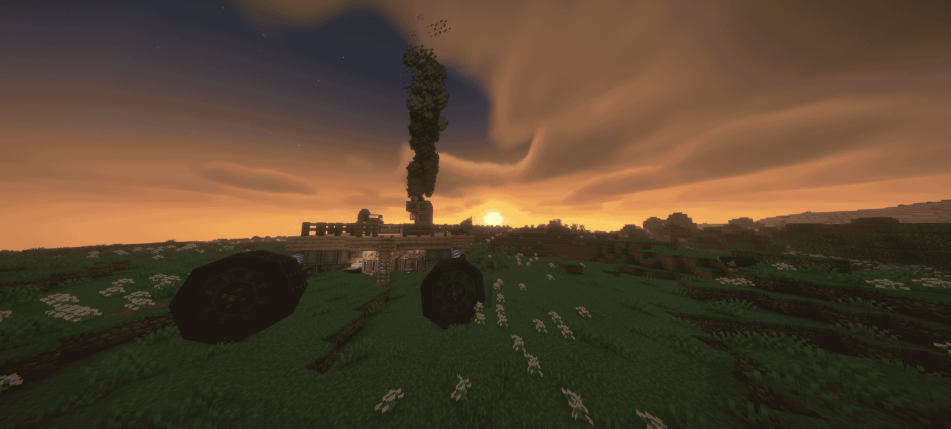
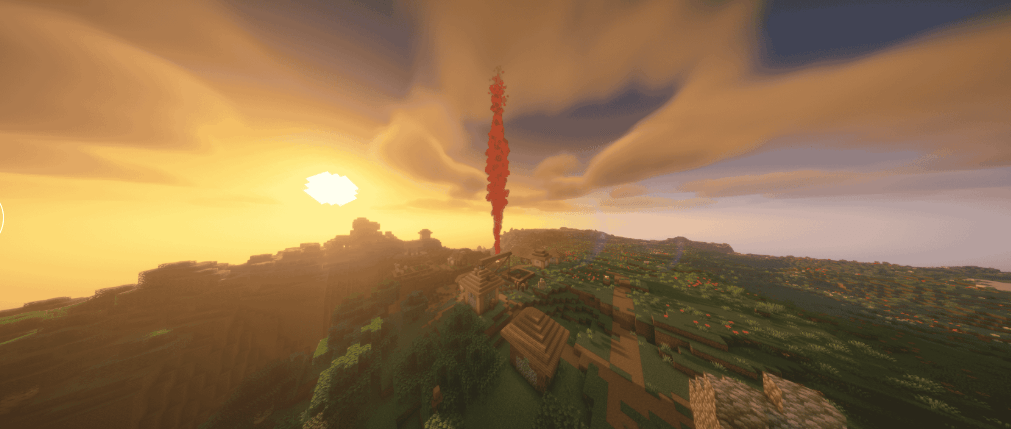


介绍
This modpack is built around the engineering depth of Create and the full aviation ecosystem of Create: Aeronautics, expanded with multiple Aeronautics add‑ons like Thrusters & Things, Transmission & Linkage, Delivery Required, Toolgun, Lift Patch, and Aeroworks. Together, they create a complete aircraft‑building experience with modular parts, realistic physics, advanced propulsion, and detailed mechanical systems.
To support large‑scale engineering, it includes Create Big Cannons, Create Propulsion: Simulated, Create: Blocks & Bogies, Create: Compact Flap, Create Connected, Create Cardan Shafts, Create Numismatics, and Create Tracks, giving players expanded machinery, transportation, motion control, and factory‑building options.
Quality‑of‑life and UI enhancements come from EMI, JEI, Mouse Tweaks, Power Screenshot, Ponder for KubeJS, and Sophisticated Backpacks, making building, exploring, and managing resources smoother and more intuitive.
Visual and rendering improvements are handled by Iris Shaders, Sodium, Entity Model Features, Entity Texture Features, and Sable, shader support, and enhanced entity visuals.
For worldbuilding and navigation, the pack includes WorldEdit, Xaero’s Minimap, and Xaero’s World Map, giving players powerful tools for construction and exploration. Steam ’n’ Rails and VS/Sable Hose Connectors add more mechanical depth and transportation options.
Altogether, this modpack creates a polished engineering sandbox where you can design factories, build complex machines, construct realistic aircraft, and explore the world with powerful tools and smooth performance — perfect for players who love automation, aviation, and creative engineering.
常见问题
Create – Skyworks 支持哪些 Minecraft 版本?
Create – Skyworks 基于 Minecraft Java 版 1.21.10,使用 NeoForge 加载器。
Create – Skyworks 怎么安装?
点本页「前往下载」拿到整合包文件(Modrinth 的是 .mrpack,CurseForge 的是 .zip),在 PCL2 或 HMCL 启动器里选择「导入整合包」,启动器会自动装好 Minecraft、加载器和全部模组。建议在启动器里给游戏分配 4–6 GB 内存。
Create – Skyworks 开服需要多大内存?
推荐服务器内存 12 GB。在线人数多、或者建了大量机器和区块加载器时,可以再加 2–4 GB。
怎么和朋友一起玩 Create – Skyworks?
点本页的「一键开服」,选好配置后会自动安装 Create – Skyworks 的服务端,几分钟就能开好。把服务器地址发给朋友,大家用同一个版本的整合包连进去就行。
评论
登录后评论和评分