Create Industrial Lite Performance Edition
Build massive factories without the lag! The ultimate Create modpack for low-end PCs and laptops. Extreme optimization, high FPS, and fast load times.
截图

介绍
⚙️ Does your PC struggle with the Create Mod? This is the solution!
Create: Industrial Lite was designed with one simple goal: building massive, complex factories filled with gears, trains, and machinery without dropping to 10 FPS.
This isn’t just another bloated modpack with 300+ mods you’ll never use. This is a surgically optimized experience, fine-tuned to make the Create mod shine on modest hardware, office laptops, and even the Steam Deck.
🚀 Why choose this pack? (The “Lite” Philosophy)
- Extreme FPS: Powered by the most modern optimization stack (Sodium/Embeddium, Lithium, FerriteCore, and more) to squeeze every frame out of your hardware.
- Fast Loads & Low RAM: No more waiting 10 minutes to join your world. This pack boots fast and remains stable even with only 4GB – 6GB of allocated RAM.
- Zero Bloatware: Only the essentials. If it doesn’t help you build a factory or improve performance, it’s not in the pack.
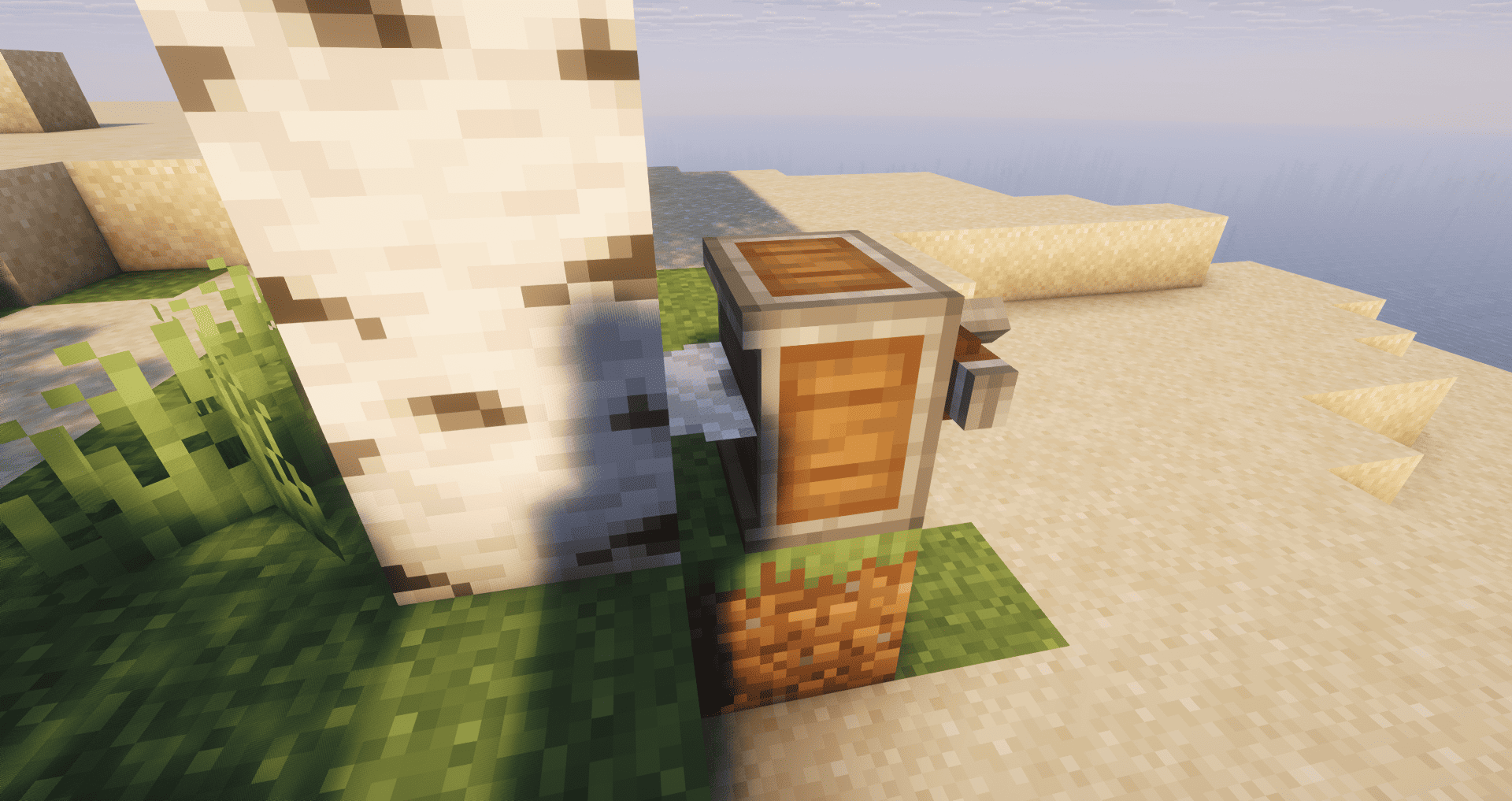
- Shader-Ready: Thanks to Iris/Oculus support, you can run lightweight shaders (like Complementary Reimagined on Low profile) while maintaining smooth gameplay.
🏭 Core Content
We kept the industrial experience pure and focused:
- Create: The king of mechanical engineering.
- Create: Steam ‘n’ Rails: Real trains! New track types, signals, and conductors for your massive logistics network.
- Create Crafts & Additions: The bridge between rotational force and electricity (FE).
- Quality of Life: Essential tools like JEI (recipes), Jade (block info), optimized maps, and inventory tweaks.
🔧 System Requirements
- Minimum: 4GB RAM allocated. Works on integrated graphics!
- Recommended: 6GB RAM allocated for higher render distance and smooth shaders.
常见问题
Create Industrial Lite Performance Edition 支持哪些 Minecraft 版本?
Create Industrial Lite Performance Edition 基于 Minecraft Java 版 1.21.1,使用 NeoForge 加载器。
Create Industrial Lite Performance Edition 怎么安装?
点本页「前往下载」拿到整合包文件(Modrinth 的是 .mrpack,CurseForge 的是 .zip),在 PCL2 或 HMCL 启动器里选择「导入整合包」,启动器会自动装好 Minecraft、加载器和全部模组。建议在启动器里给游戏分配 4–6 GB 内存。
Create Industrial Lite Performance Edition 开服需要多大内存?
推荐服务器内存 12 GB。在线人数多、或者建了大量机器和区块加载器时,可以再加 2–4 GB。
怎么和朋友一起玩 Create Industrial Lite Performance Edition?
点本页的「一键开服」,选好配置后会自动安装 Create Industrial Lite Performance Edition 的服务端,几分钟就能开好。把服务器地址发给朋友,大家用同一个版本的整合包连进去就行。
MR32 的其他作品
查看全部 →
Cobblemon Lite – Performance Edition
The ultimate lightweight Cobblemon experience for 1.21.1. Extreme optimization with Sodium, ultra-fast loading, and low RAM usage. Ideal for low-end PCs and laptops.
MR32 Vanilla Plus Performance
The ultimate 1.21.1 optimization pack. High FPS, built-in Shaders, Fresh Animations, and the Essential mod to play with friends for free!

Animalia Sanctuary
Build your dream refuge in this relaxing 1.20.1 collection focused on biodiversity, animal care, and peaceful exploration. The perfect sanctuary for nature enthusiasts.
评论
登录后评论和评分