
截图
介绍
Chapter 1
The Star.
After all this time no one have ever maked to the “Secret star” so you haved an idea to try to make to the secret star but on the way Something Happened to the world a big falling star fell from the sky and destroyed everything but everything stopped in time but you are the Only person Alive to save the world and now the world is on yours hand and to save the world you will need to make all tho way to the Secret Star.
Chapter 2
The World…
Years have passed all you still tinking how to make that Secret star but when you was for some ores to the secret star mining you found a Explorer log so you pick up and start reading..
“Explorer Log: Hi my name is martin and this is day 2/06/1992 and i was mining when i heard a big explosion on the surface but i cant leave Because some rocks are on the way blocking all my way to surface and i dont know what to do but all i know is i found a strange structure With a bug stone star on it and..”
Authors: Ped_13, Bbrgnhop
About The Modpack:
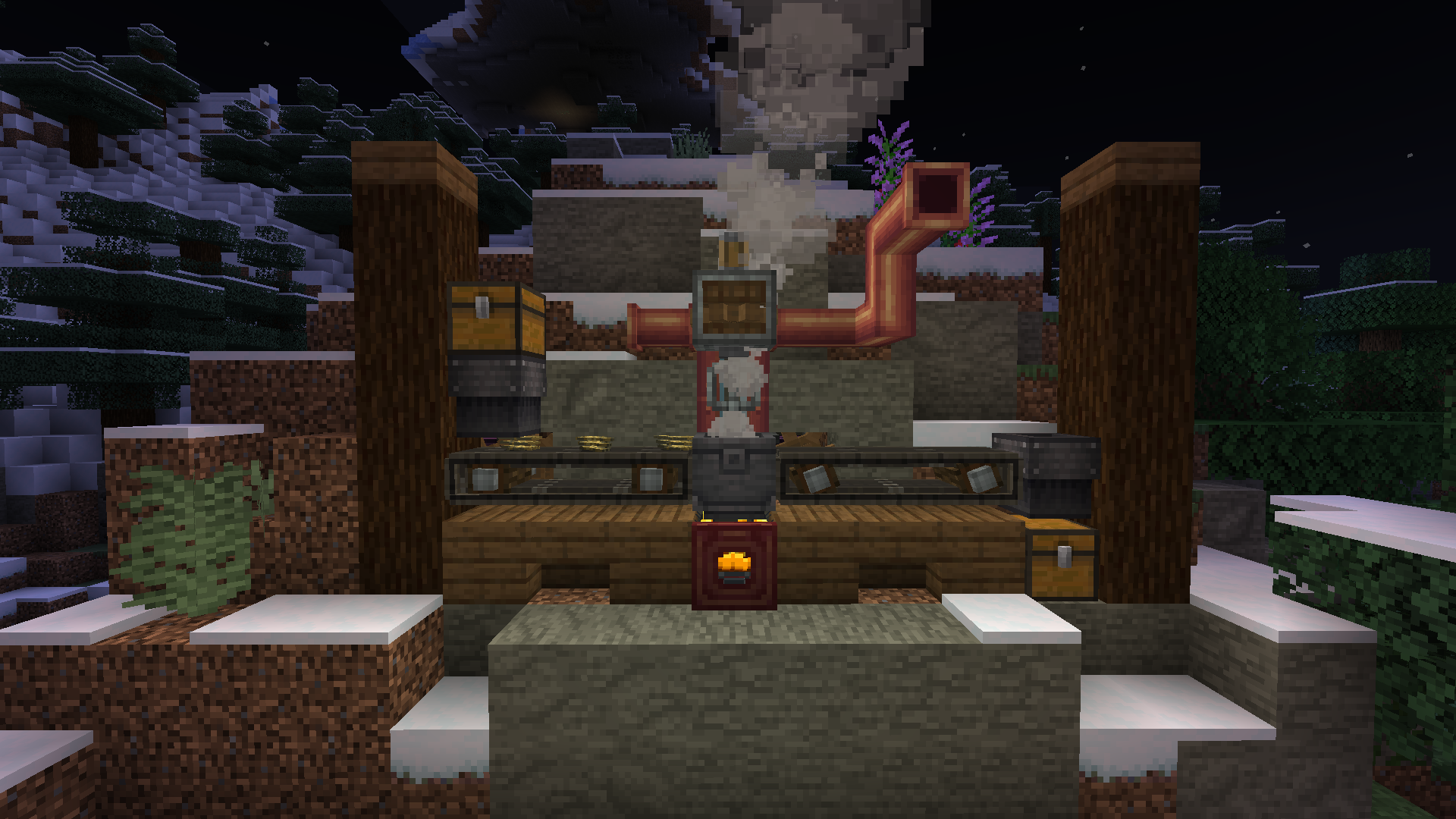
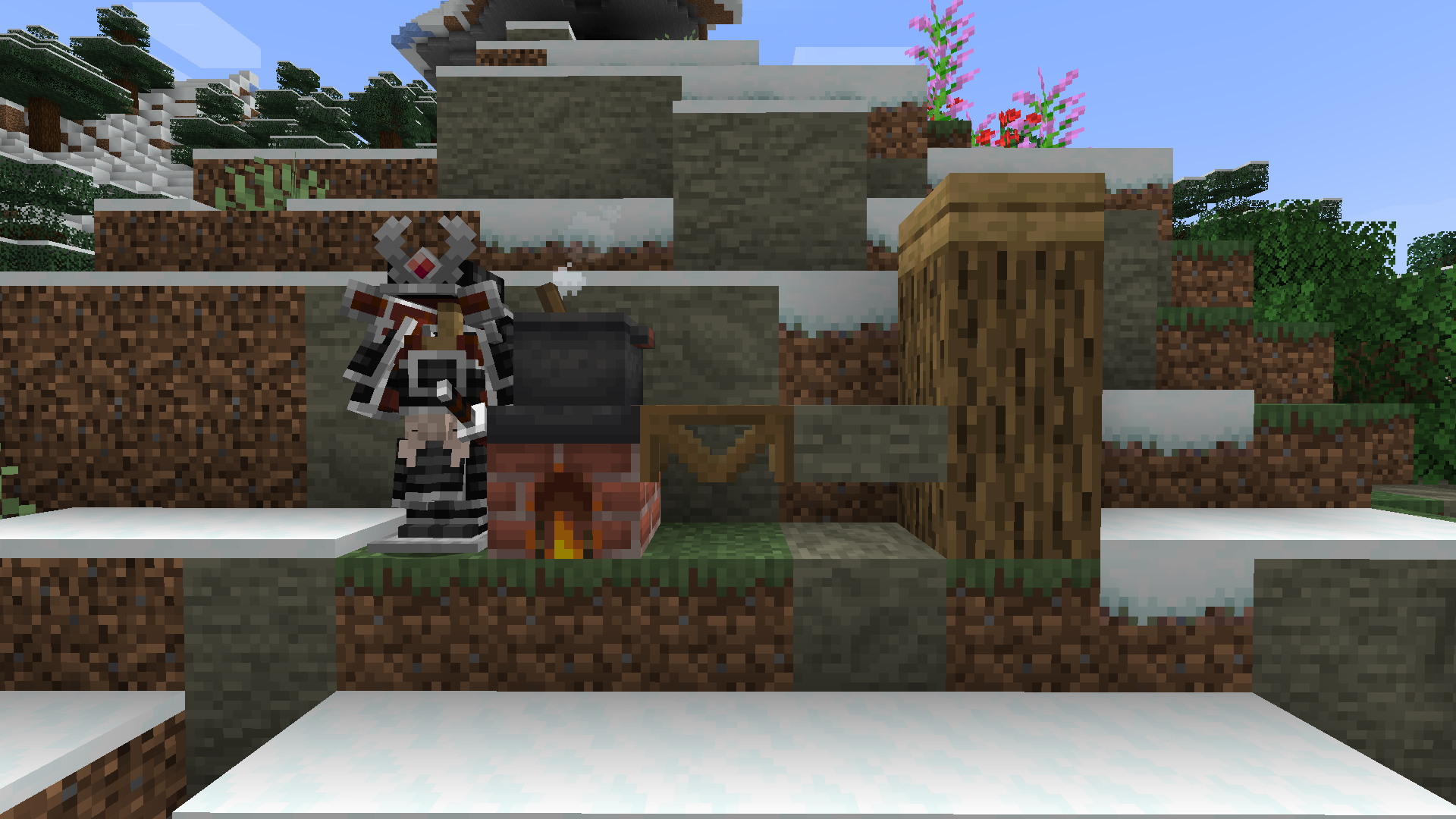
This modpack is about a world that got destroyed about a star and you are the only that can save it, the modpack have a simple porpuse that Is to make some machines get better upgrades complete quests and then on the final mission you can actually save the world and boom you Saved the world and that its, modpack about missions world evolution progress quests.
————————————————————–
Xali’s Enchanced Vanilla, Author: Xalixilax
Enchanced Bossbar, Author: Nakuring
Gui Rextextures, Author: flatjim_
Tom’s Create Storage, Author: EndRage
Motschen’s Better Leaves,Autor: Motschen
Shaders: Complemetary Shaders – Reinmagined – Unbound,
————————————————————–
Discord Link: . . .
Server Isn’t done
————————————————————–
Chapter 1 Out, Chapter 2 still in progress.. We are making other chapters about unknow worlds.
————————————————————–
常见问题
Create: EveryThing-g 支持哪些 Minecraft 版本?
Create: EveryThing-g 基于 Minecraft Java 版 1.20.1,使用 Forge 加载器。
Create: EveryThing-g 怎么安装?
点本页「前往下载」拿到整合包文件(Modrinth 的是 .mrpack,CurseForge 的是 .zip),在 PCL2 或 HMCL 启动器里选择「导入整合包」,启动器会自动装好 Minecraft、加载器和全部模组。建议在启动器里给游戏分配 4–6 GB 内存。
Create: EveryThing-g 开服需要多大内存?
推荐服务器内存 12 GB。在线人数多、或者建了大量机器和区块加载器时,可以再加 2–4 GB。
怎么和朋友一起玩 Create: EveryThing-g?
点本页的「一键开服」,选好配置后会自动安装 Create: EveryThing-g 的服务端,几分钟就能开好。把服务器地址发给朋友,大家用同一个版本的整合包连进去就行。

评论
登录后评论和评分