
Create: Cobblemon [Cardboard Edition]
A Casual Modpack that includes various mods such as Create where you can automate almost anything you can think of, Cobblemon to catch friends and fight various monster in engaging battles, Minecolonies where you can become a mayor of your own town!
截图
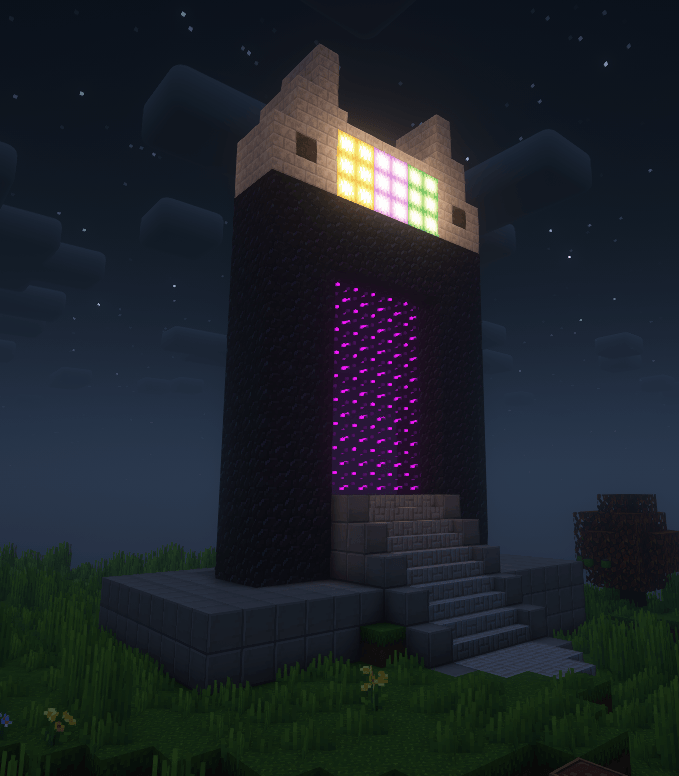
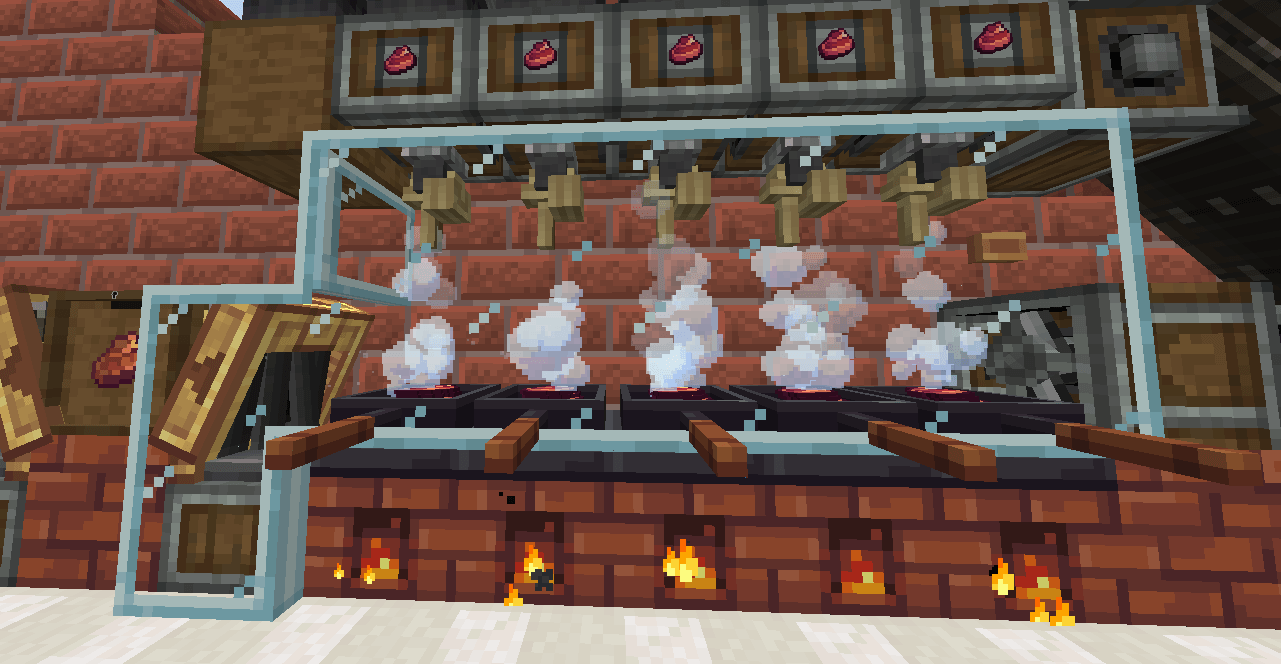
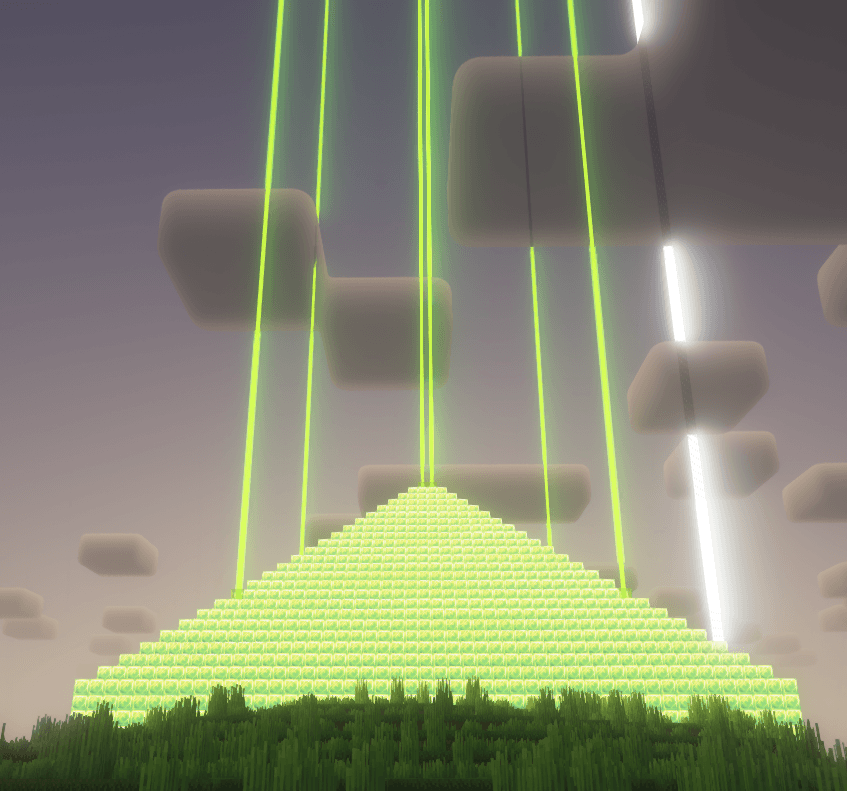
介绍
Create: Cobblemon [Cardboard Edition]

Custom Content Includes:
1000+ Additional Recipes
Pack Tailored Quests
All the Cobblemons!
Daily Shop and Sellingbin to give that Stardew-like trading.

Mods Featuring:
Create 6.0+ addons
The NEWEST Create with all its compatiable addons ranging from Jetpacks to Decorations.
MineColonies + Styles
Be the mayor of your own town! Now with variety of style to match anyone palette.
Cobblemon + Addons
Start your Cobblemon Adventure today, catch friendly familiar faces. Let them gaze around, battle, or simply ride them on your journey.
Chipped + Rechisseled
The above are the main focus, there are 100+ more included ranging from QOL to Shaders!

Official Server & Server Pack is included
Friendly Community and willing to assist when needed. New and Veterans are welcomed.
Lower to Mid End PC should be able to handle the pack seamlessly.
Shaders and Resource Pack will be automatically included for the people that would like to push their PC to the limit on how beautiful Minecraft can look.
A Server Pack is included in additional files section for those who want to host their own.
Official Discord https://discord.gg/SGUDZa49Uk
常见问题
Create: Cobblemon [Cardboard Edition] 支持哪些 Minecraft 版本?
Create: Cobblemon [Cardboard Edition] 基于 Minecraft Java 版 1.21.1、1.20.1,使用 Forge / NeoForge 加载器。
Create: Cobblemon [Cardboard Edition] 怎么安装?
点本页「前往下载」拿到整合包文件(Modrinth 的是 .mrpack,CurseForge 的是 .zip),在 PCL2 或 HMCL 启动器里选择「导入整合包」,启动器会自动装好 Minecraft、加载器和全部模组。建议在启动器里给游戏分配 4–6 GB 内存。
Create: Cobblemon [Cardboard Edition] 开服需要多大内存?
推荐服务器内存 12 GB。在线人数多、或者建了大量机器和区块加载器时,可以再加 2–4 GB。
怎么和朋友一起玩 Create: Cobblemon [Cardboard Edition]?
点本页的「一键开服」,选好配置后会自动安装 Create: Cobblemon [Cardboard Edition] 的服务端,几分钟就能开好。把服务器地址发给朋友,大家用同一个版本的整合包连进去就行。
评论
登录后评论和评分