Create a War
This modpack combines the power of the Create mod and the power of Valkyrien Skies combined with Minecolonies therefore making it the perfect candidate to wage war. Also There are plenty more mods in there.
截图
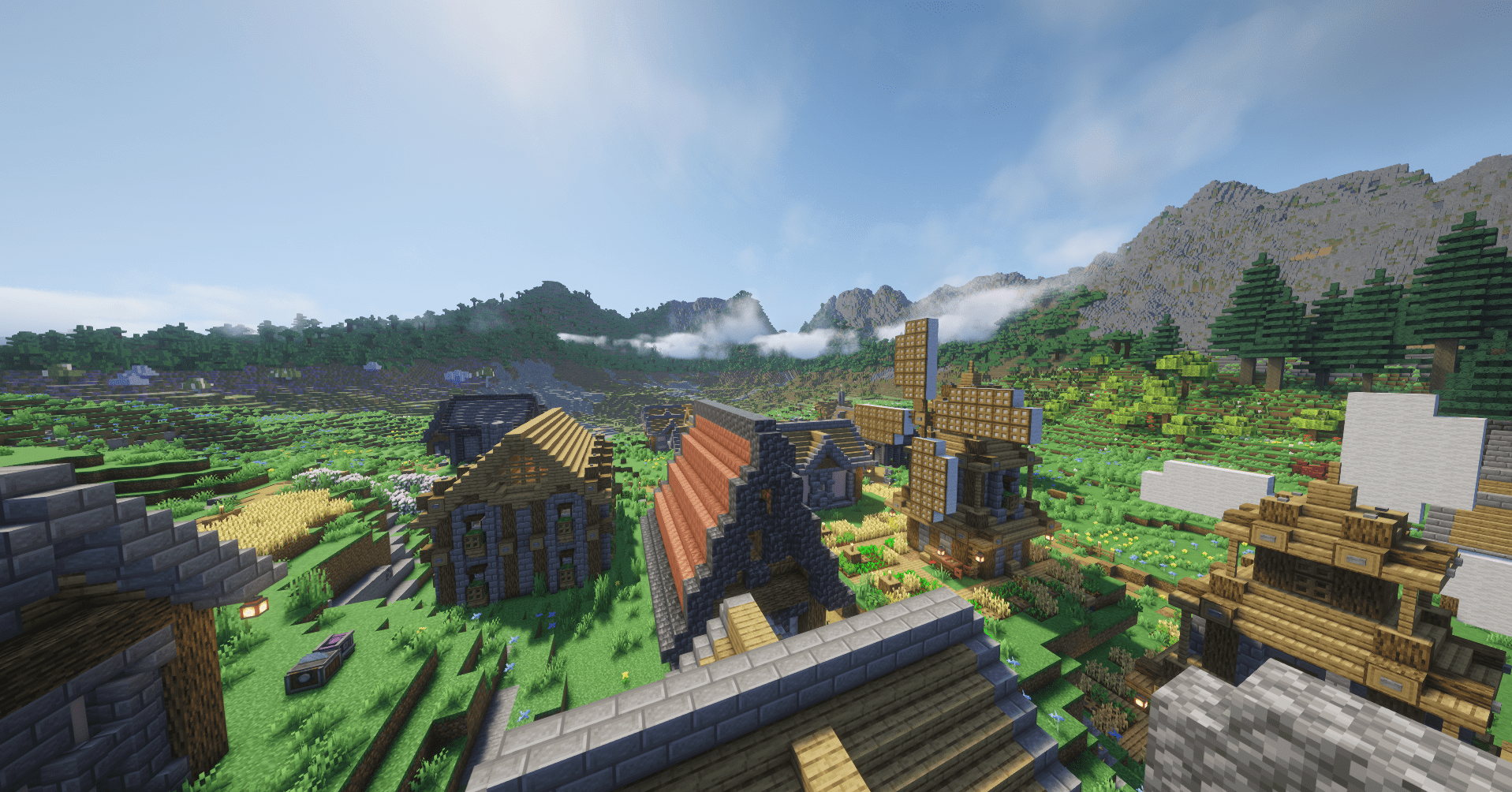
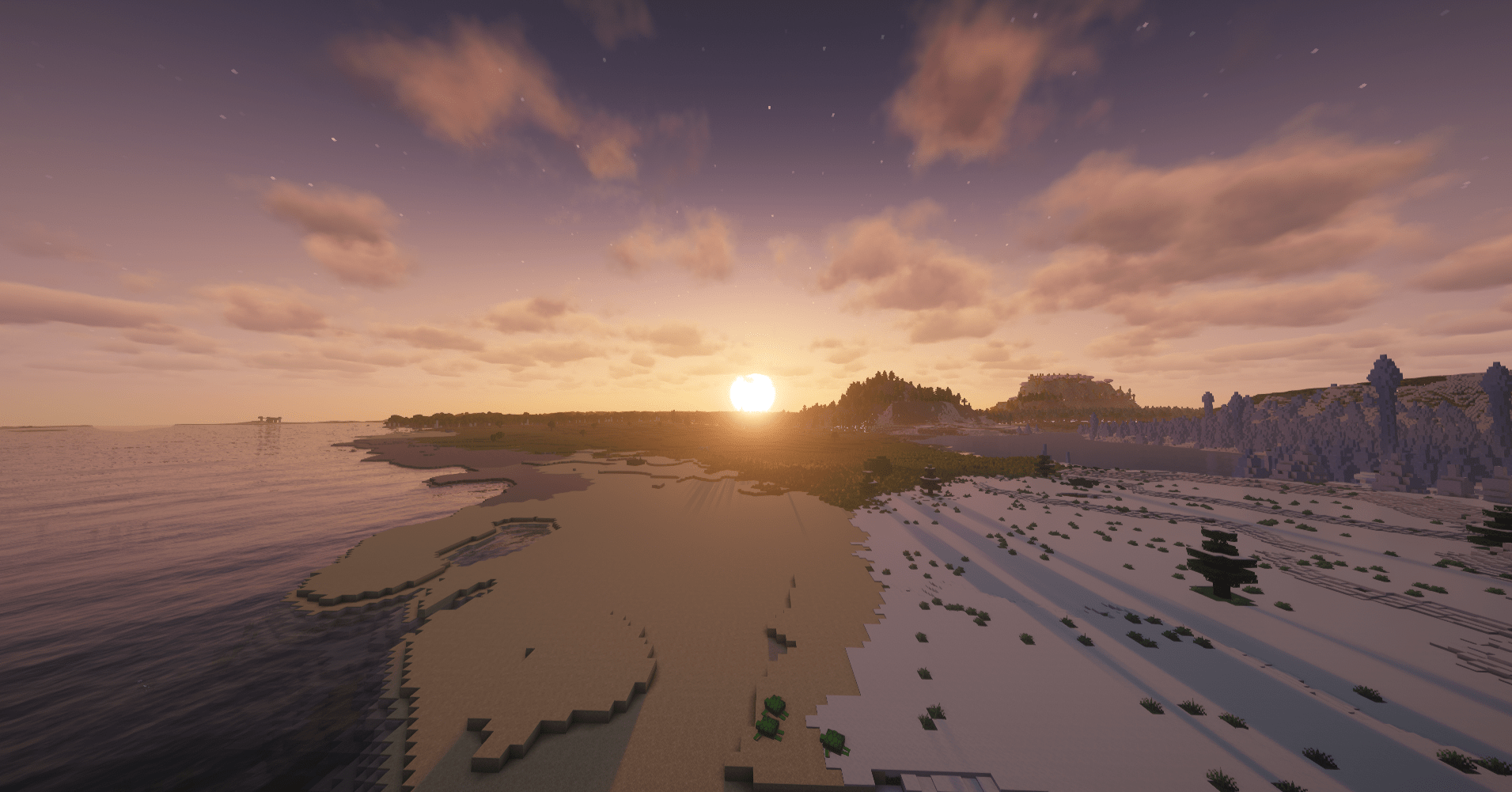
介绍
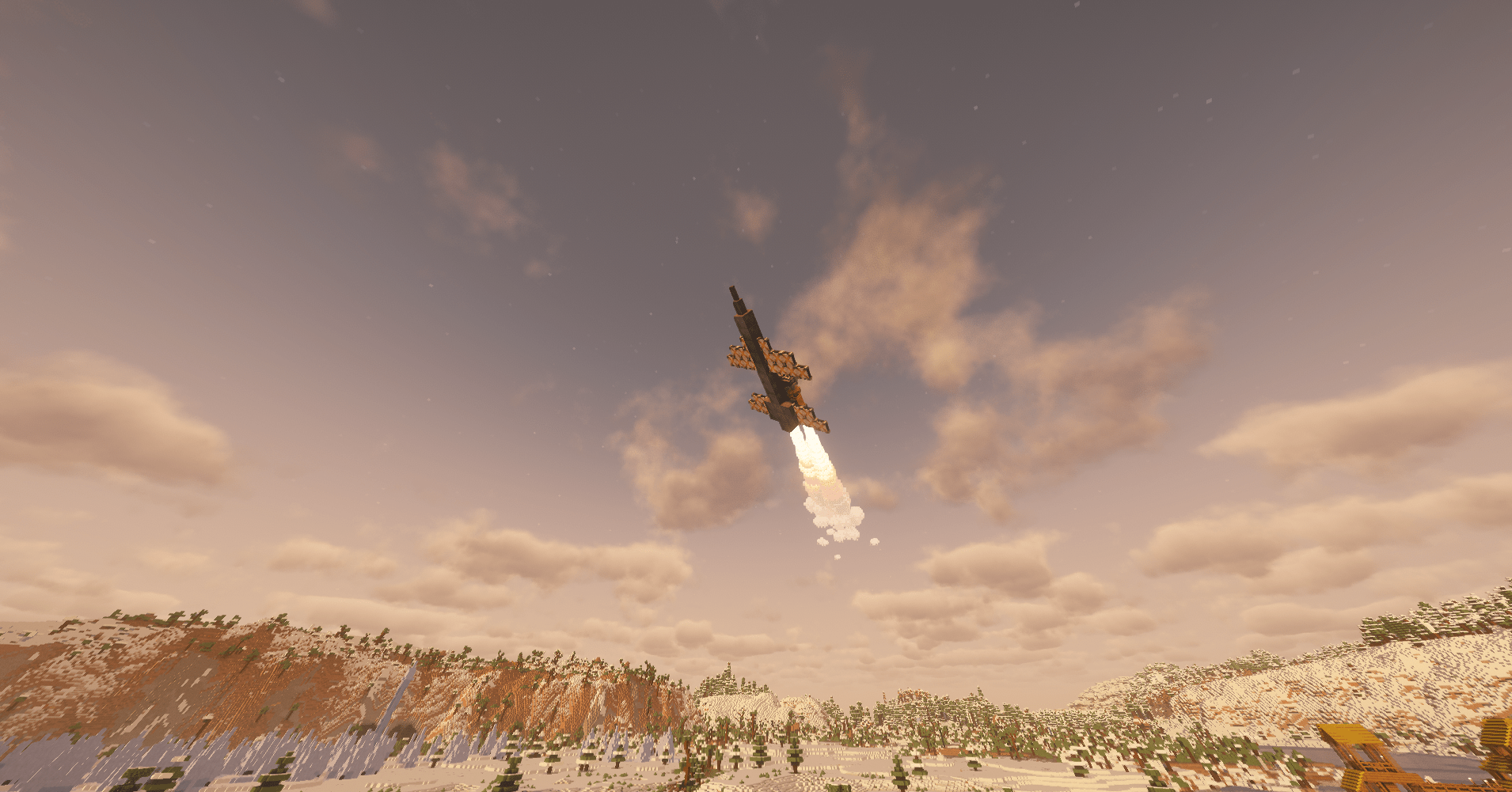
This mod has the create mod and many other create addons to make sure you can make soo many contraptions in just might break the world(joke). Then there is valkyrien skies where you can add physics to any in game block and if you wish combine that with a nuclear fusion bomb to make a missile… do it. Plenty of preformance mods on here so that isn’t a issue. To top it all off we have minecolonies so if you are playing with friends nuke them. Also there are “voluntary workers”.
KNOWN ISSUES/FIXES:
If you can’t see block on Valkyrien Skies entites, turn off “use max block entity distance” under “video settings/sodium extras/entity culling”. If the problem presists turn off “entity culling” and “block face culling” under “video settings/preformance”.This is now turned off by default.
IMPORTANT NOTE:
I know the DISTANT HORIZONS mod can be a lot for the computer so you can safely remove it from the modpack or serverpack. Just navigate to the place where the modpack is installed (if you are using the app you can click the 3 dots next to play) and look for the mods folder. Once in there search for DistantHorizons->version<-fabric-forge.jar and delete it. Same goes for the serverpack, just find the mod folder and delete distant horizons.
Note that if you delete it only in the modpack and not in the serverpack it won’t work. Also vice-versa.
Want to play with friends?

The Create a War team has now partnered with Wabbanode server hosting.
If you would like to set up your own server with a 25% discount for the first month, here is the link: https://wabbanode.com/affiliate/createawar
Or if you want to select a different modpack (the discount still works): https://wabbanode.com/affiliate/panzerstridsvan
THE CODE IS:
CREATEAWAR25
常见问题
Create a War 支持哪些 Minecraft 版本?
Create a War 基于 Minecraft Java 版 1.20.1,使用 Forge 加载器。
Create a War 怎么安装?
点本页「前往下载」拿到整合包文件(Modrinth 的是 .mrpack,CurseForge 的是 .zip),在 PCL2 或 HMCL 启动器里选择「导入整合包」,启动器会自动装好 Minecraft、加载器和全部模组。建议在启动器里给游戏分配 4–6 GB 内存。
Create a War 开服需要多大内存?
推荐服务器内存 12 GB。在线人数多、或者建了大量机器和区块加载器时,可以再加 2–4 GB。
怎么和朋友一起玩 Create a War?
点本页的「一键开服」,选好配置后会自动安装 Create a War 的服务端,几分钟就能开好。把服务器地址发给朋友,大家用同一个版本的整合包连进去就行。
评论
登录后评论和评分