
Create: 30 Day Build Challenge
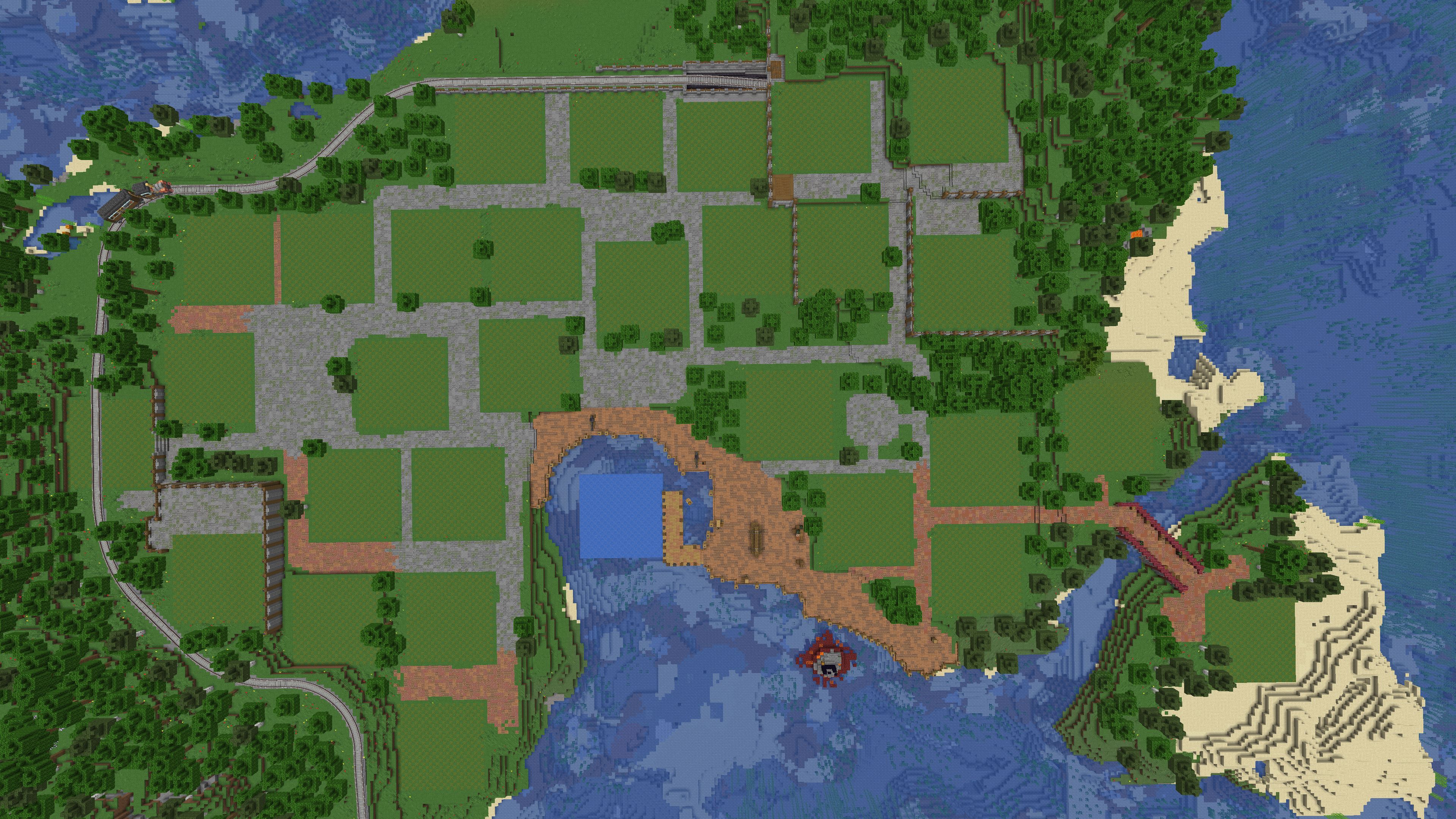
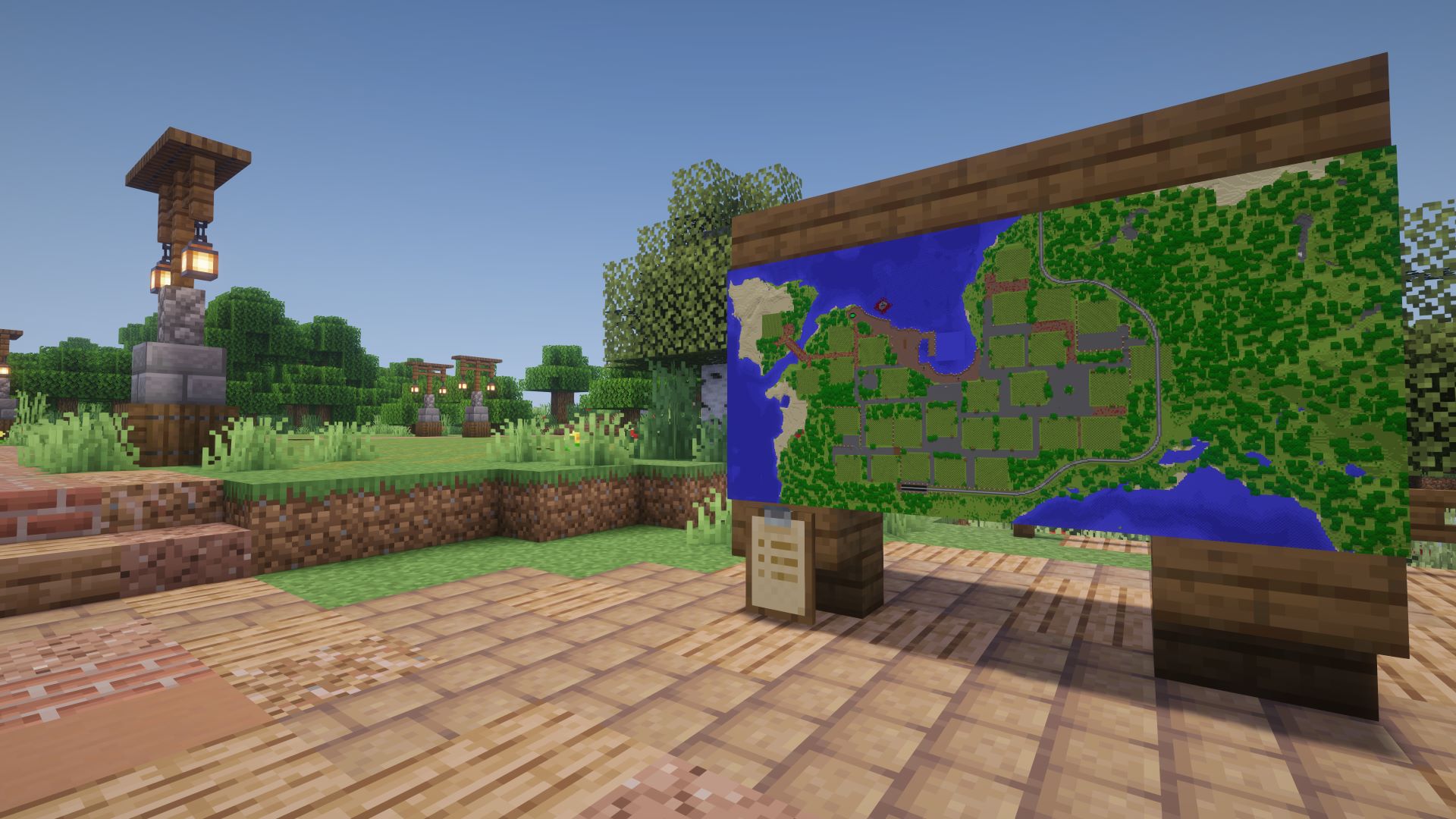
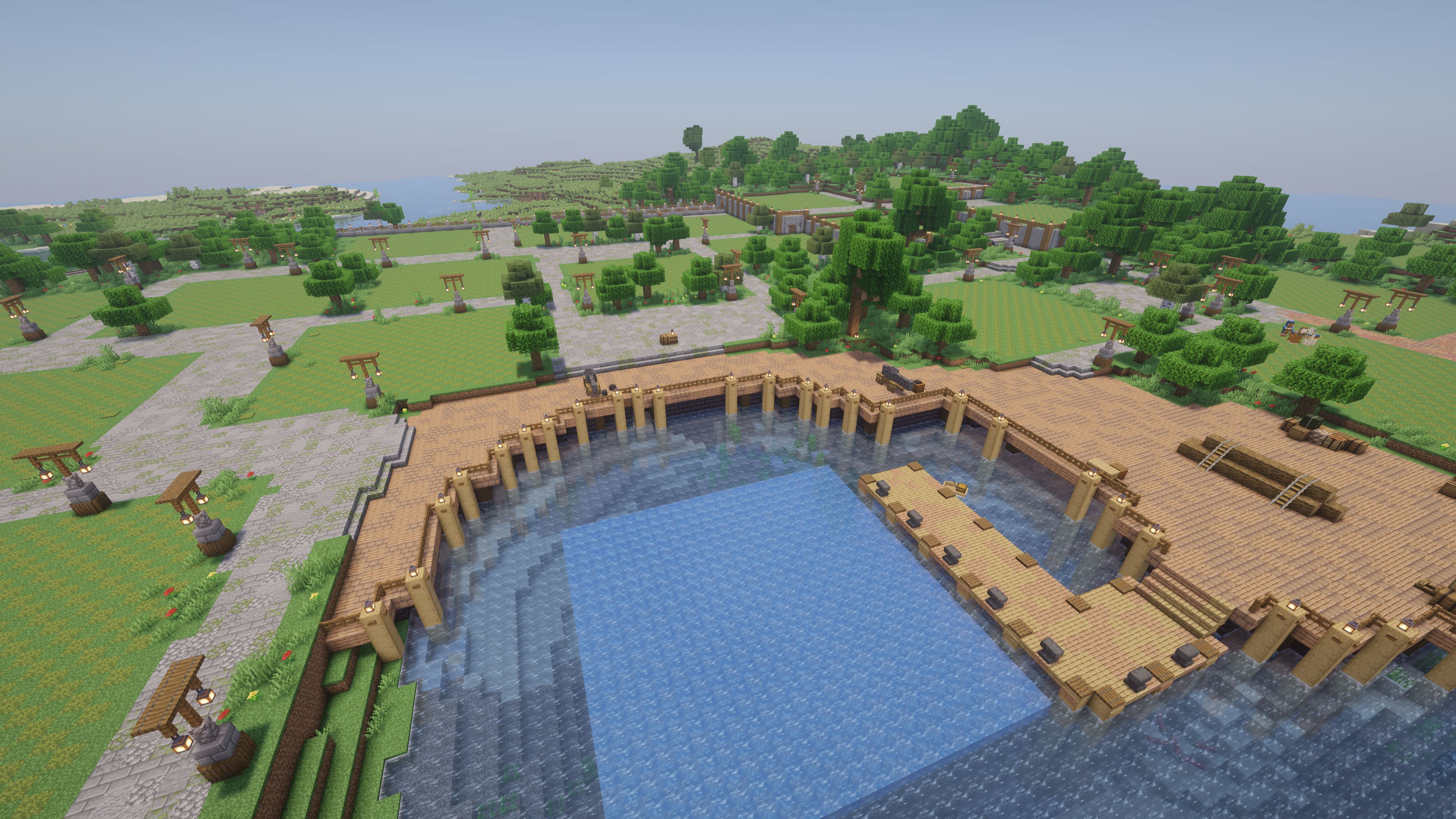
This modpack features a world with 30 plots for you to take on the 30 day Create mod build challenge!
截图

介绍
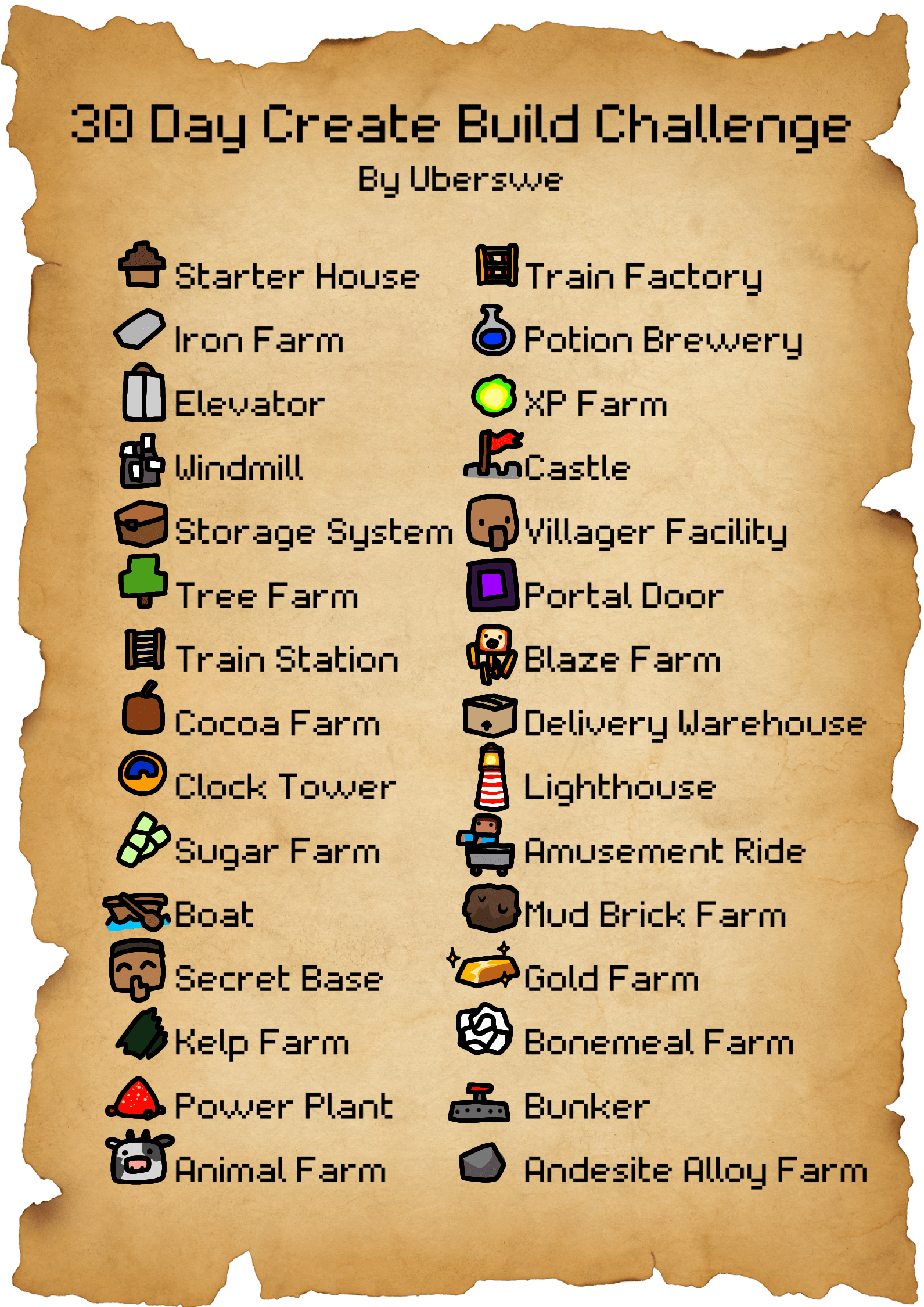
This modpack features a world with 30 plots for you to take on the 30 day Create mod build challenge! It also comes with all the mods you will need to record yourself as you build your world. Here are 30 build prompts to get you started, feel free to interpret them as you would like!

Share Your Builds!
I would love to see what you create during this challenge. Share your builds via CreateMod.com or Schematicannon.com with the tag “30 Day Challenge”. You can also post them on my Discord, join via this link: https://discord.gg/NQJuhb6stv
I am also looking to feature some of your builds in my upcoming videos, please make sure the builds conform to the following rules.
- Stay within the 25×25 area for each build
- There is no limit on how high or low you can go
- Keep it to as few mods as possible
- Use one of the prompts listed above
Other uses for the map
The map was made for this challenge which I am doing in creative mode however you are free to use the map in any way you would like! You can use it for survival to build your base or anything else you can think of, feel free to use your imagination. If you find an interesting use of the modpack I would love to hear about it!
包含的模组 21 个,另有 1 个其他文件
 Architectury API
 bad packets
 Borderless Mining
 Cloth Config API
 Create Fabric
 Fabric API
 Forge Config API Port
 Indium
 Iris Shaders
 JEI物品管理器
 Leaves Be Gone
 Puzzles Lib
 RandomBlockPlacement
 Reese's Sodium Options
 ReplayMod
 钠
 Sodium Extra
 Starlight (Fabric)
 WTHIT
 Xaero的小地图
 Xaero的世界地图
左侧绿标的模组本站有收录,点进去看中文介绍;其余跳转到 Modrinth。
常见问题
Create: 30 Day Build Challenge 支持哪些 Minecraft 版本?
Create: 30 Day Build Challenge 基于 Minecraft Java 版 1.20.1,使用 Fabric 加载器。
Create: 30 Day Build Challenge 怎么安装?
点本页「前往下载」拿到整合包文件(Modrinth 的是 .mrpack,CurseForge 的是 .zip),在 PCL2 或 HMCL 启动器里选择「导入整合包」,启动器会自动装好 Minecraft、加载器和全部模组。这个整合包有 21 个模组,建议在启动器里给游戏分配 4–6 GB 内存。
Create: 30 Day Build Challenge 开服需要多大内存?
推荐服务器内存 12 GB。在线人数多、或者建了大量机器和区块加载器时,可以再加 2–4 GB。
怎么和朋友一起玩 Create: 30 Day Build Challenge?
点本页的「一键开服」,选好配置后会自动安装 Create: 30 Day Build Challenge 的服务端,几分钟就能开好。把服务器地址发给朋友,大家用同一个版本的整合包连进去就行。
uberswe 的其他作品
查看全部 →
Create: Schematic Helper
自动将蓝图上传至 CreateMod.com,并让下载蓝图更加轻松!
Create: Rent-A-Plate
可租用的传送板,适用于商店等场景!

CreatorStatus
添加了 /status 命令,玩家可以将状态设置为直播中、录制中、请勿录制或无状态。玩家列表中会显示状态图标,玩家名称也会变色以标明状态。

Uberswe’s Clockwork Event Pack
为 Gearworks 服务器打造的整合包,包含 Create Clockwork 和 Trackwork。
评论
登录后评论和评分