
coffeecraft XL
A large vanilla+ tech themed exploration modpack optimized for performance and multiplayer experience.
截图



介绍
Coffeecraft Official
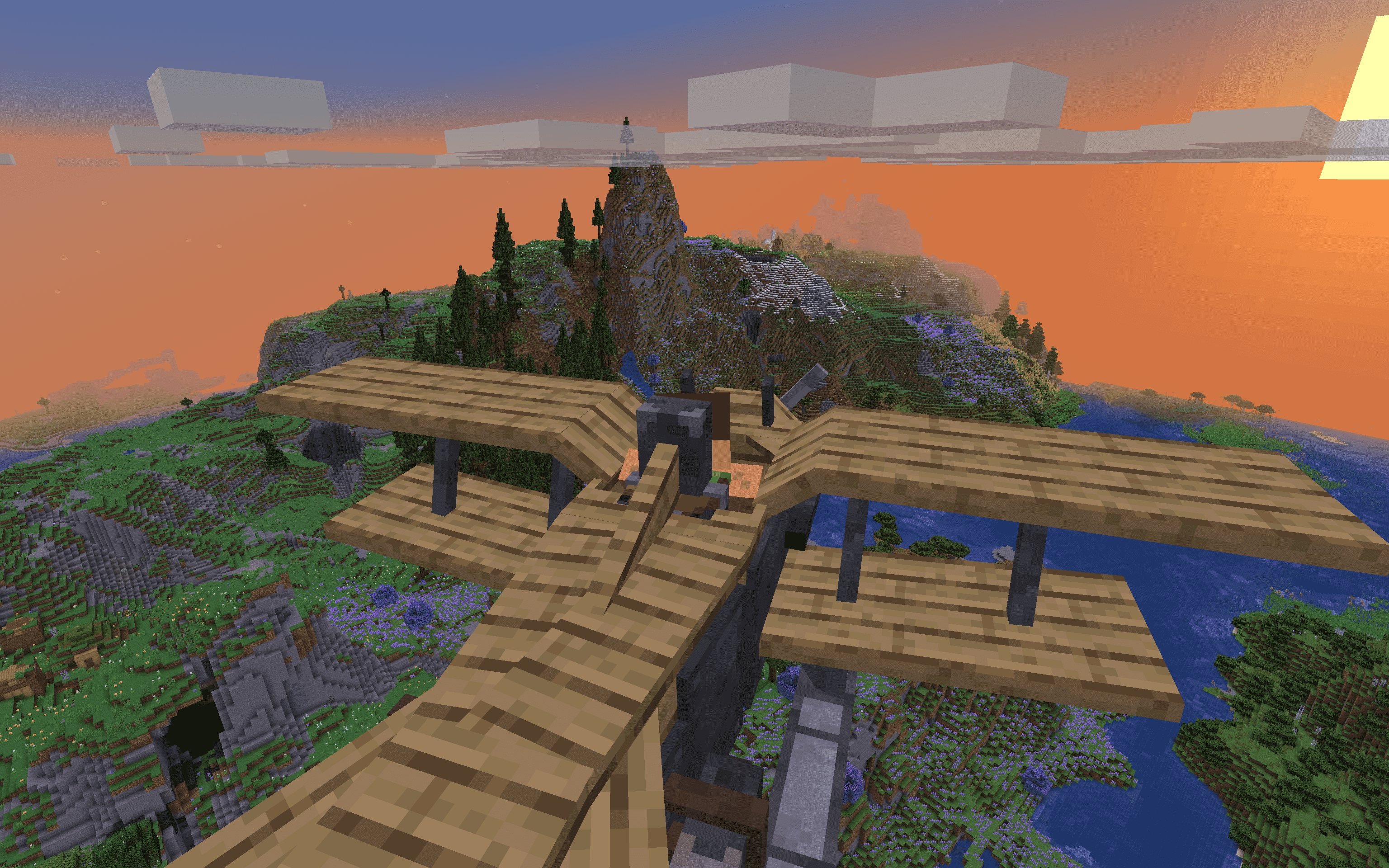
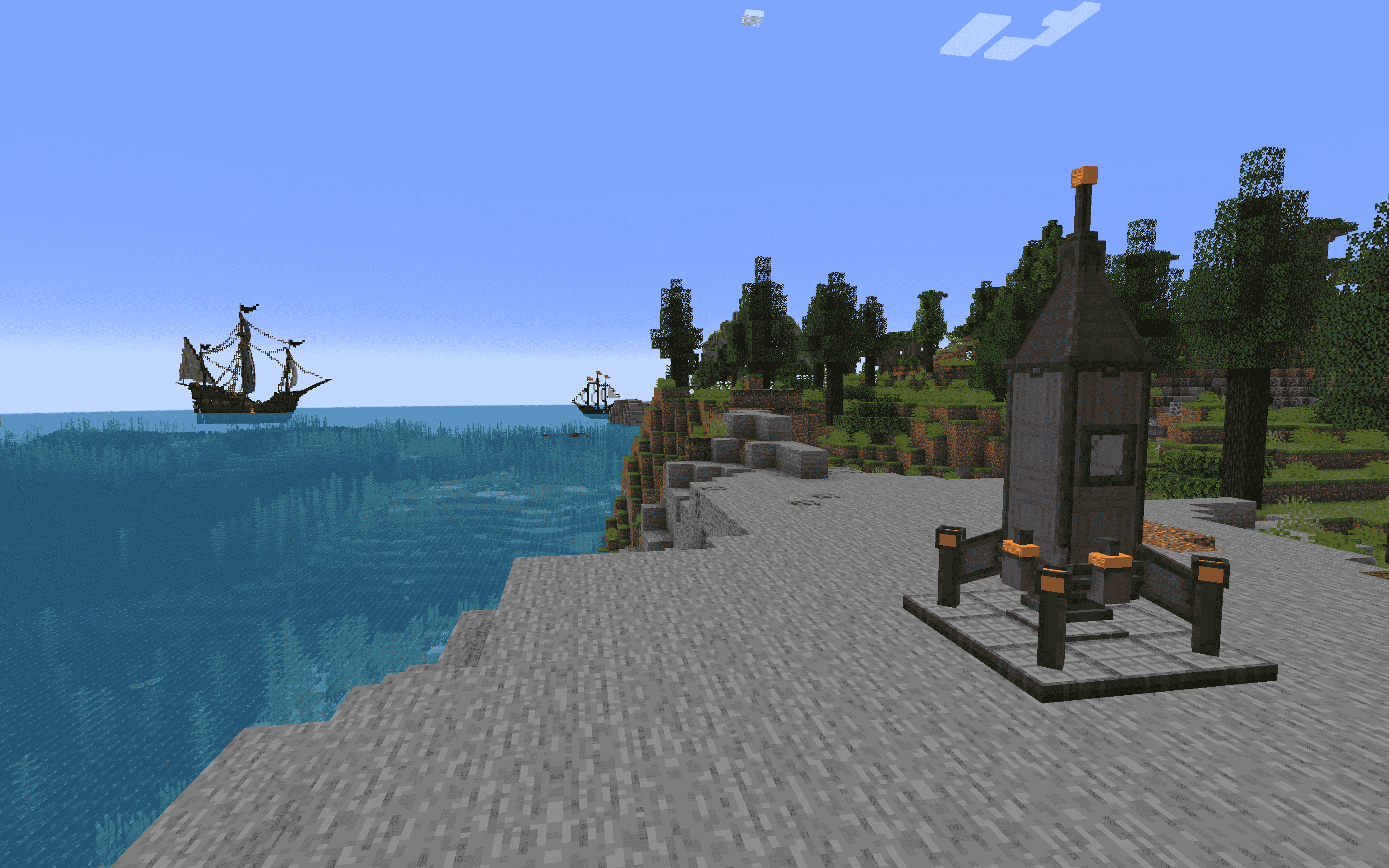
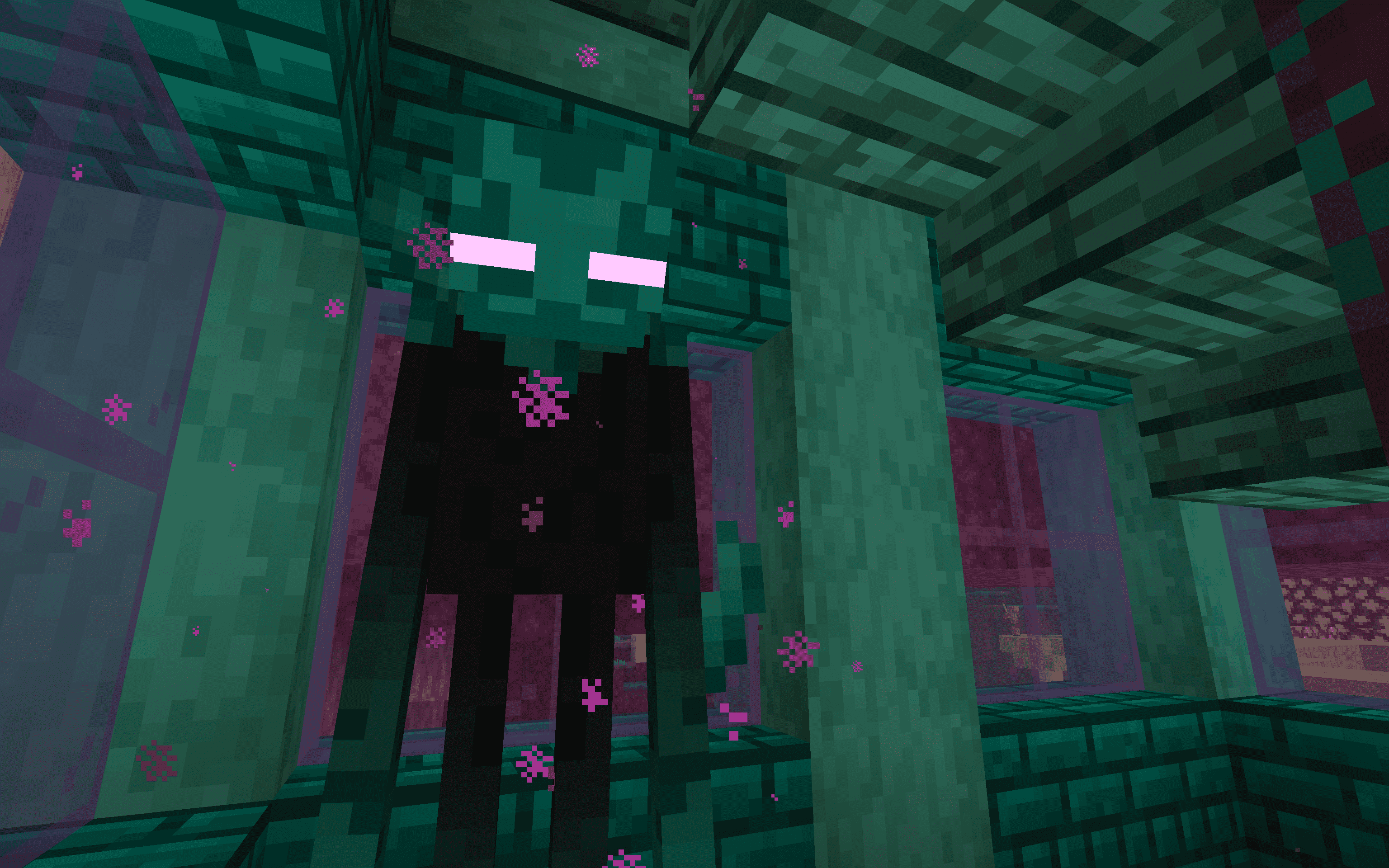
Huge modpack centered around tech, vanilla+, multiplayer and exploration. Beyond Earth is a huge focus of this modpack to explore the planets while using the Create mod to automate everything along the way.
Exploration stays true to vanilla+, without huge and janky structures lying around everywhere, it improves world generation with BOP, OTBYG, Terralith, and more.
Villages have more to them now with many mods to diversify them such as CTOV, Regrowth, and the Recruits mod adds a reason to not destroy all the villages near you.
PRIVATE SERVER INFO – the whitelisted coffeecraft server is currently on creative test world.
*Please listen to the RAM allocation warning if you recieve it upon launch. You will have to change your RAM allocation in the curseforge launcher – coffeecraft XL, profile options, under memory setting uncheck “Use System Memory Settings,” set this number to what the warning said, or at least 8000MB.
*Please update your java to the newest version in order to play this server, otherwise you can face connection problems and have unplayable server lag
*If you have any technical problems with server or computer contact me (sawyer) I will help you and resolve the problem asap
*SHADERS – I have removed oculus from the 1.2 and up versions, it has been causing persisting crashes for players within certain chunks around worlds, if you desire shaders you can gamble and add it to your coffeecraft installation mods folder and give it a try. If you do this and end up crashing, just remove oculus
常见问题
coffeecraft XL 支持哪些 Minecraft 版本?
coffeecraft XL 基于 Minecraft Java 版 1.18.2,使用 Forge 加载器。
coffeecraft XL 怎么安装?
点本页「前往下载」拿到整合包文件(Modrinth 的是 .mrpack,CurseForge 的是 .zip),在 PCL2 或 HMCL 启动器里选择「导入整合包」,启动器会自动装好 Minecraft、加载器和全部模组。建议在启动器里给游戏分配 4–6 GB 内存。
coffeecraft XL 开服需要多大内存?
推荐服务器内存 12 GB。在线人数多、或者建了大量机器和区块加载器时,可以再加 2–4 GB。
怎么和朋友一起玩 coffeecraft XL?
点本页的「一键开服」,选好配置后会自动安装 coffeecraft XL 的服务端,几分钟就能开好。把服务器地址发给朋友,大家用同一个版本的整合包连进去就行。
评论
登录后评论和评分