
Boosted FPS (Performance Optimized) (QLT)
FPS Boosting Modpack Featuring Performance Mods! on Quilt 1.20+ Latest
截图

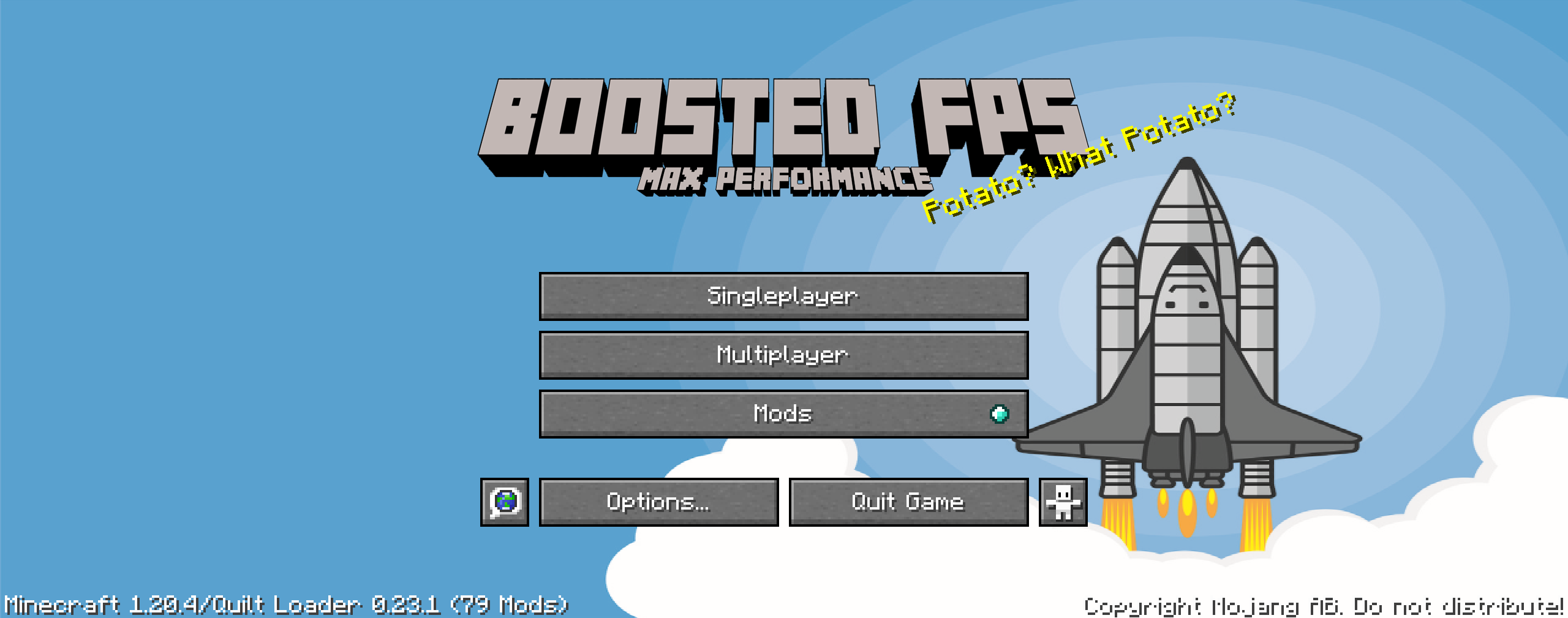
介绍

Quilt Based Modpack featuring Performance Based Mods and Tweaks to make your Minecraft game run better and faster!
For the Fabric version go here – https://www.curseforge.com/minecraft/modpacks/boosted-fps
For the Forge version go here – https://www.curseforge.com/minecraft/modpacks/boosted-fps-forge
For the NeoForge version go here – https://www.curseforge.com/minecraft/modpacks/boosted-fps-neoforge
For the RPG version go here: https://www.curseforge.com/minecraft/modpacks/boosted-fps-rpg

(Your Vanilla Experiences will be further improved thanks to the following features)
- Latest update – Enjoy the latest update with mods!
- FPS performance boosts thanks to Sodium and other performance enhancing mods. Most of the performance based mods are included in this pack.
- FPS Display – Shows your fps on the top left of the screen
- Iris Shaders – You can use shaders if your system allows!
- Hypixel Ready – Hypixel sever pre-loaded, just install and play!
Vanilla (No Mods) FPS:

Boosted FPS Modpack:


- Render Distance has been set to 5 to maximize FPS. Increase this to 8 or higher to see more distance. You can change this in Options / Video Settings / General / Render Distance.
- Animations have been disabled for more fps – Enable this in Options / Video Settings / Animations
- Particles have been disabled for more fps – Enable this in Options / Video Settings / Particles
- Check the Details section in Options / Video Settings to enable Rain/Snow and other options if your system can handle it.
- Getting higher FPS than your refresh rate or seeing screen tearing? Turn on VSync in Options / Video Settings / General
Get a server today and play with your friends! Click HERE or below banner & Use Code GAMERPOTION to get 25 off!



常见问题
Boosted FPS (Performance Optimized) (QLT) 支持哪些 Minecraft 版本?
Boosted FPS (Performance Optimized) (QLT) 基于 Minecraft Java 版 1.20.1,使用 Quilt 加载器。
Boosted FPS (Performance Optimized) (QLT) 怎么安装?
点本页「前往下载」拿到整合包文件(Modrinth 的是 .mrpack,CurseForge 的是 .zip),在 PCL2 或 HMCL 启动器里选择「导入整合包」,启动器会自动装好 Minecraft、加载器和全部模组。建议在启动器里给游戏分配 4–6 GB 内存。
Boosted FPS (Performance Optimized) (QLT) 开服需要多大内存?
推荐服务器内存 12 GB。在线人数多、或者建了大量机器和区块加载器时,可以再加 2–4 GB。
怎么和朋友一起玩 Boosted FPS (Performance Optimized) (QLT)?
点本页的「一键开服」,选好配置后会自动安装 Boosted FPS (Performance Optimized) (QLT) 的服务端,几分钟就能开好。把服务器地址发给朋友,大家用同一个版本的整合包连进去就行。
GamerPotion 的其他作品
查看全部 →
Aimz – Better Crosshair
一个更好、更现代的准星,替换原版准星

DarkSmelting – RPG Smelt Armor, Tools, Weapons
将RPG盔甲、工具、武器熔炼成对应的锭
Tiny PVP Swords and Tools
PVP 迷你剑与工具(还包含 PVP 准星!)

DarkSmithing – RPG Smithing Template Recipes (Armor Trims)
用于下界合金升级和盔甲纹饰的锻造模板RPG自定义配方
评论
登录后评论和评分