
截图
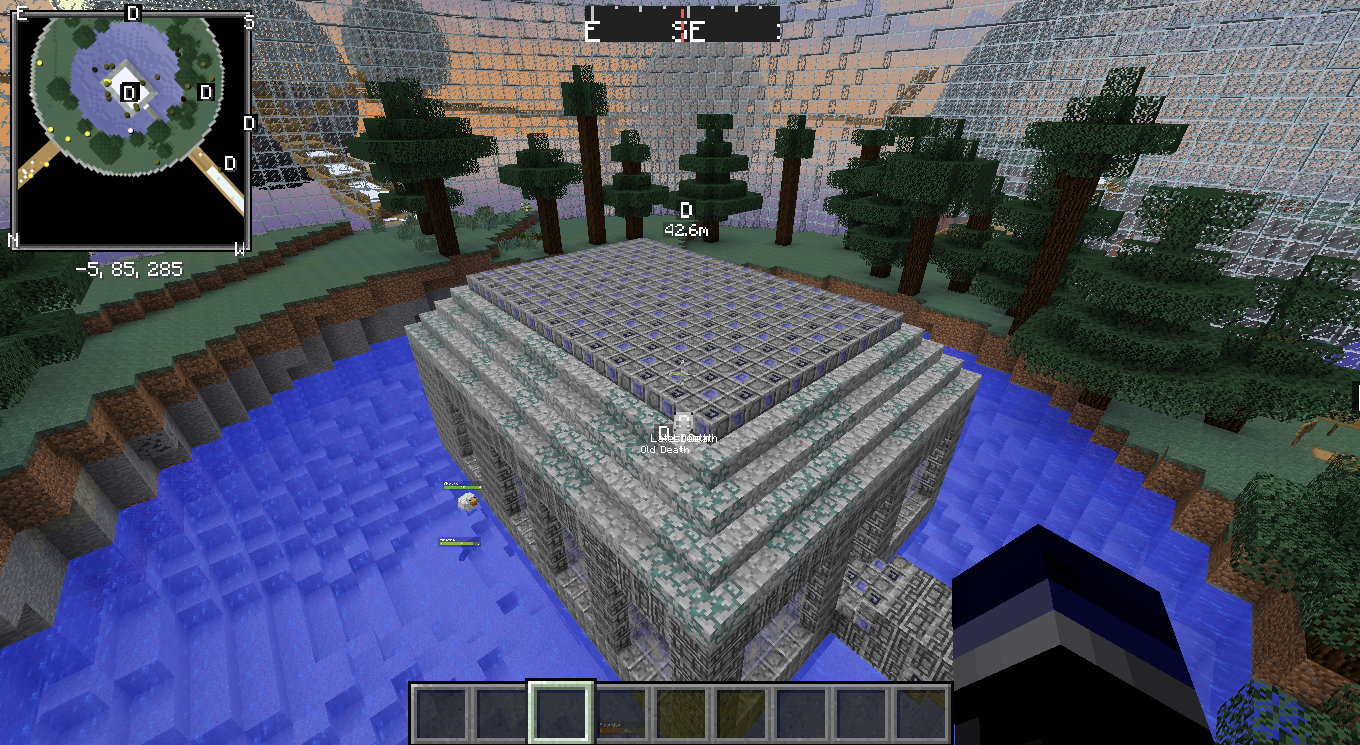
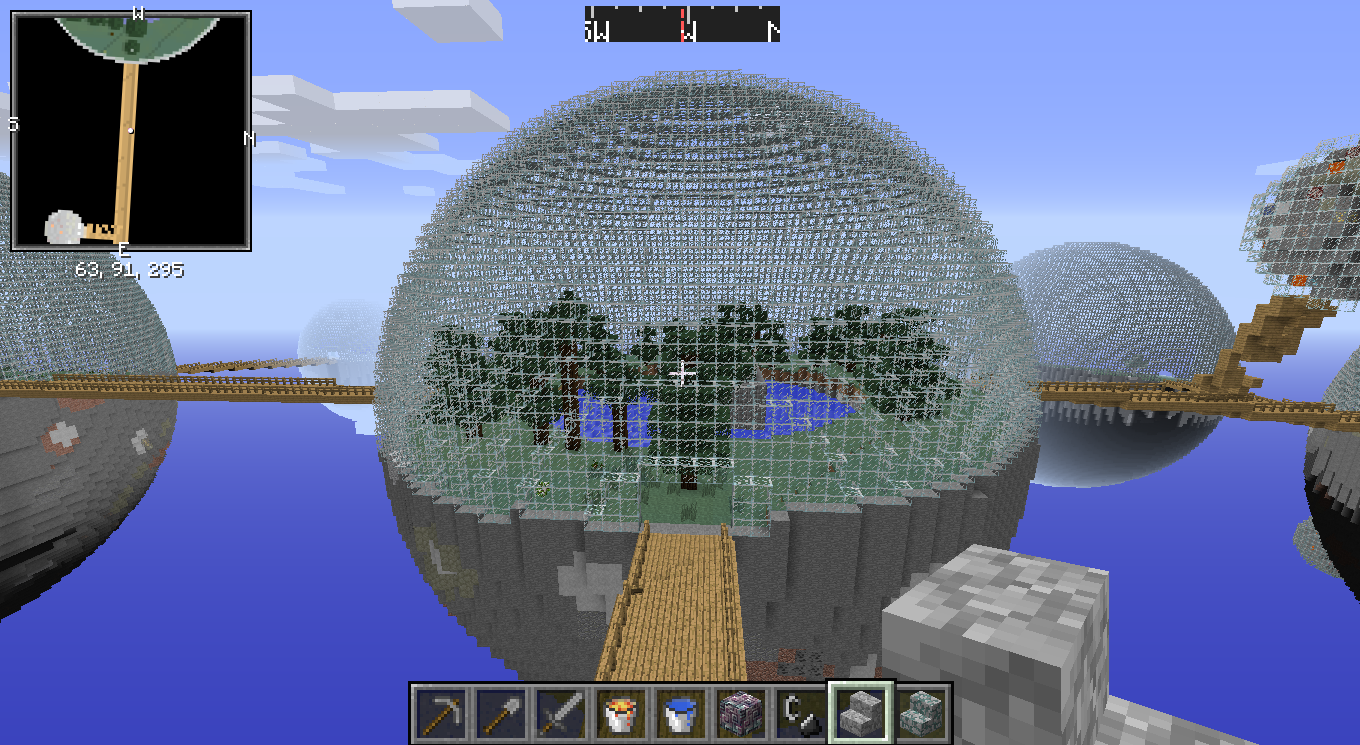
介绍
(Requires Minecraft 1.7.x with the latest appropriate version of Forge Installed, just put this in your “Mods” folder.
Tested with MC 1.7.2 / Forge 1147, and MC 1.7.10 / Forge 1291 — with JRE 7u76 for Windows, 64-bit.)
It’s a port/update of Risugami’s original Biosphere Mod for Minecraft 1.6.x. I fixed a lot of random stuff in here, and made a lot of random updates/restructures as well and even added a few things.
This is probably the most obvious change: the ore orbs are covered in glass, they have a lot more ore in them than before, and they’re placed randomly now too. And while it’s still pretty damn hazardous to get to/from them, it’s also about one million percent more feasible with the new janky, randomly half-missing stairways. Another hazard that’s been added for shits and giggles is the random blocks of lava you’ll find in them.
(Note: the density of the ore, and the presence of the stairways are configurable.)
This is probably the next biggest win: I’ve updated the configuration / properties to the mod to be editable from within Minecraft (under the mods menu), a lot of the settings are different than before. Of important note: changes to the settings only affect NEW WORLDS that you create (yes you can click an existing world and select “re-create”, a restart is not required). — If you’re having trouble understanding something, hover over the option and wait for the hover text to pop-up, it should explain how to use each property.
常见问题
BiodomeCrafting 支持哪些 Minecraft 版本?
BiodomeCrafting 基于 Minecraft Java 版 1.7.10,使用 Forge 加载器。
BiodomeCrafting 怎么安装?
点本页「前往下载」拿到整合包文件(Modrinth 的是 .mrpack,CurseForge 的是 .zip),在 PCL2 或 HMCL 启动器里选择「导入整合包」,启动器会自动装好 Minecraft、加载器和全部模组。建议在启动器里给游戏分配 4–6 GB 内存。
BiodomeCrafting 开服需要多大内存?
推荐服务器内存 12 GB。在线人数多、或者建了大量机器和区块加载器时,可以再加 2–4 GB。
怎么和朋友一起玩 BiodomeCrafting?
点本页的「一键开服」,选好配置后会自动安装 BiodomeCrafting 的服务端,几分钟就能开好。把服务器地址发给朋友,大家用同一个版本的整合包连进去就行。


评论
登录后评论和评分