
Best Friends For(n)ever!
Modpack best played in a multiplayer setting with friends in Hardcore! Don't blame me if you fight a little!
截图

介绍
SUMMARY
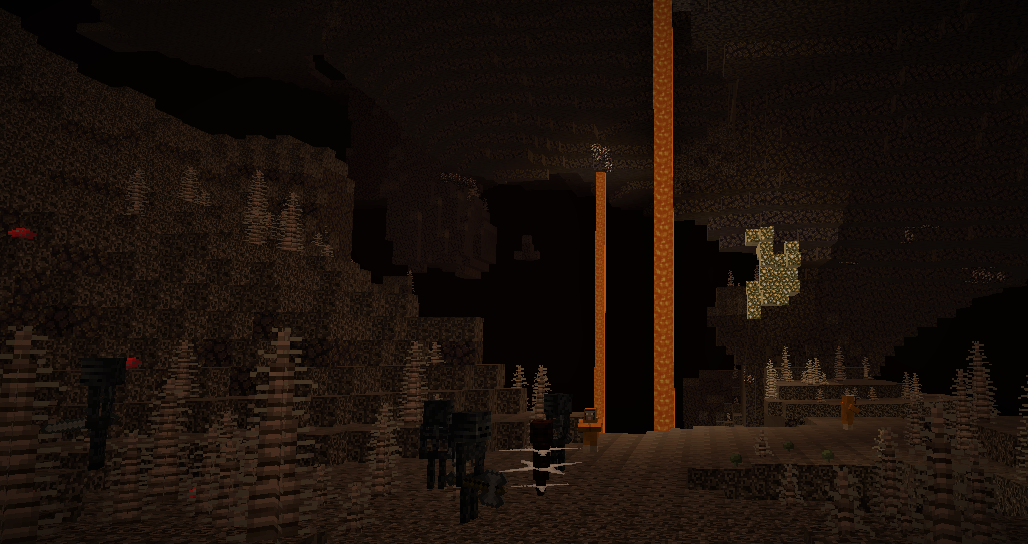
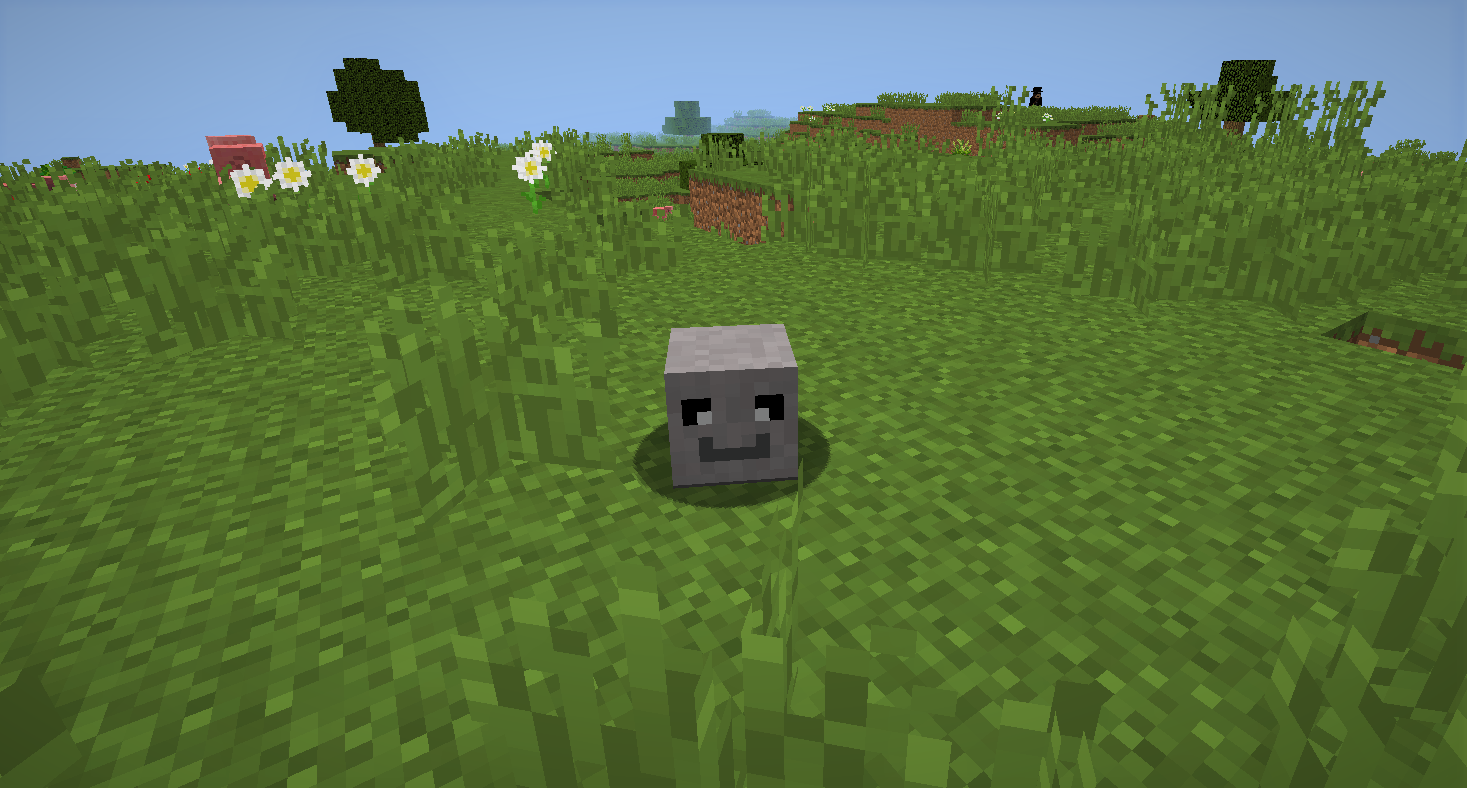
Best Friends For(n)ever is a modpack I created to be played with friends, family, enemies or whatever suits your needs! You may be asking yourself: “what makes this modpack different?” Well, this modpack is intended to be played in Hardcore with friends…to either annoy them or annoy them supremely! You can complete quests for Village lords, harness the power of nature, commune with eldritch beings beyond human understanding and much more!
MAJOR MODS
Some major mods to be aware of in this modpack include…
Slice of Life: Carrot Edition; by eating a variety of foods you’ll gain health increases to a maximum of 20 extra health! In the words of the worlds most renown food aficionado: “Gotta Eat’em All!”
Thaumcraft: Harness the power of magic in all things around you, bending it to your whim to do so as you please! However, great power can have a great cost…
Botania: Ever wanted to mix nature, tech, and magic? Great! Do what most could only dream!
Vampirism: Exactly like the name implies, you’re able to become a vampire or a vampire hunter and receive boons from accomplishing specific milestones.
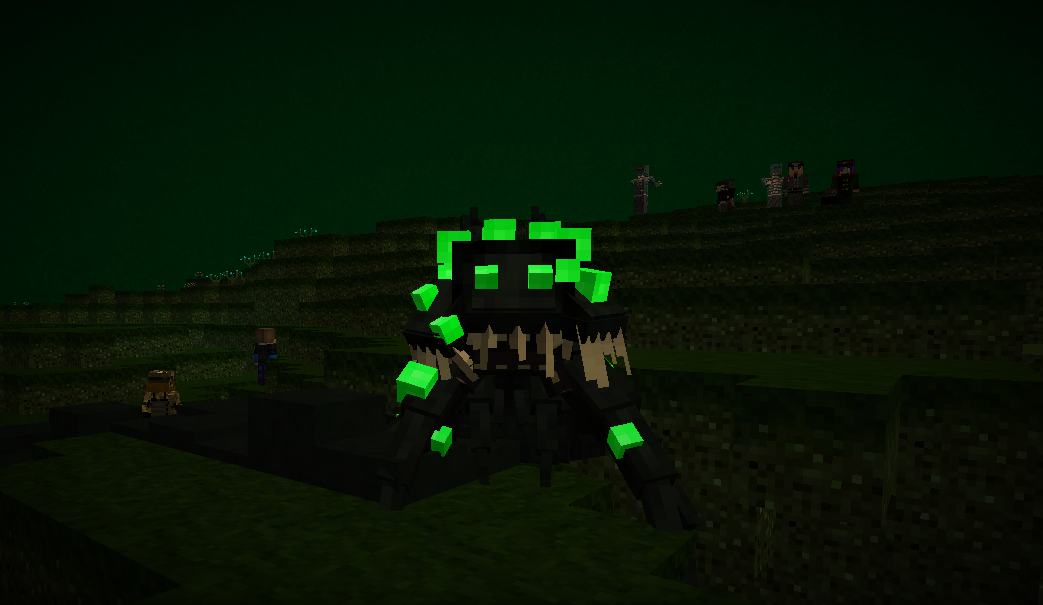
AbyssalCraft: Immersing ourselves in the world of eldritch monstrosities and devilish decadence sounds nice right?
Pam’s HarvestCraft: Shout-out to all the Minecraft farmers! We’ve slept on their expertise for too long
ToroQuest: Villages civilized and guarded just like they should! Be careful though, your actions have consequences…
HOW DO I DOWNLOAD THE MODPACK?
1. Pick your desired version of the modpack and press the download button next to the twitch icon
2. Open Twitch and find “Mods” at the top of the launcher next to the search bar
3. Select “Minecraft” and select “Create Custom Profile”
4. Select the option “Import a previously created profiled”, it’s above the “Profile Name” bar
5. Find and select the Modpack file that was downloaded earlier
6. Enjoy the modpack and be sure to give your honest opinion about it 🙂
OPTIFINE SUPPORT?
You can use Optifine for this modpack, although you’ll have to install it yourself, to help improve the general performance of the game. If that doesn’t help you, consider allocating more RAM to your Minecraft launcher or ending tasks, with the task manager, that may be running in the background. The recommended amount of free RAM you should use is 5-6 GB at least. If you have any suggestions on how to increase the performance of the modpack, please tell me!
常见问题
Best Friends For(n)ever! 支持哪些 Minecraft 版本?
Best Friends For(n)ever! 基于 Minecraft Java 版 1.12.2,使用 Forge 加载器。
Best Friends For(n)ever! 怎么安装?
点本页「前往下载」拿到整合包文件(Modrinth 的是 .mrpack,CurseForge 的是 .zip),在 PCL2 或 HMCL 启动器里选择「导入整合包」,启动器会自动装好 Minecraft、加载器和全部模组。建议在启动器里给游戏分配 4–6 GB 内存。
Best Friends For(n)ever! 开服需要多大内存?
推荐服务器内存 12 GB。在线人数多、或者建了大量机器和区块加载器时,可以再加 2–4 GB。
怎么和朋友一起玩 Best Friends For(n)ever!?
点本页的「一键开服」,选好配置后会自动安装 Best Friends For(n)ever! 的服务端,几分钟就能开好。把服务器地址发给朋友,大家用同一个版本的整合包连进去就行。
评论
登录后评论和评分