
截图
介绍
What this Pack is About?
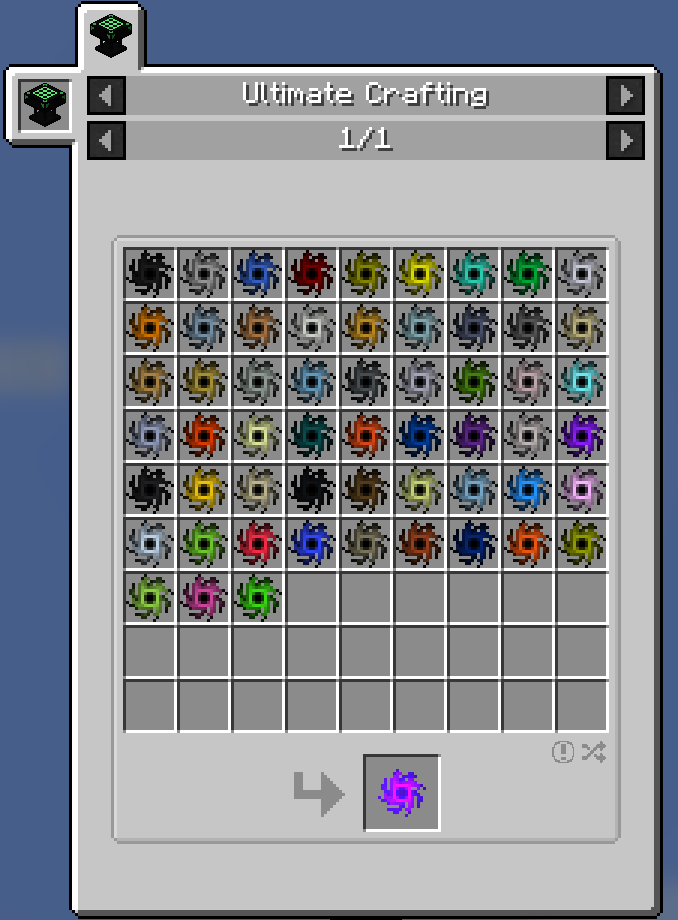
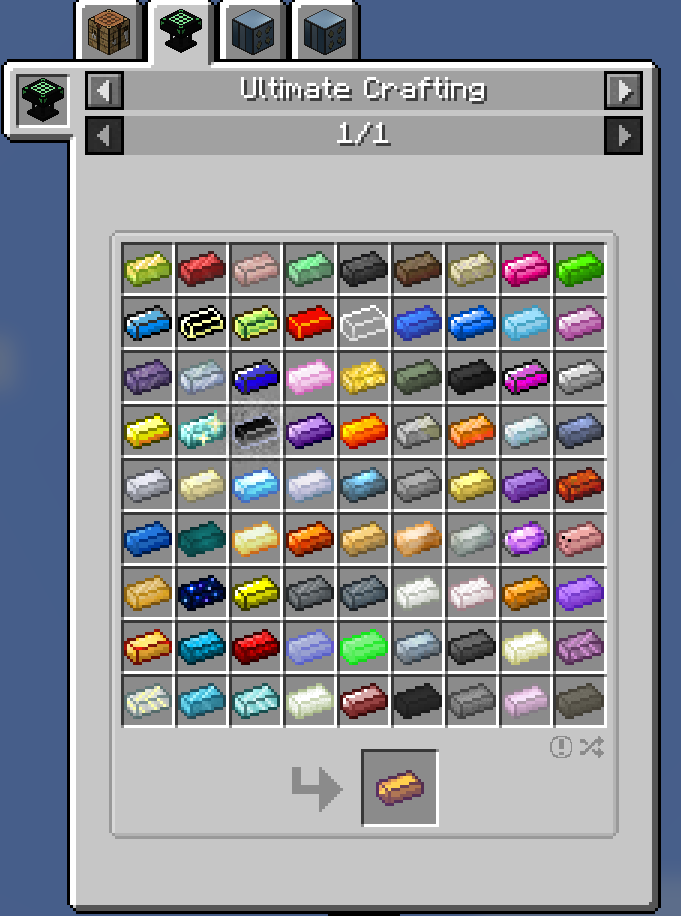
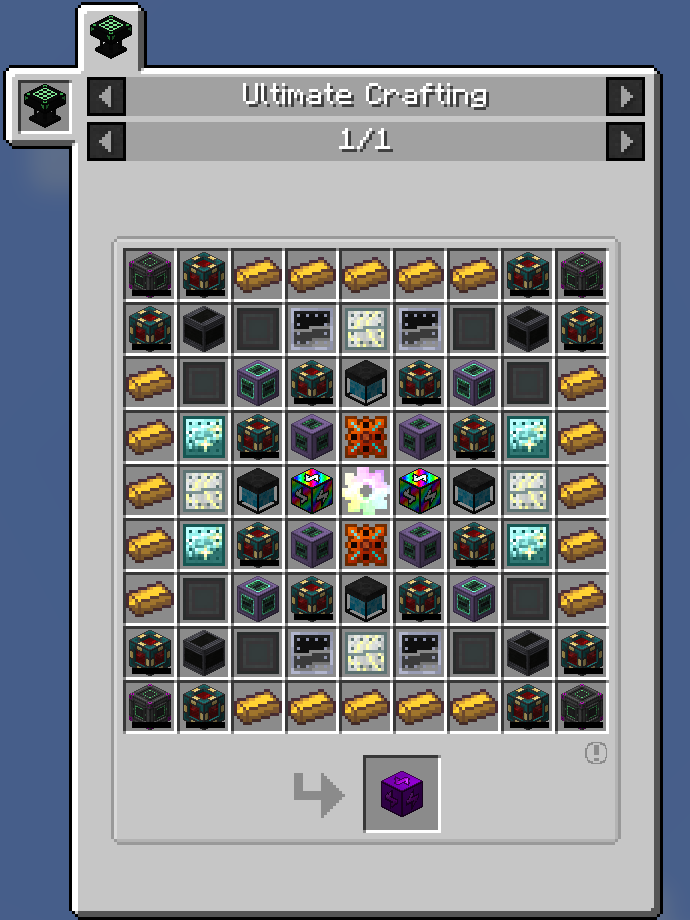
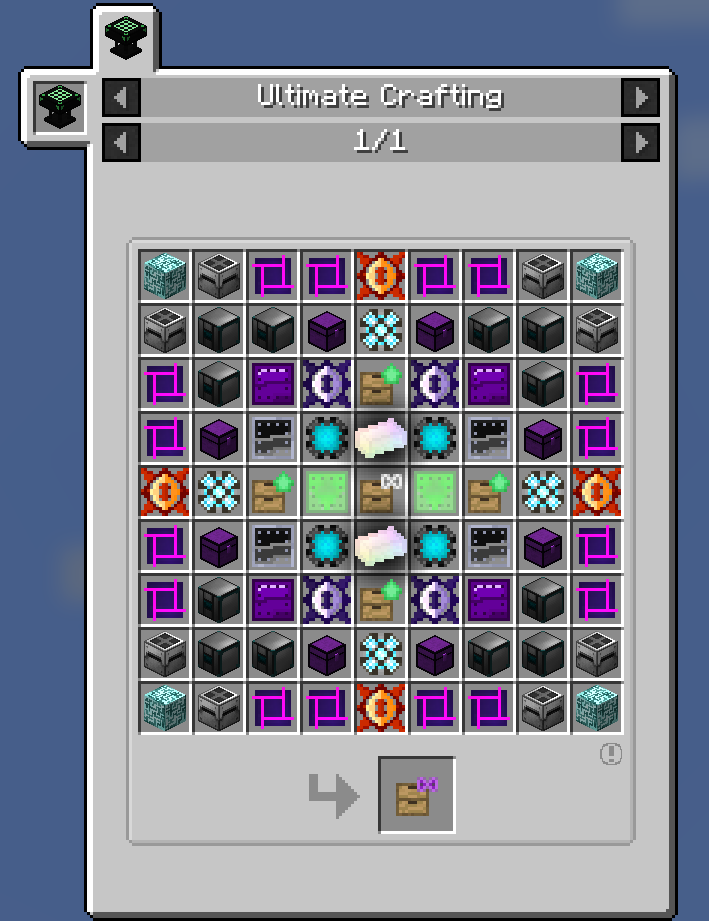
The whole ideal of this pack is “Automate Everything” and its not a joke, the whole point here is to get all the Creative itens done, to assist you in this quest, the pack have really good tech mods and even magical mods to help you in your automations. bees, mystical seeds and more ways to get resources! explore JEI cause some special itens have a new option of automation, such as Redstone, Lapis and even Glowstone has one. Enjoy your favorite mods while you automate all of them!
Requirements:
•At least 5 to 6GB of RAM allocated to the pack.
•A Decent CPU.
Important Information:
I really don’t recommend you to use the GUI Scale “Small” on the Main Menu, it works but the buttons can be really small and hard to read.
Hope you All Enjoy!

If you looking for an easy way to play your favorite modpacks online, check out BisectHosting – they offer easy and affordable server hosting in a large variety of locations around the world.
Their premium server packages provide tons of fantastic features such as unlimited player slots, custom JAR support, DDoS protection, free daily backups, 24/7 customer support with fast response times, and much more.
Click here – and don’t forget to use the code Artpoke to get 25% off your first month!
常见问题
ArtPack 支持哪些 Minecraft 版本?
ArtPack 基于 Minecraft Java 版 1.12.2,使用 Forge 加载器。
ArtPack 怎么安装?
点本页「前往下载」拿到整合包文件(Modrinth 的是 .mrpack,CurseForge 的是 .zip),在 PCL2 或 HMCL 启动器里选择「导入整合包」,启动器会自动装好 Minecraft、加载器和全部模组。建议在启动器里给游戏分配 4–6 GB 内存。
ArtPack 开服需要多大内存?
推荐服务器内存 12 GB。在线人数多、或者建了大量机器和区块加载器时,可以再加 2–4 GB。
怎么和朋友一起玩 ArtPack?
点本页的「一键开服」,选好配置后会自动安装 ArtPack 的服务端,几分钟就能开好。把服务器地址发给朋友,大家用同一个版本的整合包连进去就行。
ArtpokeBr 的其他作品
查看全部 →
MC Ultimato
一个不可避免的整合包!

Pluma, a Journey to the Future!
An Immersive and Progressive Experience at your own hands
StonksCraft: Versão Definitiva
A Modpack Made out for people who is looking for a Stonks Life
Artpoke Presents: Nostalgia Hardcore
An Awesome Hardcore Series Modpack at your own hands
评论
登录后评论和评分