Aftercraft
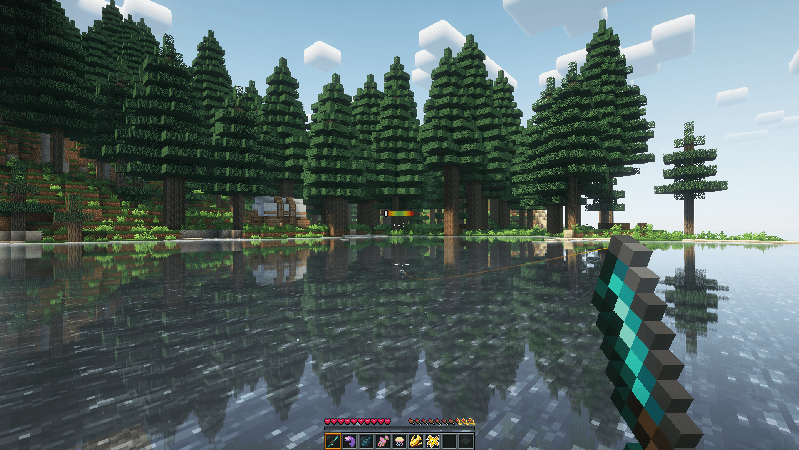
A content rich Modpack that focuses on integrating its mods correctly by renaming duplicated items and applying consistent retextures
截图

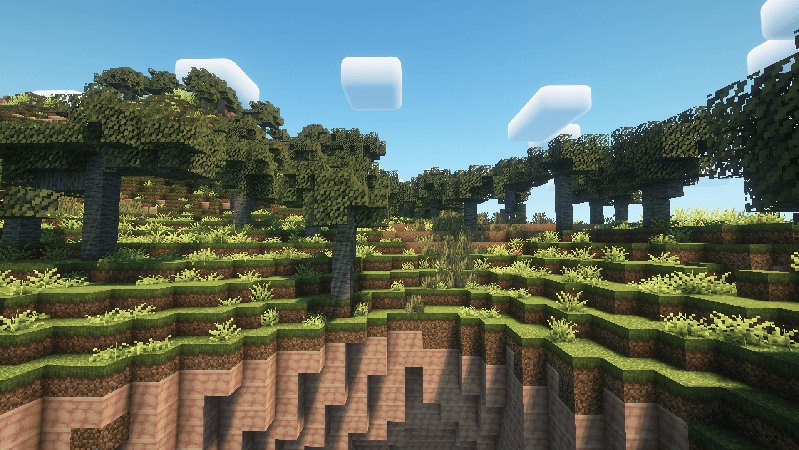
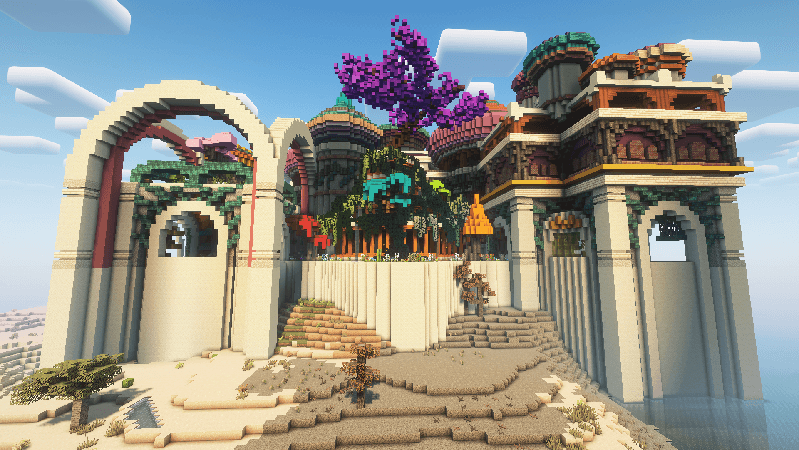
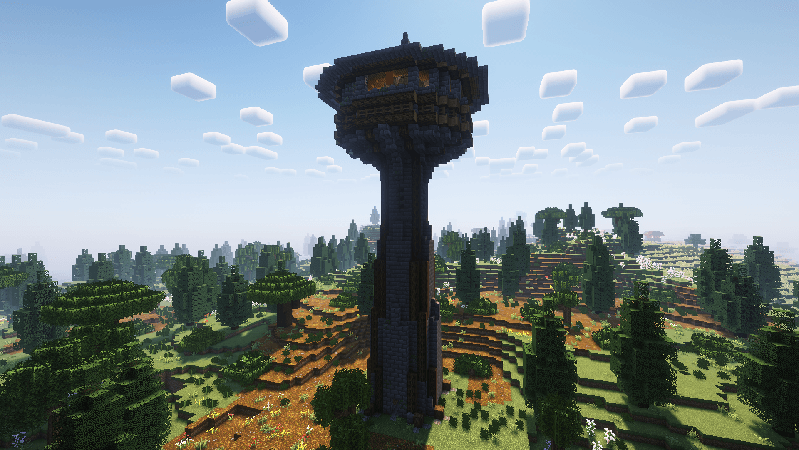
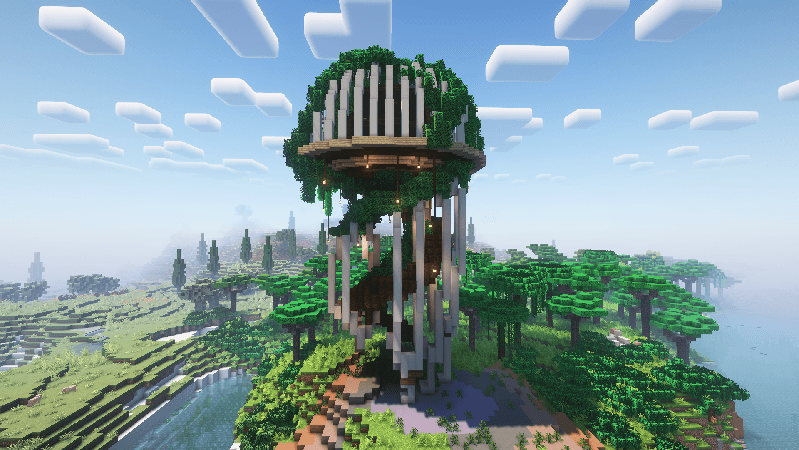
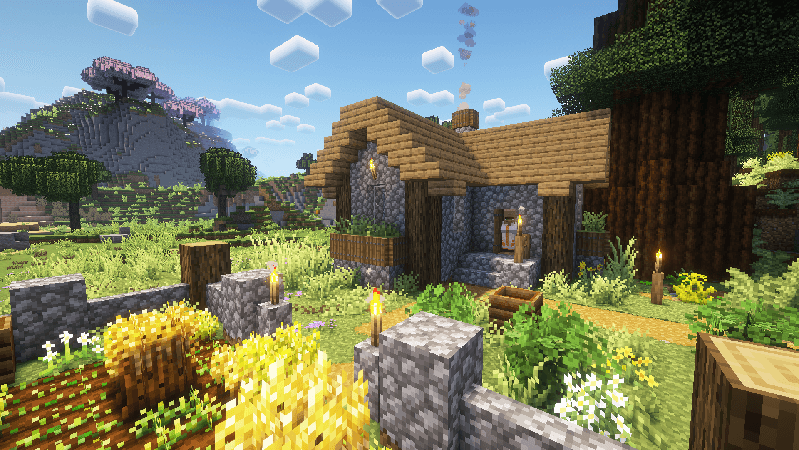
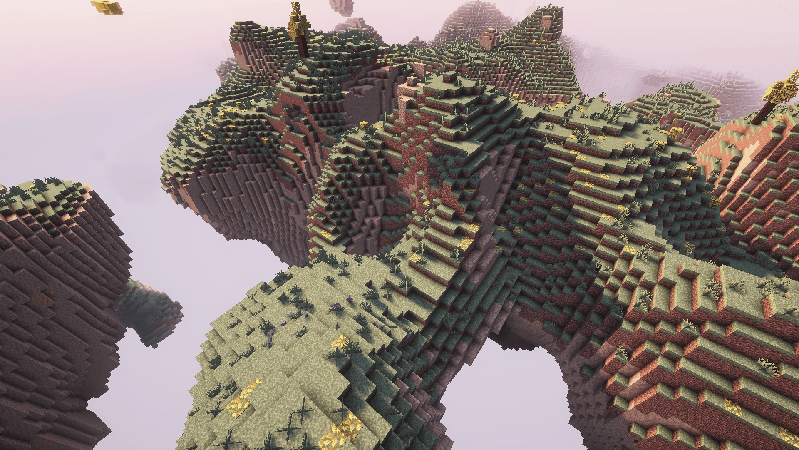
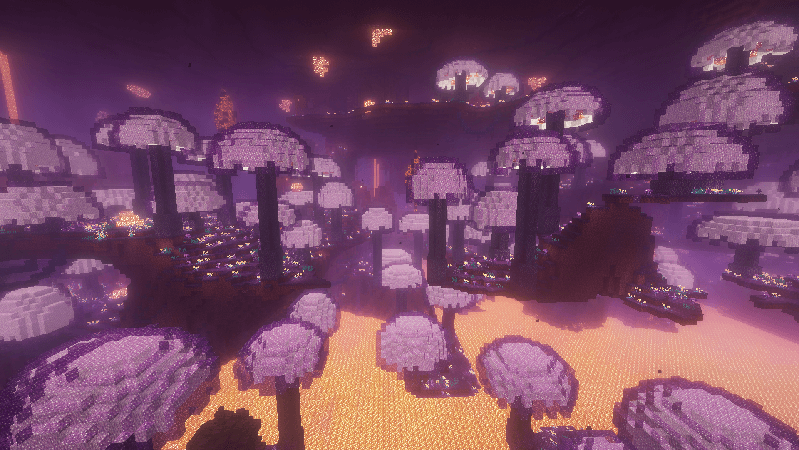
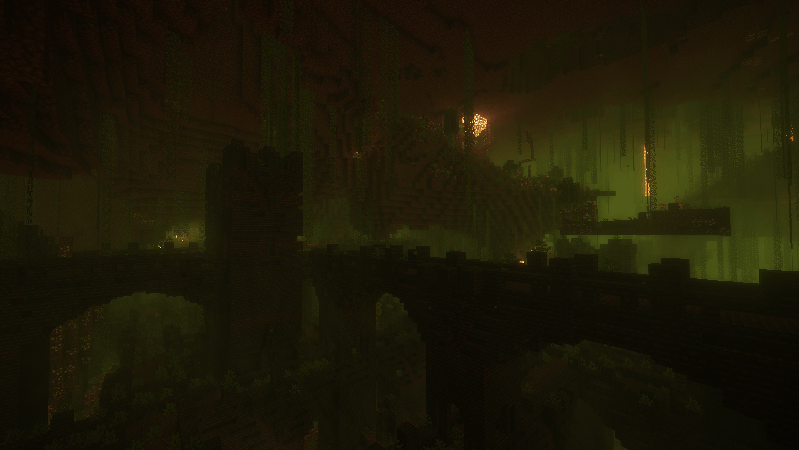
介绍

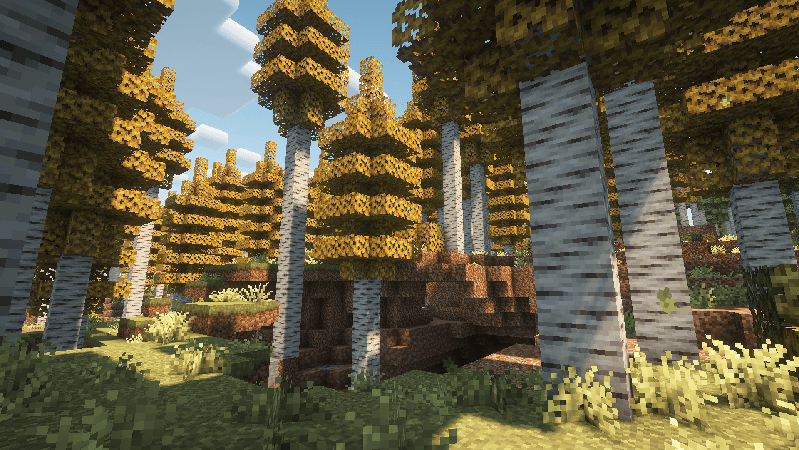

This Modpack makes Minecraft feel like a sequel and it also integrates its mods correctly by renaming duplicated items, applying consistent retextures and changing config files to make it so every mod feels vanilla.
What does this Modpack offer?
🌟 Audiovisual enhancements
💨 An optimization suitable for all computers
❤️ A few QOL mods
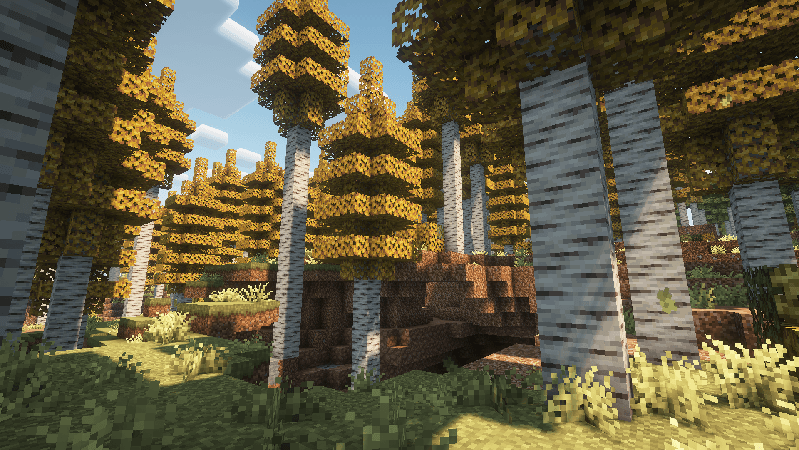
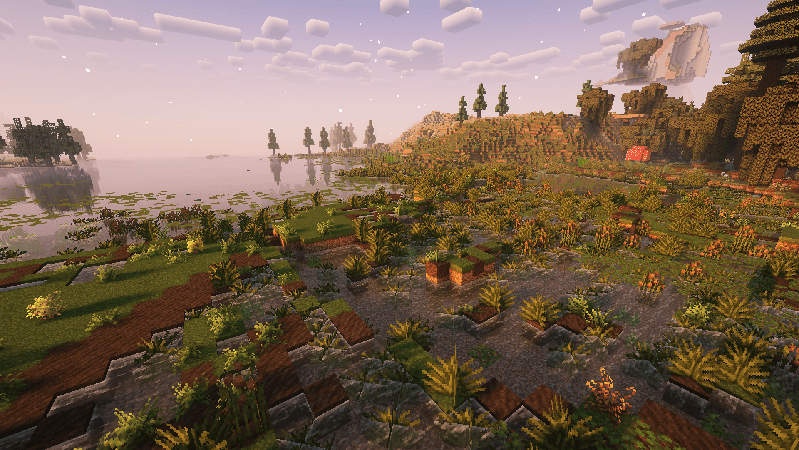
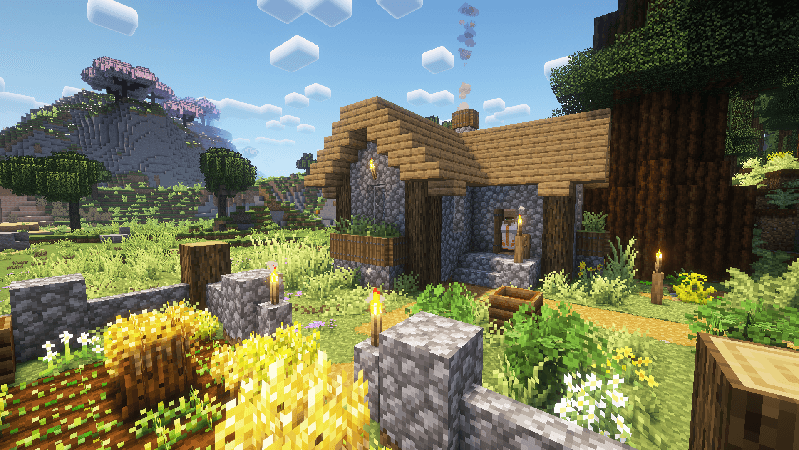
🍃 +150 new biomes
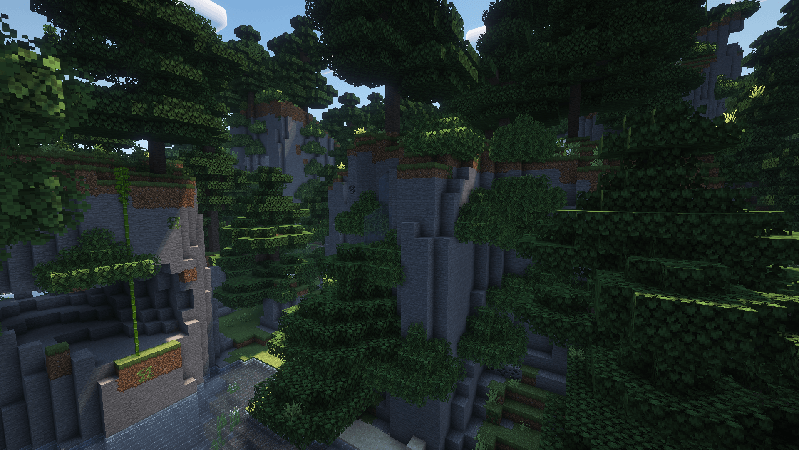
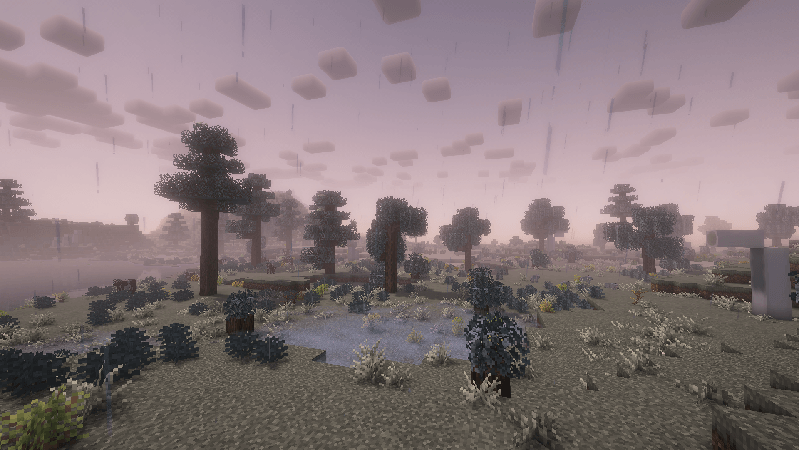
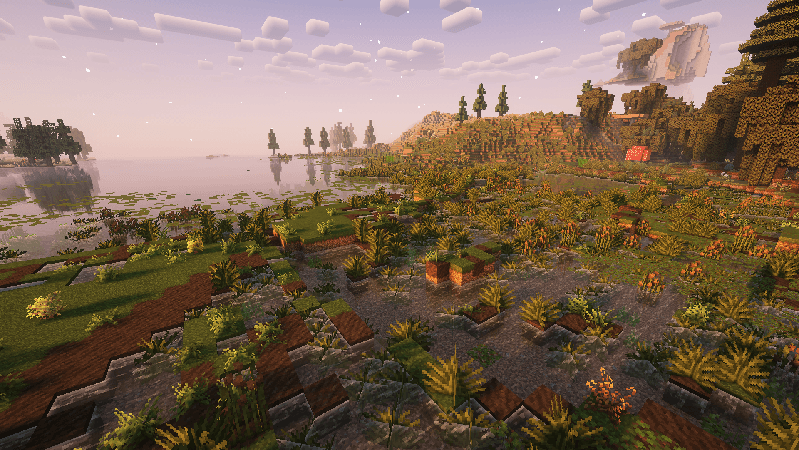
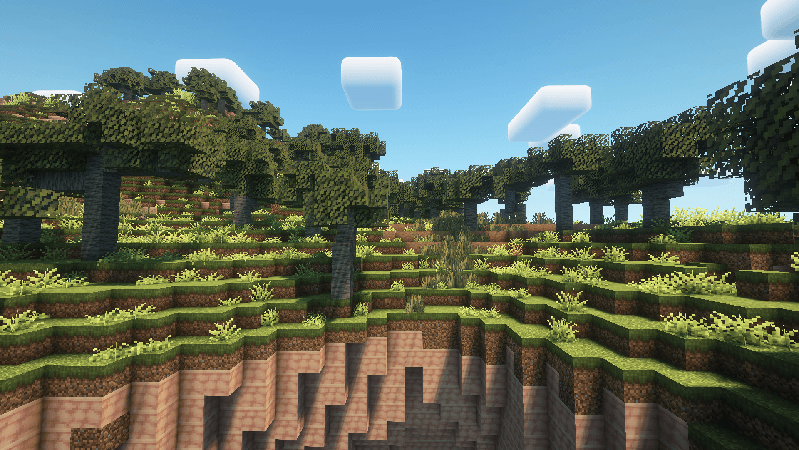
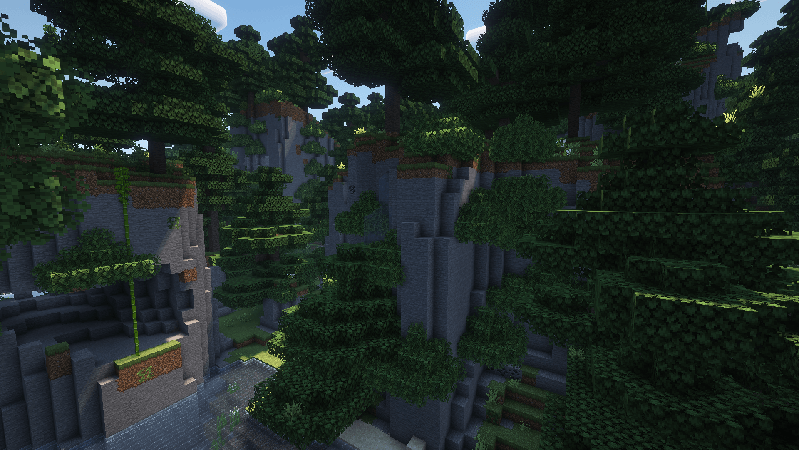
🏰 +500 new structures
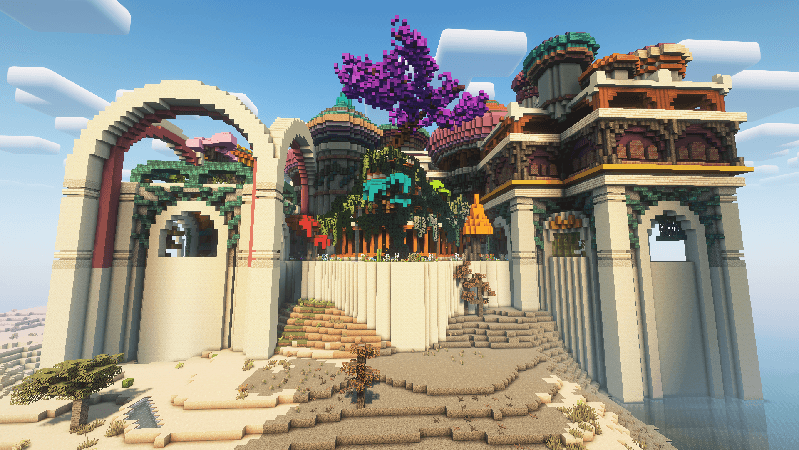
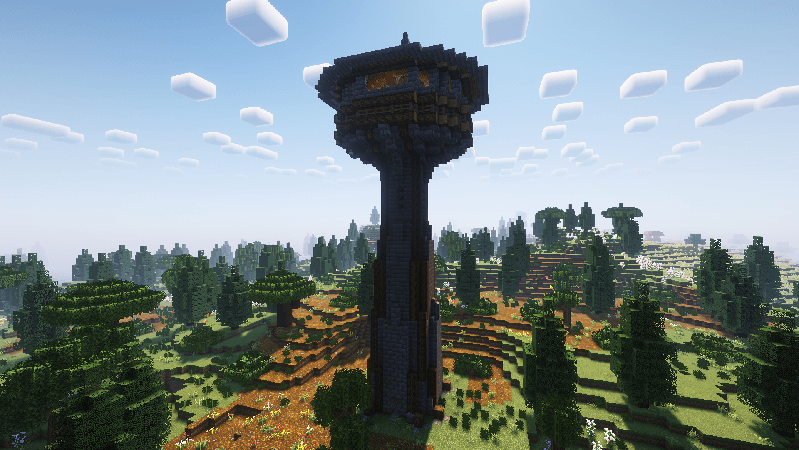
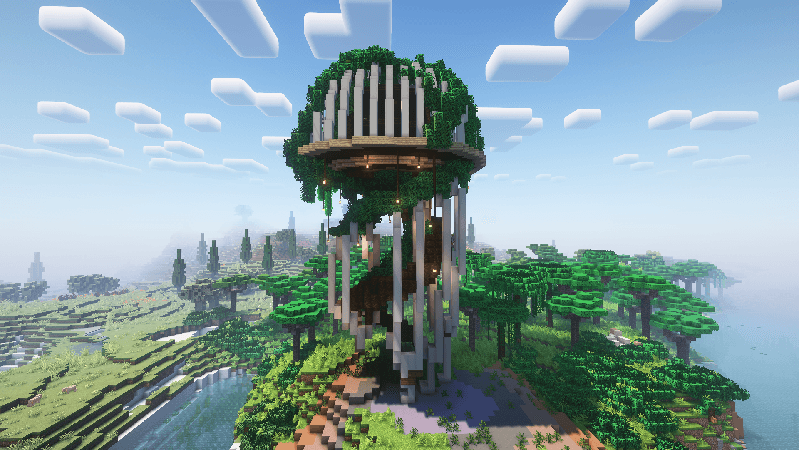
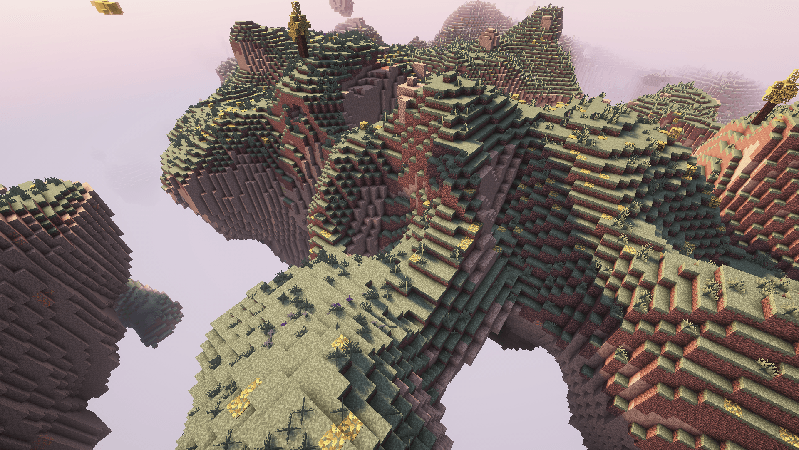
☁️ Paradise Lost dimension
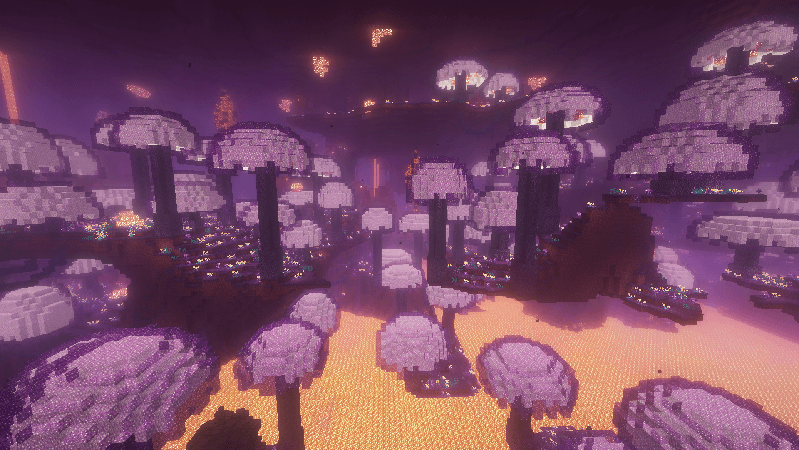
🔥 Nether & End improvements
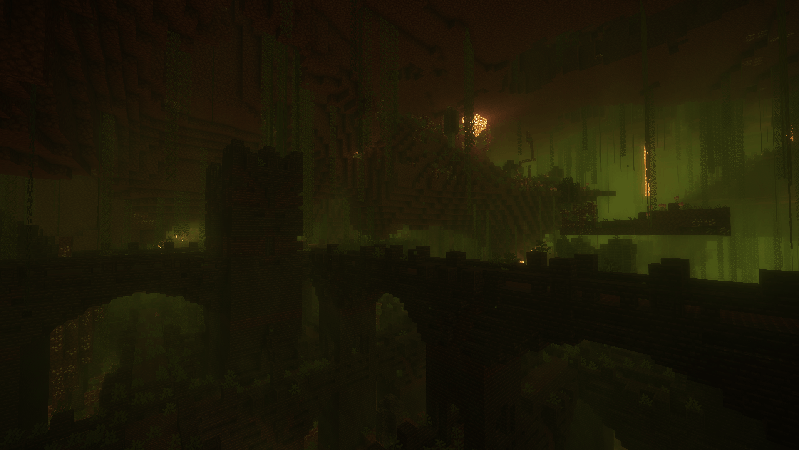
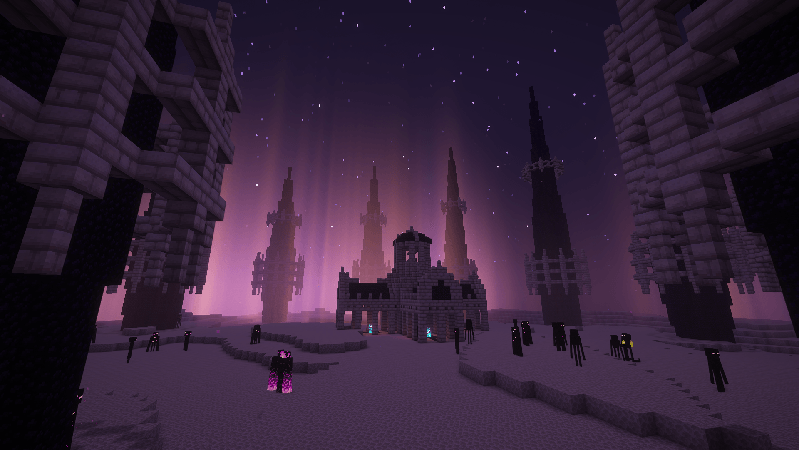
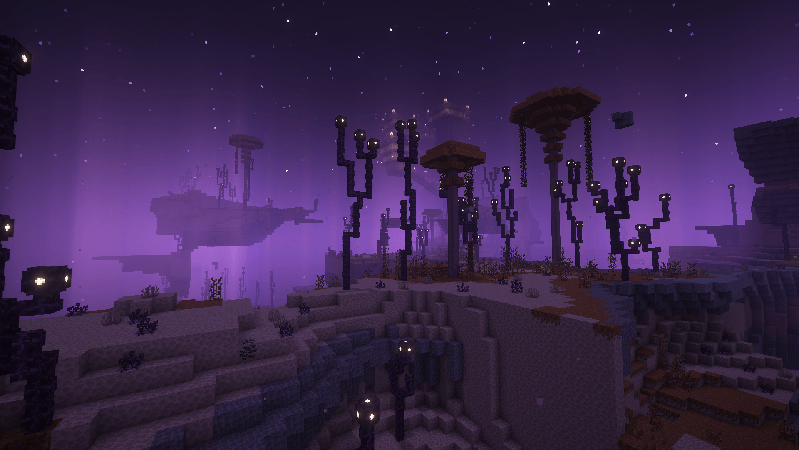
🥀 New bosses
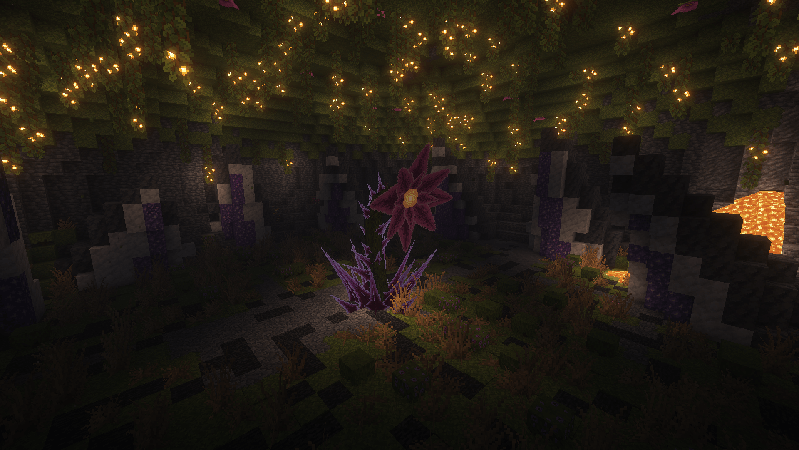
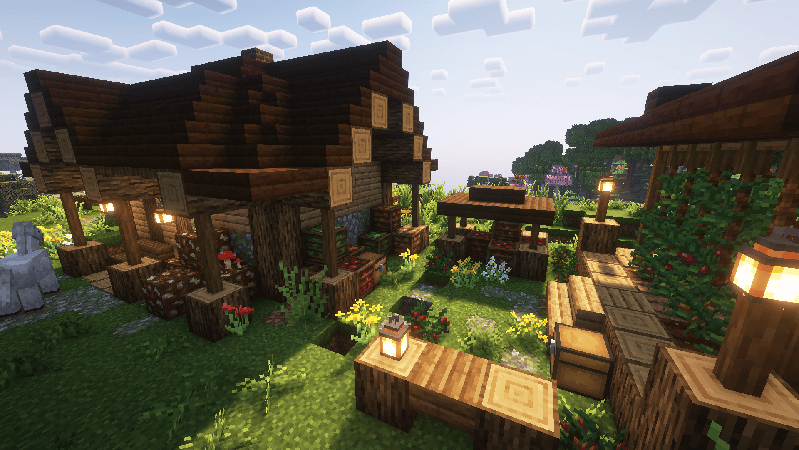
🎣 Tide
🧱 +2000 new building blocks
FAQ
🔹 ¿How can I disable the bushy leaves?
Activate the resource pack “NoBushyLeaves”. Make sure it’s at the top.
常见问题
Aftercraft 支持哪些 Minecraft 版本?
Aftercraft 基于 Minecraft Java 版 1.21.1,使用 Fabric 加载器。
Aftercraft 怎么安装?
点本页「前往下载」拿到整合包文件(Modrinth 的是 .mrpack,CurseForge 的是 .zip),在 PCL2 或 HMCL 启动器里选择「导入整合包」,启动器会自动装好 Minecraft、加载器和全部模组。建议在启动器里给游戏分配 4–6 GB 内存。
Aftercraft 开服需要多大内存?
推荐服务器内存 12 GB。在线人数多、或者建了大量机器和区块加载器时,可以再加 2–4 GB。
怎么和朋友一起玩 Aftercraft?
点本页的「一键开服」,选好配置后会自动安装 Aftercraft 的服务端,几分钟就能开好。把服务器地址发给朋友,大家用同一个版本的整合包连进去就行。
7Delta 的其他作品
查看全部 →
Better & Enhanced
A Modpack inspired by Actions & Stuff that revamps the Vanilla experience
Better & Enhanced: Client Edition
A Modpack inspired by Actions & Stuff that revamps the Vanilla experience. Now in Client-side!

Client Refresh
A Modpack inspired by Actions & Stuff that revamps the Vanilla experience using only client-side mods
评论
登录后评论和评分