
截图
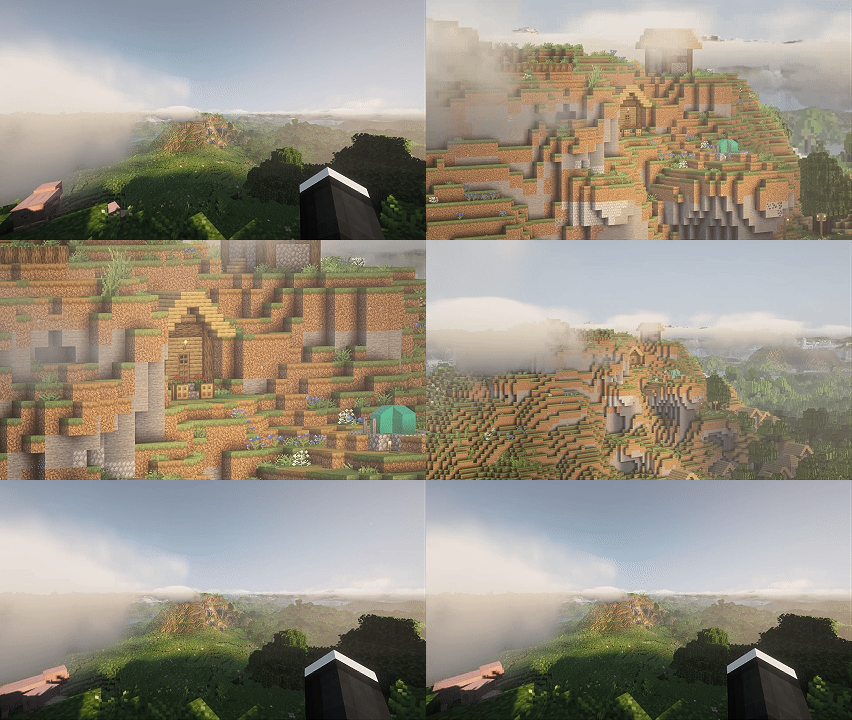
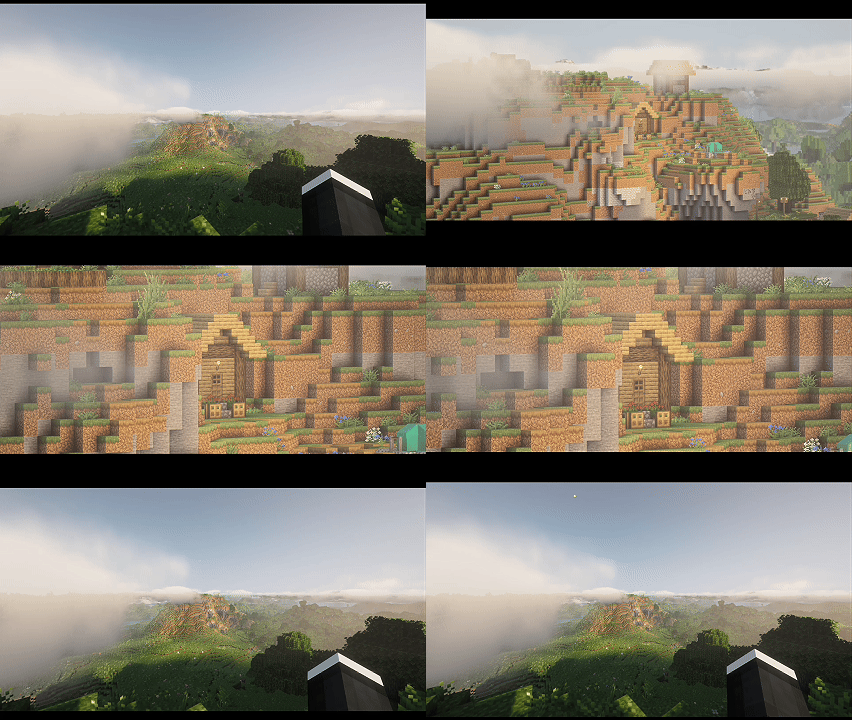


介绍
This mod implements a normal zoom and a cinematic zoom with multiple modes and customizable settings. Perfect for exploration, content creators, and players looking for an enhanced visual experience.
Latest changes 09/07:
- Added a zoom feature to the third-person view.
- Improved the mod’s options interface.
- Added a settings section for cinematic bars.
Mod features:
Two Zoom Modes
- Normal Zoom (Z): Clean and fast zoom without visual distractions.
- Cinematic Zoom (C): Includes cinematic black bars and hides the interface for professional shots.
Two Control Styles
- Hold Down: Hold the key to zoom (classic mode).
- Press Once: Press to activate/deactivate zoom (ideal for long shots).
- Switch between modes with a single key (customizable from keyboard settings).
Adjustable Zoom with Scroll
Use the mouse wheel to dynamically adjust the zoom level.
Adaptive Sensitivity
Mouse sensitivity is automatically reduced with zoom to improve control and precision even at maximum zoom.
Reset Zoom
Resets the zoom level to default values with a single key.
In-Game Configuration
Adjust zoom behavior directly from the Mod Menu config screen — no need to edit files manually.
Controls
| Action | Default Key |
|—|—|
| Normal Zoom | Z |
| Cinematic Zoom | C |
| Toggle Control Style | V |
| Reset Zoom | (Empty) |
All keys are fully configurable.
Dependencies
- Fabric API
- Mod Menu (for config screen)
- Cloth Config (for config screen)
常见问题
ZoomitSky 支持哪些 Minecraft 版本?
ZoomitSky 支持 Minecraft Java 版 1.21–1.21.11,共 12 个版本,可用的加载器:Fabric。下载时注意选择和你游戏版本一致的文件。
ZoomitSky 怎么安装?
先用 PCL2 或 HMCL 启动器安装对应版本的 Fabric,再把下载的 .jar 文件放进游戏目录的 mods 文件夹,重新启动游戏即可。开启了版本隔离的,mods 文件夹在 versions/版本名 下面。运行环境:仅客户端。
评论
登录后评论和评分