
Zoom-NeoForge
A lightweight client‑side zoom mod for NeoForge that lets you toggle zoom with a single key press or use classic hold‑to‑zoom. It supports adjustable zoom strength with a maximum zoom‑out FOV limit of 2.0
截图
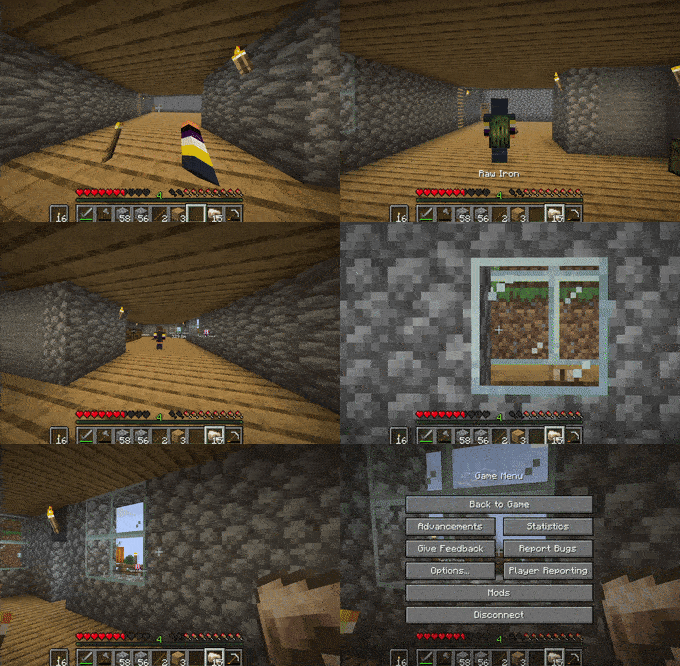
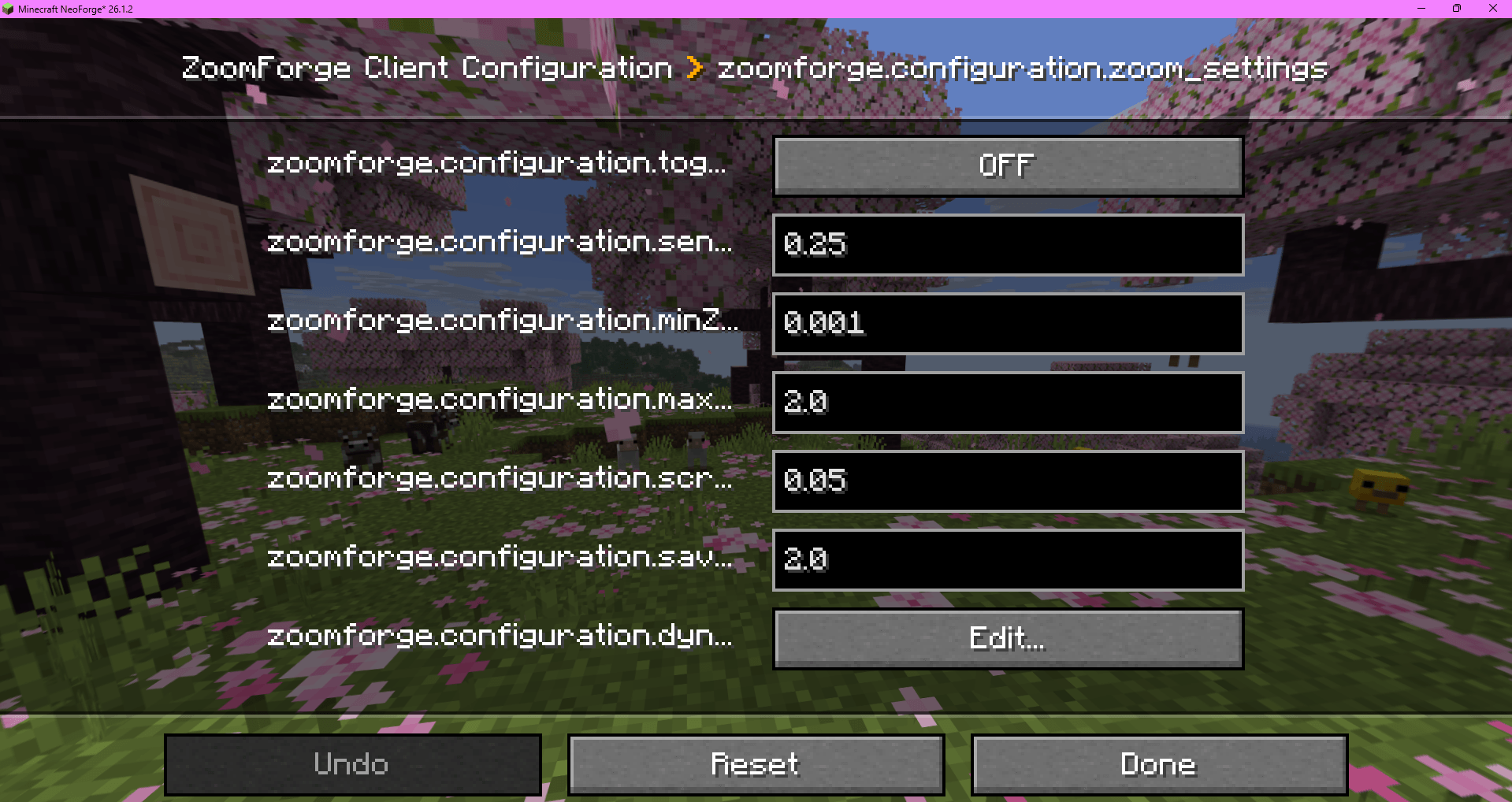
介绍
ZoomForge – Advanced Toggleable Zoom for NeoForge
ZoomForge is a lightweight, client‑side zoom mod designed for NeoForge players who want smooth, customizable zoom control without unnecessary complexity. Whether you’re exploring landscapes, building detailed structures, or lining up the perfect screenshot, ZoomForge gives you precise field‑of‑view control with a single key.
✨ Key Features
-
Toggle or Hold Zoom
Choose your preferred zoom style. Press once to toggle zoom on/off, or hold the key for classic temporary zoom. -
Adjustable Zoom Strength
Fine‑tune your zoom level to match your playstyle. The mod supports a maximum zoom‑out FOV limit of 2.0, ensuring a balanced and comfortable experience. -
Smooth & Responsive
Zoom transitions feel natural and fluid, making it ideal for exploration, PvE, building, and cinematic gameplay. -
Fully Client‑Side
No server installation required. Safe for multiplayer and compatible with any server. -
Simple Keybinding
All zoom controls are handled through a single configurable key, making setup quick and intuitive.
🎯 Why Use ZoomForge?
ZoomForge focuses on simplicity, performance, and control.
⚙️ Configuration
- Toggle or hold‑to‑zoom
- Adjustable zoom multiplier
- Max FOV zoom‑out limit: 2.0
- Keybinding customization
All settings can be adjusted directly in‑game for convenience.
📦 Compatibility
- NeoForge (latest versions)
- Works with most client‑side mods
- Multiplayer‑safe
常见问题
Zoom-NeoForge 支持哪些 Minecraft 版本?
Zoom-NeoForge 支持 Minecraft Java 版 26.1.2,可用的加载器:NeoForge。下载时注意选择和你游戏版本一致的文件。
Zoom-NeoForge 怎么安装?
先用 PCL2 或 HMCL 启动器安装对应版本的 NeoForge,再把下载的 .jar 文件放进游戏目录的 mods 文件夹,重新启动游戏即可。开启了版本隔离的,mods 文件夹在 versions/版本名 下面。
评论
登录后评论和评分