截图
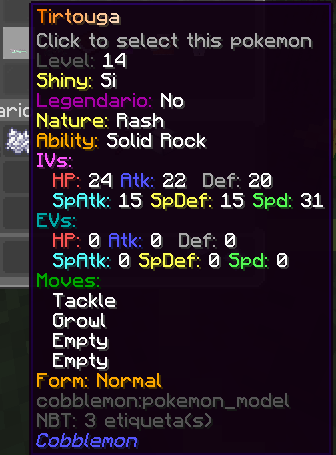
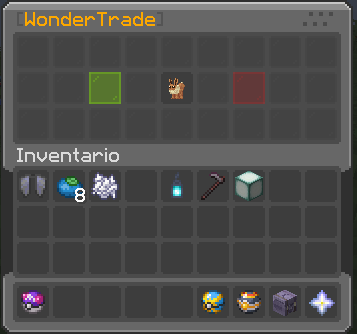

介绍
介绍由机器翻译自 Modrinth 原页面,仅供参考。
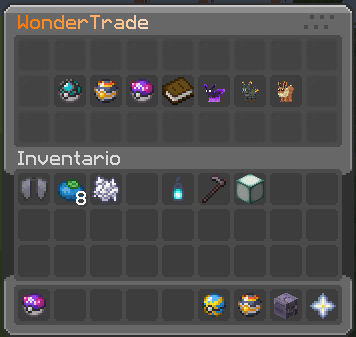
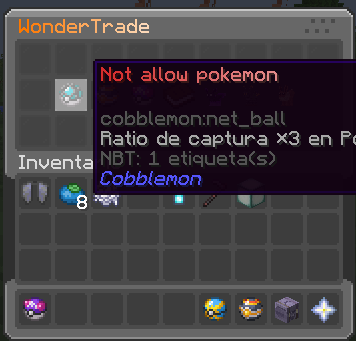
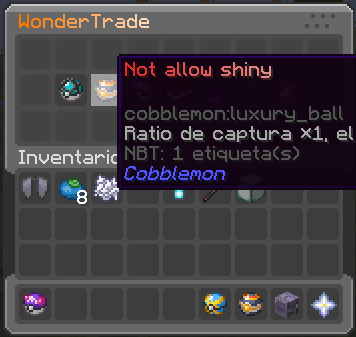
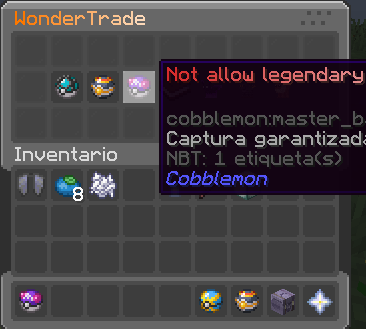
WonderTrade
我将为 Cobblemon 制作更多插件/模组。想了解更多的话,欢迎加入我们的 Discord:Discord
必需的 CobbleUtils 可在 Discord 中获取: Discord
描述
WonderTrade 是一款为 Cobblemon 设计的 Minecraft 插件。它引入了独特的交易系统,允许玩家
用自己的宝可梦换取奖池中的随机宝可梦。这为游戏增添了惊喜和乐趣,因为你
永远不知道自己会换到哪只宝可梦。
配置
文件路径为 config/wondertrade
{
  "lang": "en",
  "cooldown": 30,
  "cooldownmessage": 15,
  "sizePool": 2,
  "minlvreq": 5,
  "minlv": 5,
  "maxlv": 36,
  "emitcapture": false,
  "allowshiny": true,
  "allowlegendary": true,
  "poolview": true,
  "savepool": true,
  "shinyrate": 8192,
  "legendaryrate": 16512,
  "shinys": 0,
  "legendaries": 0,
  "israndom": false,
  "pokeblacklist": [
    "Magikarp"
  ],
  "poketradeblacklist": [
    "Magikarp"
  ],
  "legends": [
    "Magikarp"
  ],
  "aliases": [
    "wt",
    "wondertrade"
  ],
  "itempreviouspage": {
    "item": "minecraft:arrow",
    "slot": 0,
    "title": "&7Previous Page",
    "lore": [
      "&7Click to go to the previous page"
    ],
    "CustomModelData": 0
  },
  "itemclose": {
    "item": "minecraft:barrier",
    "slot": 0,
    "title": "&cClose",
    "lore": [
      "&7Click to close the menu"
    ],
    "CustomModelData": 0
  },
  "itemnextpage": {
    "item": "minecraft:arrow",
    "slot": 0,
    "title": "&7Next Page",
    "lore": [
      "&7Click to go to the next page"
    ],
    "CustomModelData": 0
  }
}
命令
/wt– 打开 WonderTrade 界面。/wt slot <slot> confirm– 交易宝可梦。/wt other <player>– 为其他玩家打开 WonderTrade 界面。/wt pool– 打开奖池界面。/wt reload– 重新加载插件配置。
依赖项
- Cobblemon(v1.5.0)
- Gooeylibs(v3.0.0)
- Architectury API(v9.2.14)
常见问题
zonary123 Cobble WonderTrade 支持哪些 Minecraft 版本?
zonary123 Cobble WonderTrade 支持 Minecraft Java 版 1.20.1,可用的加载器:Fabric / Forge。下载时注意选择和你游戏版本一致的文件。
zonary123 Cobble WonderTrade 怎么安装?
先用 PCL2 或 HMCL 启动器安装对应版本的 Fabric / Forge,再把下载的 .jar 文件放进游戏目录的 mods 文件夹,重新启动游戏即可。开启了版本隔离的,mods 文件夹在 versions/版本名 下面。运行环境:仅服务端。
zonary123 的其他作品
查看全部 →
Pixverse
by zonary123
包含超过 350 个模组的整合包,专注于有趣的体验
2,049
2 年前
CurseForge
zonary123 Cobble STS
by zonary123
A mod that allows you to sell pokemon instantly to the server. The price is calculated by the server based on x characteristics of the pokemon.
589
2 年前
Modrinth
UltraEconomy
by zonary123
UltraEconomy ha mod that simplified the economy mods.
311
26 天前
Modrinth
UltraShop
by zonary123
Modular Shop for Minecraft (Fabric).
243
11 个月前
Modrinth
评论
登录后评论和评分