
截图
介绍
zNBTEditor
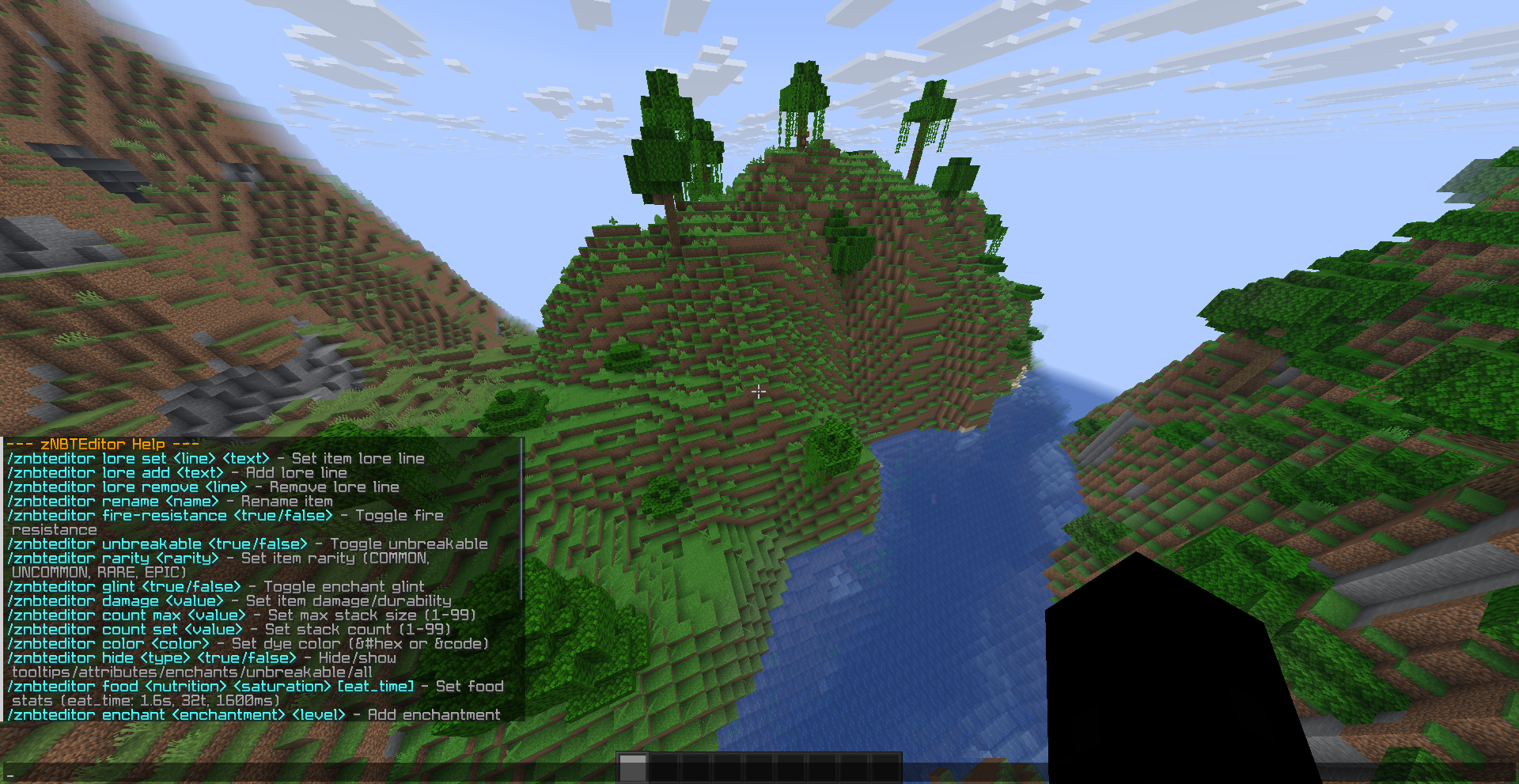
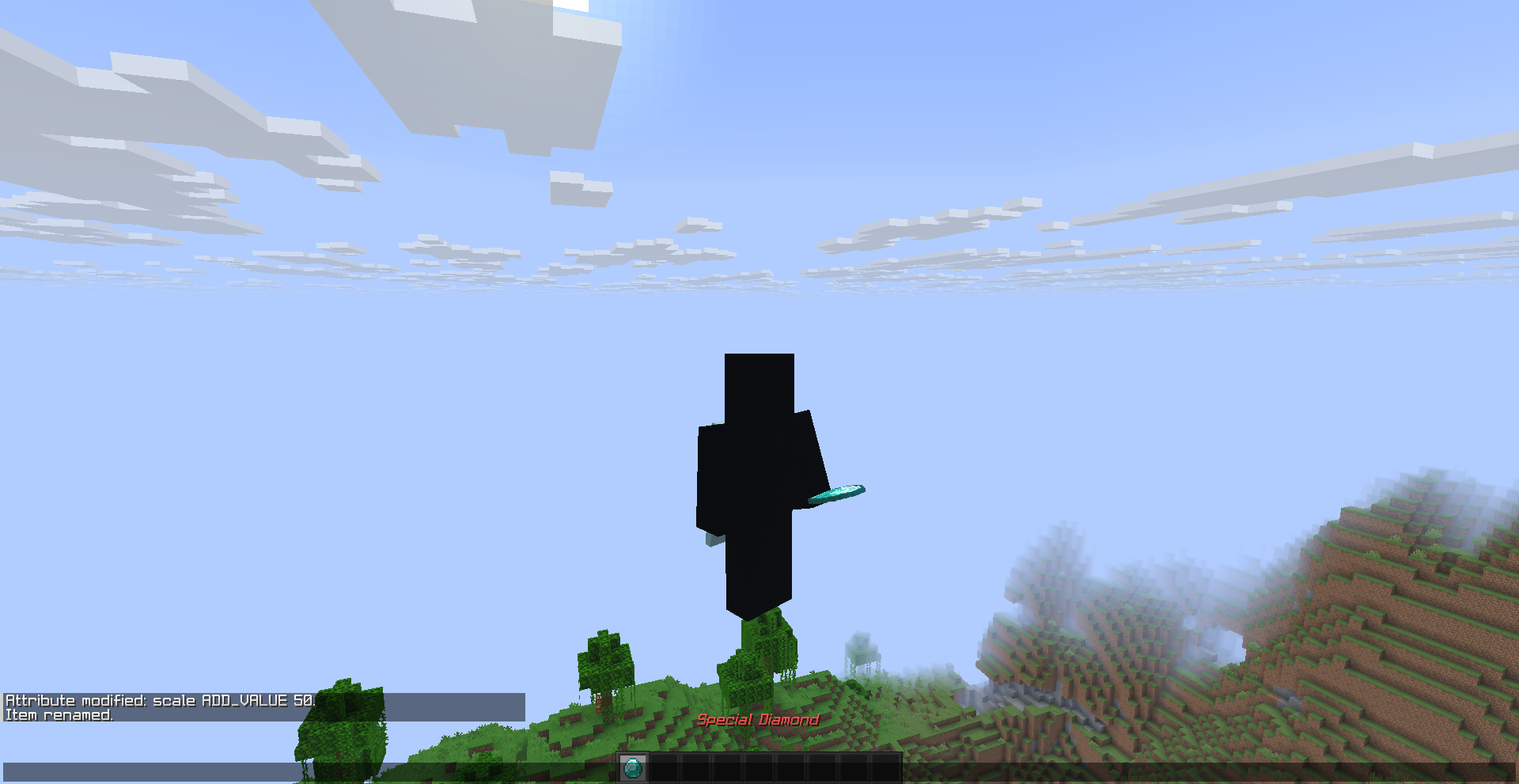
Modify any item’s components in-game using the /znbteditor command — no external editors, no datapacks, no creative menu workarounds.
Works on both server and client — singleplayer and command blocks work without restrictions.
NOTE: On multiplayer servers, creative mode is required.
Features
- Lore — Set, add, or remove lore lines with full color code support (
&0–&f,&#rrggbb) - Rename — Rename items with inline color and formatting
- Unbreakable — Make any item unbreakable
- Fire Resistance — Toggle fire damage immunity
- Rarity — Set rarity to COMMON, UNCOMMON, RARE, or EPIC
- Glint — Force or remove the enchantment glint
- Damage — Set item damage/durability
- Count — Change stack count and max stack size (1–99)
- Color — Apply dye color to leather armor and other dyeable items
- Hide Flags — Hide tooltips, attributes, enchantments, unbreakable, or all
- Food — Set nutrition, saturation, and eat time (supports
s,t,ms,ticks,secs) - Enchant — Add any enchantment at any level (1–255)
- Attributes — Set, add, multiply, or reset attribute modifiers (supports
-inf/inf) - Potion Effects — Add, remove, or set custom potion effects with duration and amplifier
- Armor Trims — Apply any trim material and pattern
- Books — Edit signed book author, title, pages, or convert to writable book
Commands
| Command | Description |
|—|—|
| /znbteditor lore set <line> <text> | Set a lore line |
| /znbteditor lore add <text> | Add a lore line |
| /znbteditor lore remove <line> | Remove a lore line |
| /znbteditor rename <name> | Rename the held item |
| /znbteditor unbreakable <true/false> | Toggle unbreakable |
| /znbteditor fire-resistance <true/false> | Toggle fire resistance |
| /znbteditor rarity <rarity> | Set rarity |
| /znbteditor glint <true/false> | Toggle enchant glint |
| /znbteditor damage <value> | Set durability damage |
| /znbteditor count max <value> | Set max stack size |
| /znbteditor count set <value> | Set stack count |
| /znbteditor color <color> | Set dye color |
| /znbteditor hide <type> <true/false> | Hide/show tooltips |
| /znbteditor food <nutrition> <saturation> [eat_time] | Set food stats |
| /znbteditor enchant <enchantment> <level> | Add an enchantment |
| /znbteditor attribute set\|add\|multiply <attr> <value> | Modify attributes |
| /znbteditor attribute reset <attr> | Reset attribute modifiers |
| /znbteditor potion add\|remove\|set <effect> <dur> <amp> | Edit potion effects |
| /znbteditor trim <material> <pattern> | Apply armor trim |
| /znbteditor book author\|name\|edit\|writable | Edit books |
Aliases: /znbt, /zne, /edit, /nbt, /editor
Known Issues
- Singleplayer gets you kicked after a few edits — Due to a thread safety issue, performing multiple item edits in singleplayer may get you kicked. This is not a issue about your Launcher. Multiplayer is unaffected about this problem.
Requirements
- Fabric Loader 0.19.0+ (For 26.2)
- Fabric API (Required)
- Minecraft 1.21.11 – 26.2
License
MIT — you may modify and use it privately, but if you publish or distribute it, the original copyright notice must be included.
Report Problems
Join to our Discord to report any issues.
常见问题
zNBTEditor 支持哪些 Minecraft 版本?
zNBTEditor 支持 Minecraft Java 版 1.21.11–26.2,共 5 个版本,可用的加载器:Fabric。下载时注意选择和你游戏版本一致的文件。
zNBTEditor 怎么安装?
先用 PCL2 或 HMCL 启动器安装对应版本的 Fabric,再把下载的 .jar 文件放进游戏目录的 mods 文件夹,重新启动游戏即可。开启了版本隔离的,mods 文件夹在 versions/版本名 下面。运行环境:客户端 / 服务端。
评论
登录后评论和评分