
ZKQ – Zombie King Quest (Boss Fight + Structures + Progression)
添加强大的僵尸王Boss、自定义结构、Frux矿石 progression 和史诗武器,面向冒险向生存玩法。
截图

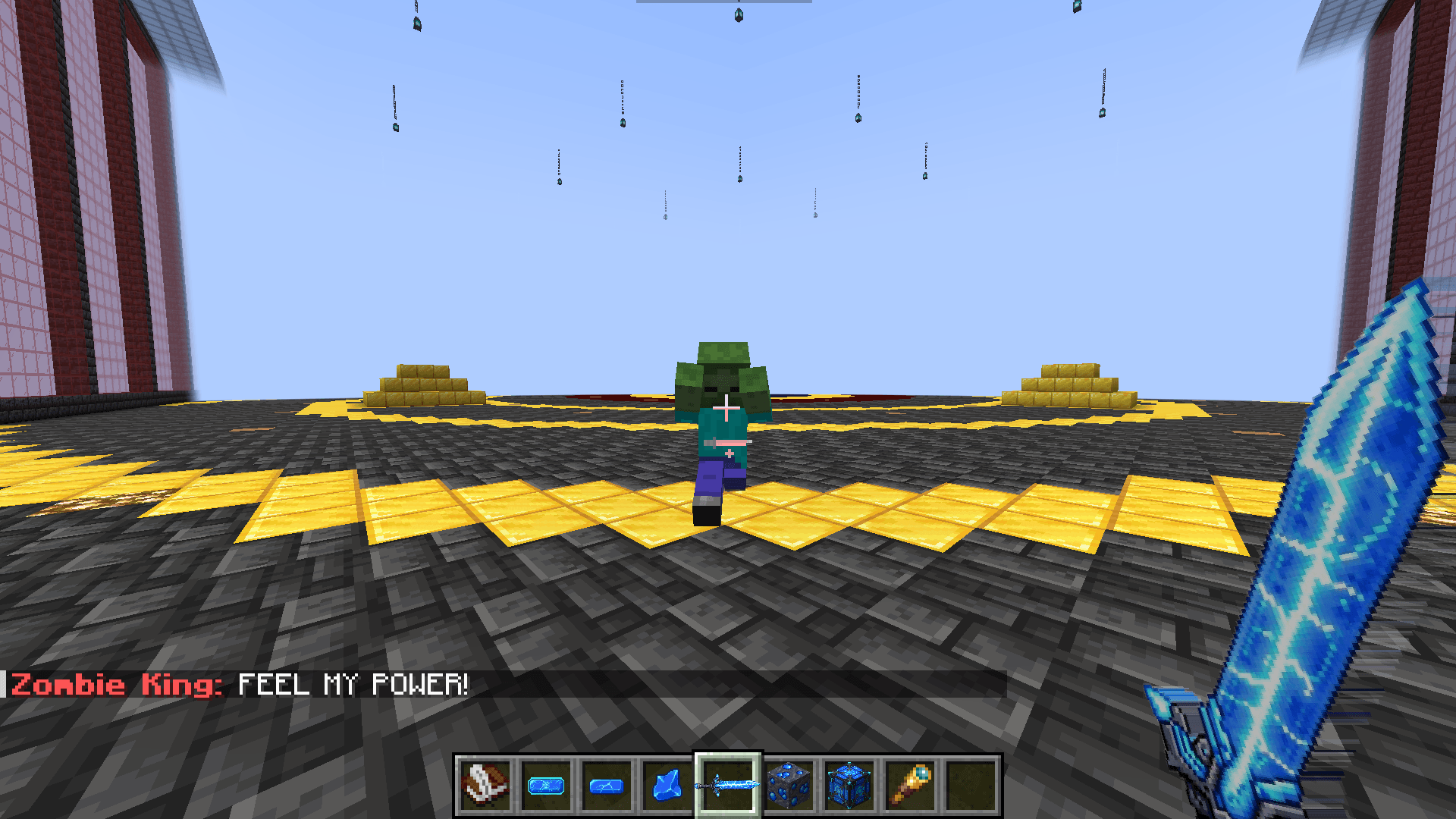
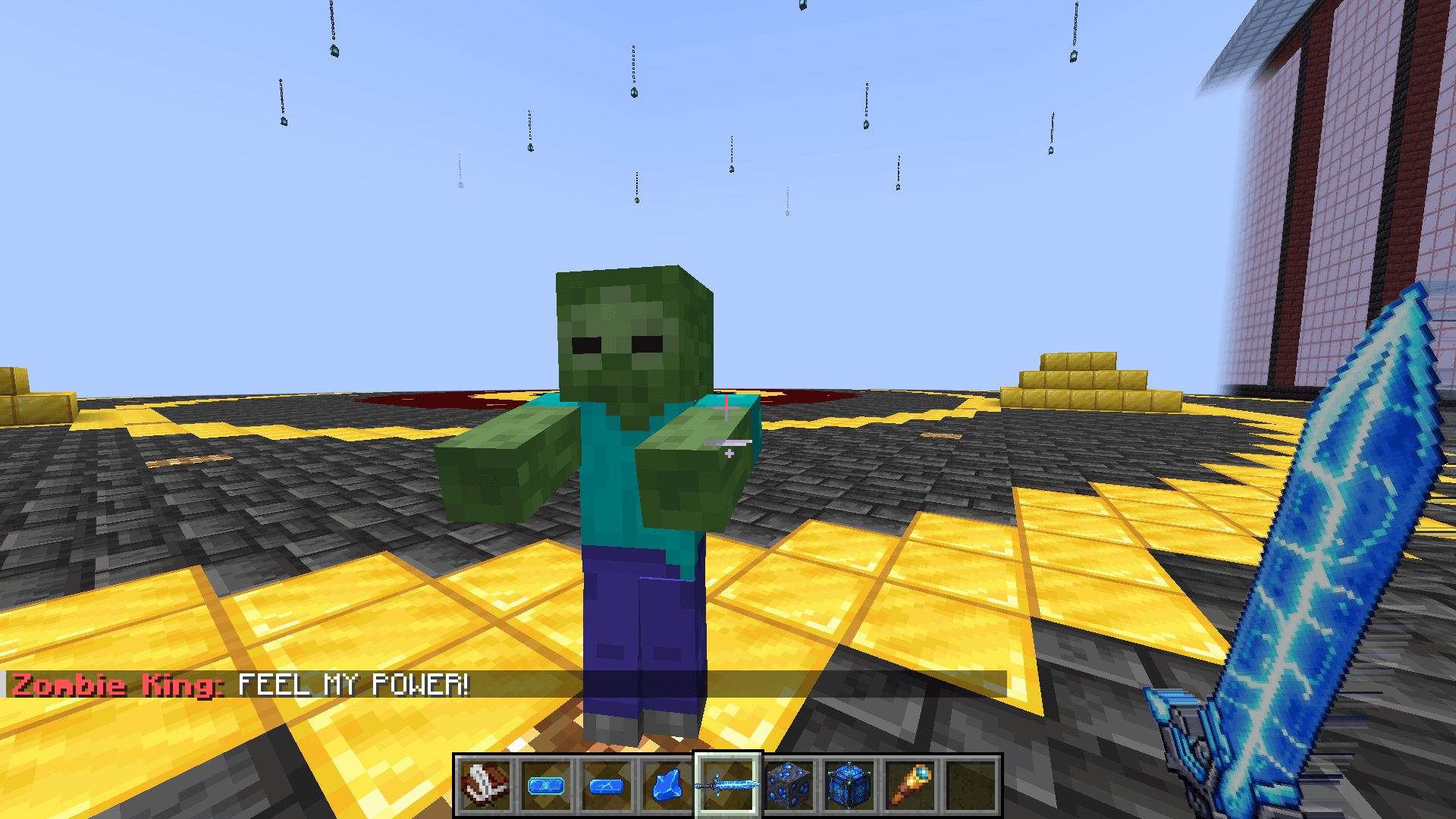
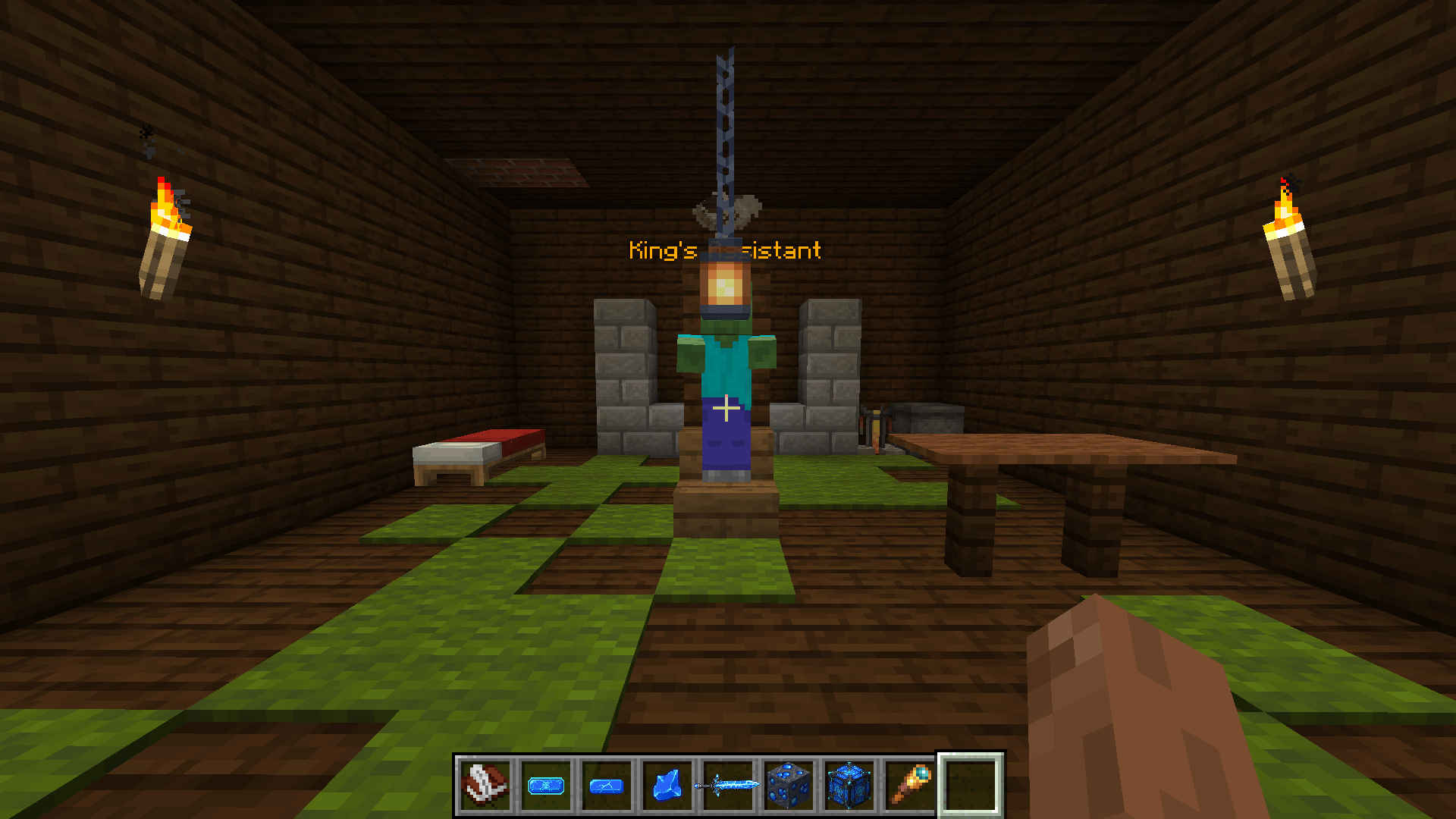

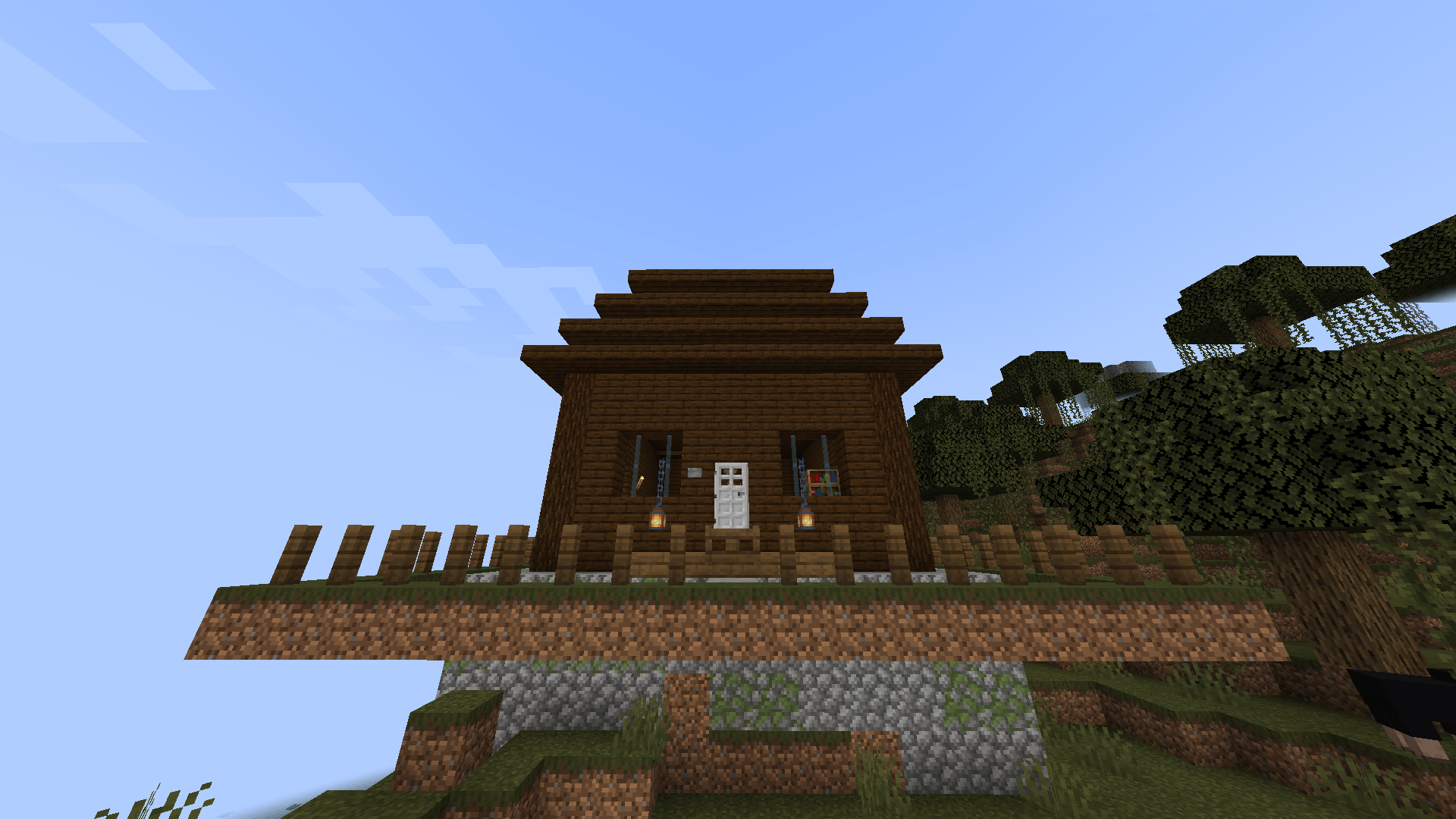
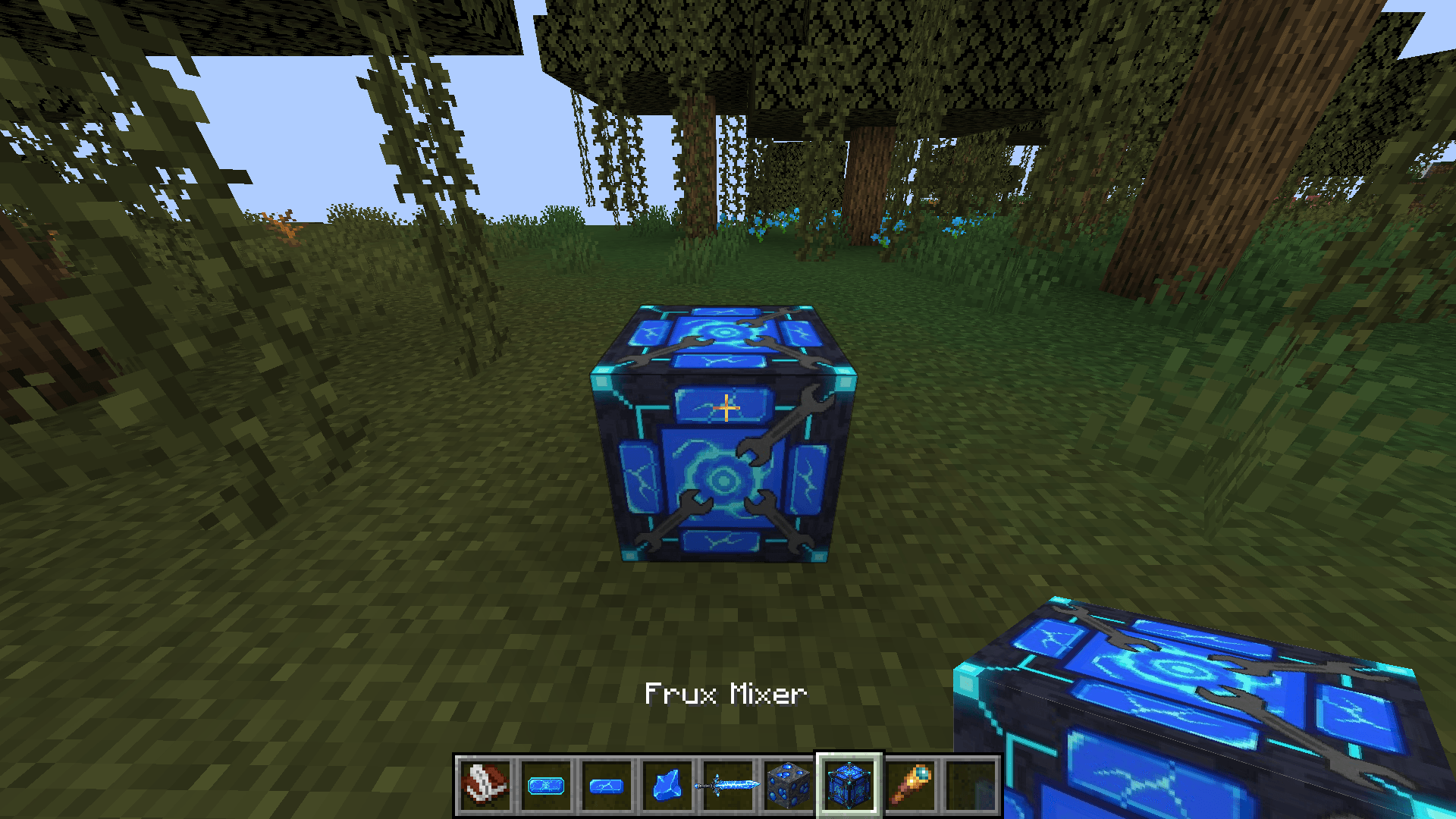
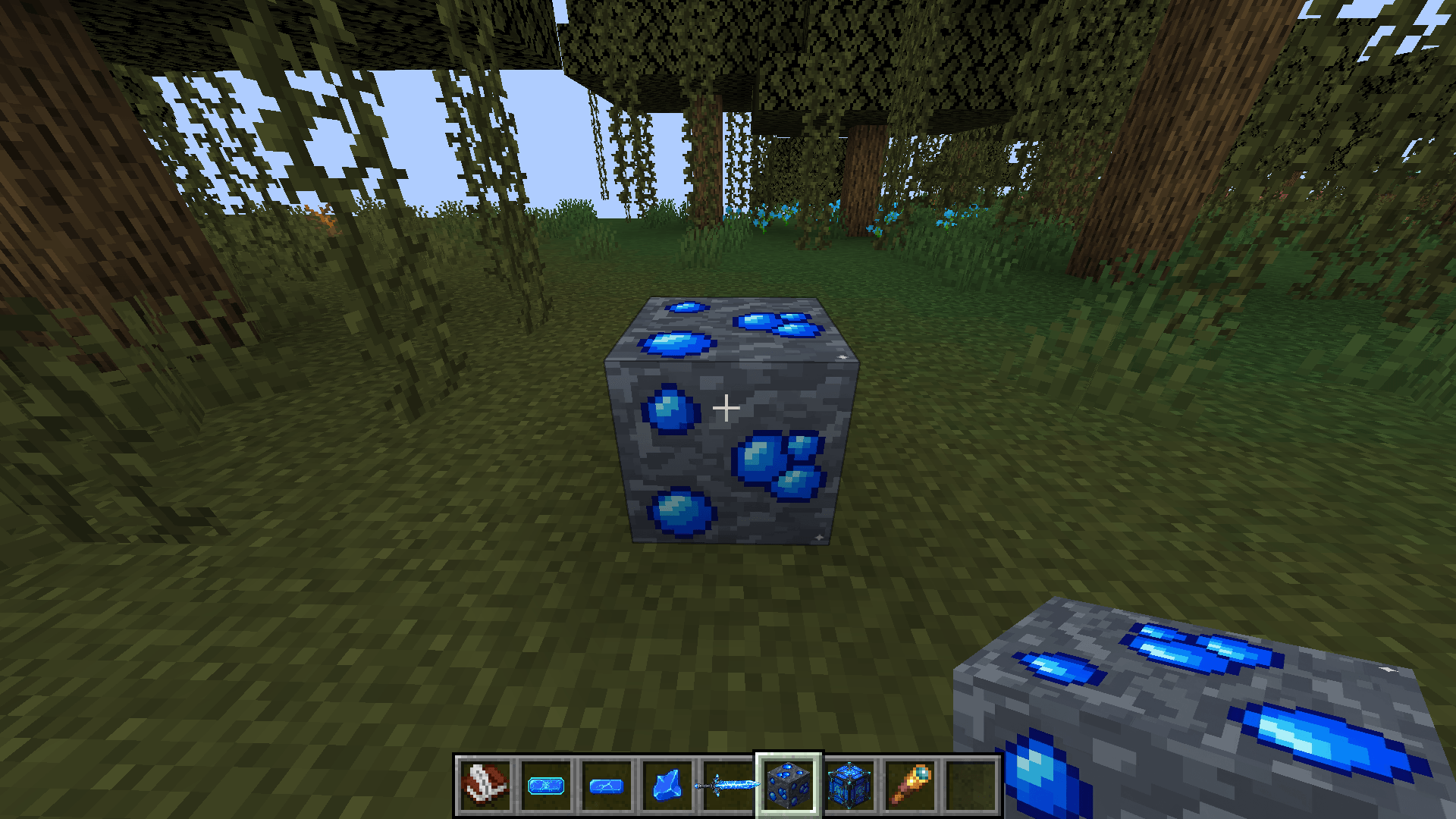
介绍
🔥 Features
-
New Zombie King boss with unique drops
-
Frux Ore progression system
-
King’s House structure in swamp biomes
-
Powerful weapons and gear
⚔️ Gameplay Loop
-
Explore → find structure
-
Fight Zombie King
-
Unlock crafting progression
📦 Content Added
-
Boss mob
-
Weapons
-
Ore
-
Structure
📈 Helps players understand the mod fast → fewer bounces
Full gameplay guide description and summary:
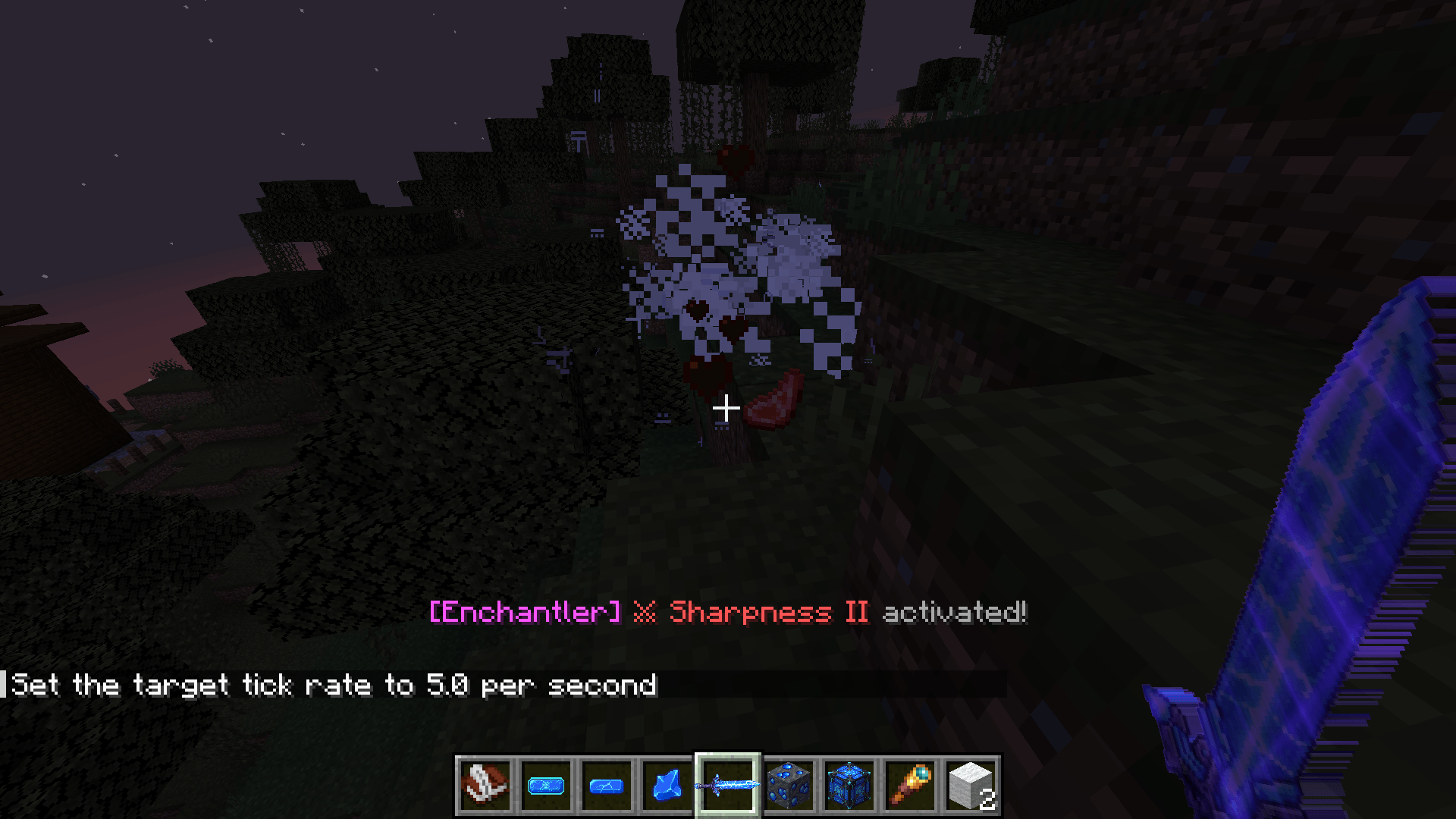
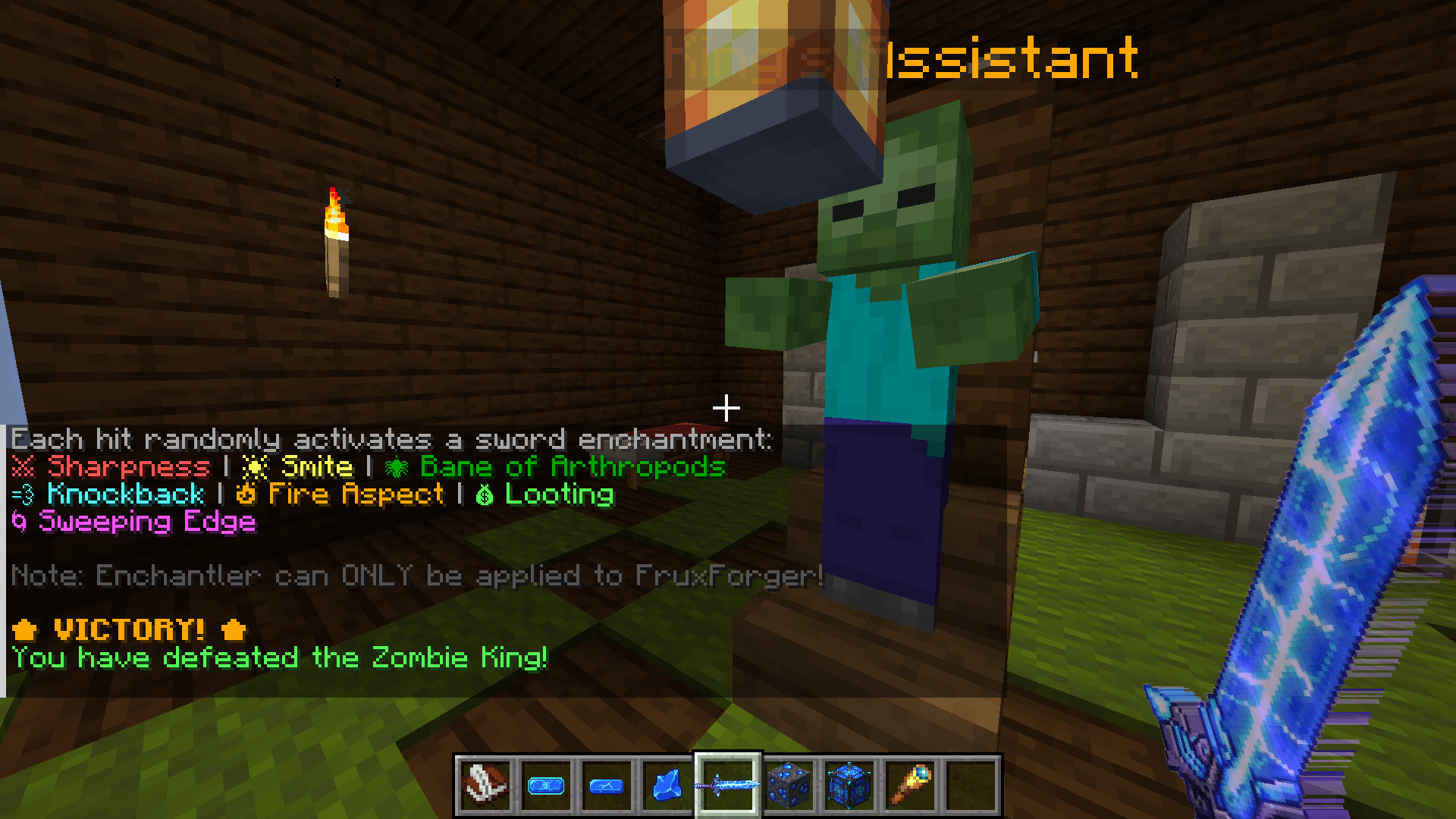
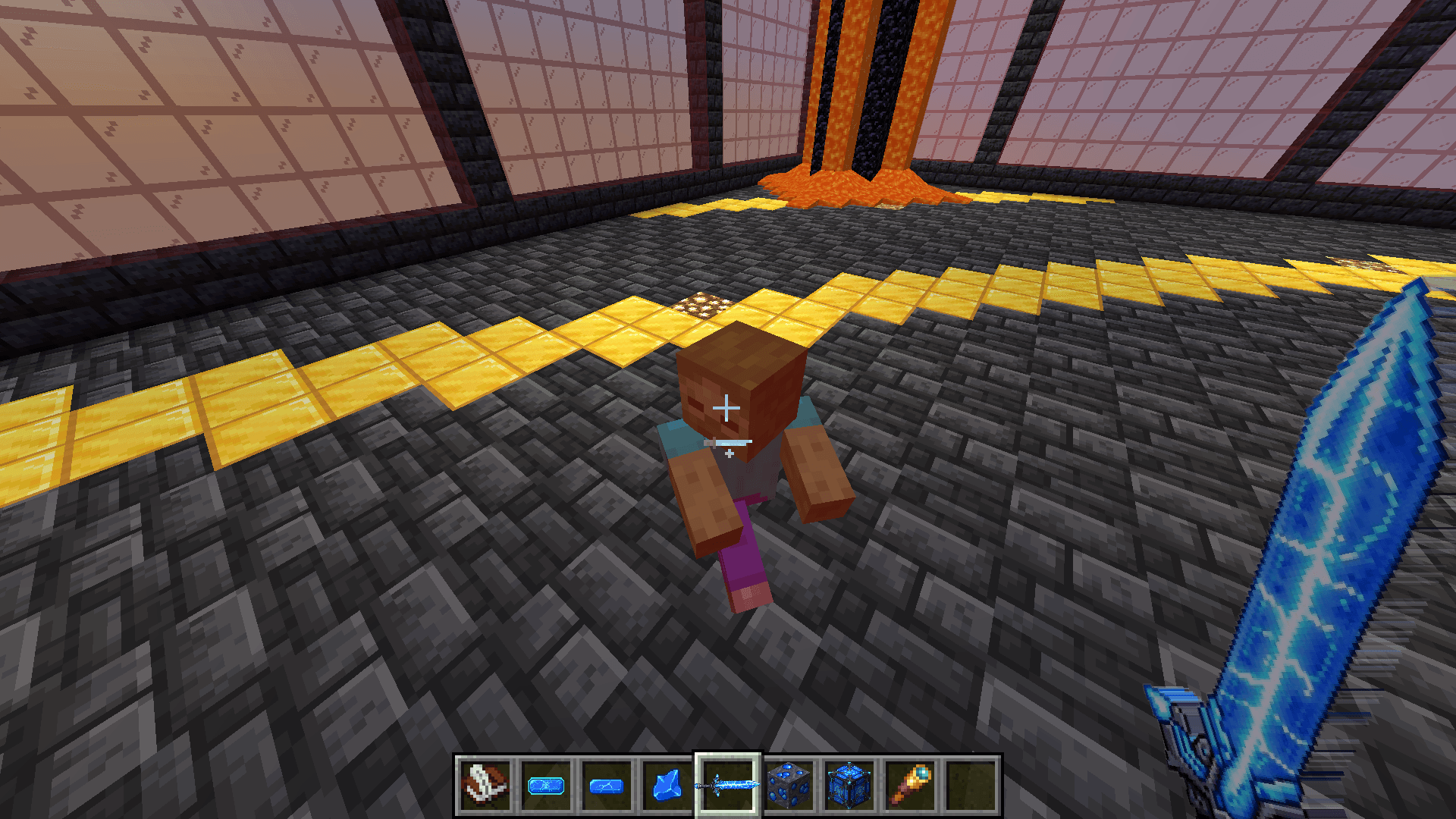
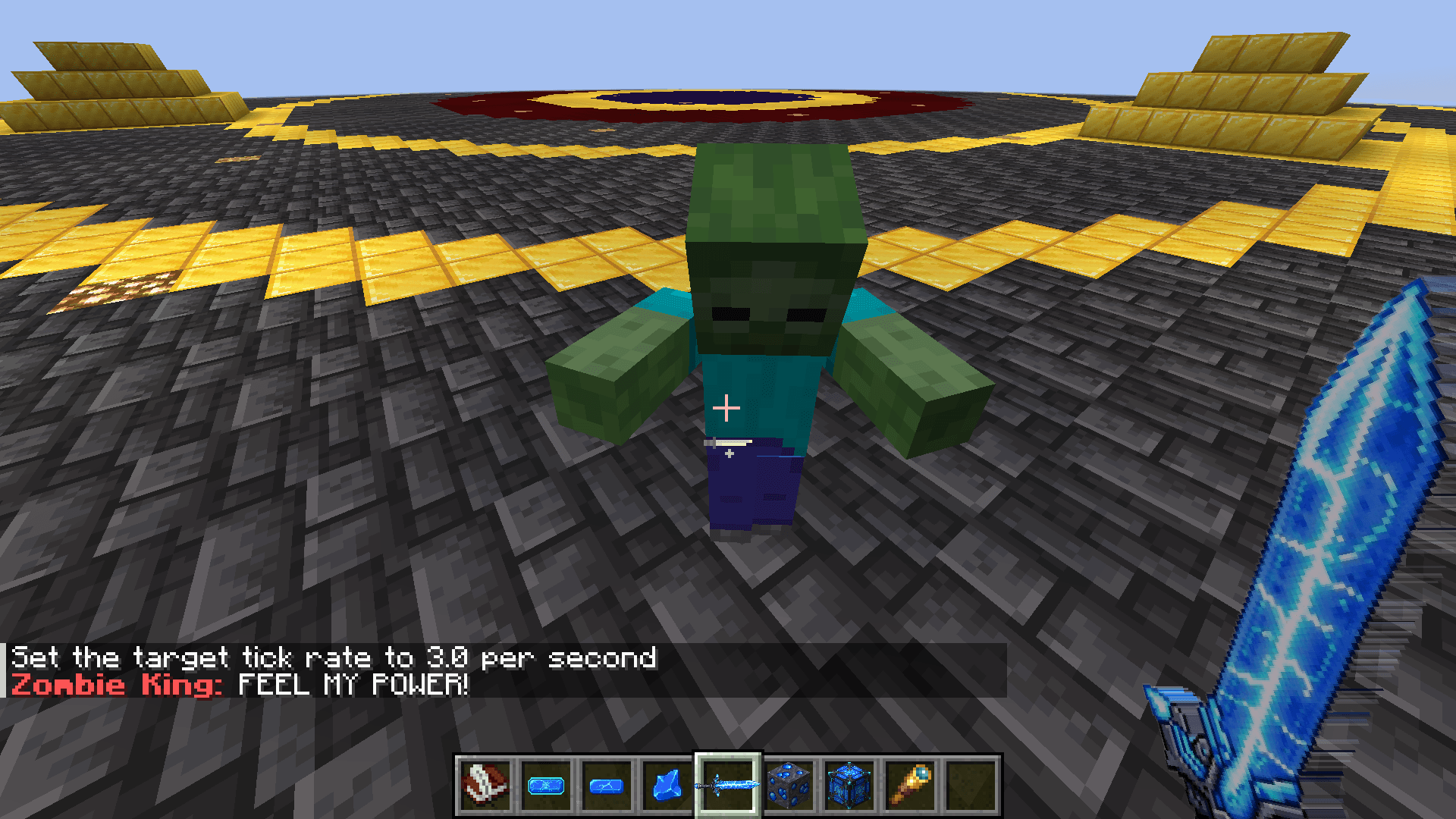
When a player creates a world first do progress mine ores unilt iron and everything the user can mine Frux Ore and by mining it will get you Raw Frux and then by smelting the Raw Frux will give you Frux Ingot. You can craft Frux Mixer by placing cobblestones and one blue dye in the middle so 8 cobblestones and 1 blue dye. In the frux mixer you can place 25 Frux Ingot to get 1 Super Frux ingot. By getting 2 super frux ingot you can craft FruxForger sword that is equal to the netherite sword. But in the first version it doesnt have many uses but provide a easier way and a better sword. Then the user can find a swamp biome and a Kings House structure in Swamp Biome there when you get in you will find a Kings Assistant and you can chat with him to let you fight his Boss and you will be teleported to a arena to fight his boss.Once you defeat his Boss you will be teleported back to Kings House Structure and get the FruxForger sword With an Enchantment called “Enchantler” applied on it.The Enchantment does this:
Once hit a mob the mob will be attack by a single random enchantment that exists in the game applied to sword.
-
#boss mod
-
#adventure mod
-
#rpg
-
#progression
-
#structure mod
-
#zombie boss
常见问题
ZKQ – Zombie King Quest (Boss Fight + Structures + Progression) 支持哪些 Minecraft 版本?
ZKQ – Zombie King Quest (Boss Fight + Structures + Progression) 支持 Minecraft Java 版 1.20.1–1.21.1,共 2 个版本,可用的加载器:Forge。下载时注意选择和你游戏版本一致的文件。
ZKQ – Zombie King Quest (Boss Fight + Structures + Progression) 怎么安装?
先用 PCL2 或 HMCL 启动器安装对应版本的 Forge,再把下载的 .jar 文件放进游戏目录的 mods 文件夹,重新启动游戏即可。开启了版本隔离的,mods 文件夹在 versions/版本名 下面。

评论
登录后评论和评分