Zetta’s Spells
Add-on for Electroblob's Wizardry: Redux, adding new spells, mechanics and more!
截图
介绍
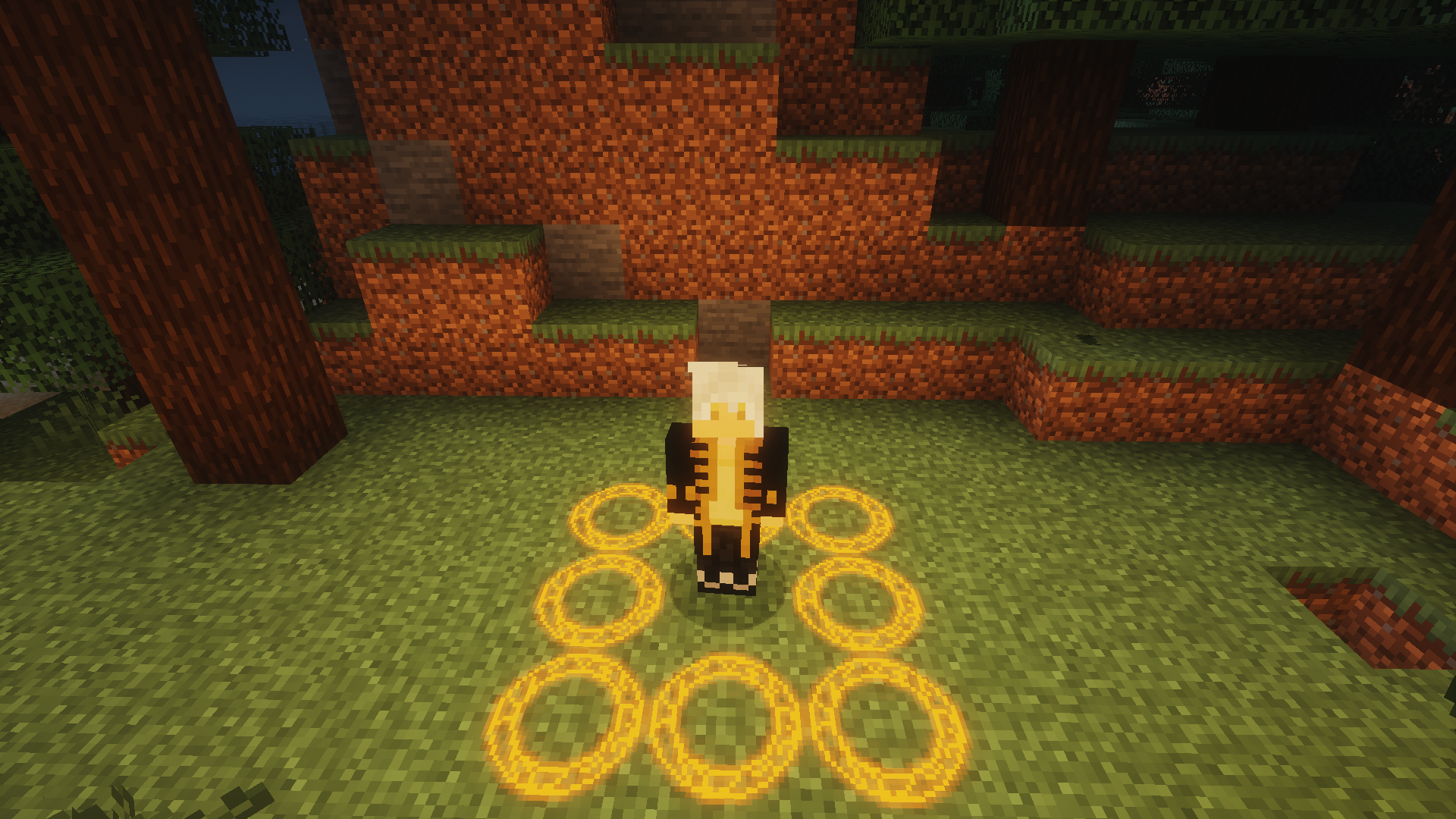
This add-on adds around 10 new spells (as of 1.0.0) and new items!
It expands Necromancer’s and Novice-Apprentice level spells experience, adding new spells to Magic element.
Adds new mechanic – Spell Learning:
Once you learn spell – you’ll make it stronger and stronger with each cast!
Also you can create your own spells with specific mechanic, shown in Spells tab down here
Spells:
– Heat Healling (heal with fire!)
– Magic Barrier (do not let evil mobs in!)
– Turn Minion (turn anyone minion!)
– Ore Conversion (convert ores from one ot another!)
– Levitation Sigil (send yourself or them to sky!)
– Advanced Levitation Sigil (even faster!)
– Resurrect (resurrect fallen monsters… but make them on your side!)
– Hex (debuff your enemy, then use Hex to damage them with all debuffs!)
– Summon Rabbit (spawn some rabbit minions, they’re Great you might say!)
– Summon Bee (summon BEEs to BEE on your side!)
– Origin (depending on item you hold in other hand – it will affect someone with it, or sneak to apply to yourself!)
– Explosion (explode things!)
– Pull (pull entities to yourself)
– Turn Spellcaster (turn others spellcaster!)
– CREATE OWN SPELLS:
Items:
– Golden Astral Diamond – surround astral diamond with golden nuggets, and you will be able to make any one minion be eternal!
– Necromancer Staff – allows to control which of your minions will stay on place/go with you, and also allows equipping them with armor and gear! (sneak to change mode of the staff). To craft it, put two sticks and one skeleton skull on crafting grid!
Adds small casting words system:
Credits:
Roombie (Necromancer Staff texture, Spell-Word tablet texture)
常见问题
Zetta’s Spells 支持哪些 Minecraft 版本?
Zetta’s Spells 支持 Minecraft Java 版 1.20–1.20.2,共 3 个版本,可用的加载器:Forge。下载时注意选择和你游戏版本一致的文件。
Zetta’s Spells 怎么安装?
先用 PCL2 或 HMCL 启动器安装对应版本的 Forge,再把下载的 .jar 文件放进游戏目录的 mods 文件夹,重新启动游戏即可。开启了版本隔离的,mods 文件夹在 versions/版本名 下面。
ZettaSword 的其他作品
查看全部 →
Zettai Magic
Electroblob's Wizardry 的附属模组,新增法术制作、联动内容、魔法手套,当然还有各种法术,以及更多精彩内容!
Zettai Ars
让 Mana & Artifice、Ars Nouveau、PlayerEx 等模组实现联动!
Zettai Grimoires
Electroblob's Wizardry 的 3D 魔法书附属模组!
Wizardry Tales
为 Electroblob's Wizardry 添加全新法术、建筑、魔法生物等内容!
评论
登录后评论和评分