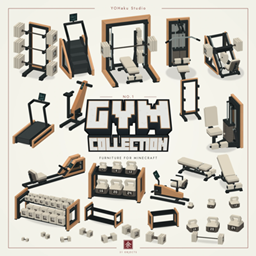
Gym Furniture Collection
Build a cozy gym with 31 furniture designs in warm wood and matcha finishes, free for personal and commercial use.
截图
介绍
I wanted a little gym that would fit into a cozy Minecraft build, so I started making the furniture myself. It grew from a treadmill into racks, benches, bikes and a whole bunch of tiny weights.
The whole Gym Collection is now free, including the artwork and editable models. I’d love to see what you build with it — and hear which piece you think is still missing.
What’s in the collection?
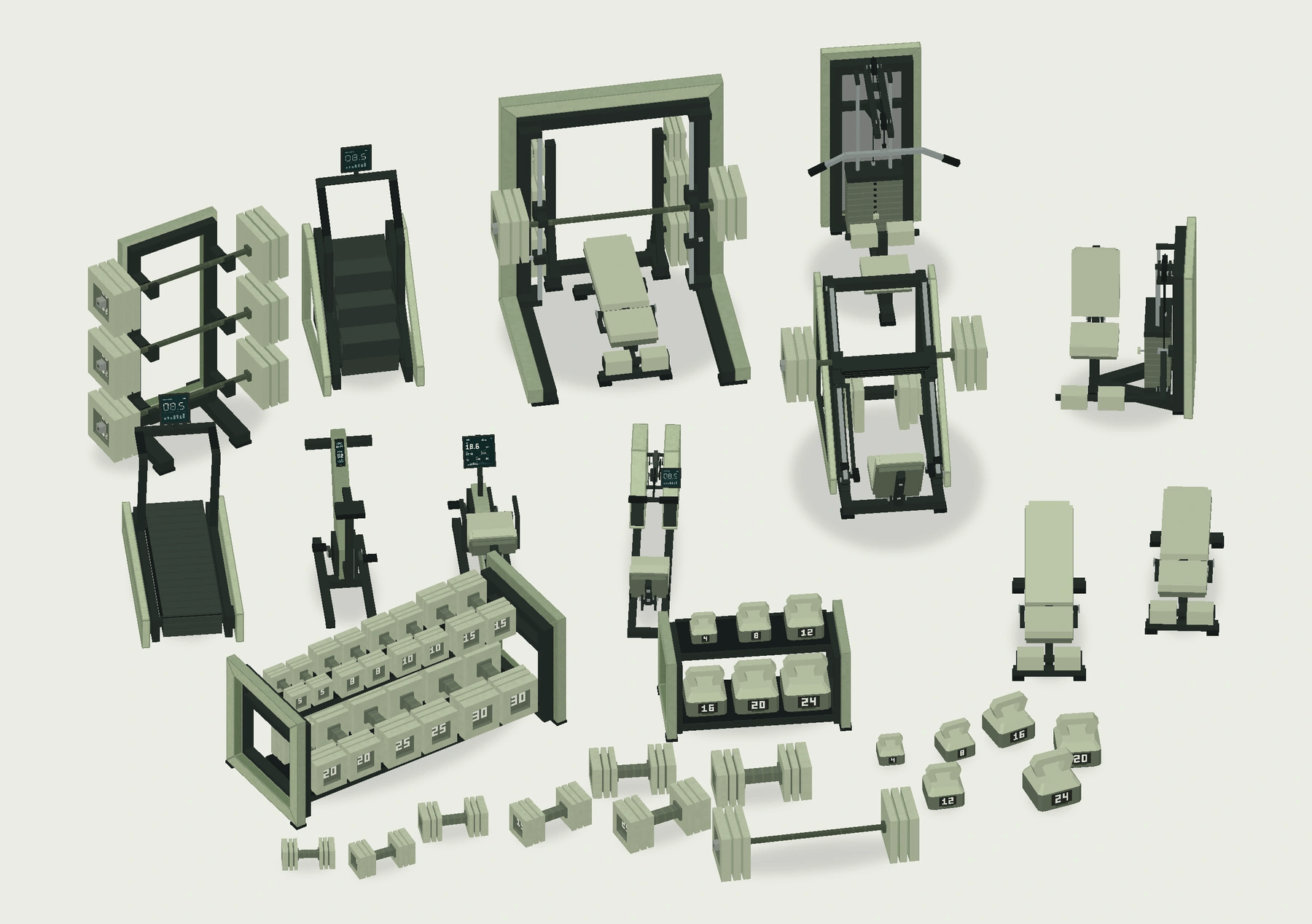
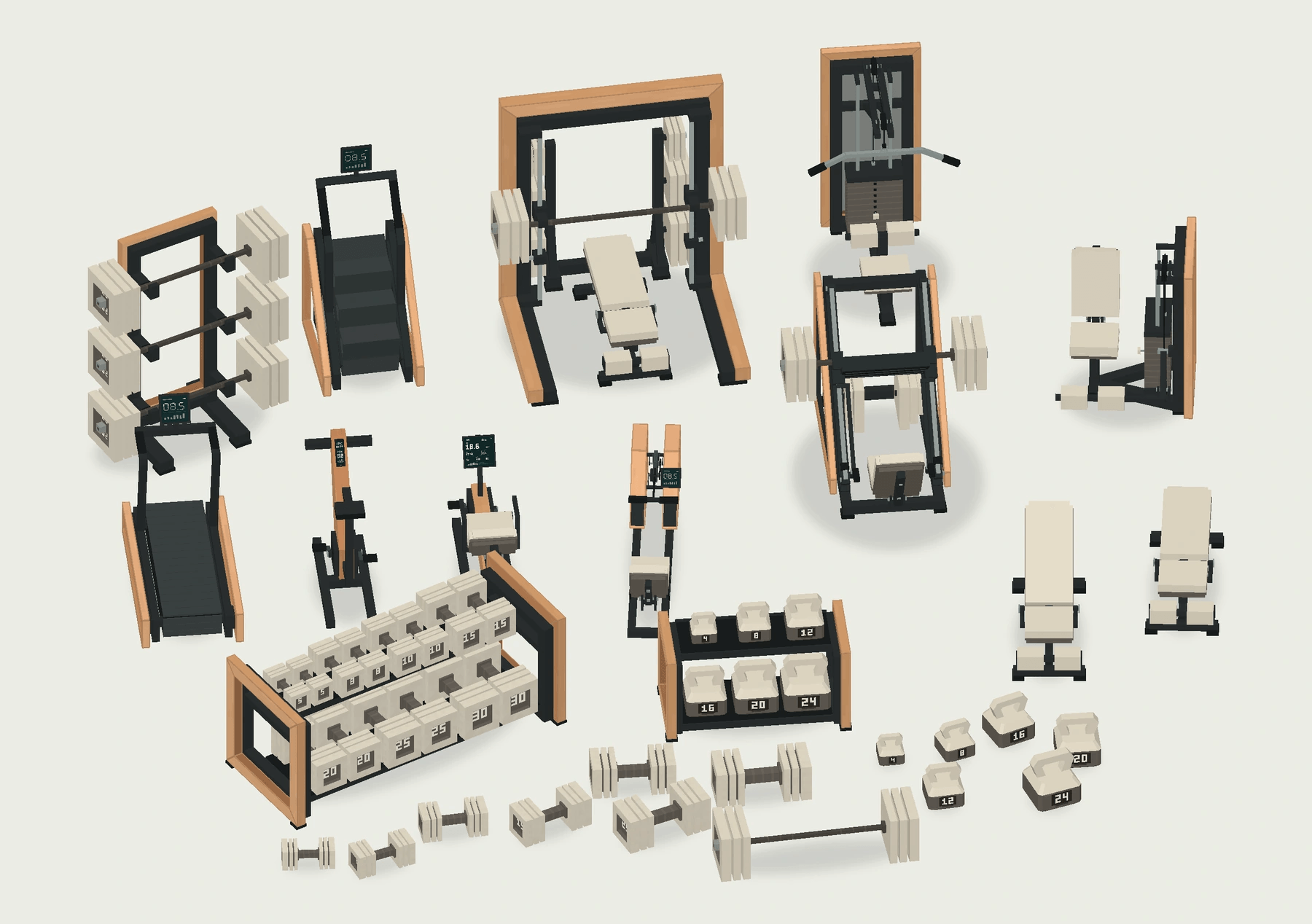
- 31 furniture designs / 62 variants, with original warm wood, neutral and sandstone finishes plus a matcha alternative.
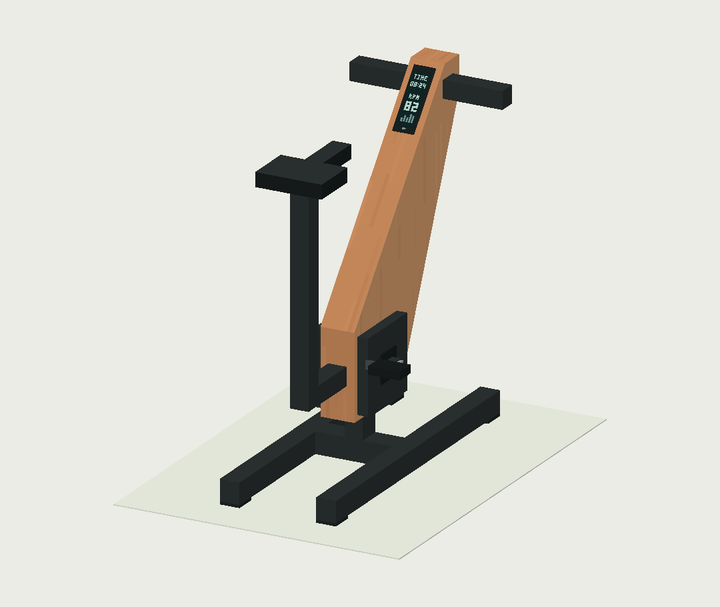
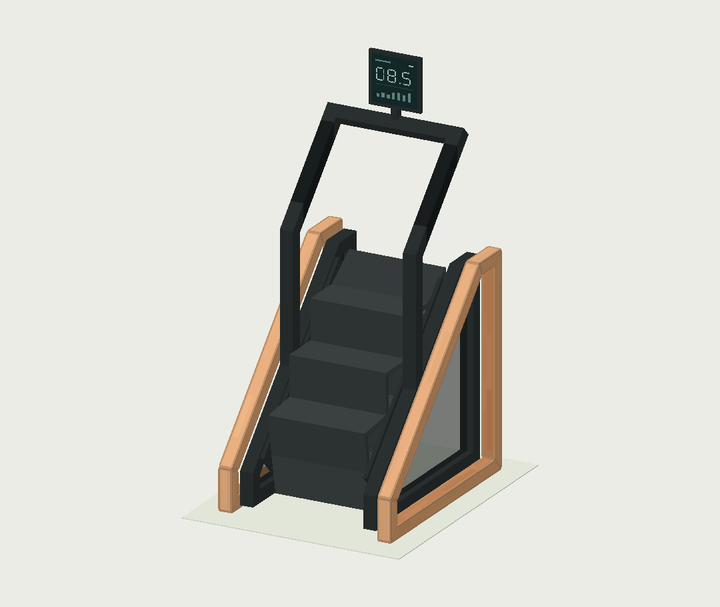
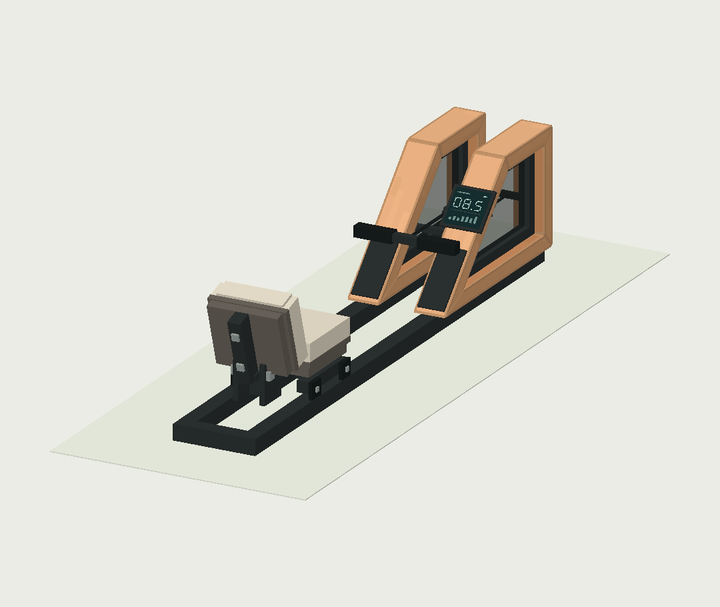
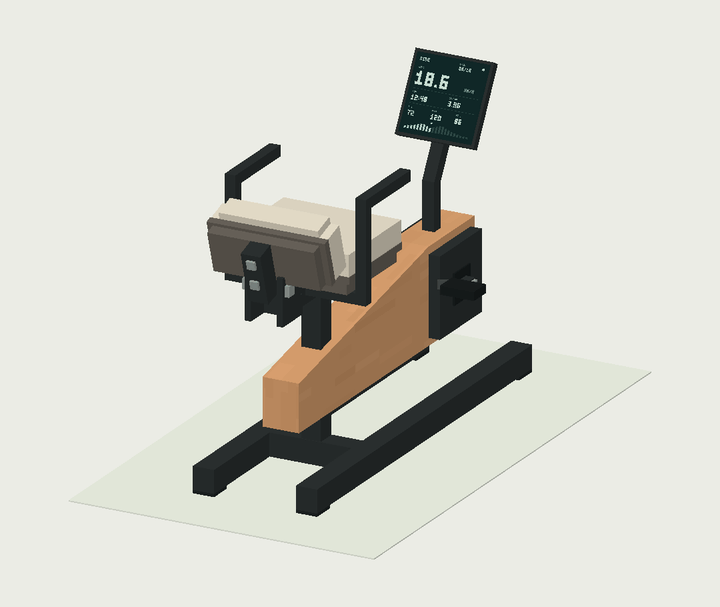
- Treadmill, exercise bike, recumbent bike, rowing machine and stair climber.
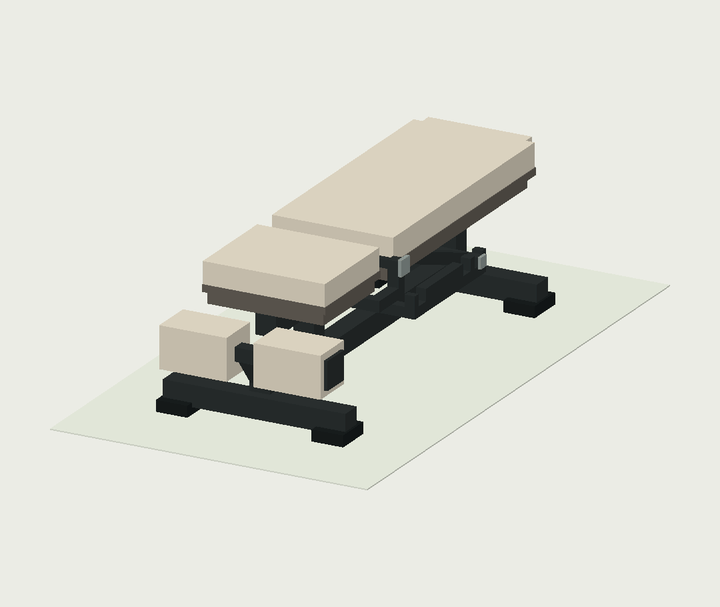
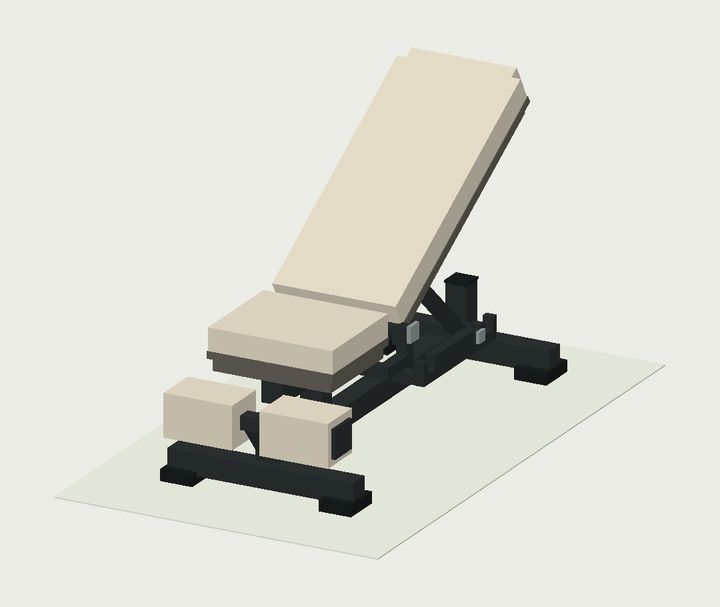
- Flat and incline benches, Smith machine, lat pulldown, leg press and leg extension.
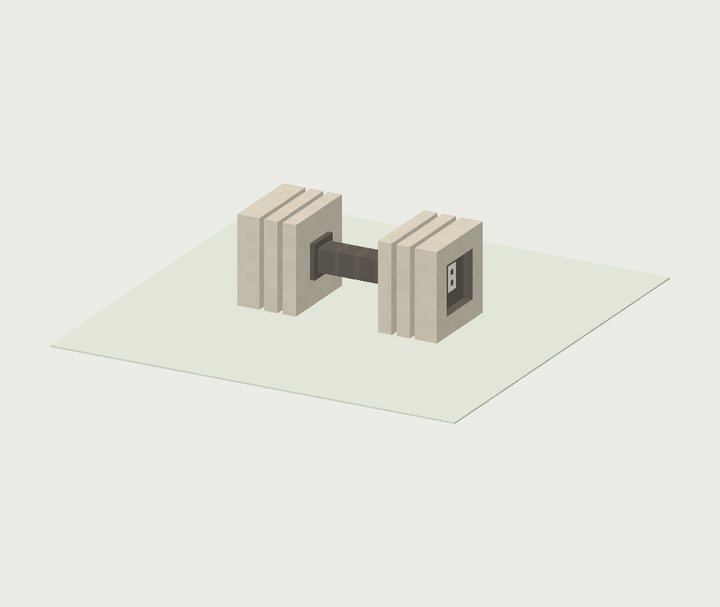
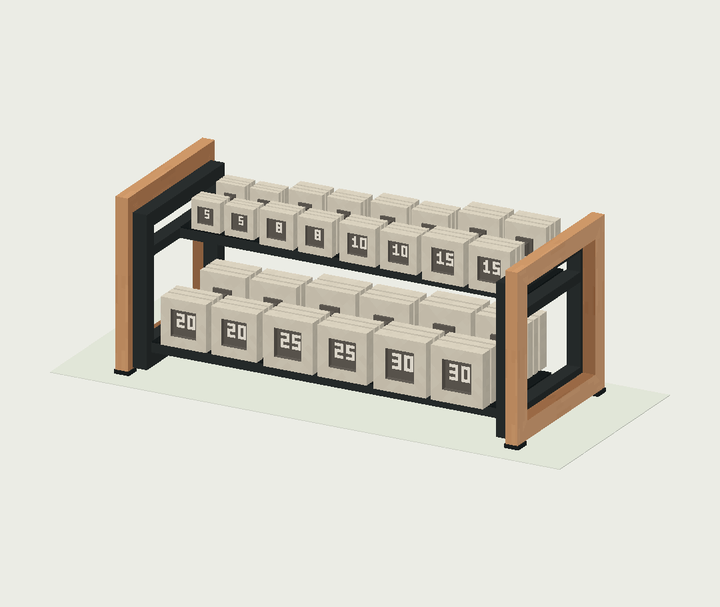
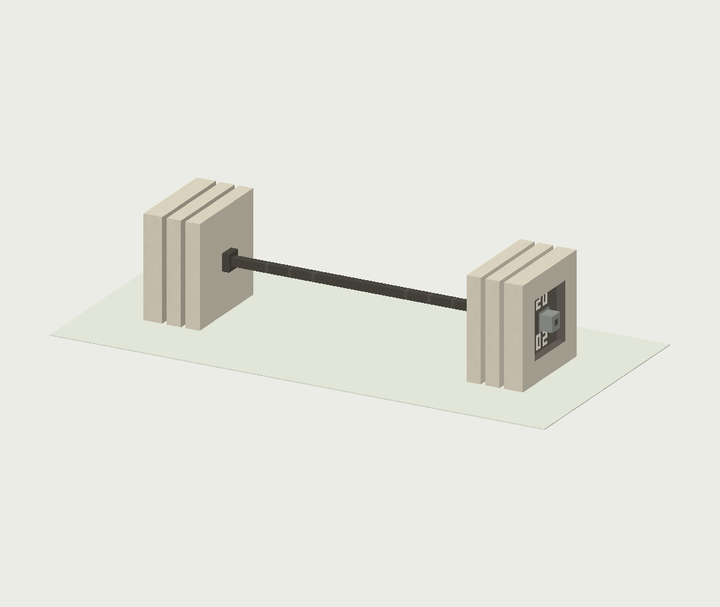
- Dumbbells, kettlebells, a barbell, and empty/loaded storage racks.
- Placeable decorative furniture with collision, rotation and saved-world support. These are building props; the exercise machines do not add workout gameplay.
A closer look
Cardio
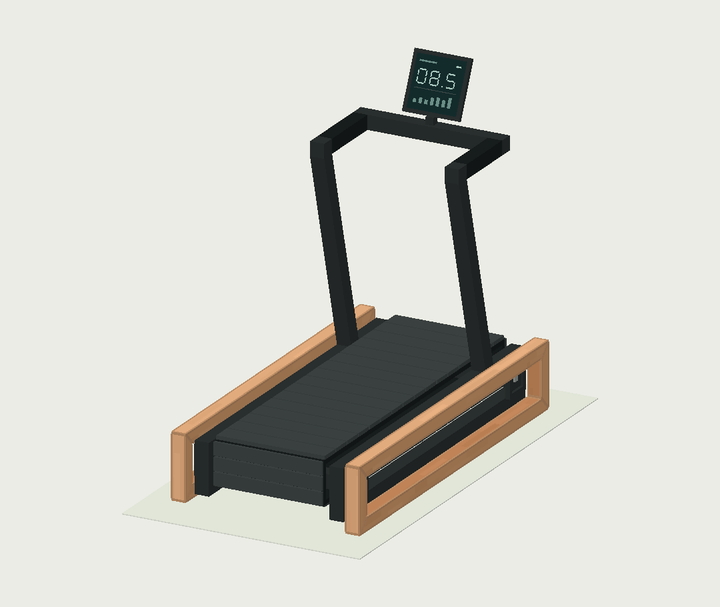
Treadmill and rowing machine in wood and black.
Strength
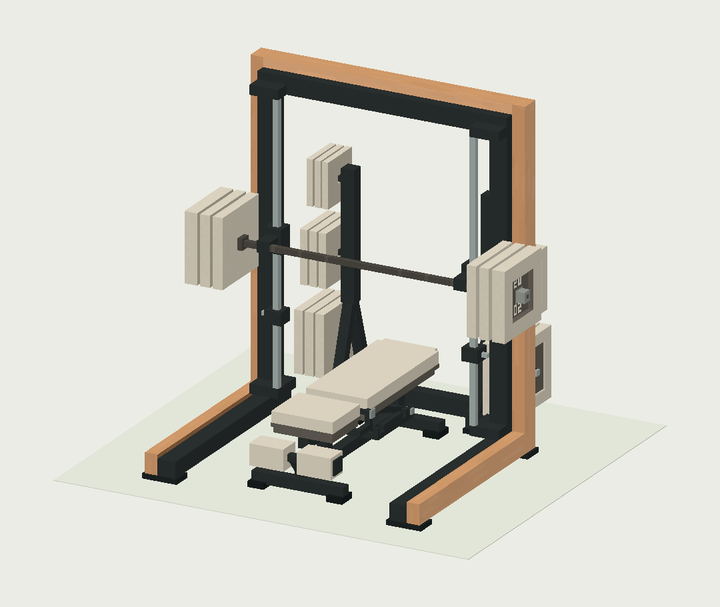
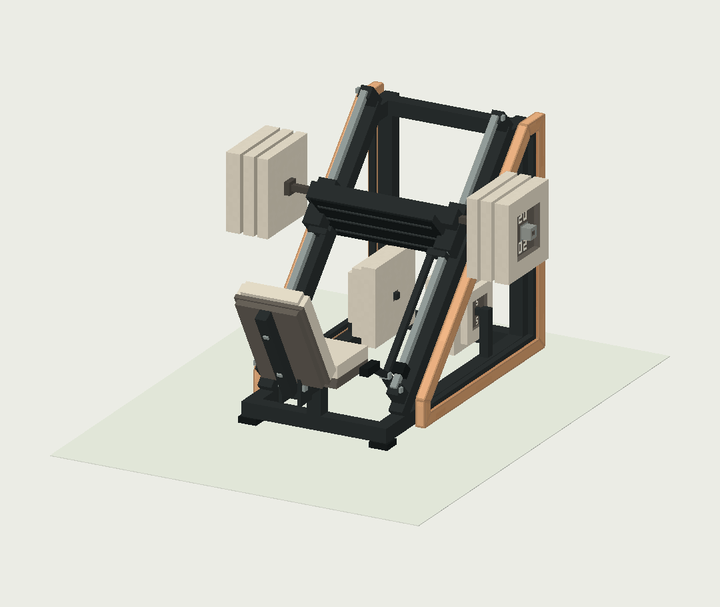
Smith machine with bench and leg press.
Matcha finishes
All images above are renders of the included models, not in-game screenshots. Open the Gallery for individual views of all 17 furniture groups.
Installing the full collection
The main JAR provides the blocks. You also need the free artwork pack to see all the furniture designs. Without it, most blocks use generic placeholder visuals; the treadmill is the included sample.
- Choose the file for Minecraft Java 1.20.1 or 26.3. Do not mix versions.
- Install Fabric Loader 0.19.5 or later and the matching Fabric API.
- Open the release’s Additional Files and download its Full Install ZIP. It includes the mod, full artwork pack and an offline installation guide.
- Put the JAR from
modsinto your instance’smodsfolder. Keep only one YOHaku Gym JAR. - Put the artwork ZIP from
resourcepacksinto your instance’sresourcepacksfolder without extracting that inner ZIP. - In Minecraft, open Options → Resource Packs and enable YOHaku Gym Artwork.
If you install the main JAR through the CurseForge app, you still need to add and enable the matching artwork ZIP.
On multiplayer servers, install the mod on both the server and each player’s client. Each player also enables the artwork pack. This is for Fabric on Java Edition; Bedrock, Realms, vanilla/Paper servers and OptiFine-only setups are not supported. Back up an existing world before adding mods.
Models and permission to use them
Open the 1.20.1 Runtime release → Additional Files to find Models & Source. This shared source download is the same for both Minecraft versions and contains 62 Blockbench models, OBJ/MTL files and PNG textures. These are editable source assets, not another mod to drop into the mods folder.
Personal and commercial use are free. You can edit the assets, use them in builds and finished projects, and share them free of charge with the included license. Please don’t resell or paywall the standalone assets, or claim the original art as your own. Attribution is appreciated, not required. See the project’s custom license for the full terms.
The models were made with AI-assisted tools and reviewed by YOHaku Studio. Gallery renders show the actual included models and are labelled as renders.
Got a small gym, a hotel basement, or a strange place to put a treadmill? Leave a comment — I’d love to see it.
Not an official Minecraft product. Not approved by or associated with Mojang or Microsoft.
常见问题
Gym Furniture Collection 支持哪些 Minecraft 版本?
Gym Furniture Collection 支持 Minecraft Java 版 1.20.1–26.3,共 2 个版本,可用的加载器:Fabric。下载时注意选择和你游戏版本一致的文件。
Gym Furniture Collection 怎么安装?
先用 PCL2 或 HMCL 启动器安装对应版本的 Fabric,再把下载的 .jar 文件放进游戏目录的 mods 文件夹,重新启动游戏即可。开启了版本隔离的,mods 文件夹在 versions/版本名 下面。
评论
登录后评论和评分