
YCK’s LIDAR
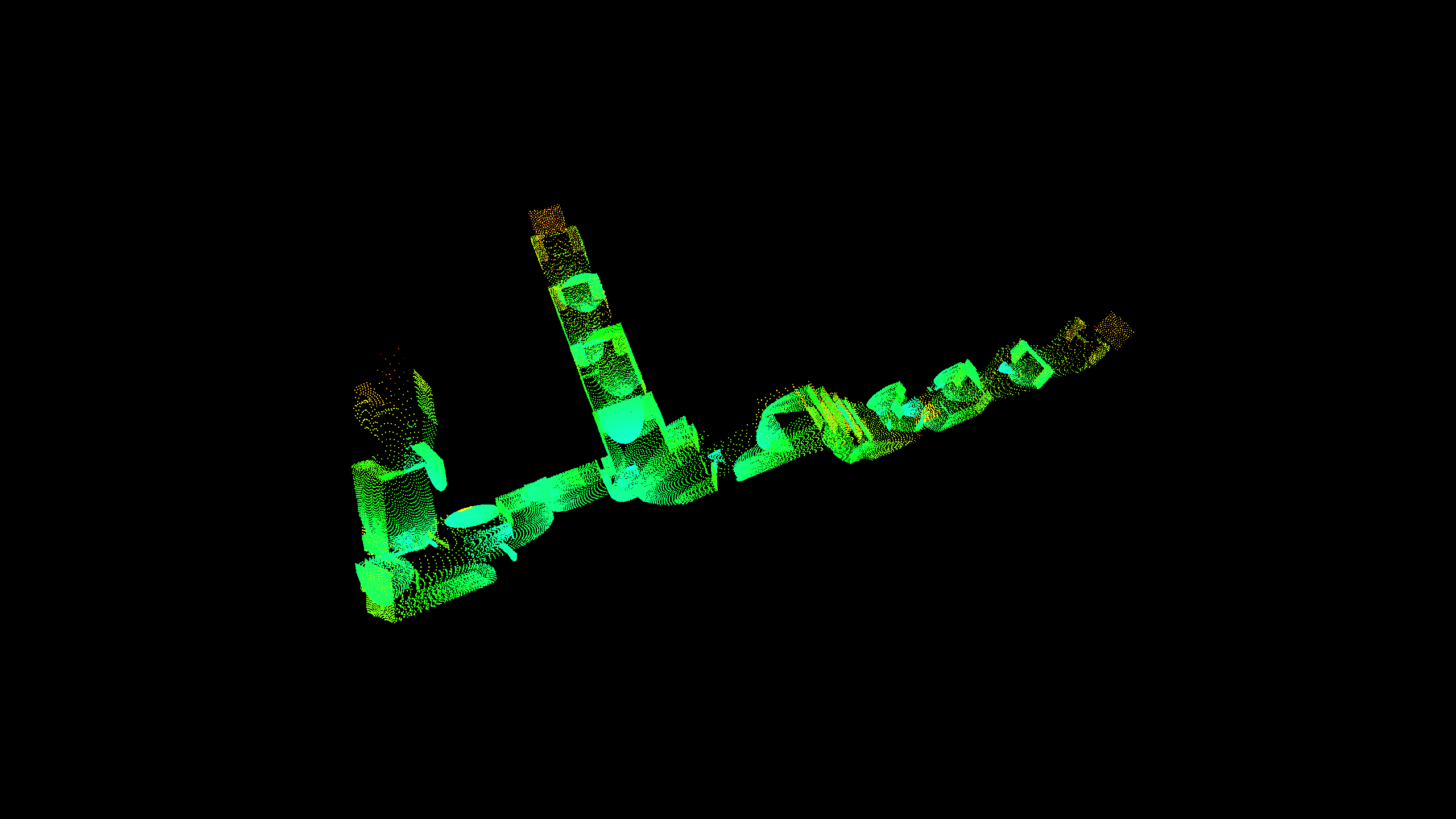
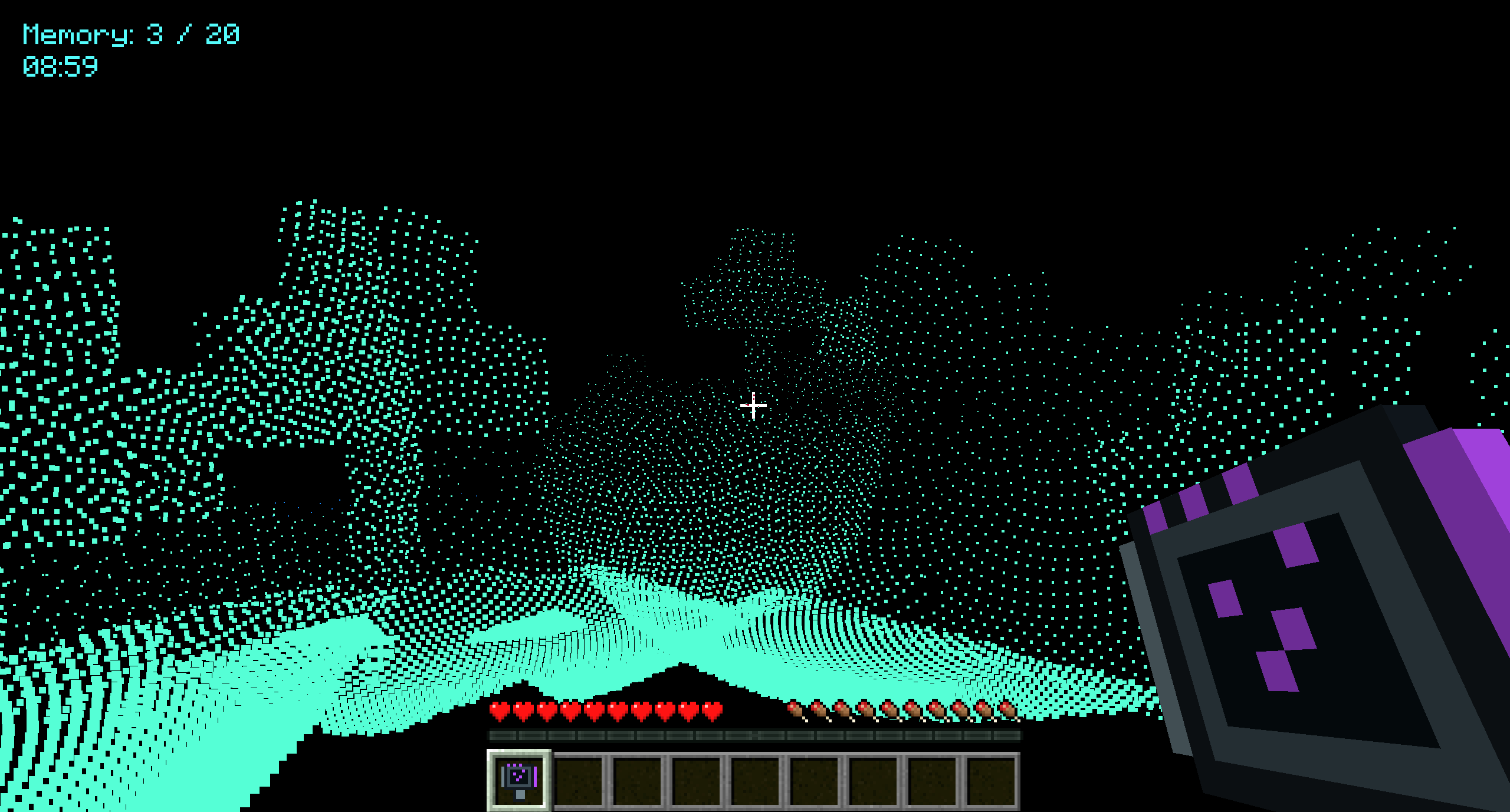
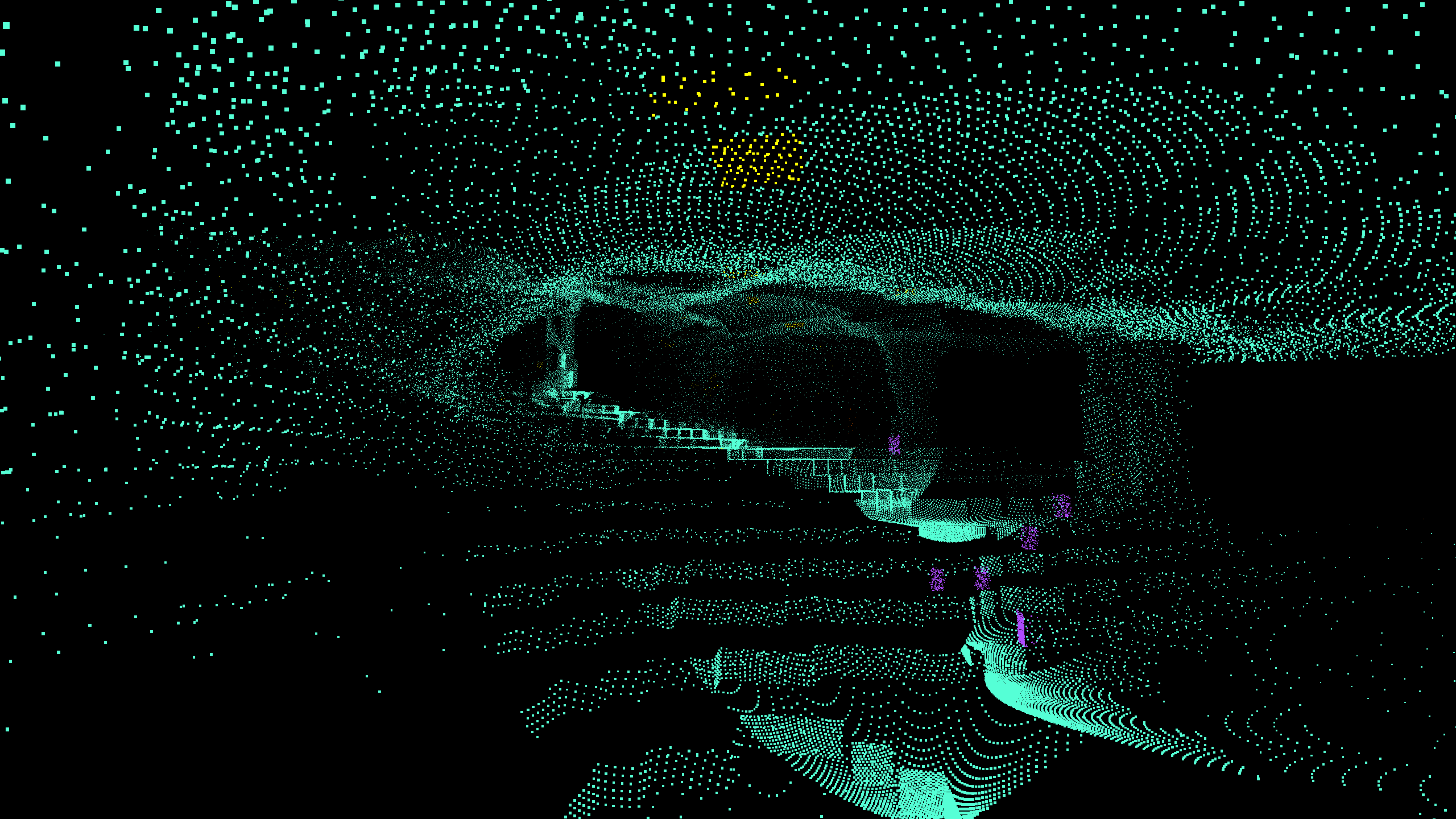
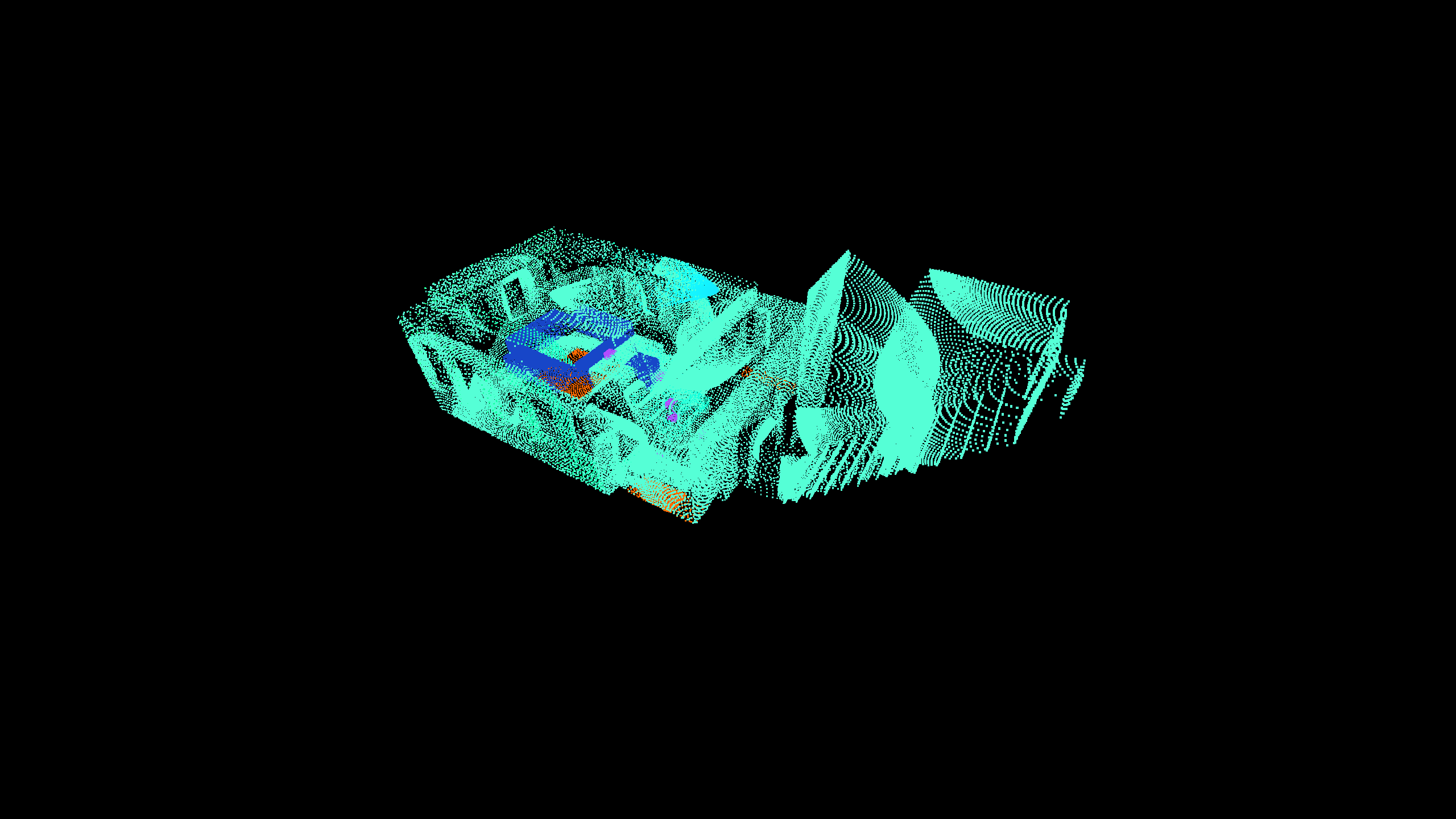
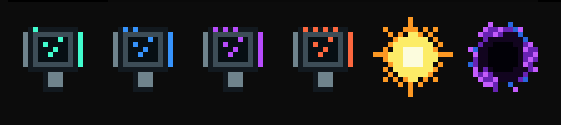
Lidar transforms Minecraft into a world of darkness where handheld scanners reveal terrain and entities as private point clouds. Upgrade through four scanner tiers to unlock longer range, highlighting modes, scan memory, and automatic scanning.
截图
介绍
Lidar
Explore Minecraft in complete darkness by painting the world with Lidar point-cloud scans. Start with just a simple scanner and upgrade until you can restore the light.
(Playing with subtitles enabled and sound turned on is highly advised)
Features
- Reveal terrain by right-clicking with a scanner.
- Detect mobs, players, dropped items, and XP orbs.
- Highlight entities in purple and ores in yellow.
- Detect liquids and important blocks such as chests, furnaces, portals, and spawners.
- Configure scan distance, field of view, ray density, and memory behavior.
- Store previous scans or automatically remove older results.
- Use the Horizon Scanner for silent automatic scanning.
- Press G to open the Lidar Control Array.
Scanner Progression
| Tier | Scanner | Range | Main Unlocks |
|---|---|---|---|
| 1 | Pulse | 15 blocks | Basic surface and entity scanning |
| 2 | Spectrum | 20 blocks | Purple entity highlighting and yellow ores |
| 3 | Biosphere | 42 blocks | Distance colors, liquids, important blocks, and optimized memory |
| 4 | Horizon | 60 blocks | Adjustable FOV and automatic scanning |
Light and Darkness
Consume The Sun to permanently restore normal Minecraft rendering. Use The Black Hole to return to the Lidar darkness experience.
Multiplayer Friendly
Scan points, settings, and scan memory remain entirely on your client. Your scans are never transmitted to or displayed for other players.
(This mod is not affiliated with any other mod or creator)
常见问题
YCK’s LIDAR 支持哪些 Minecraft 版本?
YCK’s LIDAR 支持 Minecraft Java 版 1.21.1,可用的加载器:Fabric / NeoForge。下载时注意选择和你游戏版本一致的文件。
YCK’s LIDAR 怎么安装?
先用 PCL2 或 HMCL 启动器安装对应版本的 Fabric / NeoForge,再把下载的 .jar 文件放进游戏目录的 mods 文件夹,重新启动游戏即可。开启了版本隔离的,mods 文件夹在 versions/版本名 下面。
Yoacek 的其他作品
查看全部 →
Fromage
A detailed cheesemaking mod with cow, goat and sheep milk, cultures, curds, whey, cheese presses, aging racks and many unique cheeses

Frost Enchantments
This mod adds the Frost Aspect enchantment that is similar to the vanilla Fire Aspect and Frost Protection (WIP). It uses the already existing freezing effect feature and turns it into a powerfull enchantment.

Ender Mail Reborn
Ender Mail Reborn lets players pack items, stamp packages with coordinates or a named locker, and dispatch an Ender Mailman to deliver them.

Rename+
This mod allows you to rename mobs and items without needing name tags or anvils with sleek UI!
评论
登录后评论和评分