
Xander’s Sodium Options: Continued
Replaces the Sodium options GUI with Vanilla-style alternatives.
截图
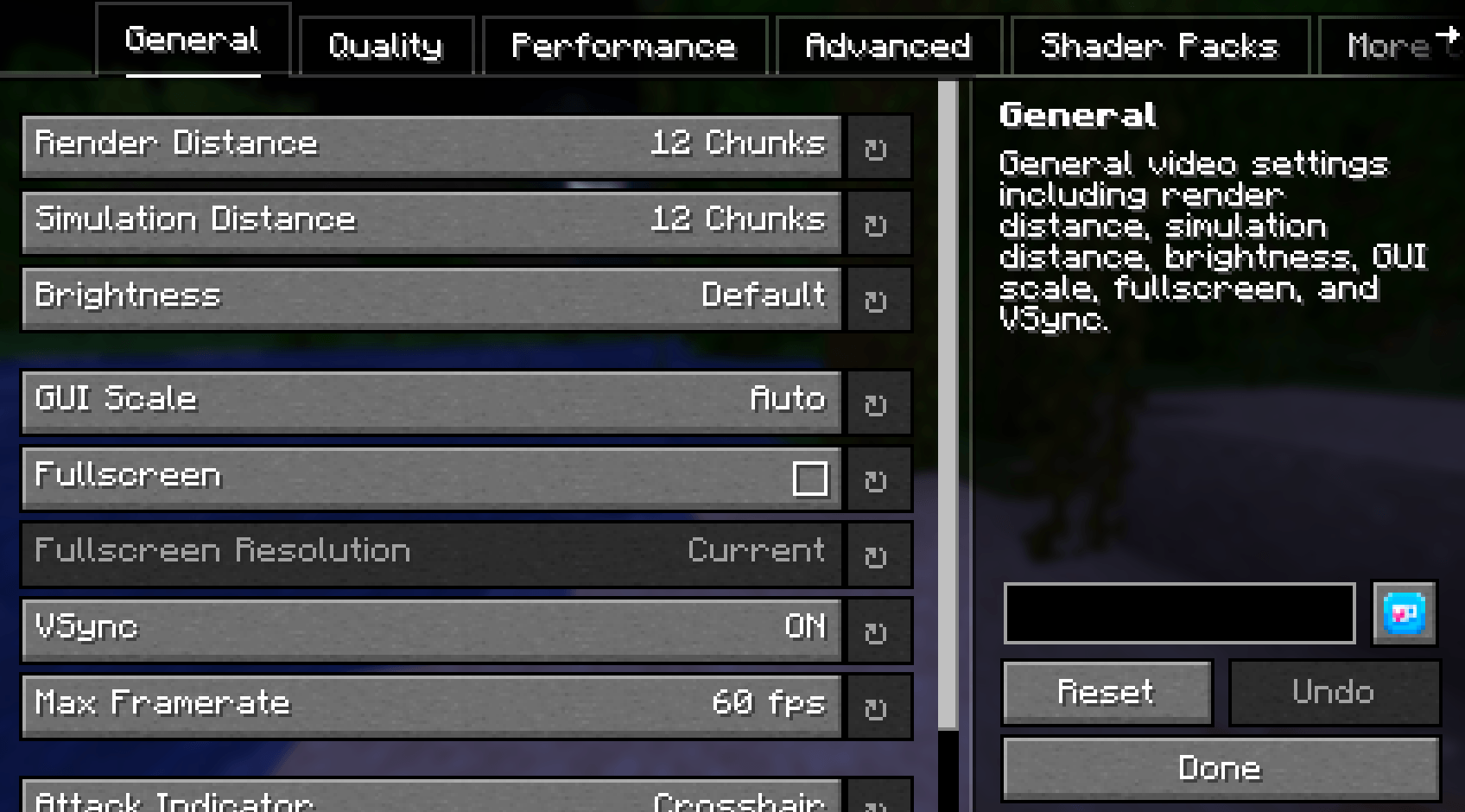
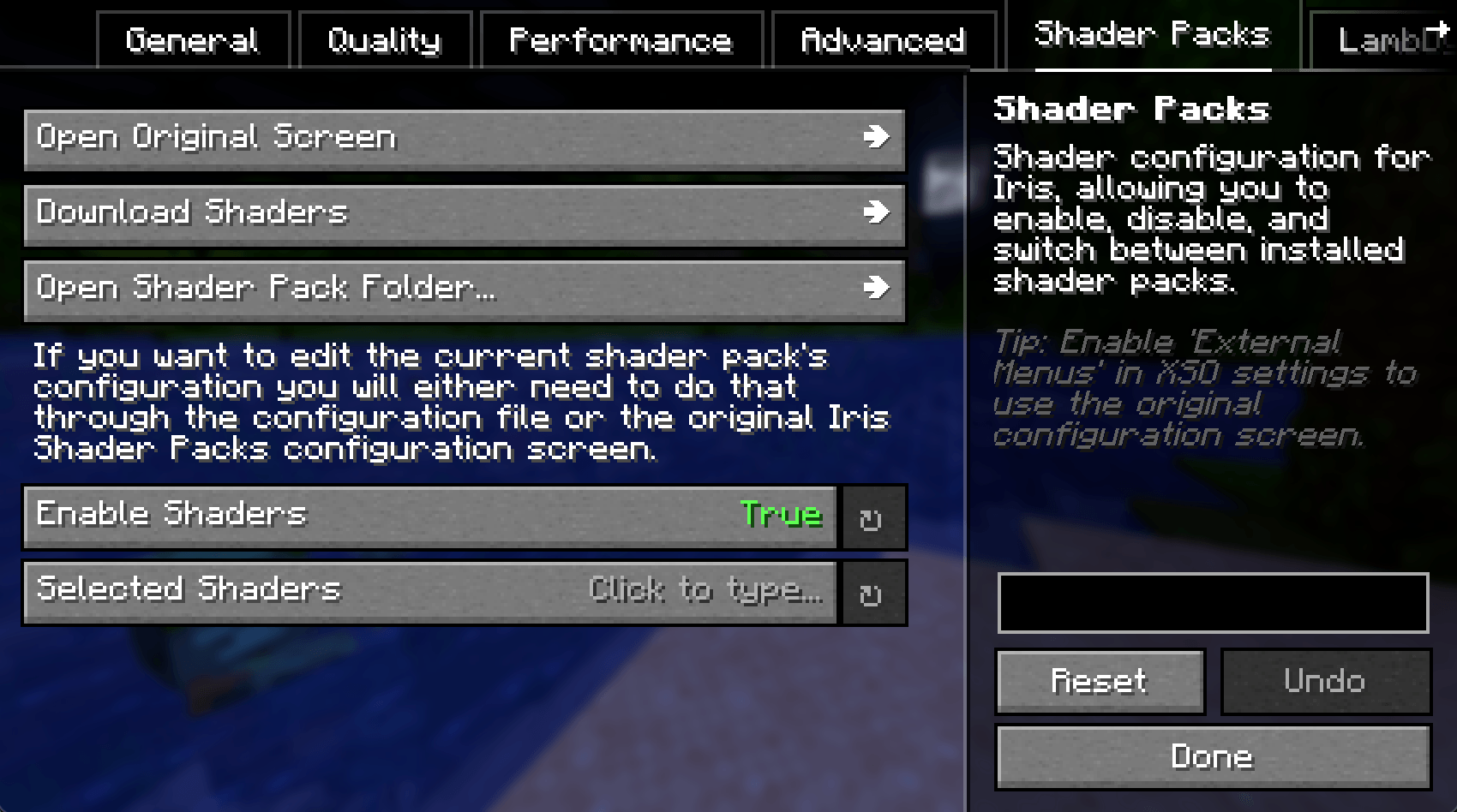
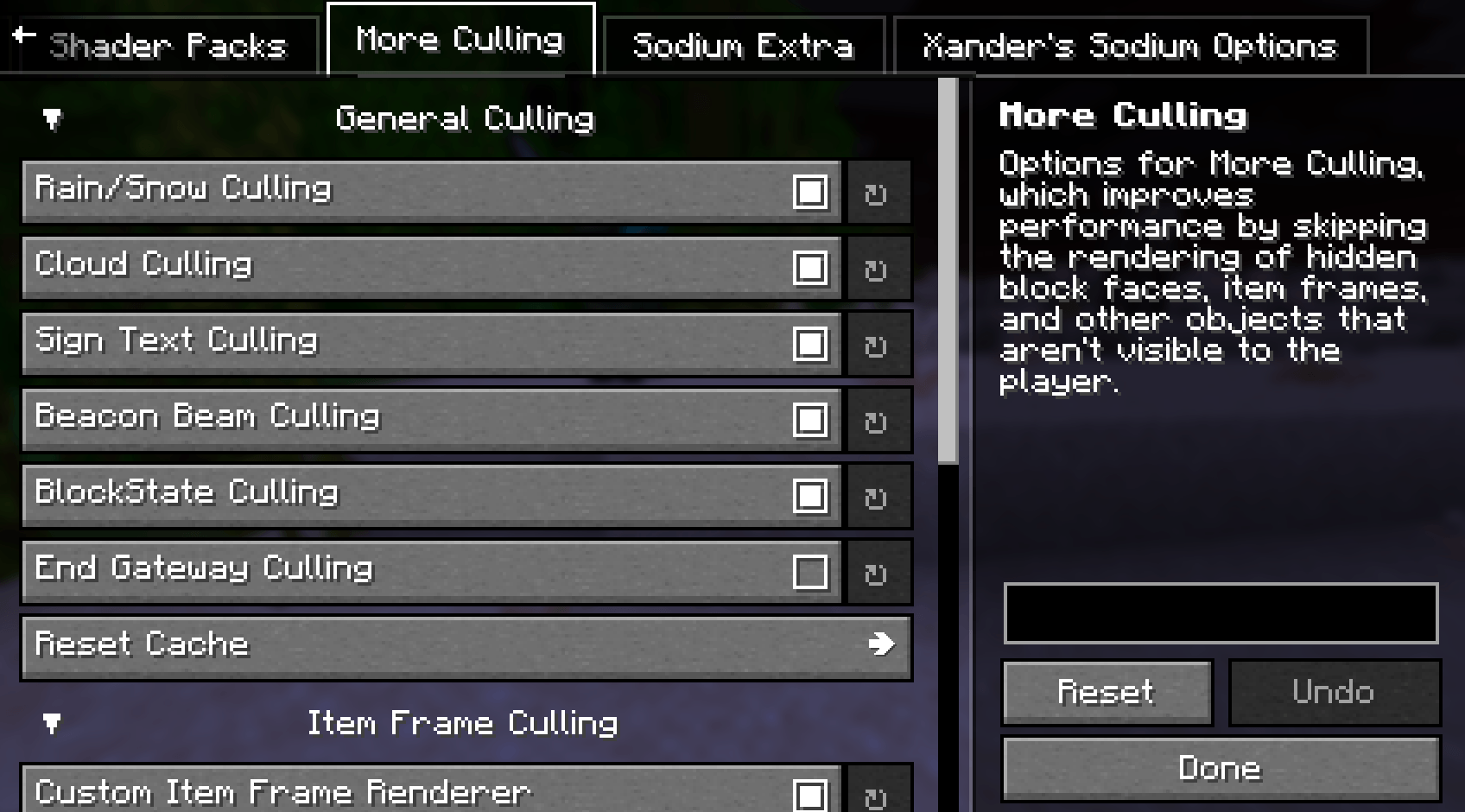
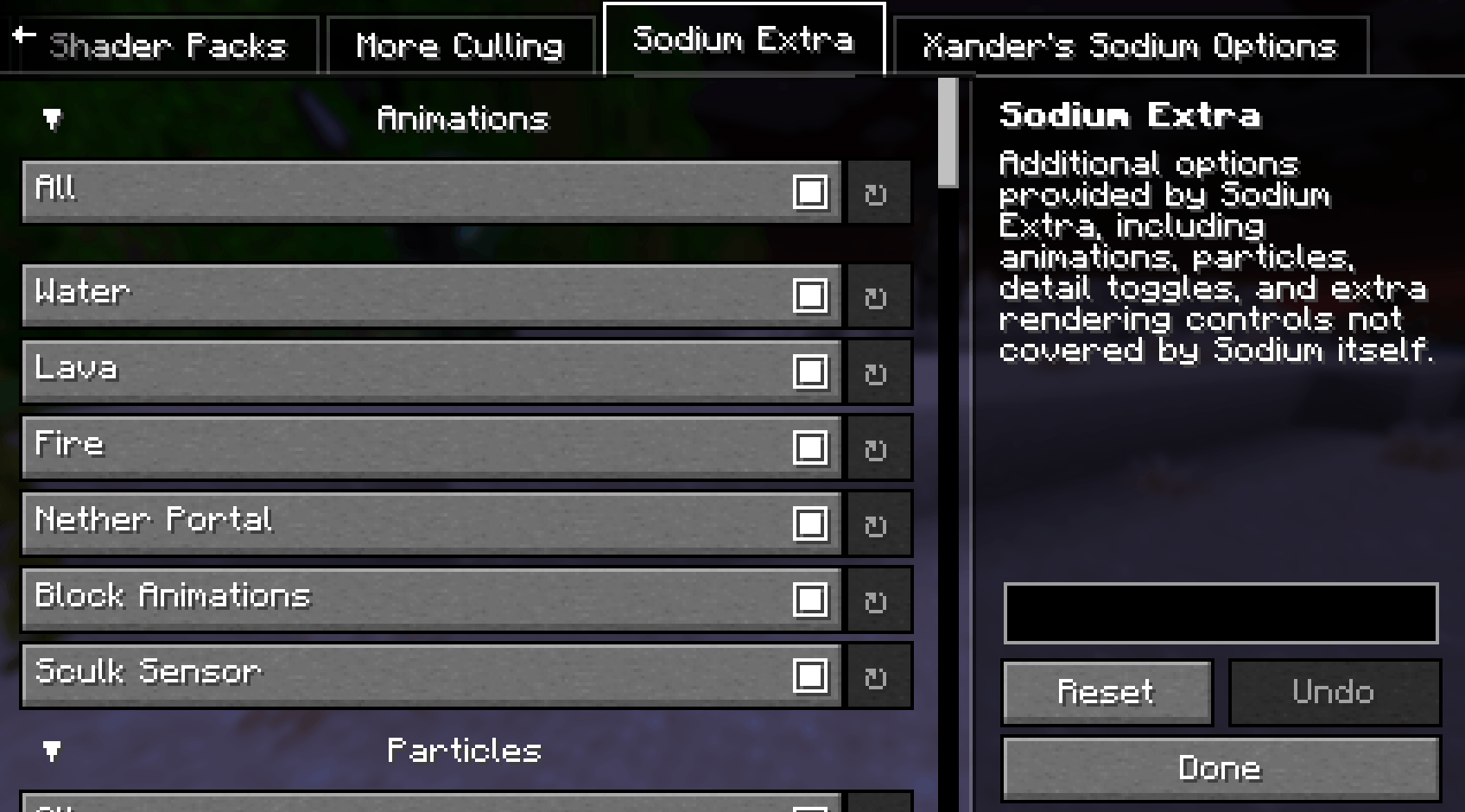
介绍
Xander’s Sodium Options: Continued
A community continuation of Xander’s Sodium Options, replacing the Sodium options GUI with a Vanilla-style alternative powered by YetAnotherConfigLib.
Originally created by isXander. Looking for older versions? Check the original mod page.
Mod Integrations
It has a wide range of support for various mods which integrate with Sodium, such as:
Any other mods which integrate with Sodium’s GUI will likely work as well. If you encounter any issues, please report them here
Keyboard Controls
Ctrl+Tab/Ctrl+Shift+Tab: Switch between category tabs.Tab/Shift+Tab: Move focus between controls and action buttons.- Arrow keys: Navigate through option rows and category tabs when those widgets are focused.
EnterorSpace: Activate the focused control, including theResetbutton.Esc: Show a save warning if there are unsaved changes. PressEscagain to discard changes and exit.
Screenshots


Thank you to Zakku0w0 for the Ko-fi icon art.
常见问题
Xander’s Sodium Options: Continued 支持哪些 Minecraft 版本?
Xander’s Sodium Options: Continued 支持 Minecraft Java 版 1.21.6–26.3,共 11 个版本,可用的加载器:Fabric / NeoForge。下载时注意选择和你游戏版本一致的文件。
Xander’s Sodium Options: Continued 怎么安装?
先用 PCL2 或 HMCL 启动器安装对应版本的 Fabric / NeoForge,再把下载的 .jar 文件放进游戏目录的 mods 文件夹,重新启动游戏即可。开启了版本隔离的,mods 文件夹在 versions/版本名 下面。
soradotwav 的其他作品
查看全部 →
Xander’s Sodium Options: Continued
Replaces the Sodium options GUI with Vanilla-style alternatives.
Xander’s Sodium Options: Continued
Replaces the Sodium options GUI with Vanilla-style alternatives.

Waylight
Carry a client-only vanilla lantern on your hip or in hand with dynamic light and physics!

Waylight
Carry a client-only vanilla lantern on your hip or in hand with dynamic light and physics!
评论
登录后评论和评分