
Xray -orevision
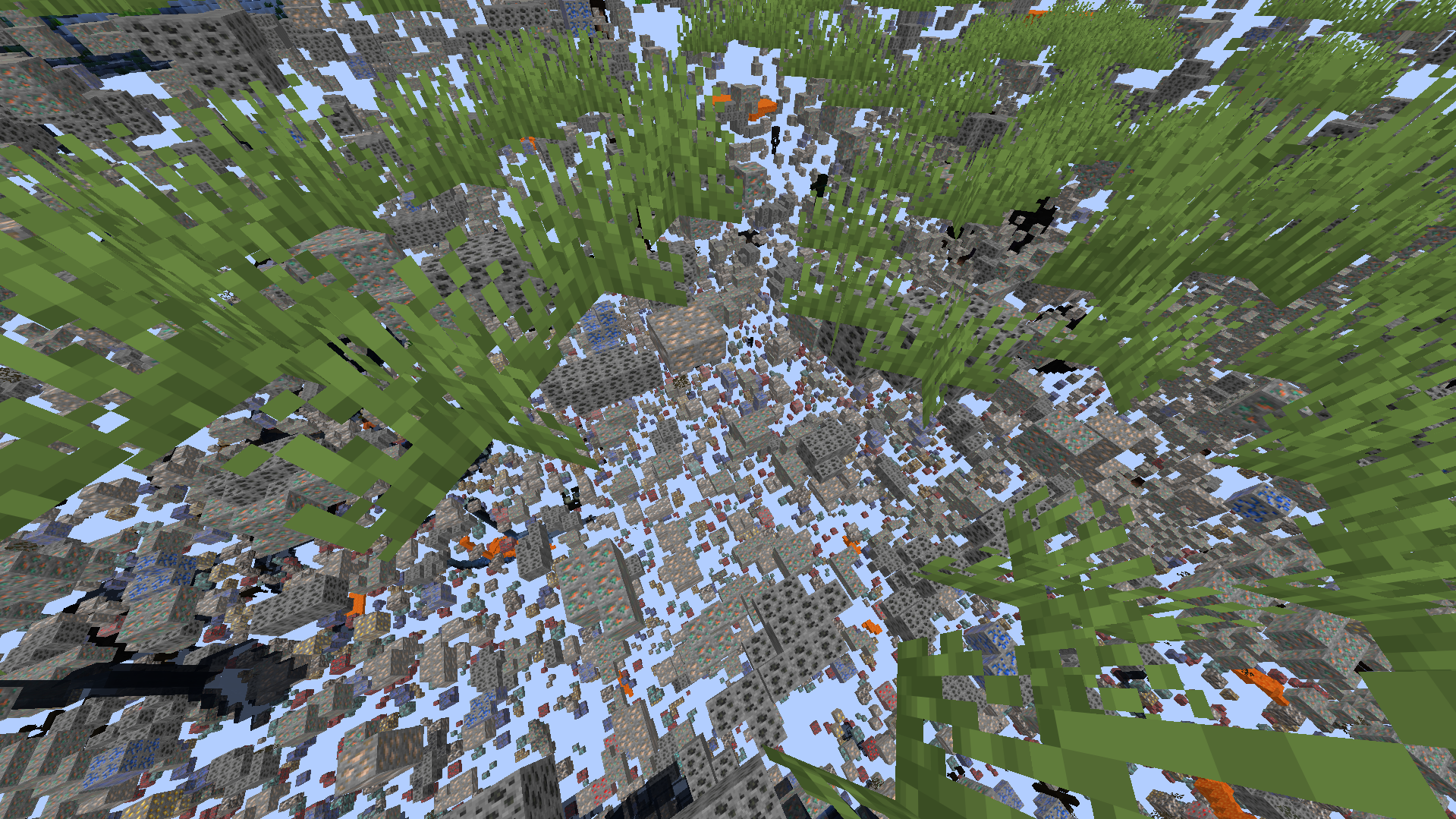
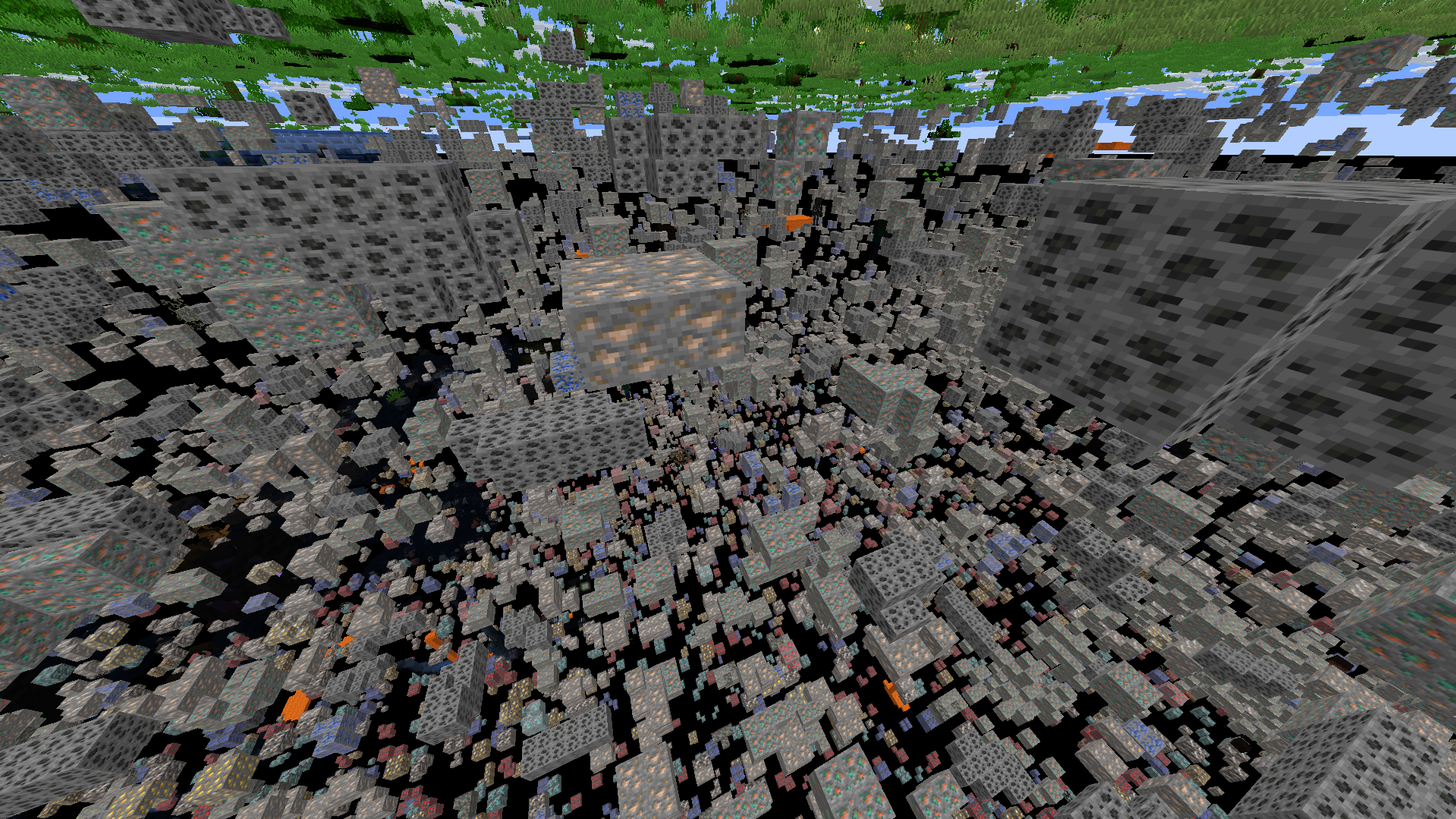
A high-performance utility designed to provide block transparency for Fabric.
截图
介绍
Xray -orevision
Xray -orevision Client for Fabric 26.2


NOTE –
If you use aggressive culling mods, your game will experience massive flickering, stuttering, and invisible chests when X-Ray is turned on.
You MUST DISABLE the following mods if you want to use X-Ray:
- EntityCulling
- MoreCulling
Why? Culling mods are designed to aggressively stop your game from rendering things hidden behind walls. When you turn on X-Ray, the walls become invisible to you, but the culling mods still think the walls are there! As a result, they aggressively hide all the chests, spawners, and mobs that you are trying to see, causing violent flickering when you move your mouse.
Note: Sodium’s built-in culling is fully supported and works perfectly.
Overview
Xray -orevision is a high-performance client utility designed to provide clean visual transparency of subterranean blocks, highlighting valuable ores and resources.
Features
| Feature | Description | Technical Layer |
| :— | :— | :— |
| Dynamic X-ray | Toggleable transparency for all common terrain blocks. | Mixin Injection |
| Integrated Lux | Built-in lightmap override (Fullbright). | Texture Manager Hook |
| Stealth Engine | Tricked resource pack acceptance and silent packets. | Protocol Spoofing |
Getting Started
Installation
If you are new to Minecraft modding, follow these steps to get Xray -orevision running:
- Install Fabric: Download the Fabric Loader and run the installer.
- Add Dependencies: Download the Fabric API and place it in your
.minecraft/modsfolder. - Deploy the Mod: Download the latest Xray -orevision
.jarfile and drop it into the samemodsfolder.
Tutorial: Your First Mine
Once you are in-game, follow this simple workflow to find resources:
- Toggle Vision: Press the X key to activate the X-ray scanner. You will immediately see ores through the ground.
Configuration and Controls
| Input | Action |
| :— | :— |
| X | Toggle Visual Scanner |
常见问题
Xray -orevision 支持哪些 Minecraft 版本?
Xray -orevision 支持 Minecraft Java 版 1.21.11–26.3,共 3 个版本,可用的加载器:Fabric。下载时注意选择和你游戏版本一致的文件。
Xray -orevision 怎么安装?
先用 PCL2 或 HMCL 启动器安装对应版本的 Fabric,再把下载的 .jar 文件放进游戏目录的 mods 文件夹,重新启动游戏即可。开启了版本隔离的,mods 文件夹在 versions/版本名 下面。运行环境:客户端 / 服务端。
GHOST4786 的其他作品
查看全部 →
Easy Trade Finder
A client-side mod that automatically cycles villager trades to find the enchantments you want.

Smart VeinMiner
A fast, lightweight, and lag-free vein mining mod for Fabric that protects your worlds from accidental destruction!
评论
登录后评论和评分