
XNet: Additions
An XNet addon focused on adding support for new channel types and resource systems.
截图
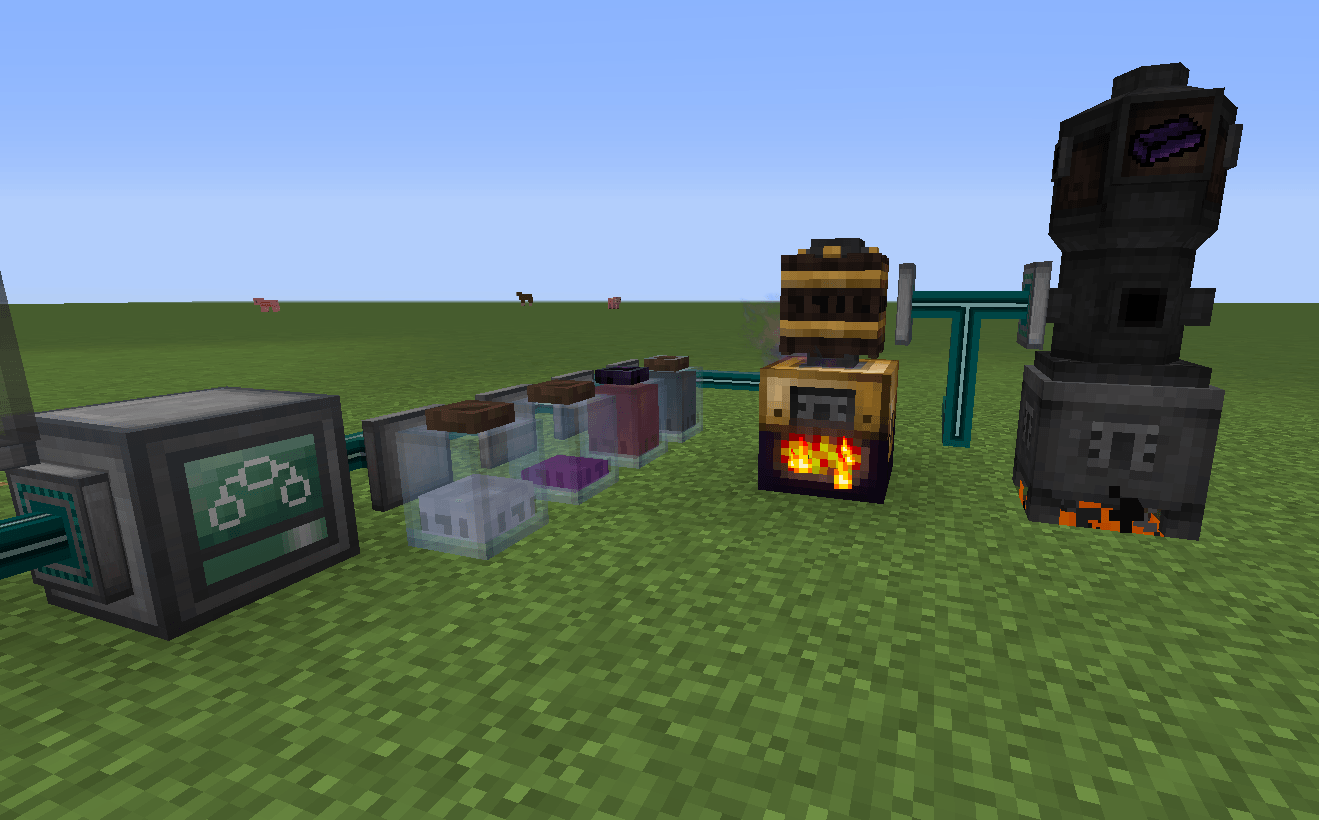
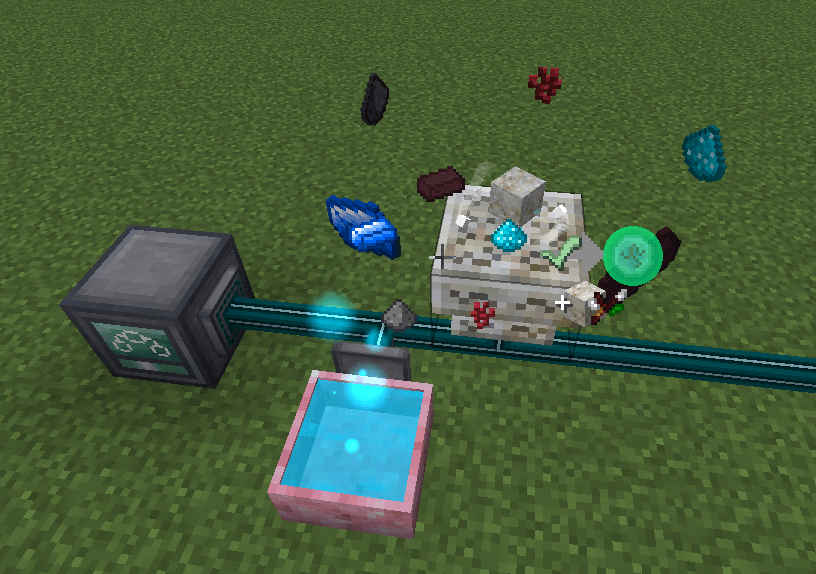
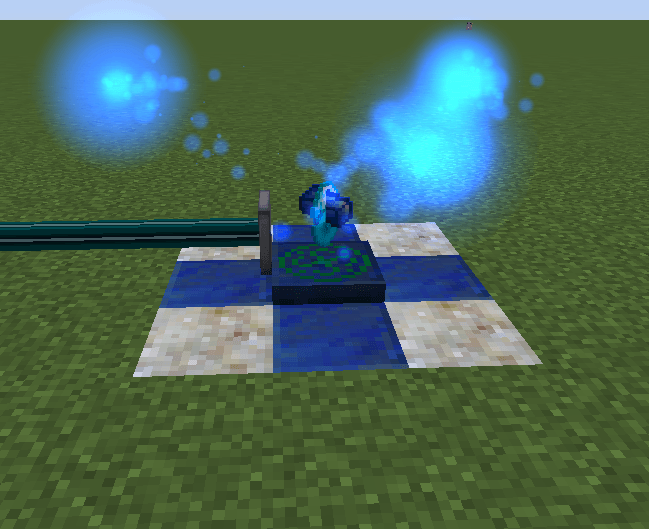
介绍
XNet: Additions expands XNet with additional resource channels and Controller GUI tools while preserving its familiar controls, routing, and efficient all-in-one cable network.
Additional channels
- Mekanism Gas
- Thaumcraft Essentia
- Botania Mana
- IndustrialCraft 2 EU
- Advanced Energy (RF, including Flux Networks direct extraction)
Each channel can be disabled in the config.
Advanced Energy
Advanced Energy is demand-driven: scheduled inserters request energy only when their targets can accept it, and extractors are used only to satisfy that demand. Inserters support configurable timing and an adaptive fallback while idle. Extractors can optionally drain energy pushed into XNet’s connector buffer, and Flux Networks can be used as direct energy sources.
Controller Power Tools
- Diagnostics — profile Controller tick time and inspect channel workload, timing groups, and scheduled connectors
- Health — scan for common configuration and target-access problems, then jump directly to affected connectors
- Logic — view logic signals, sources, and references with direct connector navigation
- Recent — quickly return to recently opened connectors
- Side Prober — inspect compatible resource access on every side of a connected block
- Logic Status — see active signals in the Controller GUI and through optional The One Probe integration
- Batch Edit — select multiple connectors and apply shared settings in one operation
- Presets — save and reuse connector configurations across networks
- Connector Pins — keep important connectors at the top of the Controller list
- Remote Connector Settings — open and edit connector name and side-configuration directly from the Controller.
Requires ZNet, a maintained Minecraft 1.12.2 fork of XNet with many bug fixes.
常见问题
XNet: Additions 支持哪些 Minecraft 版本?
XNet: Additions 支持 Minecraft Java 版 1.12.2,可用的加载器:Forge。下载时注意选择和你游戏版本一致的文件。
XNet: Additions 怎么安装?
先用 PCL2 或 HMCL 启动器安装对应版本的 Forge,再把下载的 .jar 文件放进游戏目录的 mods 文件夹,重新启动游戏即可。开启了版本隔离的,mods 文件夹在 versions/版本名 下面。
Kaduvill 的其他作品
查看全部 →
Advanced Rocketry Holo-Assembler
Holo-Assembler for Advanced Rocketry: adds a powerful utility item for building Advanced Rocketry multiblocks.

Capn’s Chisel Search
Adds searchbar to Chisel's GUI

Capn’s JEI dragfix
Restores Ingredient ghost dragging in HEI 4.29.0+
评论
登录后评论和评分