
Worldgen Router
Partition dimensions into world sets and control what other mods may generate, spawn, or drop in each one - entirely from config, with no required content mods.
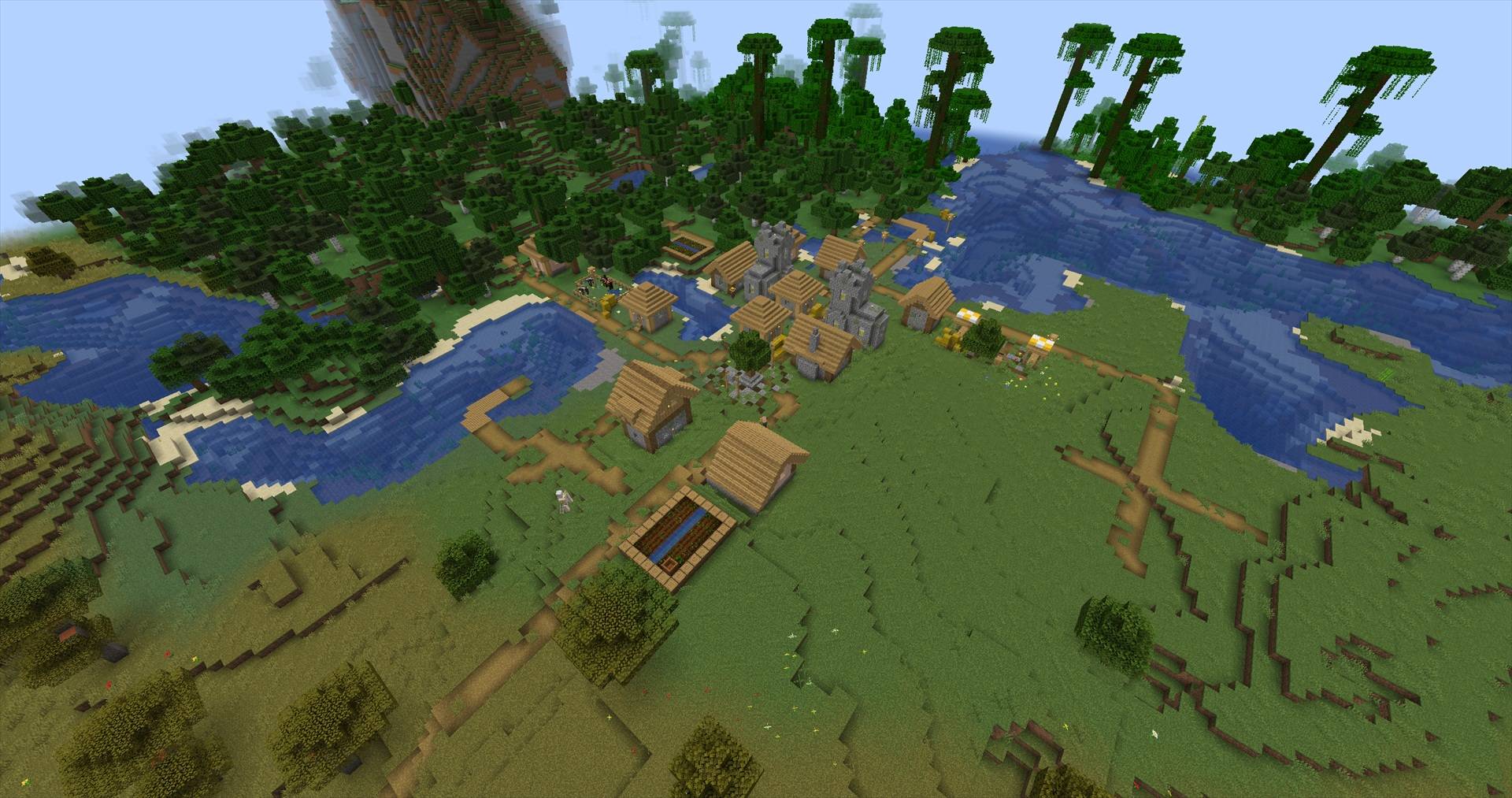
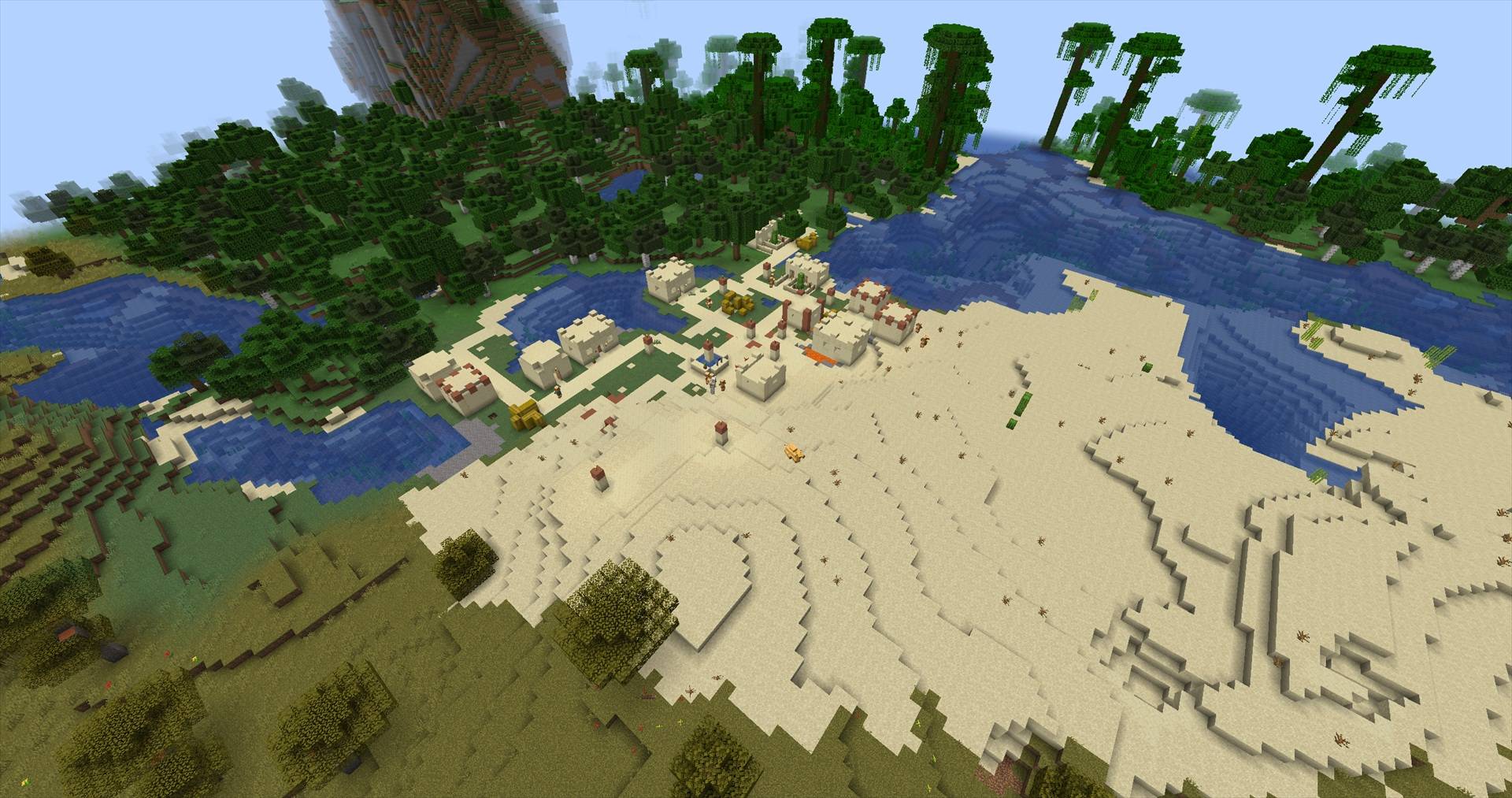
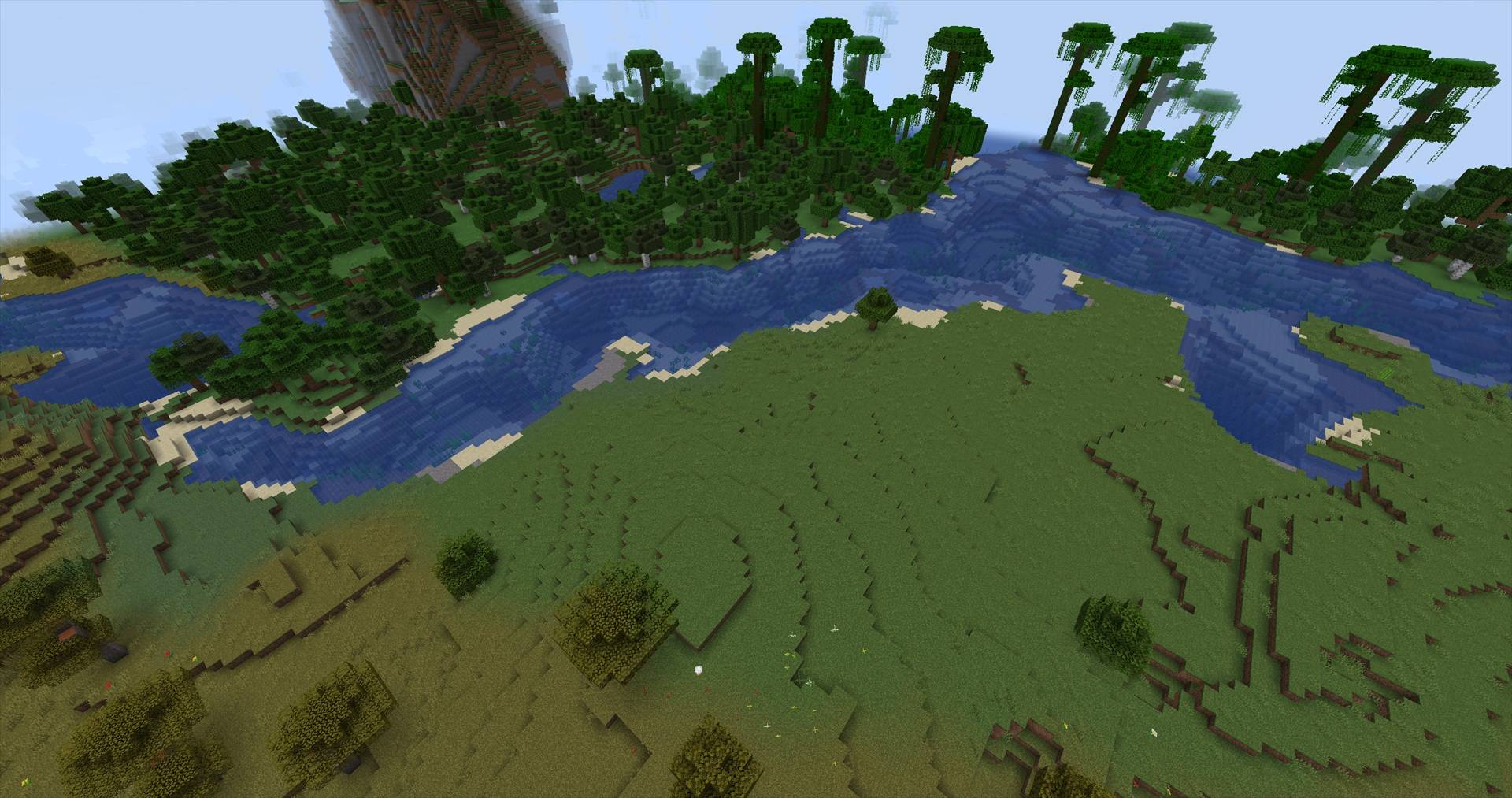
截图
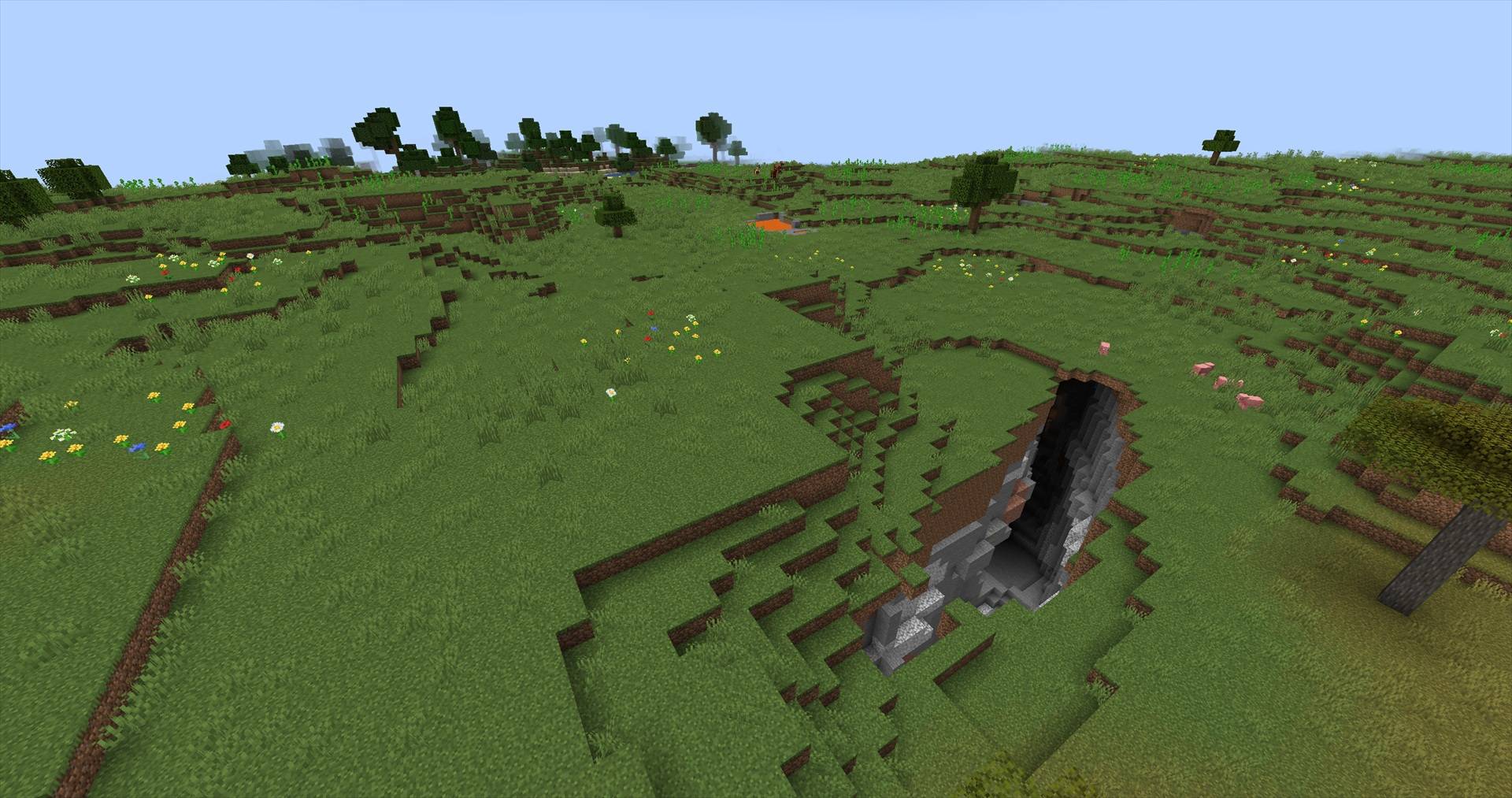
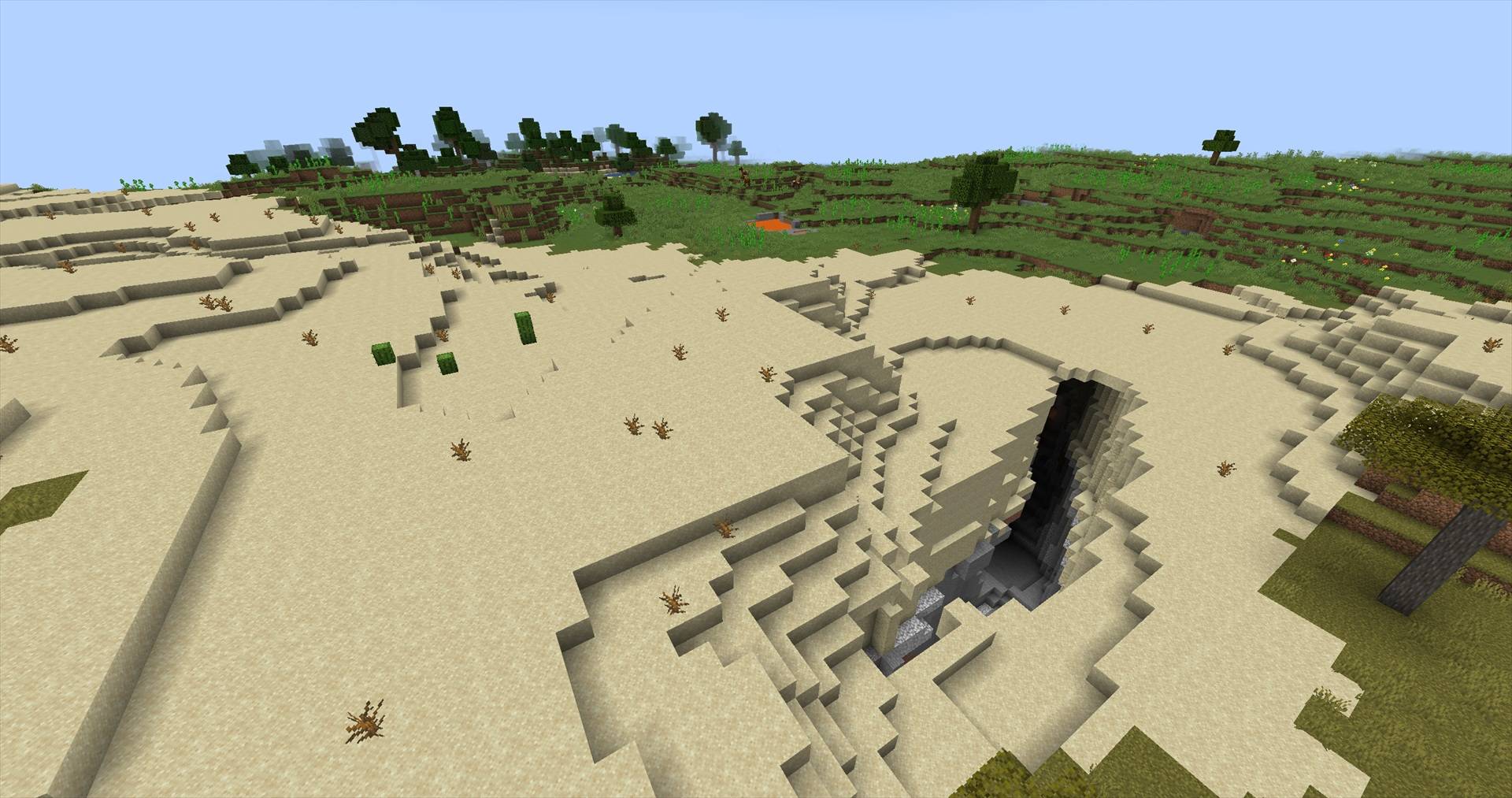
介绍
Worldgen Router lets modpack authors control what other mods may generate, spawn, or drop in
each dimension — entirely from config files. No content mods required, no code, no per-mod
compatibility patches.
What you can control
- Biomes, structures, features and carvers — per dimension, at generation time
- Natural spawning, including mobs placed during chunk generation
- Loot, trades, crafting and player inventories, each switchable on its own
- Whole mod namespaces or individual IDs, with a fixed precedence between them
- Several isolated Overworld–Nether–End sets, with portals routed inside each one
- Custom dimensions declared from config, with templates, fixed seeds and portal routing
- Every allow/deny decision can be explained in-game, including the exact rule that won
- Denied structure IDs fail
/locateimmediately, instead of scanning chunks for something that
can never generate
Installing it changes nothing
The starter config ships default = "allow". Drop the jar in and your pack plays exactly as it did.
Nothing is refused until you write a rule saying so.
Curating is one value away:
[world_sets.curated]
overworld = "minecraft:overworld"
nether    = "minecraft:the_nether"
end       = "minecraft:the_end"

default = "deny"
allow_namespaces = ["minecraft", "yourmod"]
That set now generates only content owned by the namespaces it allows. Dimensions no world set claims
behave exactly like vanilla.
Blocking two mods in an otherwise open pack is one line:
deny_namespaces = ["somemod", "othermod"]Requirements
Minecraft 1.21.1 and NeoForge 21.1.x only. The range is pinned deliberately: this mod hooks
1.21.1 worldgen internals directly and is not verified anywhere else.
Boots on Minecraft + NeoForge alone — no required dependencies. Allow-lists live in config, so adding
or removing a mod from your pack never means rebuilding a jar.
Rules that say what you mean
Rules are per category — structure, feature, carver, entity, biome, item — and per
enforcement point. So “curate what generates here, but leave players’ inventories alone” is a few
lines, not a wish:
[world_sets.curated.rules.item]
apply_to = ["loot", "trade"]
The same axis is why you can curate the spawn cycle without taking the tools away:
[world_sets.curated.rules.entity]
apply_to = ["natural_spawn"]   # mobs stop spawning; /summon and spawn eggs still work
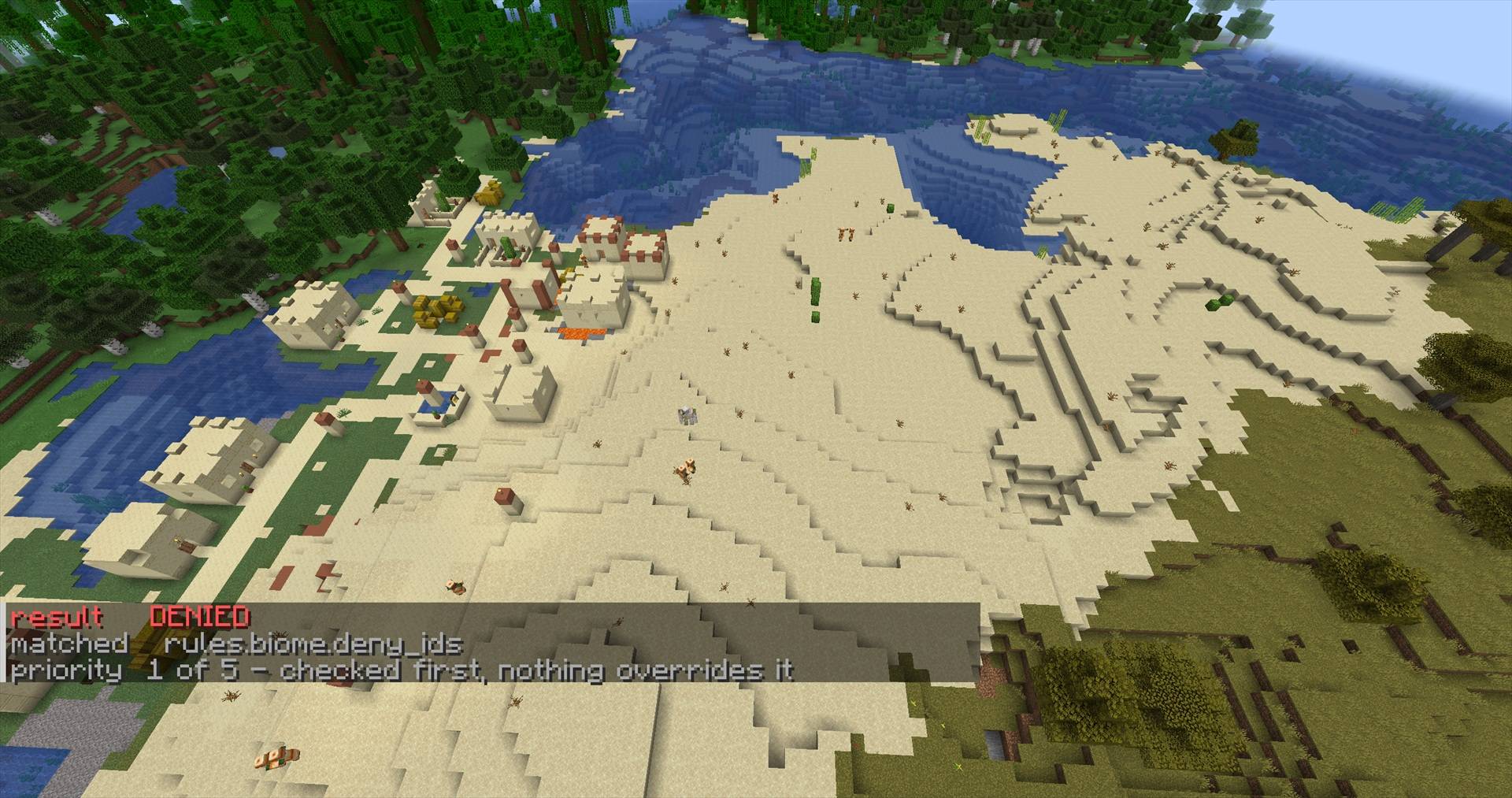
Precedence is fixed, total, and inspectable
deny_ids > allow_ids > deny_namespaces > allow_namespaces > defaultNever guess which rule won:
/worldgenrouter explain structure somemod:some_structureresult DENIED
matched rules.structure.deny_namespaces
priority 3 of 5 - checked after deny_ids, allow_ids did not match/worldgenrouter status prints the effective rules per category. /worldgenrouter reload re-reads
them live — a bad edit keeps the previous rules rather than breaking your server.
Dimensions, datapacks and reusable profiles
- Declare custom dimensions in config. Use an
overworld,netherorendtemplate, or supply
your own generator JSON, with an optional fixed seed. - Route portals inside each world set. A set can have its own Overworld, Nether and End, and a
portal lit in that Overworld arrives in that set’s own Nether — never in the vanilla one. - Datapacks can ship a world set, so a pack brings its dimensions and the rules governing them.
A datapack can also add denials to an existing set, but never loosen one: an installed pack cannot
quietly undo a server owner’s isolation. - Themes let several world sets share one rule set through
extends. - Snapshots turn a 200-mod allow-list into a single line.
When it refuses to start
This mod fails loudly rather than silently doing nothing — an unknown key, a tag in a rule list, or a
removed key stops the boot and names the file, the world set and the key. Silently ignoring a
misspelled allow_namespace could leave a world set enforcing nothing, and you might not discover it
until terrain had already generated.
Known limitations, stated up front
- Global biome systems. Mods that place biomes through their own world-wide region system, rather
than through the dimension’s own biome source, are not fully contained by a curated set — foreign
biomes can still appear there. The mod detects this at startup and warns instead of pretending
otherwise, and where no verified adapter exists it refuses to boot rather than letting a global
system through an isolation rule. Adapters are version-pinned, so an untested version of a
system they hook also refuses to load rather than mis-generating your world. This applies only when
a detected global biome system would bypass an isolation rule you actually enforced — an
unsupported mod on its own never stops the game. Startup names exactly what it found; the
pack-author guide lists which systems are covered and which are not. - Mobs already saved in a chunk stay. Spawn rules apply from the moment a mob would be created;
there is no sweep that removes entities a world already holds. Inventories are swept. - Tags (
#namespace:id) in rule lists are refused for now, instead of silently matching nothing. /locateon a tag is not the same as/locateon an ID. A denied ID disappears from the search
at once; a tag usually holds allowed members too, and vanilla keeps looking for those. That search
can run a long time and looks like a freeze. Locate a plain ID before concluding a denial failed.- Worldgen is not retroactive. Rules apply to chunks generated after them; existing terrain keeps
what it already has.
Documentation
The full setup walkthrough — every config file, category overrides, enforcement points, snapshots,
declaring dimensions, both datapack formats, themes, the validation report, and the compatibility
matrix — is in the pack-author guide.
- Pack-author guide
— every key, the footguns, the compatibility limits - Support matrix
— every key’s state, and what is deliberately not supported - Changelog
Bug reports and pack-author questions:
GitHub issues.
常见问题
Worldgen Router 支持哪些 Minecraft 版本?
Worldgen Router 支持 Minecraft Java 版 1.21.1–1.21.2,共 2 个版本,可用的加载器:NeoForge。下载时注意选择和你游戏版本一致的文件。
Worldgen Router 怎么安装?
先用 PCL2 或 HMCL 启动器安装对应版本的 NeoForge,再把下载的 .jar 文件放进游戏目录的 mods 文件夹,重新启动游戏即可。开启了版本隔离的,mods 文件夹在 versions/版本名 下面。
mabaeb60 的其他作品
查看全部 →
Mecha Dragons
Adds 3 Mechanical-themed dragons to Ice & Fire,with unique fire, ice, and lightning abilities.

ProjectE Universal EMC Bridge
Turn your ProjectE EMC into a virtual inventory that hoppers, pipes, storage networks, and logistics mods can pull items from.
Bestiary Unbound
Discover powerful creatures, explore their territories, and forge unique weapons from their trophies.
评论
登录后评论和评分