
WorldDragger
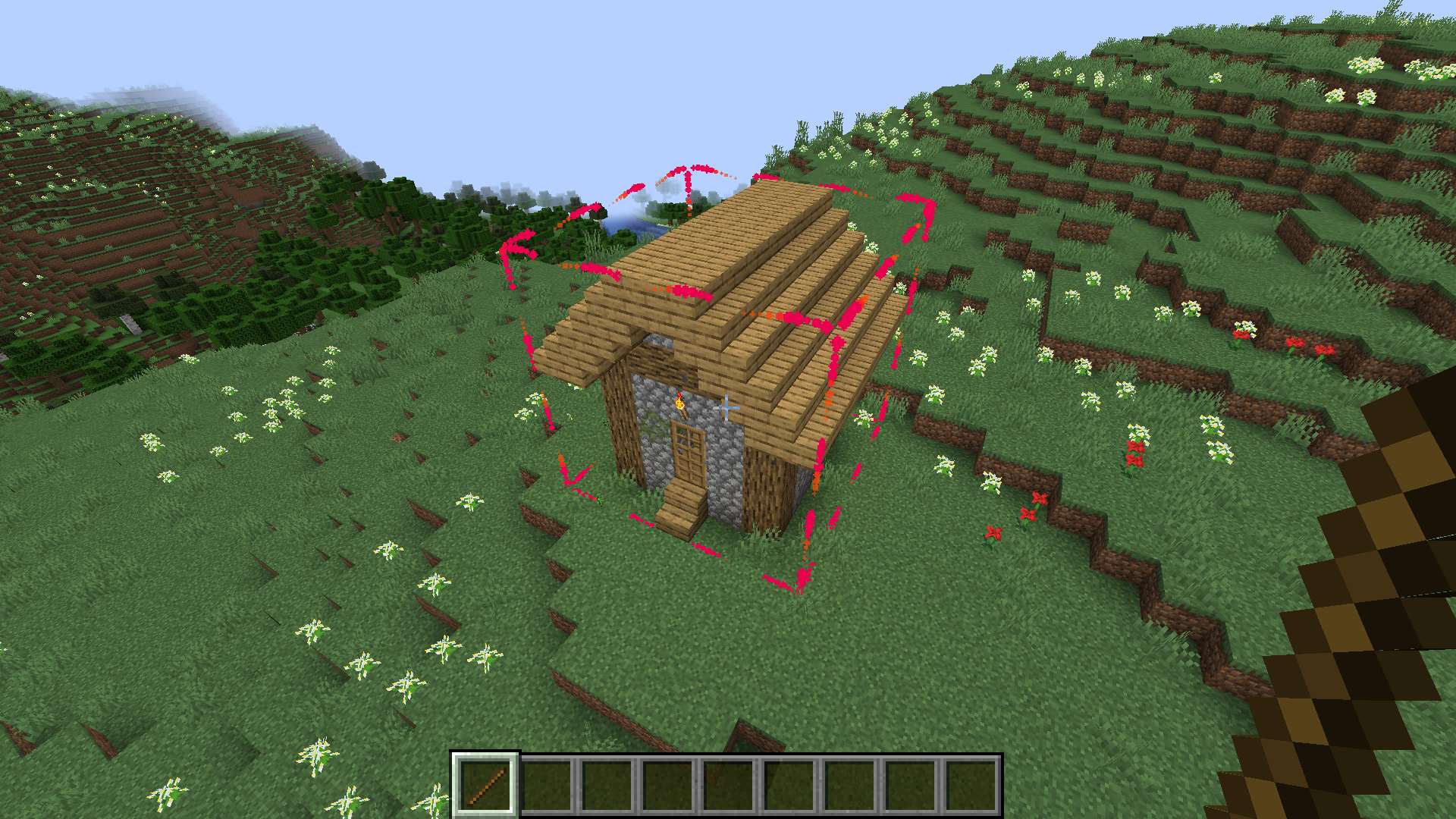
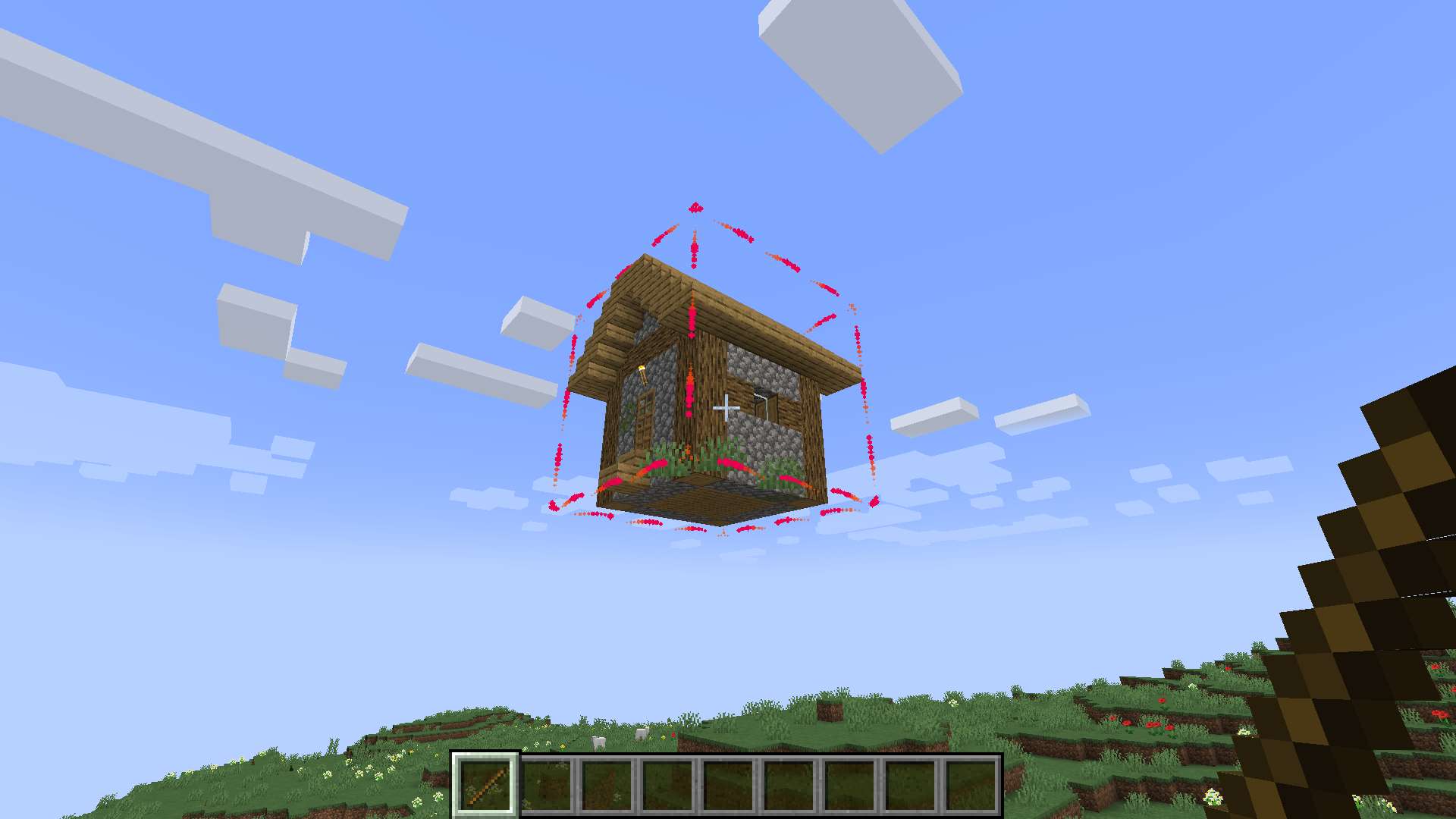
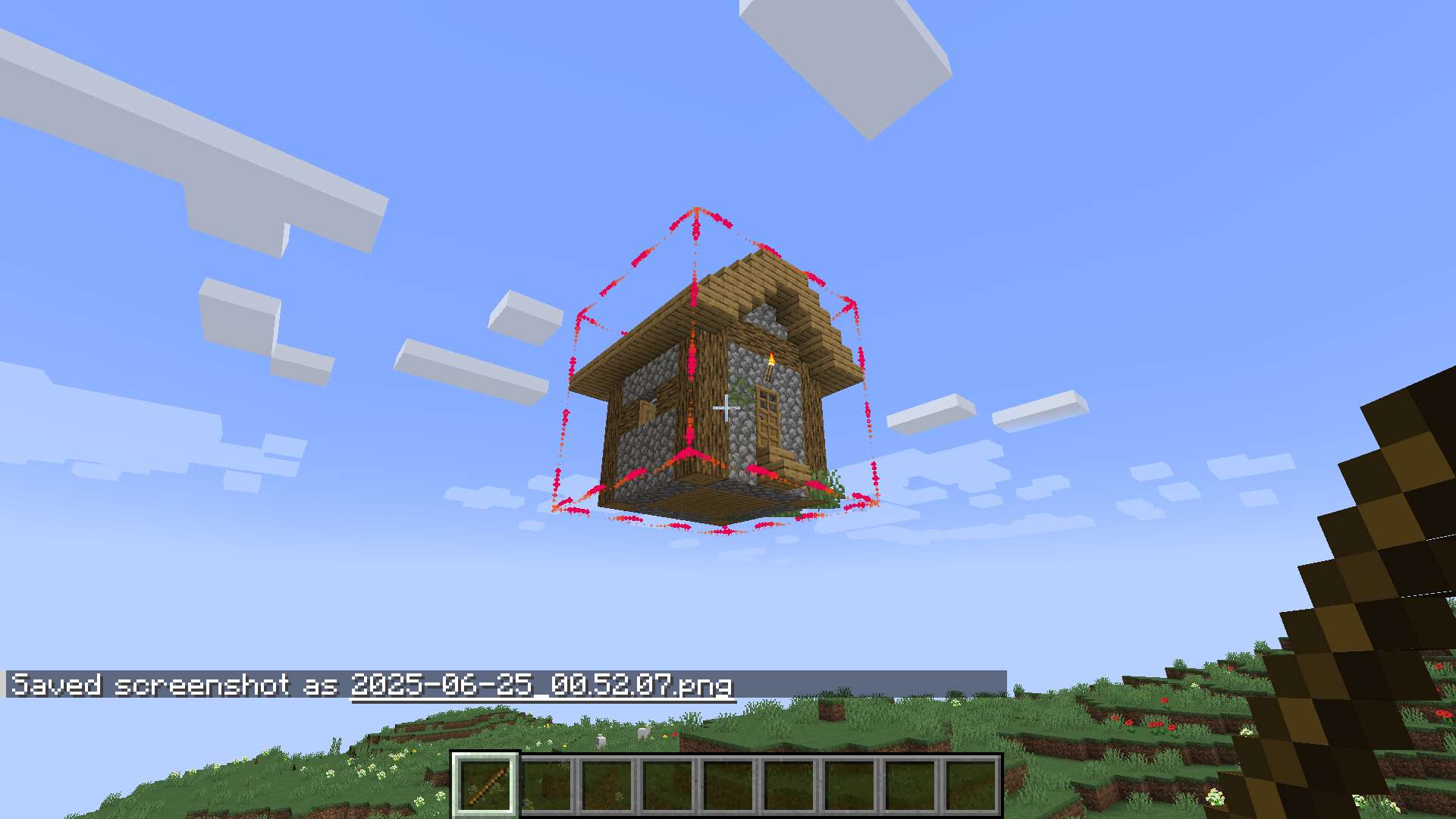
Select and drag your builds visually through the world by looking in the direction!
截图
介绍

Move mountains, duplicate villages, fill your friend’s server with silly builds because he gave you OP (use with caution) or mass duplicate redstone calc units in your redstone computer, and more with just a swing of your head. It could not be easier.
WorldDrag lets you select and move builds, redstone machines and any other block constellations and entities.
- Select
- Cut-/Copy Drag (& rotate)
- Paste
Move those blocks by changing the looking direction.

Rotate it!
How to use:
- Hold stick
- _Left-click_ = select new
- _Right-click_ = include more
- _Look on selection_ + _Left-click drag_ = cut & move
- _Look on selection_ + _Right-click drag_ = copy & move
- _Drag_ + _Mouse wheel_ = rotate
- _Stop drag_ = paste!
Config screen (since v5.2)
- Change the controlling item (default: stick)
- Default key: ‘N’ (Bad choice? Make a better suggestion!)
Doesn’t work? Make sure:
- Cheats On & be OP
- Hold the controlling item (default: stick)
Commands:
/worlddrag … gets used by the mod to send the instructions, but can be used by the player too.
Client-Side?
The mod isn’t absolutely required on the server and works on client-side only too, but:…
When mod isn’t on server:
- … it will use the /clone command instead
- /clone limitations:
- doesn’t have the rotation feature.
- can’t include mobs
- because of no clipboard behavior with /clone, it cuts the blocks when pasting instead of when starting the drag
Found sth annoying or a flaw?
Tell me!
Have suggestions?
Tell me!
Recent changes:
- 5.2: adds a config screen. Default key ‘N’. Control item specifiable. For <=1.21.5 discontinued because 5.1 has everything essential.
- 5.1: selection-hit cross. Crash fixes. For <=1.21.3 discontinued because no.
- 5.0: all entities get copied now.
- 4.1: removes crashes.
- 4.0: block entities get copied too.
- 3.0: tickable blocks like button or pressure plate won’t stay stuck after being moved in the activated state.
- 2.2: increased range while holding the stick.
- 2.1: fixed selection hit.
- 2.0: added rotation.
- 1.0: first version.
edit, 1.21.x, 1.21.7, 1.21, Fabric, mark blocks
常见问题
WorldDragger 支持哪些 Minecraft 版本?
WorldDragger 支持 Minecraft Java 版 1.21–1.21.10,共 11 个版本,可用的加载器:Fabric。下载时注意选择和你游戏版本一致的文件。
WorldDragger 怎么安装?
先用 PCL2 或 HMCL 启动器安装对应版本的 Fabric,再把下载的 .jar 文件放进游戏目录的 mods 文件夹,重新启动游戏即可。开启了版本隔离的,mods 文件夹在 versions/版本名 下面。运行环境:客户端 / 服务端。
评论
登录后评论和评分