
WNT – World Name Terrarified
Simple mod that adds random world name generator from Terraria
截图
介绍
World Name Terrarified – WNT
About
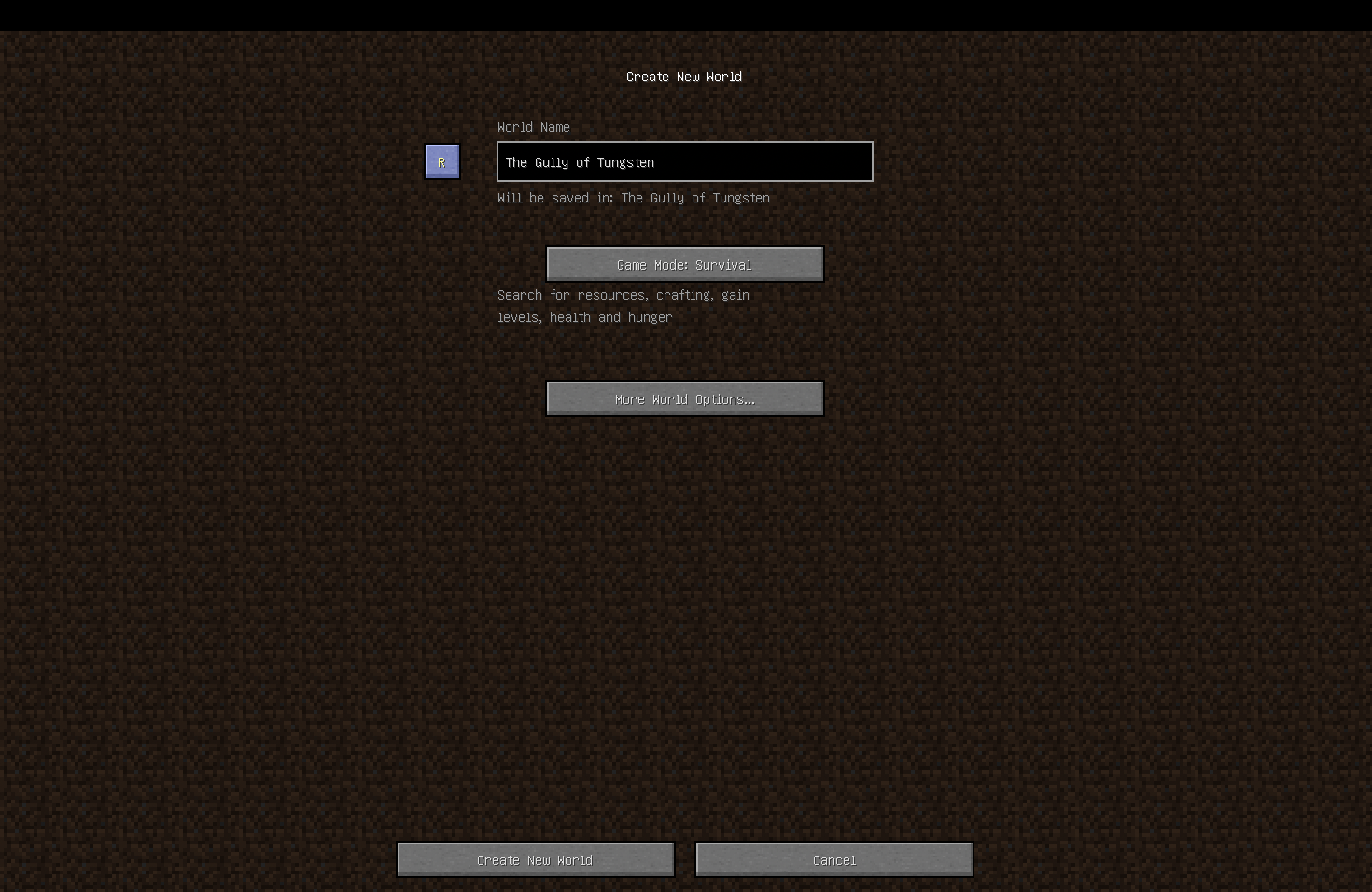
WNT is a small Minecraft mod, which adds only one (for now) simple feature. Random world name generator exactly like in Terraria! (Not 100% sure, but anyway)\
PLEASE report any issues on GitHub, it’ll make the mod better and testing with debugging easier.\
Thank you!\
P.S. Feel free to include this mod to your modpacks
How it works
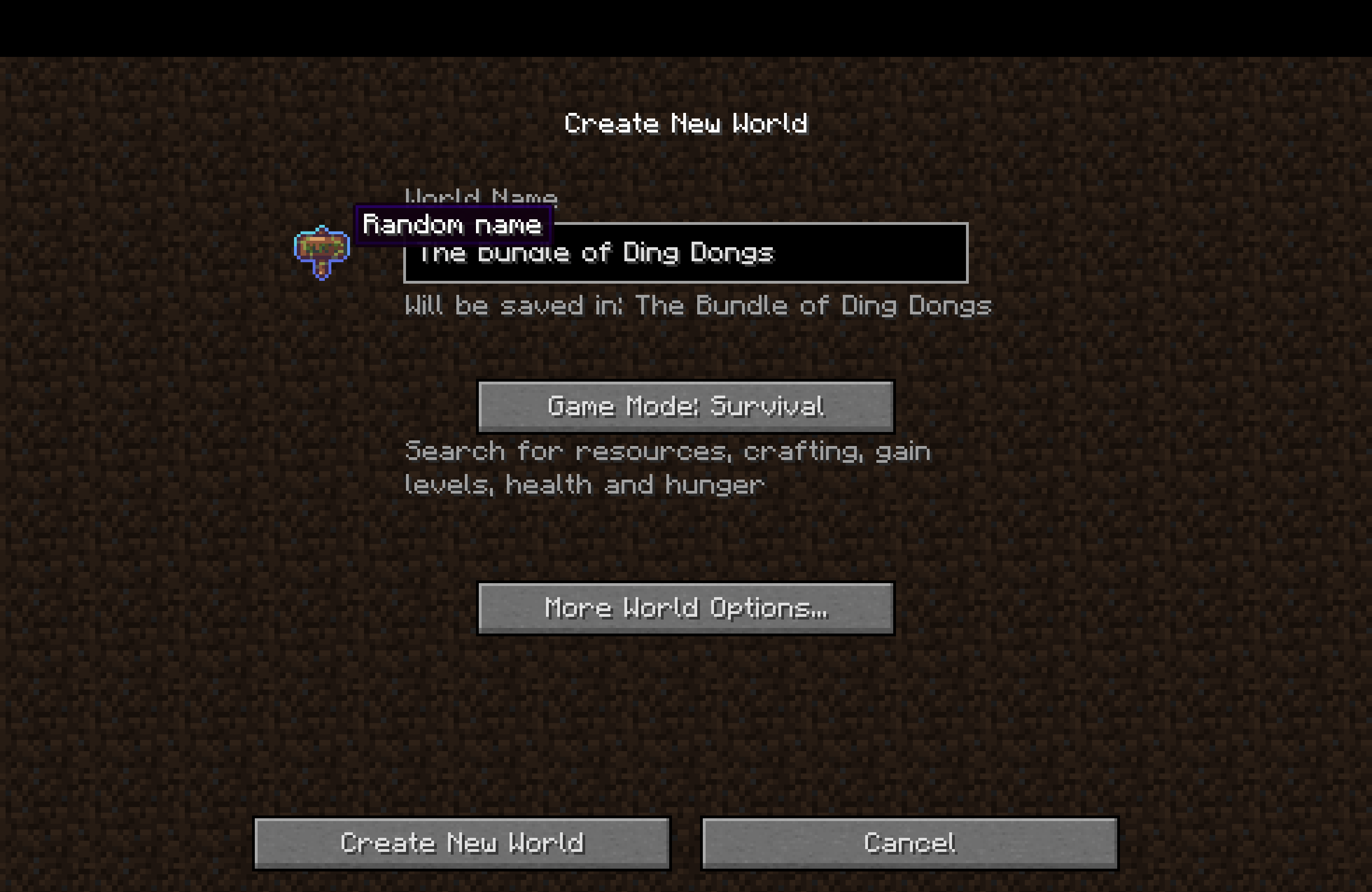
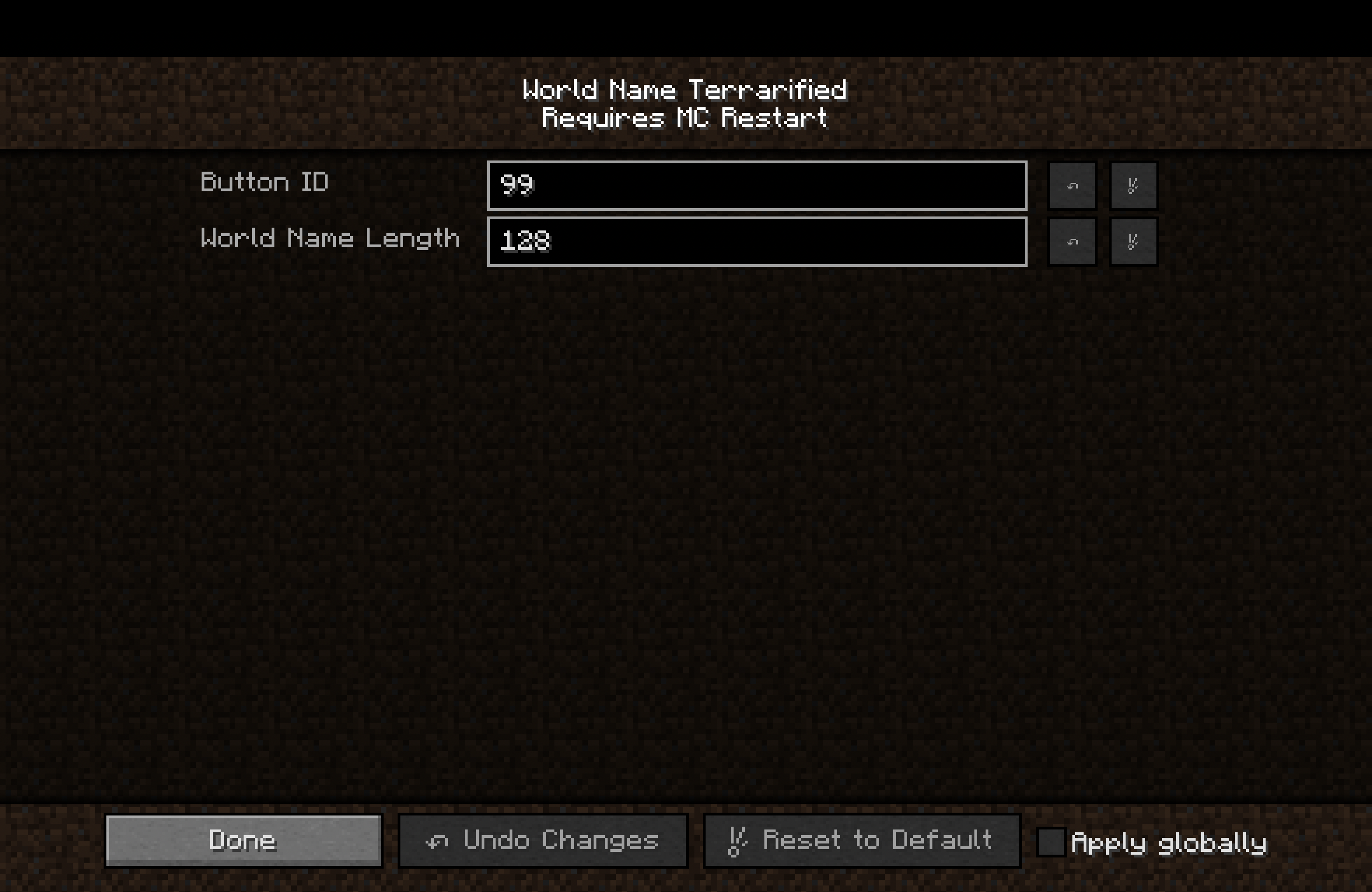
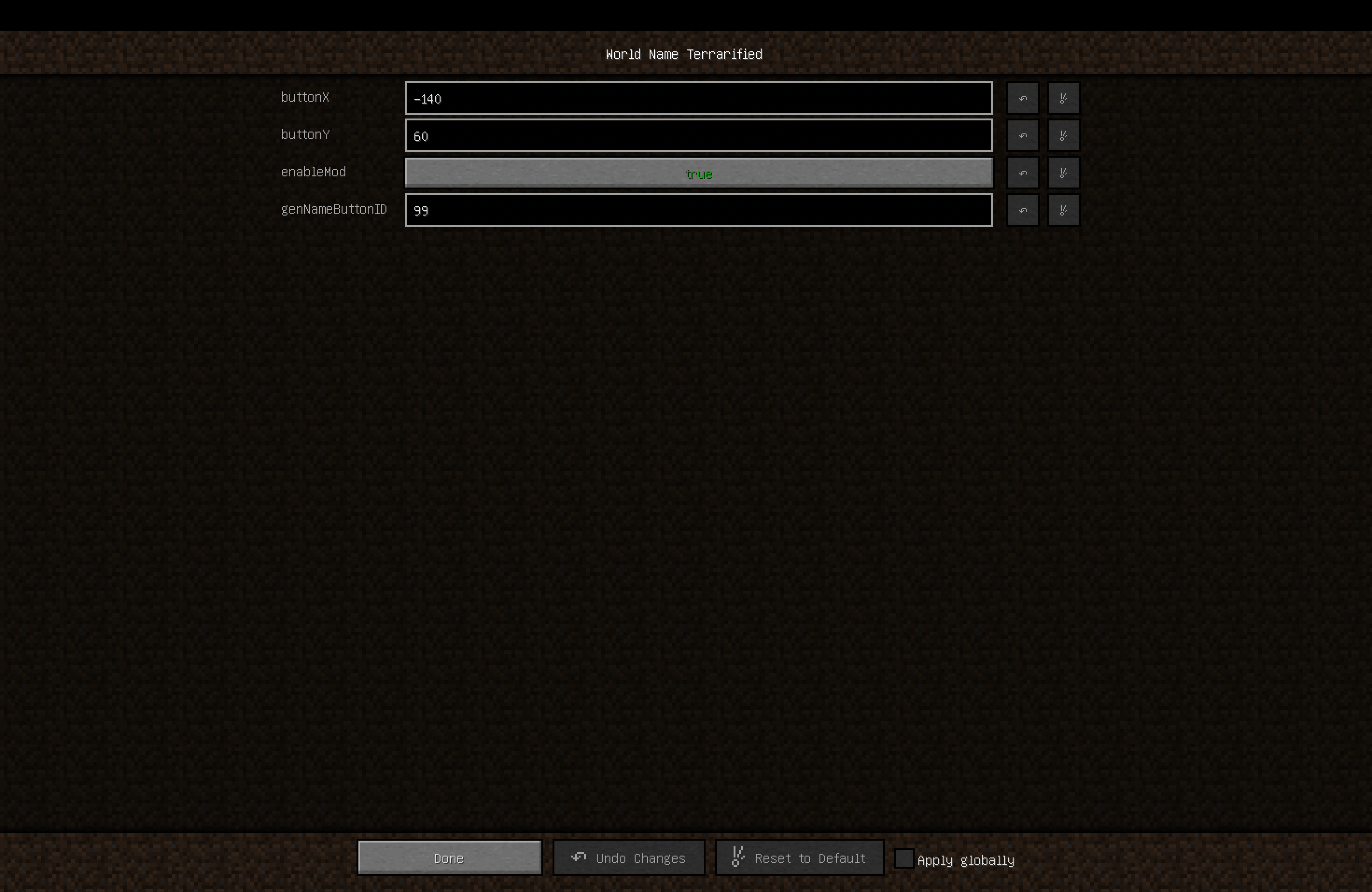
Mod adds a button to the world creation screen, on the left from world name field. When you press the button it chooses 4 random entries from specific files and creates a unique name.
Compatibilities
I HAVEN’T TESTED WITH OTHER MODS YET, but until the other mod doesn’t change how Minecraft renders screen it should work!\
Right now it officially supports 4 languages:
- [x] English – en_us (1 887 189 984 unique world names)
- [x] Russian – ru_ru (944 663 616 unique world names)
- [x] Portuguese – pt_pt (943 594 992 unique world names)
- [x] Simplified Chinese – zh_cn (943 594 992 unique world names)
- [ ] … more comming… maybe…
- [x] Infinite expansion with custom resourcepacks!
Customization
Mod uses Minecraft’s resource manager (simpler – Resourcepacks) to access files, so it’s very simple to add your own variants/localizations!
Creating custom resourcepack
First of all you need to know how to handle resources, here is the structure of ‘resourcepack’:
assets/
├─ wnt/
│  ├─ LOCALE_CODE/
│  │  ├─ adjectives.txt
│  │  ├─ compositions.txt
│  │  ├─ locations.txt
│  │  ├─ nouns.txt
Important things to know about it:
LOCALE_CODEfolder (en_us, ru_ru, etc.) – MUST be lowercase. If you don’t know language code you can simply google it or if locale is not supported by the mod you can found its code in the logs under ‘Error while loading localization files…’- compositions.txt is the template of world names, here is its structure(example):
@– Adjective#– Location$– Nounadjectives.txt, locations.txt, nouns.txt– are just lists with variants separated by lines, they’ll replace@,#or$(examples)- Names of the files MUST be exact the same as shown above!\
\
So to modify the original mod you simply need to create a resource pack with a suitable pack.mcmeta and directory assets/wnt/LOCALE_CODE/ where you’ll put the files you’d like to modify or add. You can also override already existing resources as well as adding new locales!
Credits
Thanks!\
terraria.wiki.gg for provided lists of words which this mod uses.
常见问题
WNT – World Name Terrarified 支持哪些 Minecraft 版本?
WNT – World Name Terrarified 支持 Minecraft Java 版 1.12.2,可用的加载器:Forge。下载时注意选择和你游戏版本一致的文件。
WNT – World Name Terrarified 怎么安装?
先用 PCL2 或 HMCL 启动器安装对应版本的 Forge,再把下载的 .jar 文件放进游戏目录的 mods 文件夹,重新启动游戏即可。开启了版本隔离的,mods 文件夹在 versions/版本名 下面。运行环境:仅客户端。

评论
登录后评论和评分