
截图
介绍
中文介绍正在准备中,下面暂时显示原文。
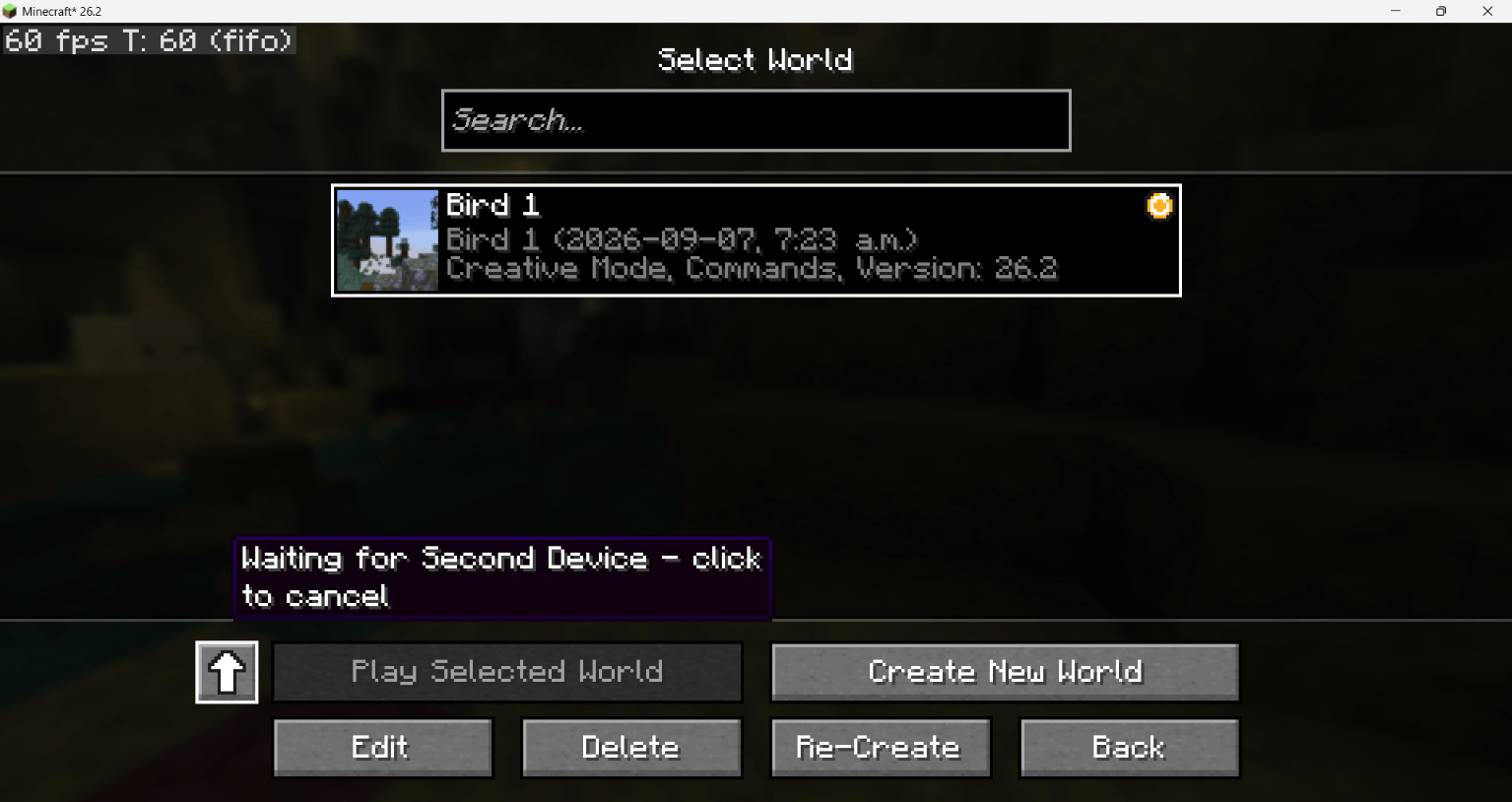
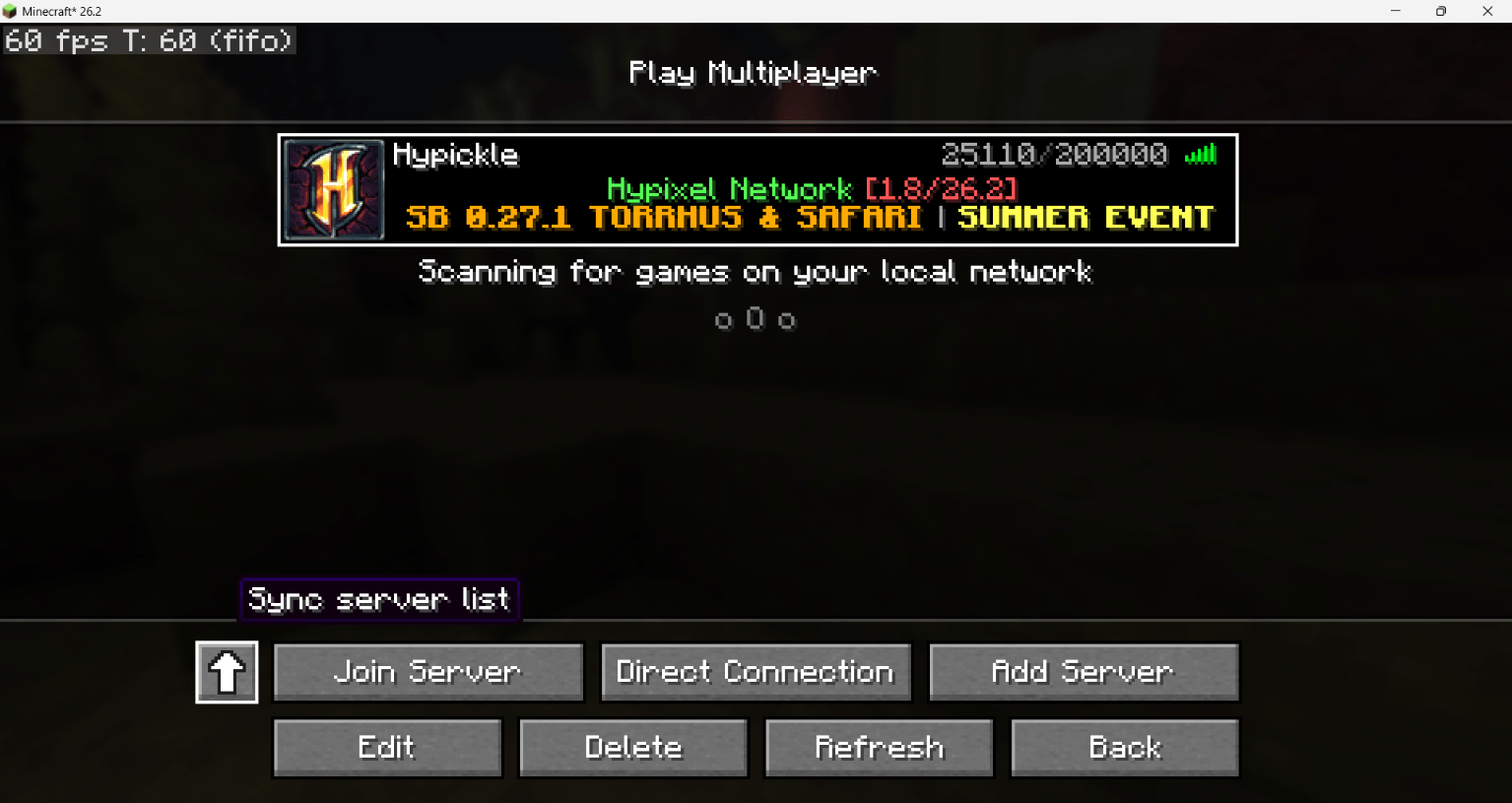
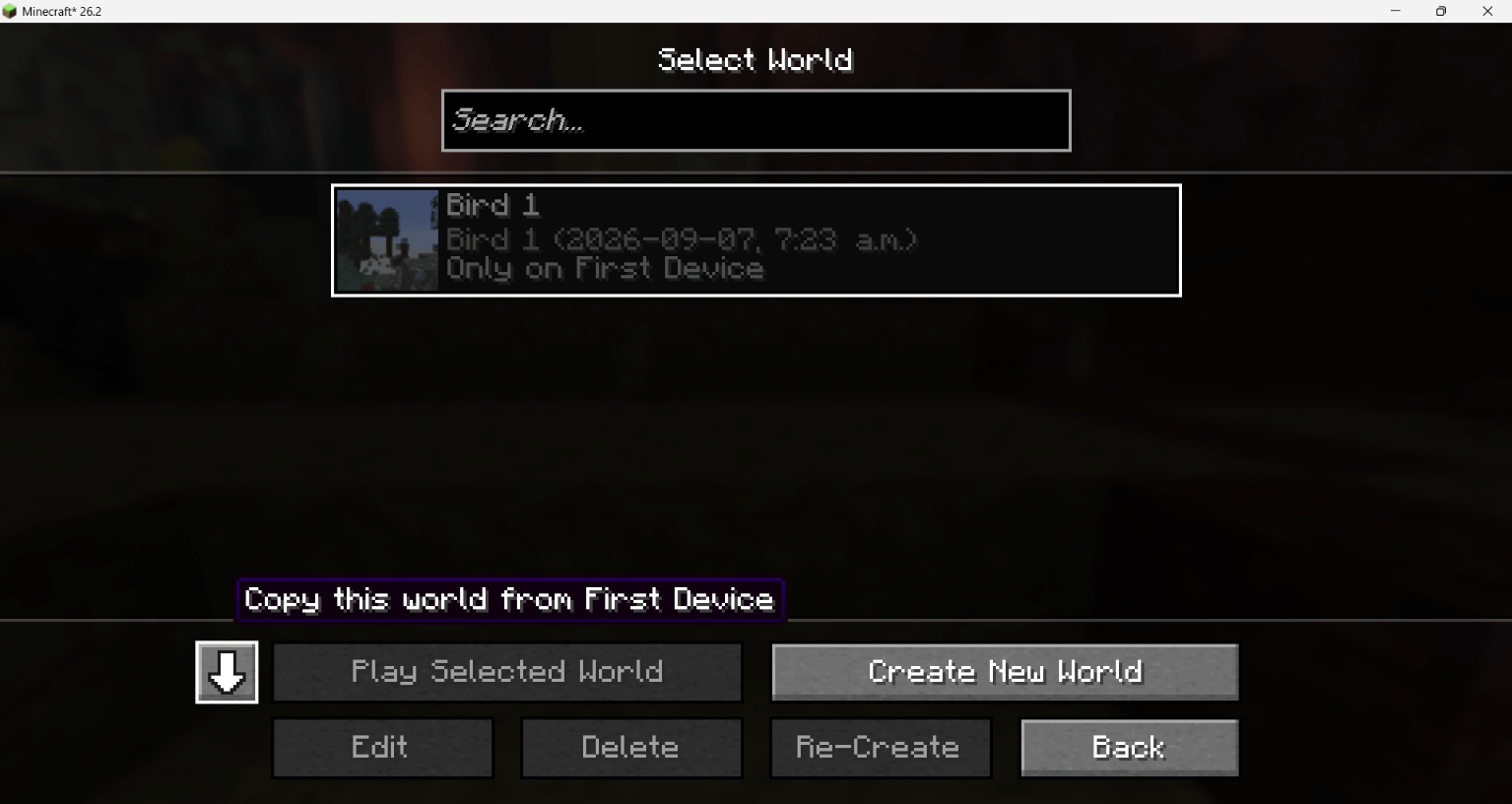
World Ferry – Sync worlds across devices
Hej! This is World Ferry – a Fabric mod to sync worlds & more across devices on the same Minecraft account.
Notice: ⚠️ This mod is in the beta stage! I would heavily recommend you try this on a test world or make a backup of the world. Since we’re in the beta we cannot guarantee your data will be 100% save. If anything happens, tell me. You have been warned!!⚠️
How to use & install:
- Put this mod in your mods folder on the computers you want to sync worlds with and use Fabric
- Pair with your device (double-check it’s yours!)
- Get your world from your other computer and play like you normally would
- Once finished, sync your world to your other computer, or vice versa.
Idk, be happy or something
Please feel free to report all bugs in the comments! It would really help.
The problem that started this mod was such: I wanted to play on my Minecraft survival world on my home PC, but I was abroad and couldn’t get access to it. Once I came back, I created this mod and installed it on both computers, so I can get my survival world to my travel laptop, play, and then send the changes back to my home PC and keep everything saved whenver I wanted!
常见问题
World Ferry 支持哪些 Minecraft 版本?
World Ferry 支持 Minecraft Java 版 26.2,可用的加载器:Fabric。下载时注意选择和你游戏版本一致的文件。
World Ferry 怎么安装?
先用 PCL2 或 HMCL 启动器安装对应版本的 Fabric,再把下载的 .jar 文件放进游戏目录的 mods 文件夹,重新启动游戏即可。开启了版本隔离的,mods 文件夹在 versions/版本名 下面。
TCMFatbird 的其他作品
查看全部 →
Crackers
by TCMFatbird
适用于多人和单人游戏的客户端种子破解模组。
9,611
1 个月前
CurseForge

Dappled Forest Drop
by TCMFatbird
Adding the upcoming Dappled Forest update earlier alongside the Poplar Wood set, Abandoned Camp, and more!
724
4 个月前
Modrinth

Bird’s Display Entities
by TCMFatbird
If Blender met Minecraft (but easier)
111
1 个月前
Modrinth · CurseForge
评论
登录后评论和评分