
截图

介绍
<center>
Workshop Utilities MOD
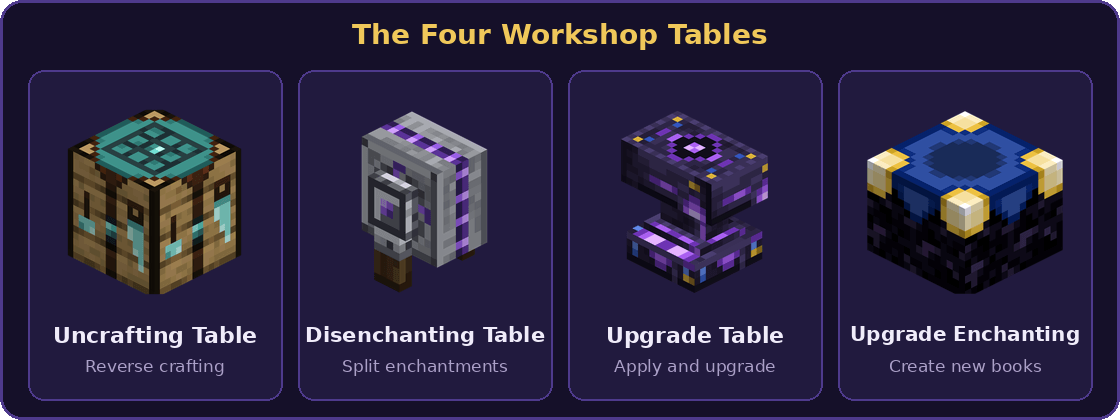
Workshop Utilities adds four workshop tables, five tiers of wearable backpacks with modules, a dedicated Elytra slot and 20 new enchantments.



Uncrafting Table
Put an item in and get its ingredients back, like a crafting table in reverse. Use the arrow buttons to browse every recipe of an item. Recipes from other mods work too.
 |
 |
Disenchanting Table
Remove all enchantments from an item and keep the item. Add a book to receive an enchanted book with everything that was removed, and earn XP levels in return. Mixing vanilla and mod enchantments creates a Fused Enchanted Book. Place it on a floor, wall or ceiling, just like a grindstone.
 |
 |
Upgrade Table
Apply mod enchanted books and Fused Enchanted Books to your gear, or upgrade a Backpack to the next tier while keeping everything inside. Every upgrade uses one Upgrade Tool and costs no XP.
 |
 |
Upgrade Enchanting Table
Surround it with 20 bookshelves, insert an Upgrade Book and an Upgrade Enchanted, then pick the enchanted book you want. Each book costs 15 XP levels.
 |
 |
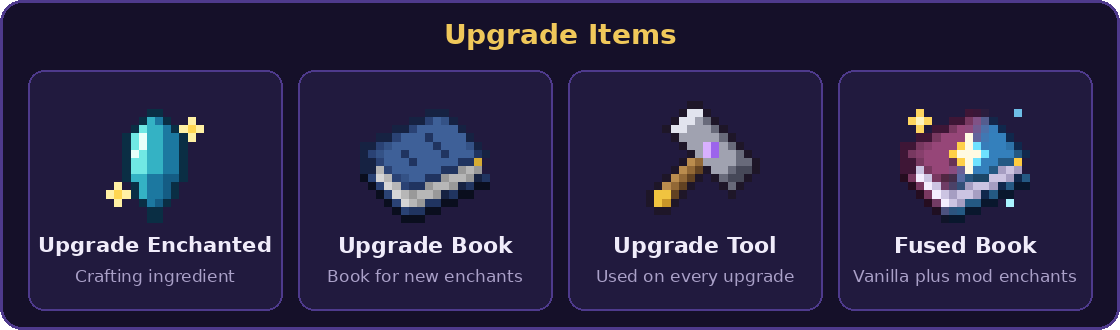
Upgrade Items

Backpacks
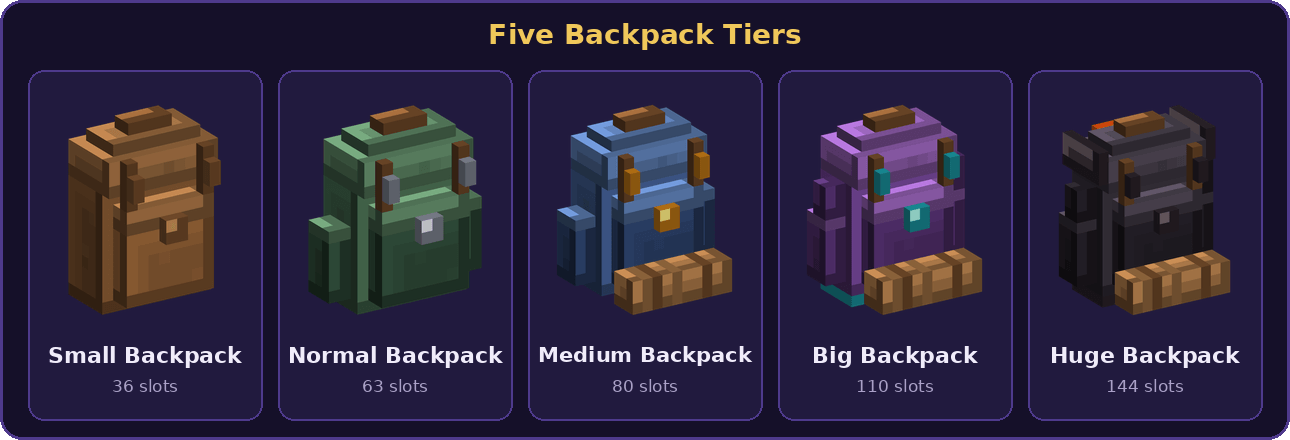
Craft a Small Backpack and upgrade it through five tiers. Carry it in your hand or wear it on your back next to a chestplate and an Elytra. Press B to open a worn backpack without taking it off.


Craft a Small Backpack
Only the Small Backpack can be crafted. Every bigger tier comes from the Upgrade Table.

Upgrade a Backpack
Place the backpack, 8 of the tier material and an Upgrade Tool in the Upgrade Table. You get the next tier with all contents, name and enchantments kept.

Backpack Slots

Backpack GUIs
 |
 |
 |
 |
 |
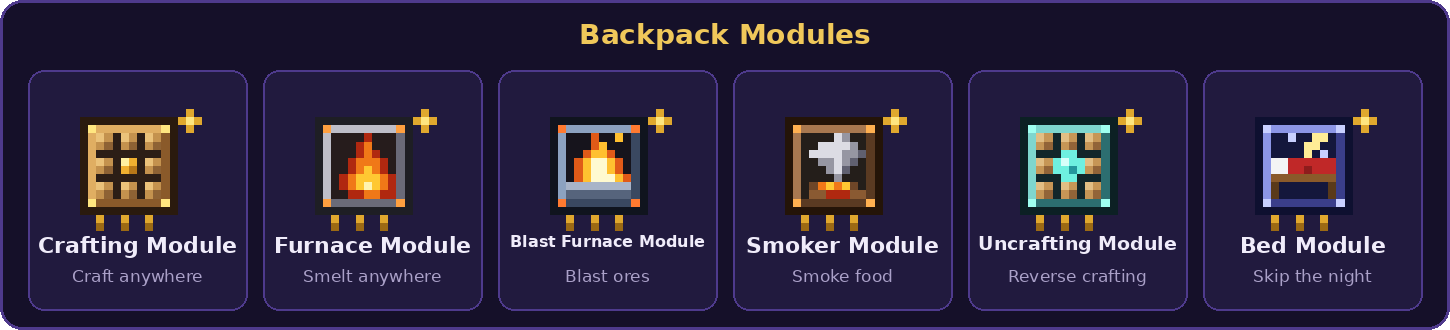
Backpack Modules
Slot a module into your backpack to bring a workstation everywhere you go. The Bed Module lets you skip the night without a bed and without changing your spawn point.

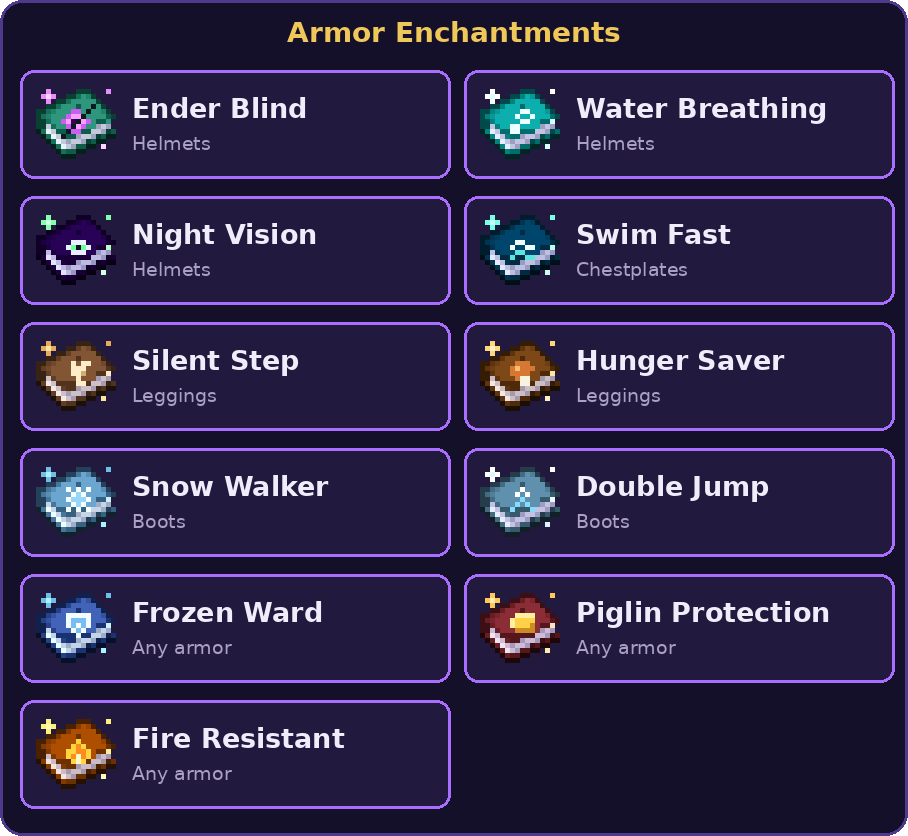
Enchantments
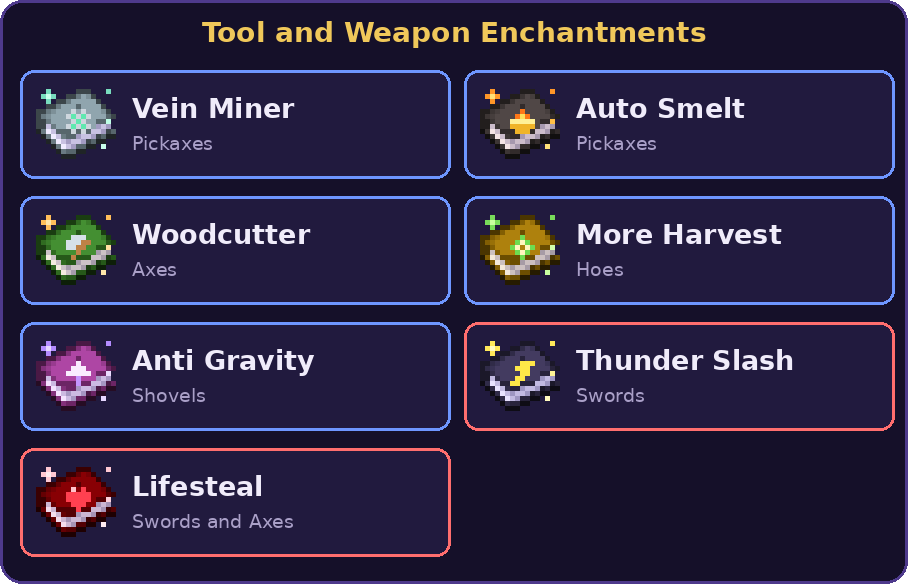
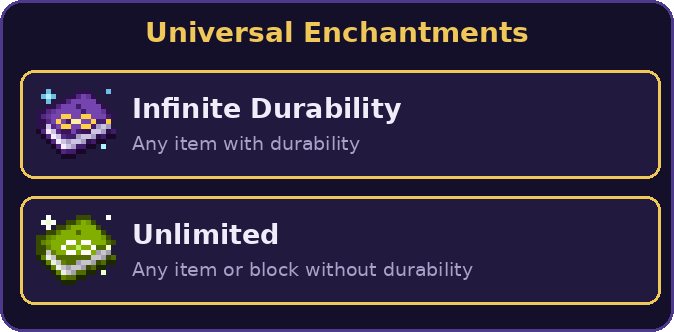
Twenty custom enchantments with no status effect icons. Create the books at the Upgrade Enchanting Table and apply them at the Upgrade Table.


</center>
<details>
<summary>Recipes</summary>
<center>


</center>
</details>
<details>
<summary>Info</summary>
<center>
Optional support for [Roughly Enough Items (REI)](https://modrinth.com/mod/rei) and [Just Enough Items (JEI)](https://modrinth.com/mod/jei), with recipe pages for every table.
Includes more than 30 advancements and English and Indonesian translations.
</center>
</details>
常见问题
Workshop Utilities 支持哪些 Minecraft 版本?
Workshop Utilities 支持 Minecraft Java 版 1.21–26.3,共 17 个版本,可用的加载器:Fabric。下载时注意选择和你游戏版本一致的文件。
Workshop Utilities 怎么安装?
先用 PCL2 或 HMCL 启动器安装对应版本的 Fabric,再把下载的 .jar 文件放进游戏目录的 mods 文件夹,重新启动游戏即可。开启了版本隔离的,mods 文件夹在 versions/版本名 下面。


评论
登录后评论和评分