
Colourful Containers [Forge Workbench UI]
Official Forge Port of Colourful Containers GUI By Chris_XENO & BurntToast_
截图
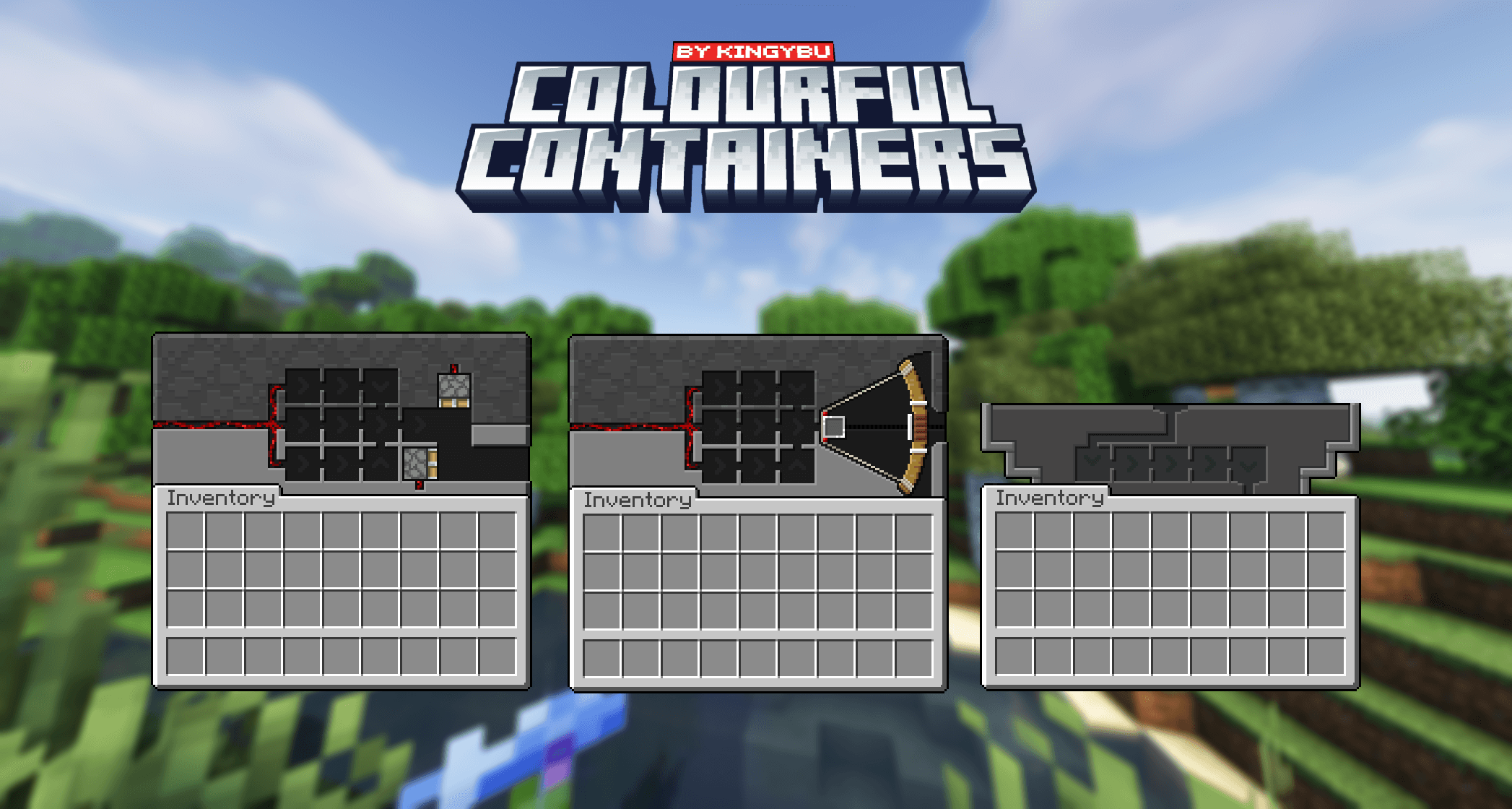
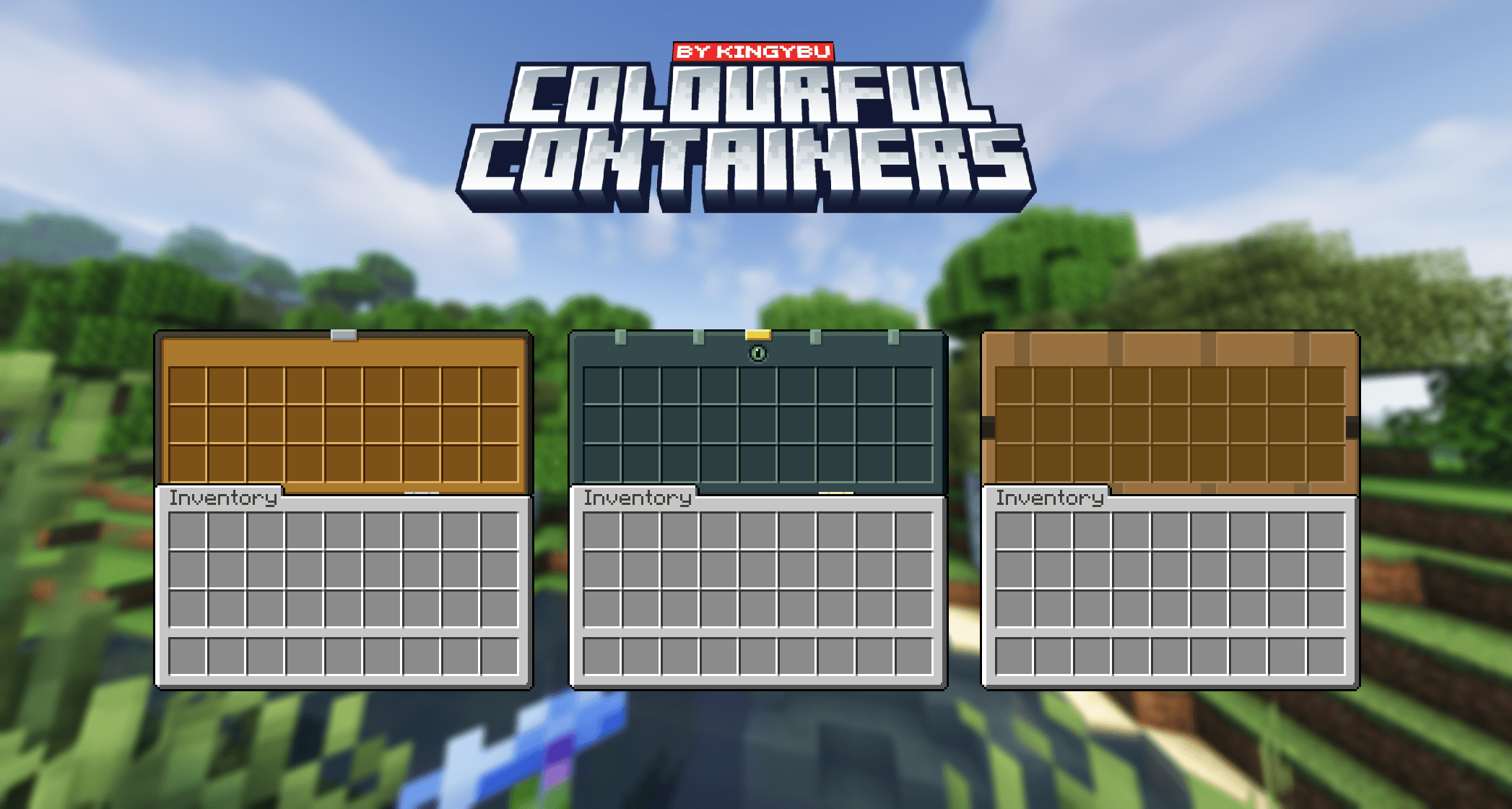

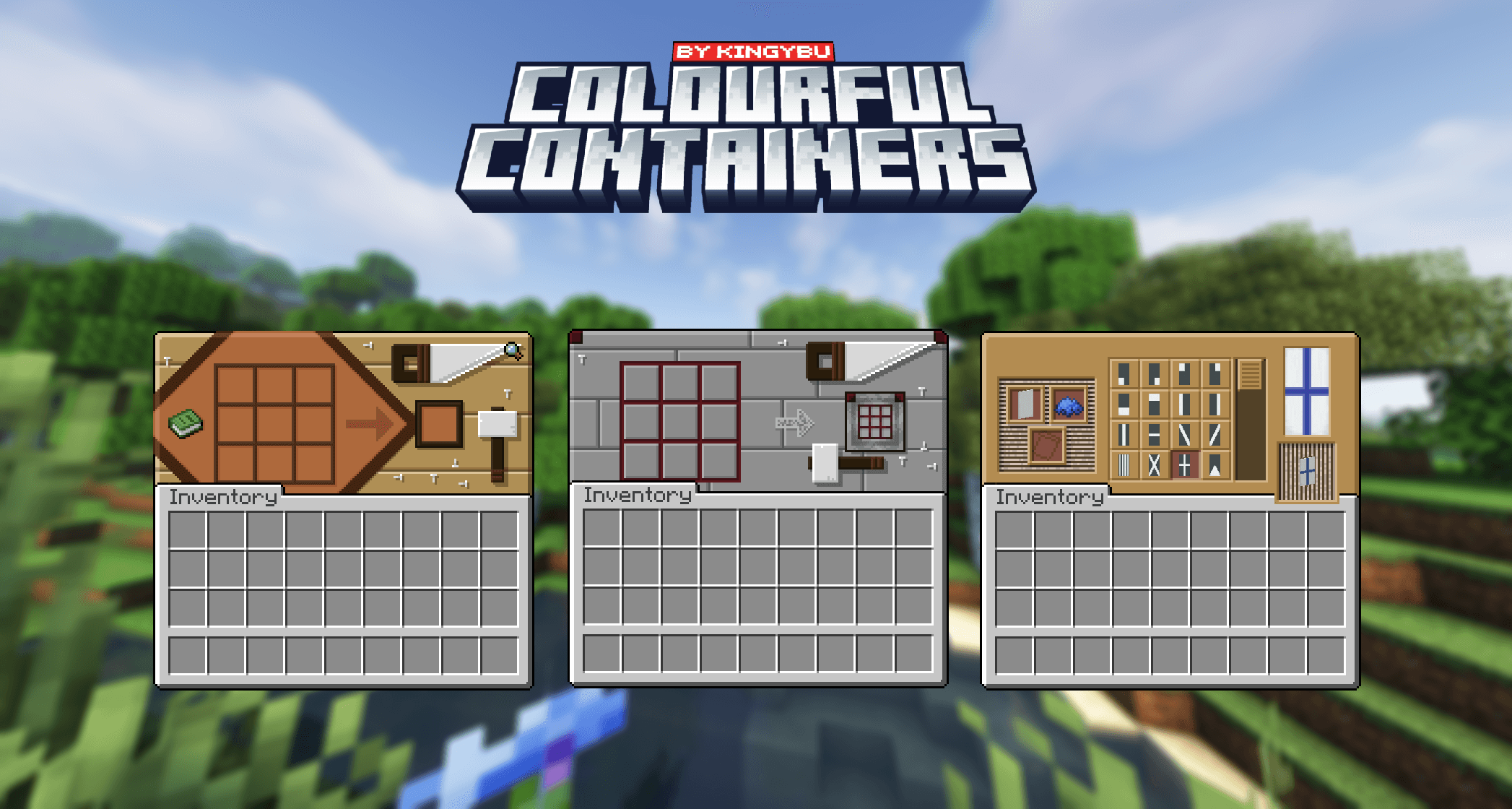
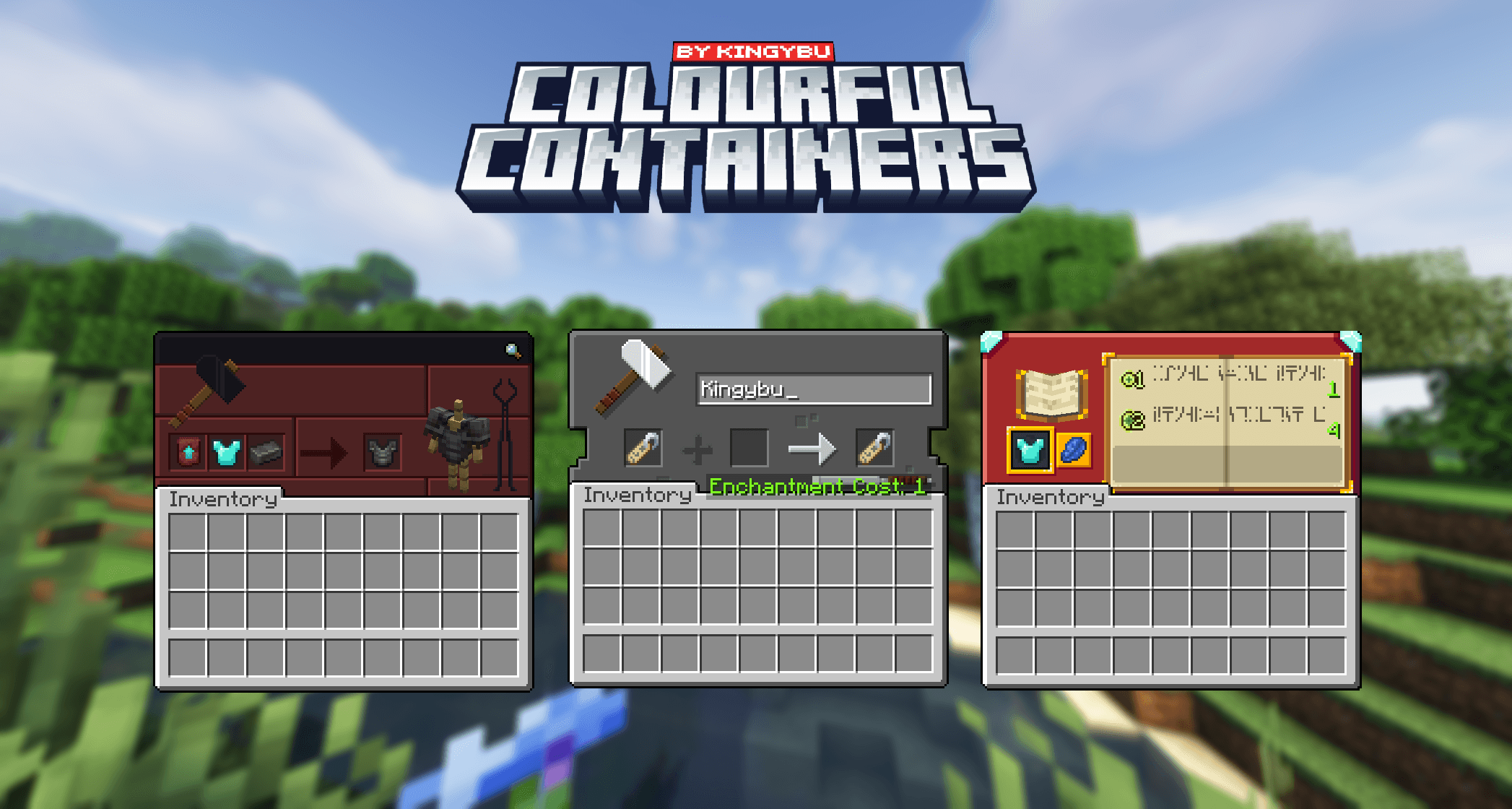
介绍

Official Mod Port Of Colourful Containers GUI by Chris_XENO & Kingybu

Crafting Table Ender Chest Anvil

To disable any specific UI changes, open the CCUI config file and edit the desired values

-Recipe Book 
– Anvil
– Blast Furnace
– Brewing Stand
– Cartography Table
– Generic
– Crafting Table
– Dispenser
– Dropper
– Enchanting Table
– Furnace
– Grindstone
– Hopper
– Loom
– Shulker Boxes
– Smoker
– Stone Cutter
– Smithing Table
– Barrel
– Villager GUI
– Beacon
Including
–Survival inventory

-Chest Boats 
-Chest Raft

-Creative Inventory
-Mod Support

-MinoBanana
–Chris_XENO
-Kingybu

I’ve partnered with RocketNode Hosting! RocketNode provides top-tier server hosting worldwide, allowing you to set up your server with just a few clicks! Their intuitive dashboard makes server management a breeze, and you can even schedule automatic restarts without needing any coding knowledge. Use the code Mino to get 25% off your first month on any of their gaming servers. Get started here: https://rocketnode.com/mino

常见问题
Colourful Containers [Forge Workbench UI] 支持哪些 Minecraft 版本?
Colourful Containers [Forge Workbench UI] 支持 Minecraft Java 版 1.20.1,可用的加载器:Forge。下载时注意选择和你游戏版本一致的文件。
Colourful Containers [Forge Workbench UI] 怎么安装?
先用 PCL2 或 HMCL 启动器安装对应版本的 Forge,再把下载的 .jar 文件放进游戏目录的 mods 文件夹,重新启动游戏即可。开启了版本隔离的,mods 文件夹在 versions/版本名 下面。
MinoBanana 的其他作品
查看全部 →
Mowzie’s Mobs Respawner
重置 Boss 结构

The Merchants Guild (New Traders & NPCs)
Adds new traders and NPCs that sell powerful new items!

Boss Titles
Grants Titles After Defeating Bosses - Vanilla + Modded Support

Palette Lib
Particle & Visual Effect Library Run Through Commands
评论
登录后评论和评分