
截图
介绍
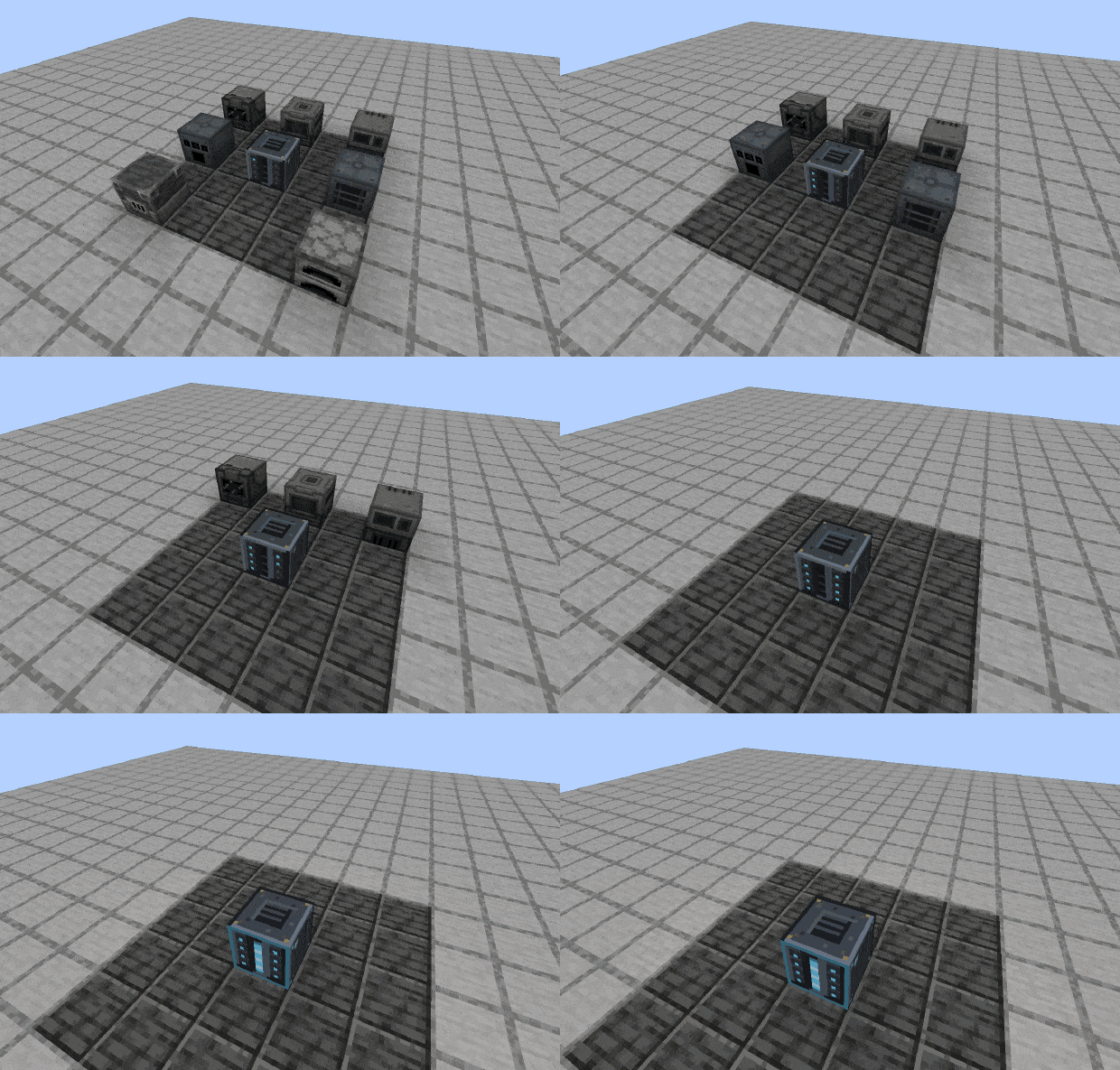
Your machines, off the floor and still running.
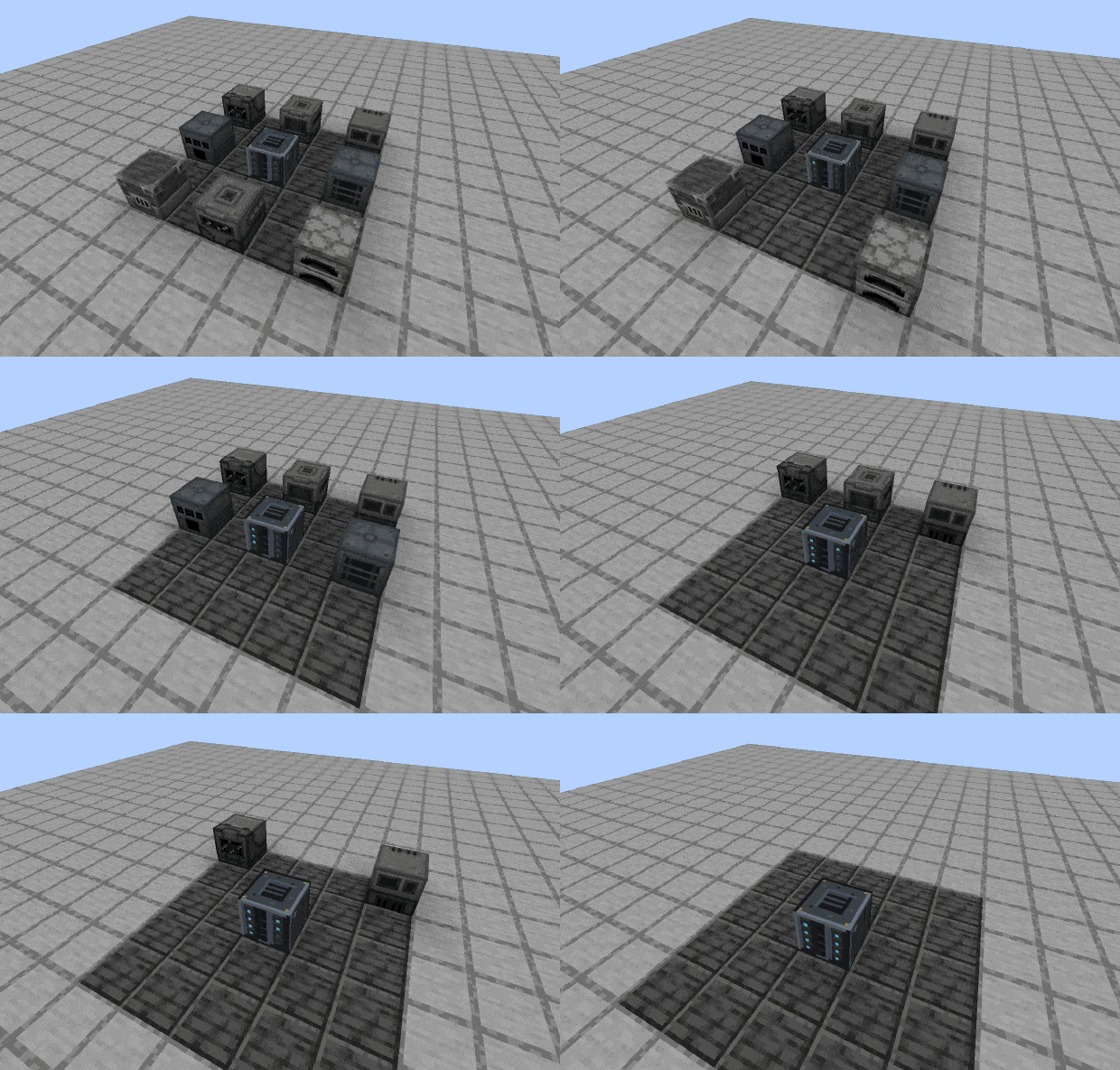
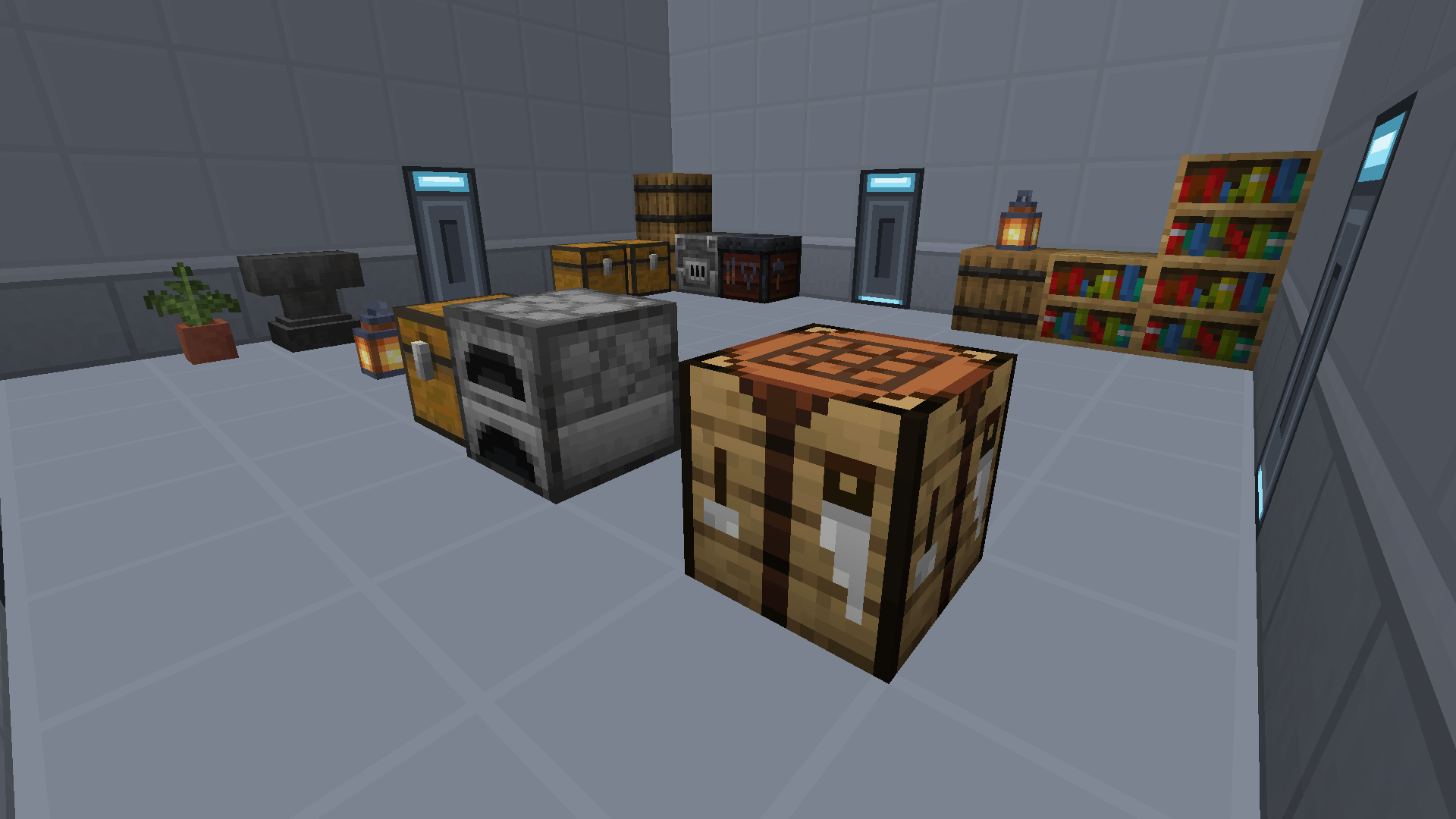
Workbay takes the machines off the floor: two of them inside one block to start, eight with six
Expansion Plates. Real machines, from any mod, still ticking, still running their own recipes,
linked to the chests, tanks and machines you left standing in the world. No cables, no sorting
corridor. And a room, when you want one, racked like a machine and carried as an item. It buys
space, not tick time: a hosted machine ticks exactly as it did on the floor.
- Your floor back. Up to eight single-block machines in one block: vanilla, Mekanism, most mods.
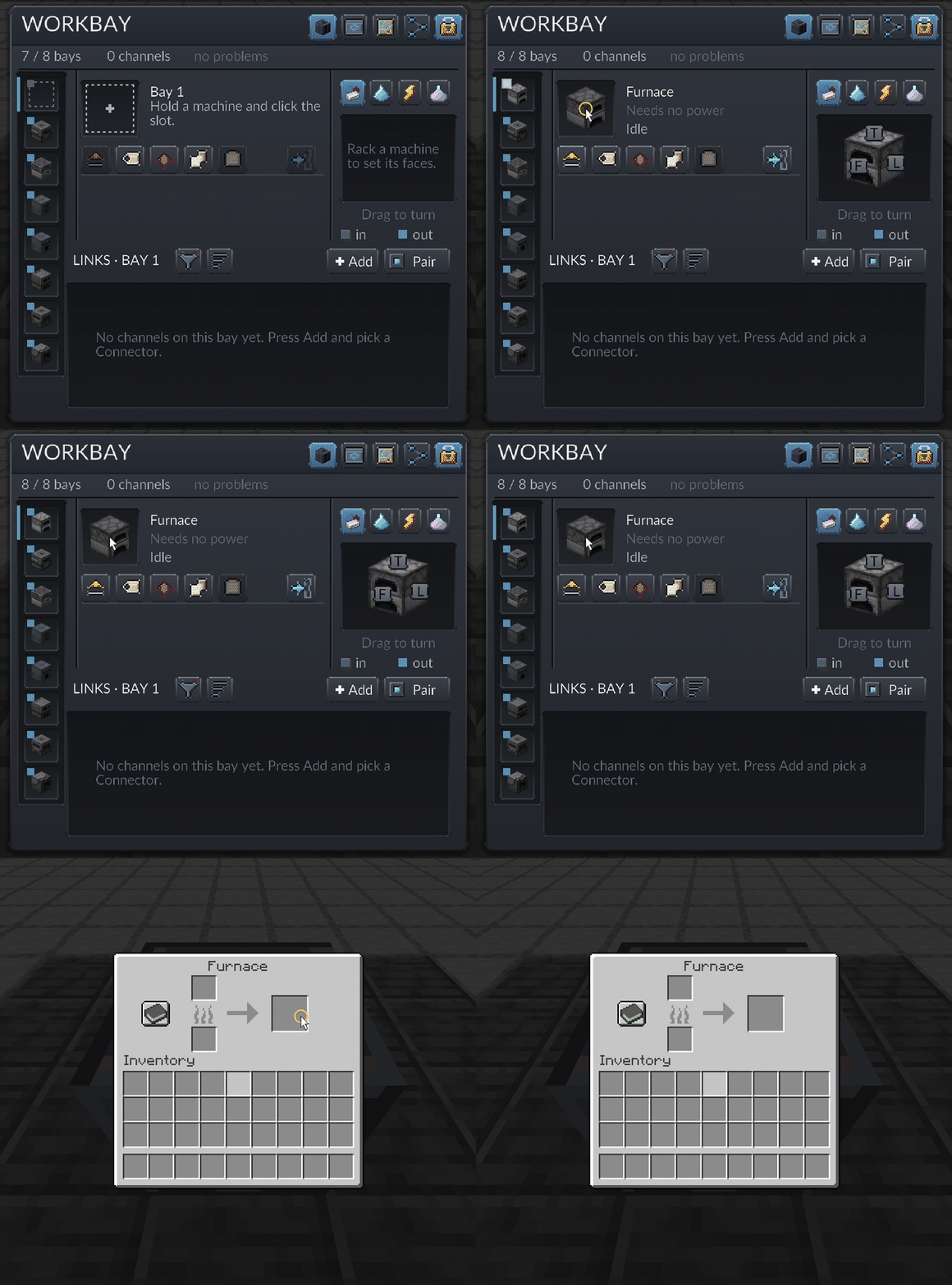
- Their own screens, from where you stand. The real screen, slots and side config and all.
- Links without cables. Items, fluids, energy and Mekanism chemicals, each with a direction, a filter and a rate.
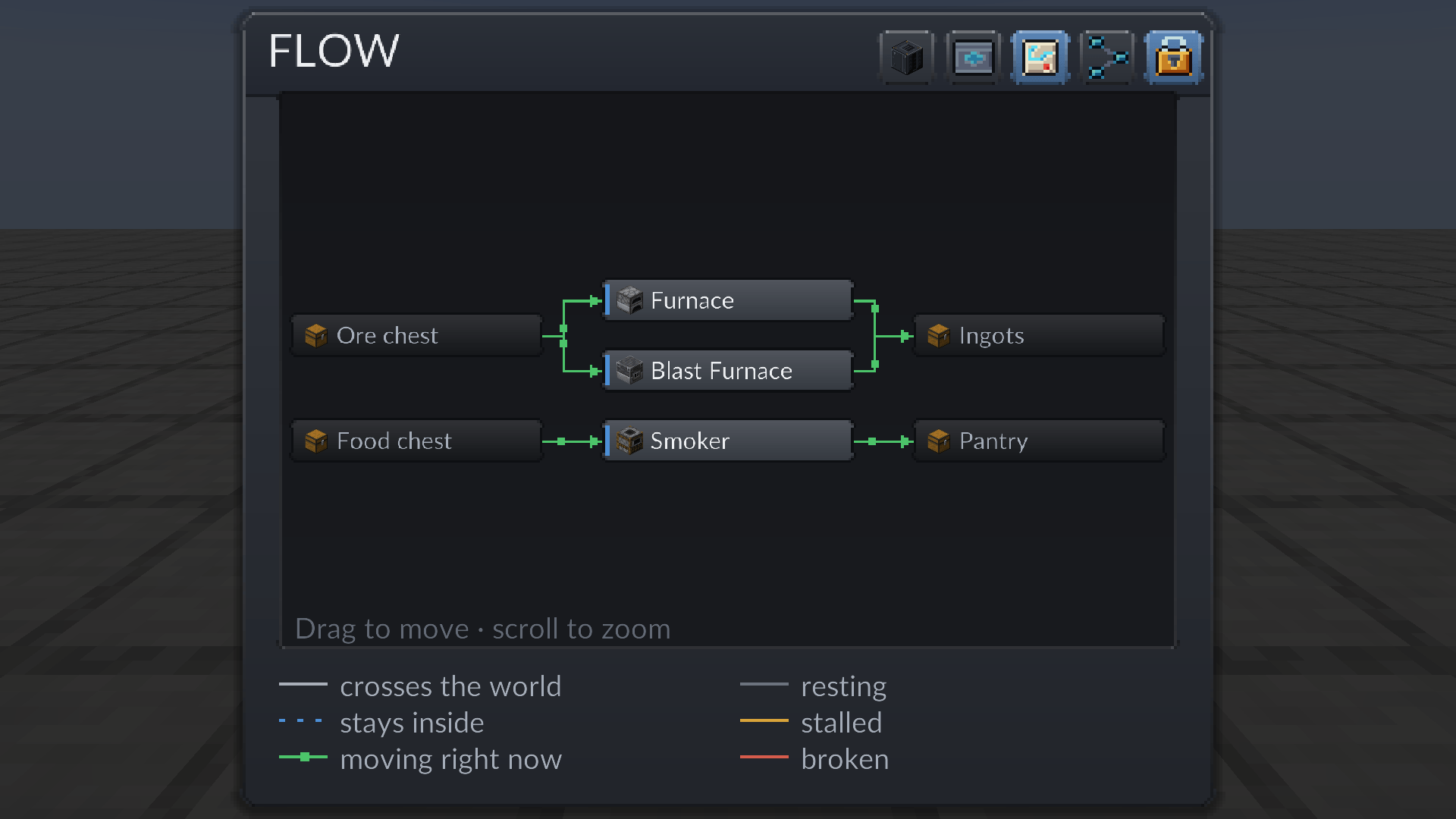
- The network as a map. FLOW draws every link, and pips walk along whatever is moving.
- Rooms you carry. Walk in, build, and pull the room out as an item with the build inside.
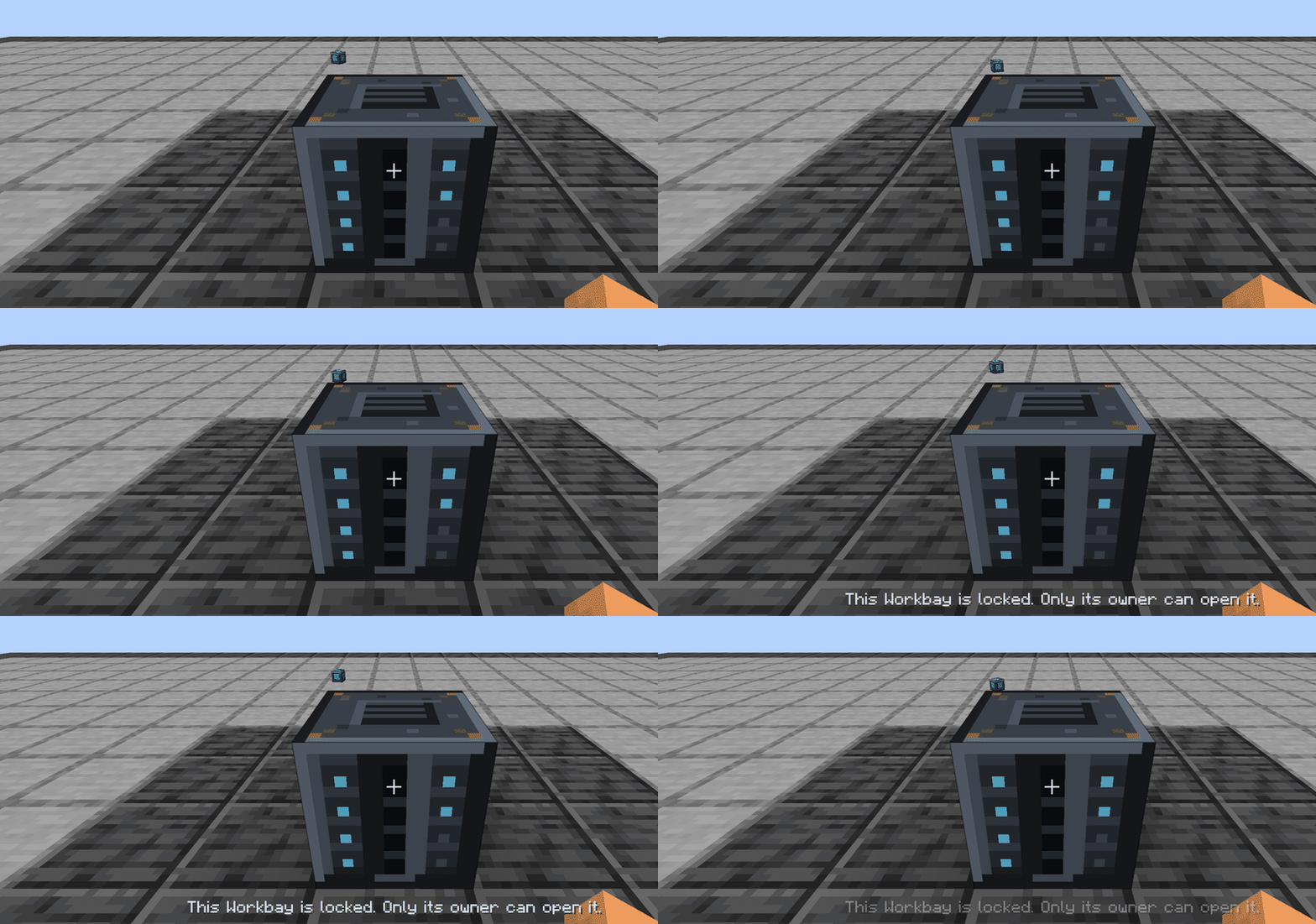
- A network that is yours. Born locked, and a fresh block brings back every bay a broken one held.
Report a bug · Wiki · Source
Minecraft 1.21.1 – NeoForge 21.1.249 or newer – Client and server – MIT
A machine in a bay and a room in a bay are not the same thing
This is the one distinction worth reading twice, because the two behave in opposite ways.
A machine you never walk to. It stands in its bay in a private dimension, ticking, and you open
its own screen from wherever you are: the real screen, slots and side config and all. You never
enter the bay and you never stand in front of the machine. Everything you do with it, you do through
a screen.
A room you never open. A room has no screen at all. You press Enter and you are standing inside
it, building by hand, and a lit door in any wall brings you back out. Everything you do with it, you
do with your own two hands.
A machine is something you reach into. A room is somewhere you go.
What it does
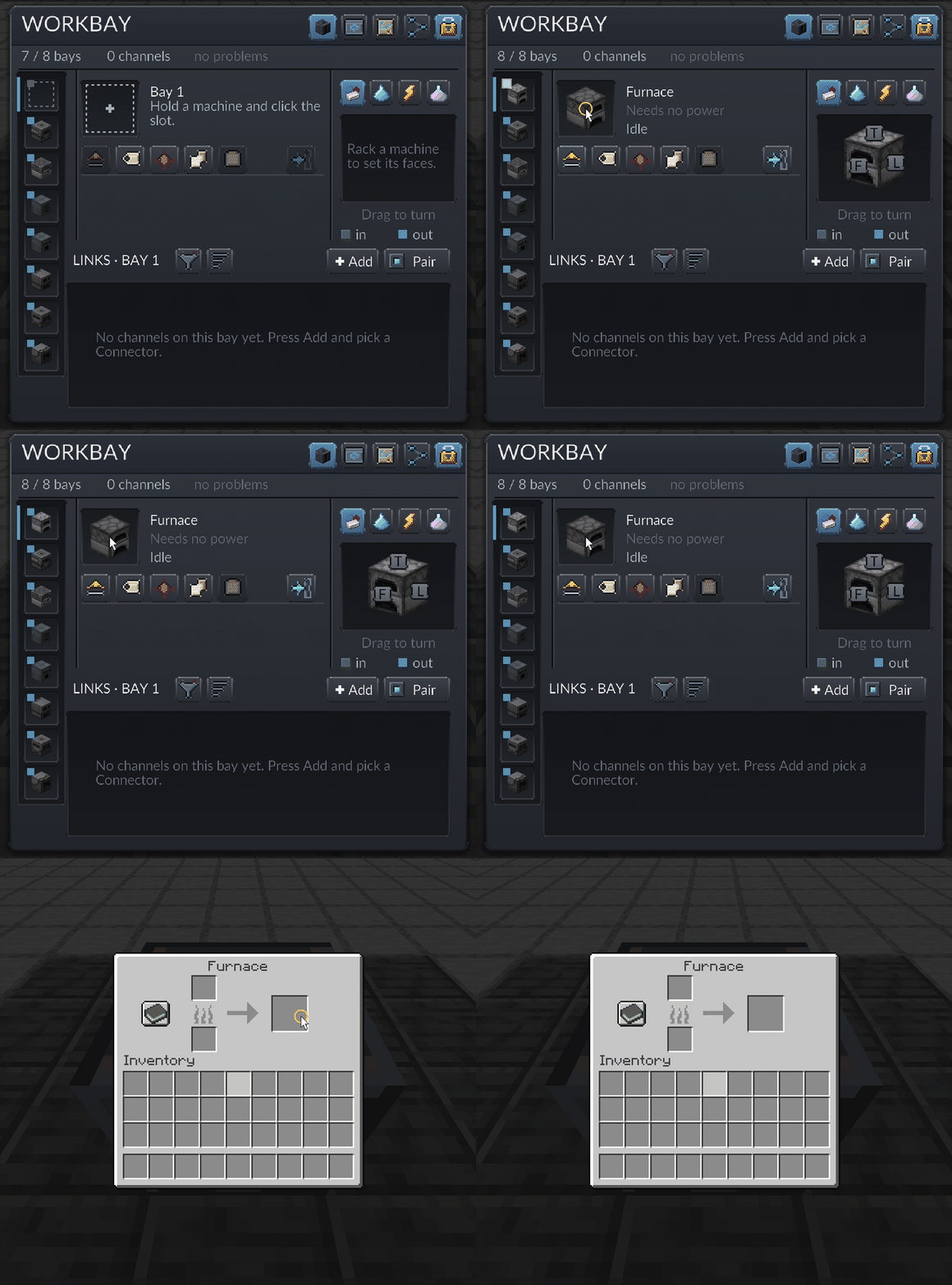
Hosts real machines. Hold a machine, right-click the Workbay, click the empty bay. It now
lives in a private dimension, running exactly as it did on your floor, and its own screen opens
from where you stand. Mekanism is what it is tested against on every build.
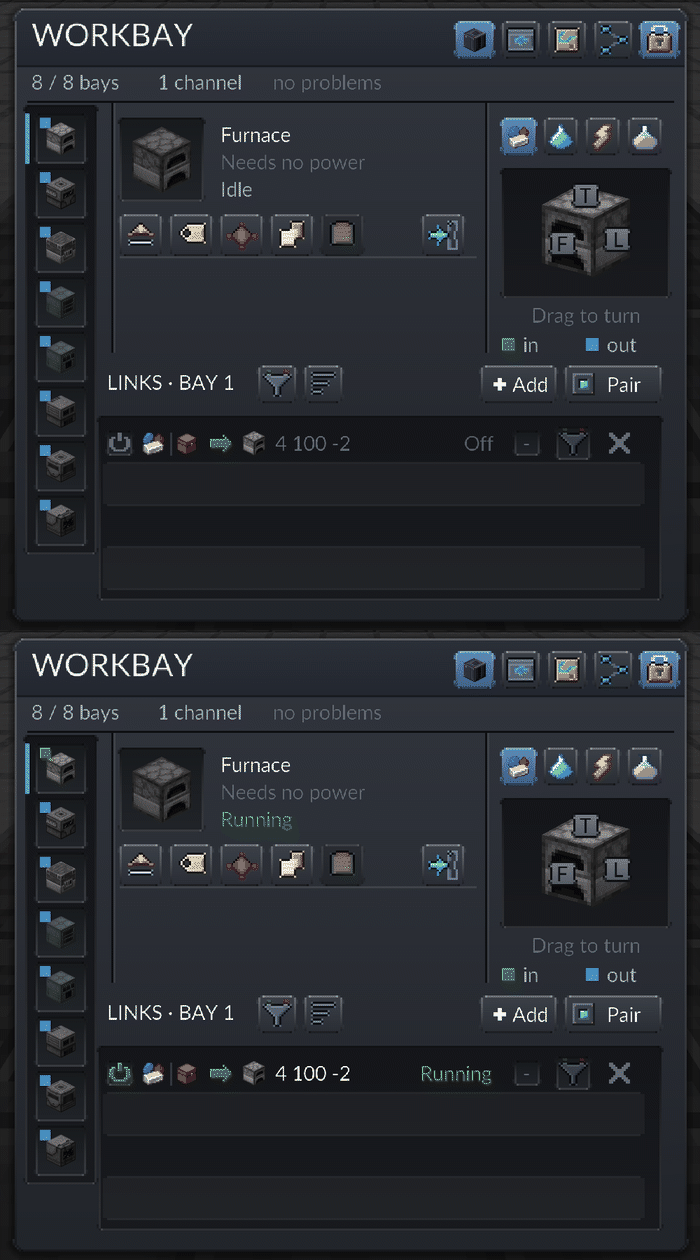
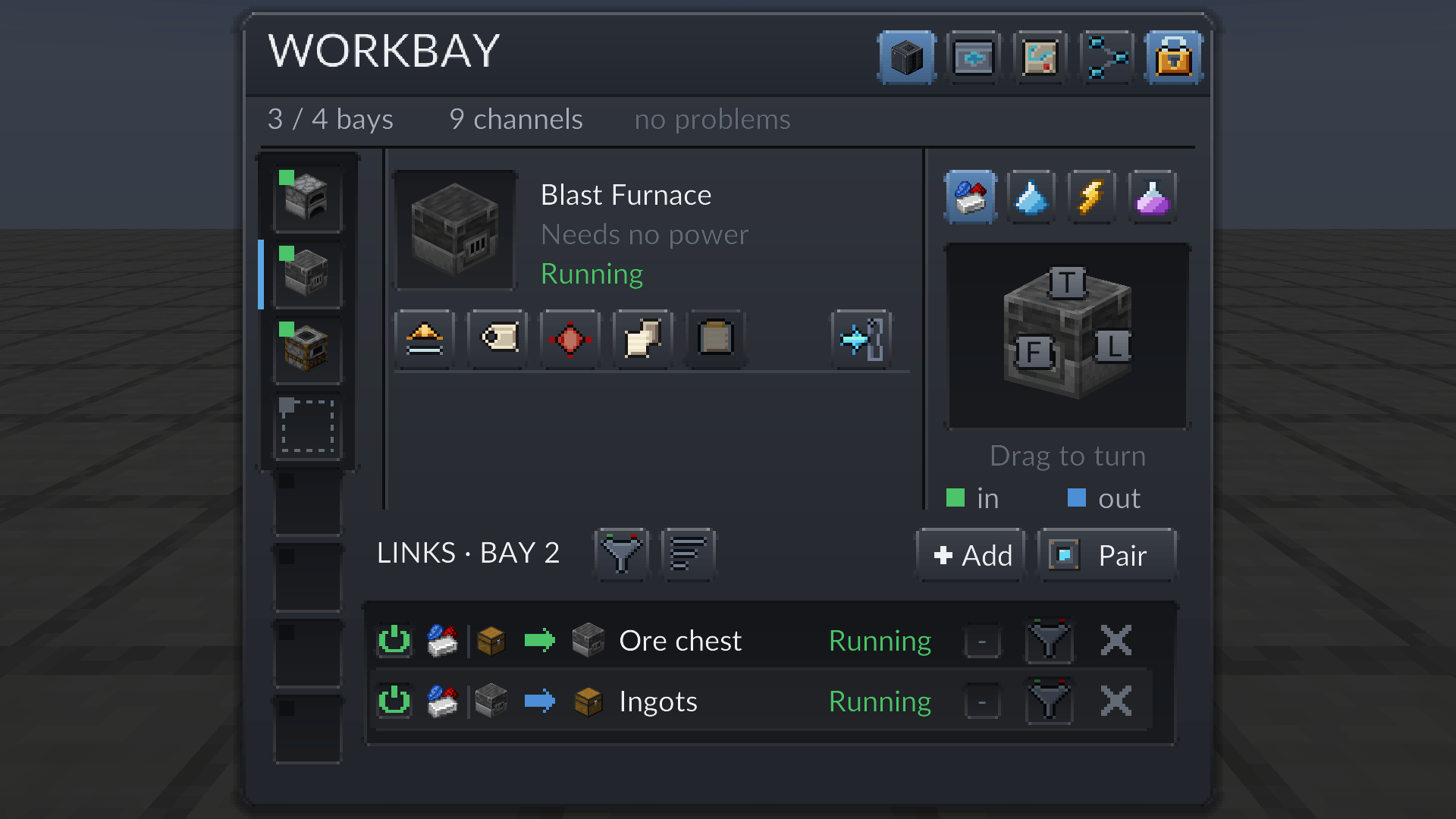
Links without cables. A Connector is a small block you pair to a Workbay and stick to anything
in the world. Every bay can run its own channel through it, with a filter taken from your inventory
or dragged from JEI or EMI (tags included). One Connector serves every bay at once. The screen says
channel, FLOW says link: the same thing. A machine that needs power gets its own energy link.
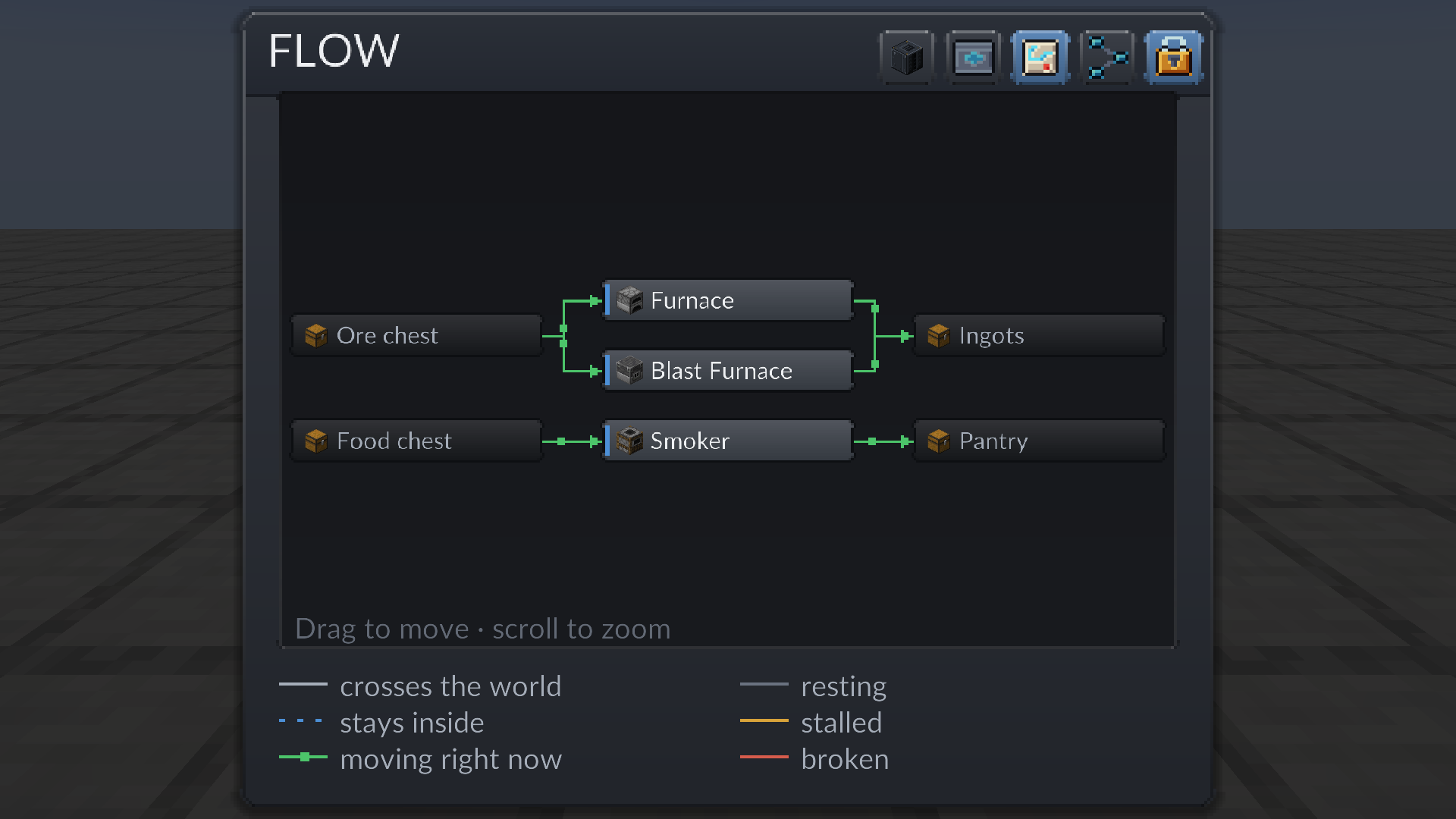
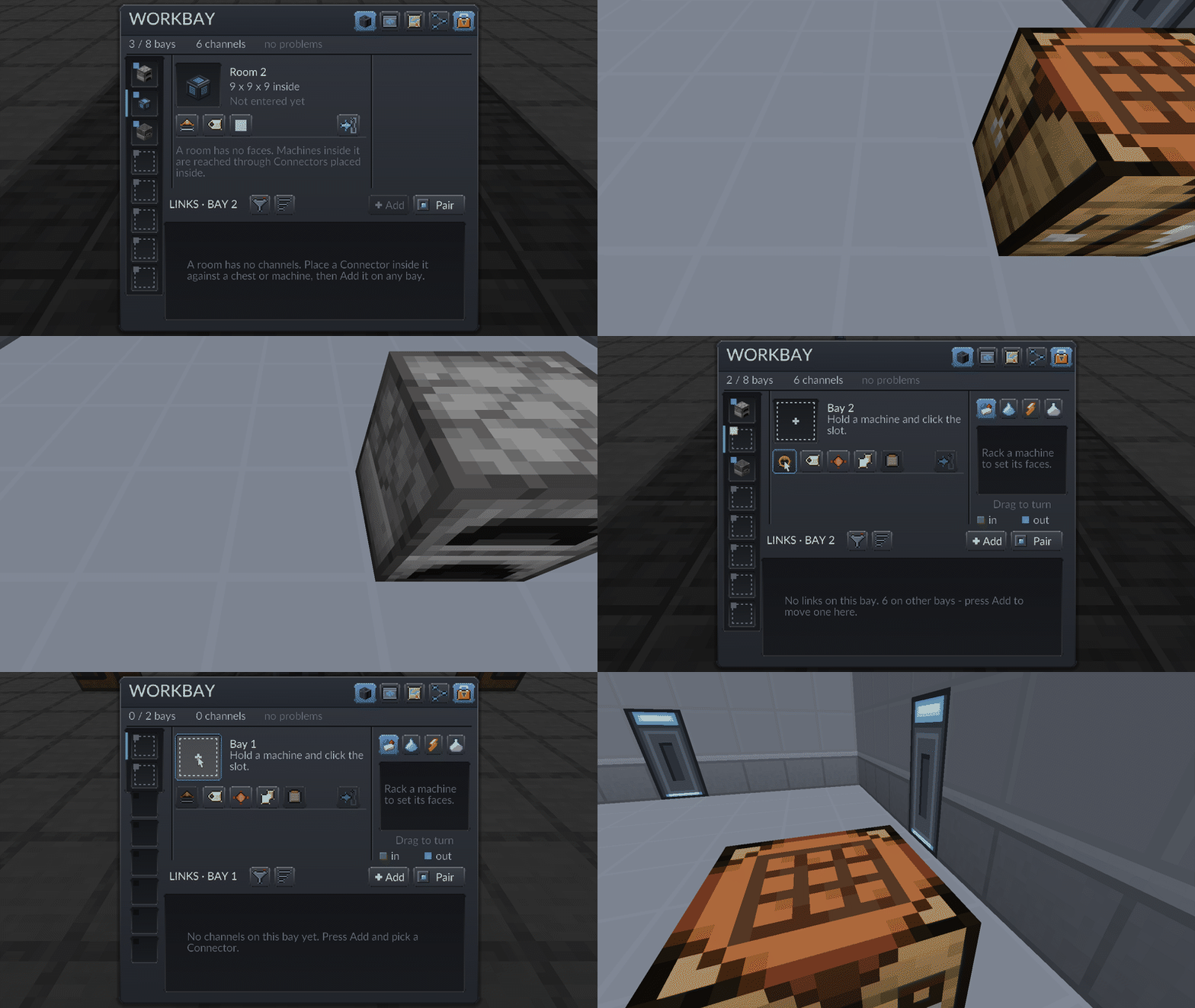
Four screens. WORKBAY: your bays, the racked machine, a cube you turn to say which of its
faces take what, and the bay’s links, each drawing the block it points at. FLOW: the whole network
as a map, an arrow per pair of boxes, coloured by what it is doing, pips walking where something moves.
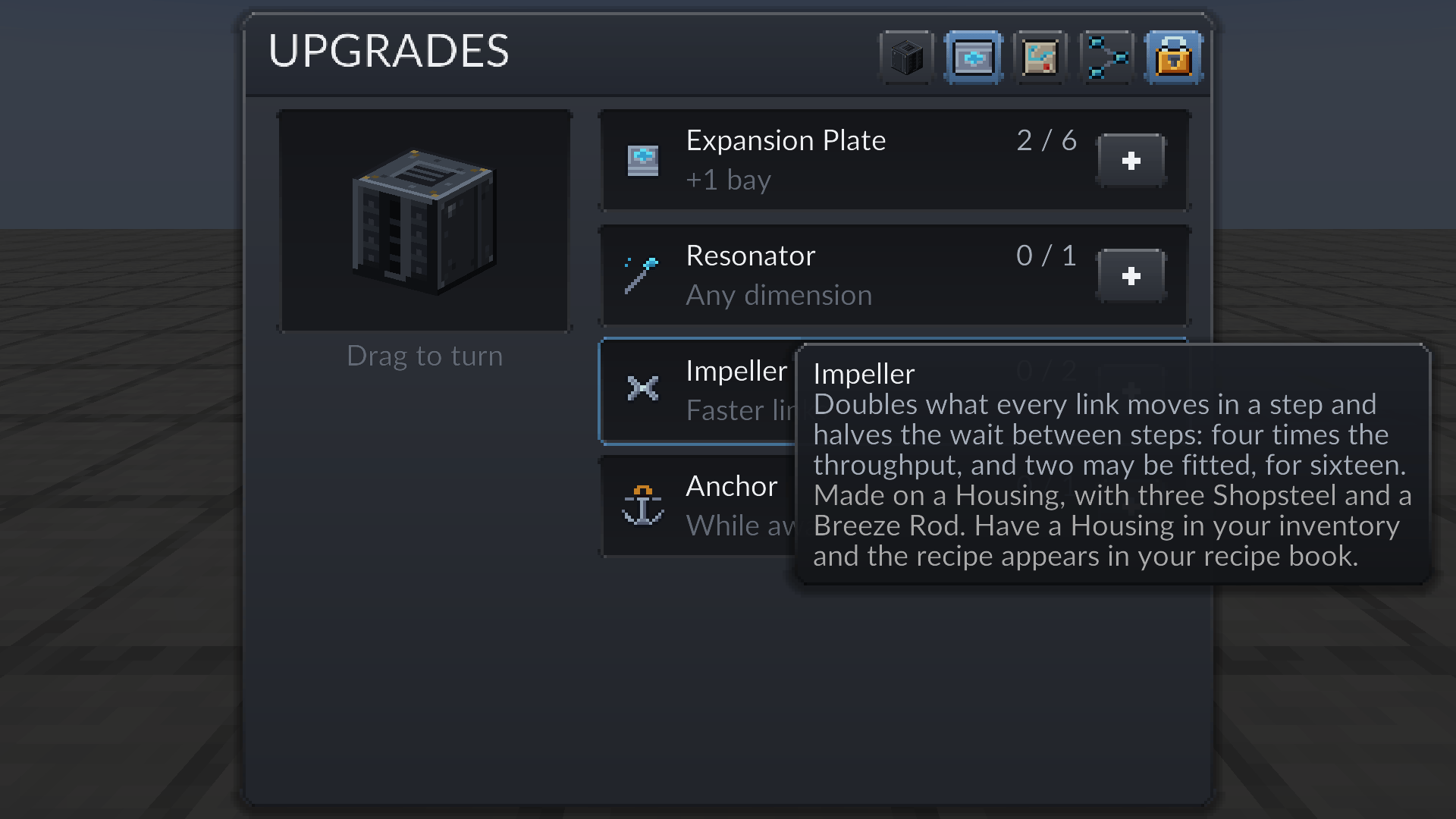
UPGRADES: Expansion Plates for more bays, a Resonator for links into other dimensions, an Impeller
that doubles what every link moves in a step and halves the wait between steps (four times the
throughput; two fit, for sixteen), and an Anchor that keeps the network running while you are online
and elsewhere, plus a grace period after you log out. NETWORKS: which network this block holds,
and Transfer to move one between blocks. When the mod says no, it says why, on the screen that asked.
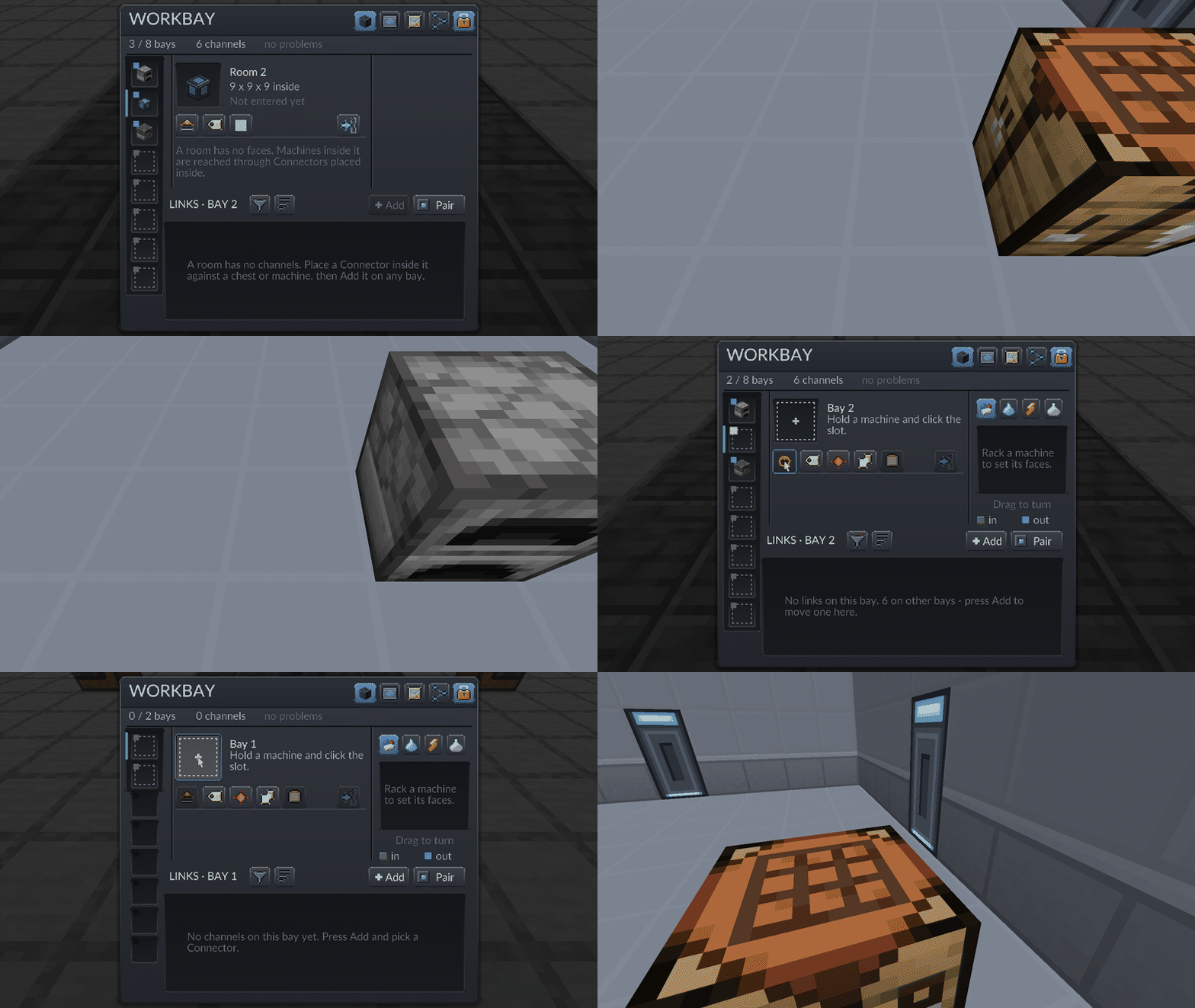
Rooms. A Room, a Wide Room and a Vast Room are 3 x 3 x 3, 9 x 9 x 9 and 13 x 13 x 13 inside.
Rack one in a bay, press Enter, build. A lit door in every wall leads back out. Pull the room out
and it is an item that carries everything built in it and cannot be destroyed, not by fire, lava
or the void. Rack it in another Workbay and it is all still there. A room in a room in a Workbay
in a room is fine; only a room inside itself is refused.
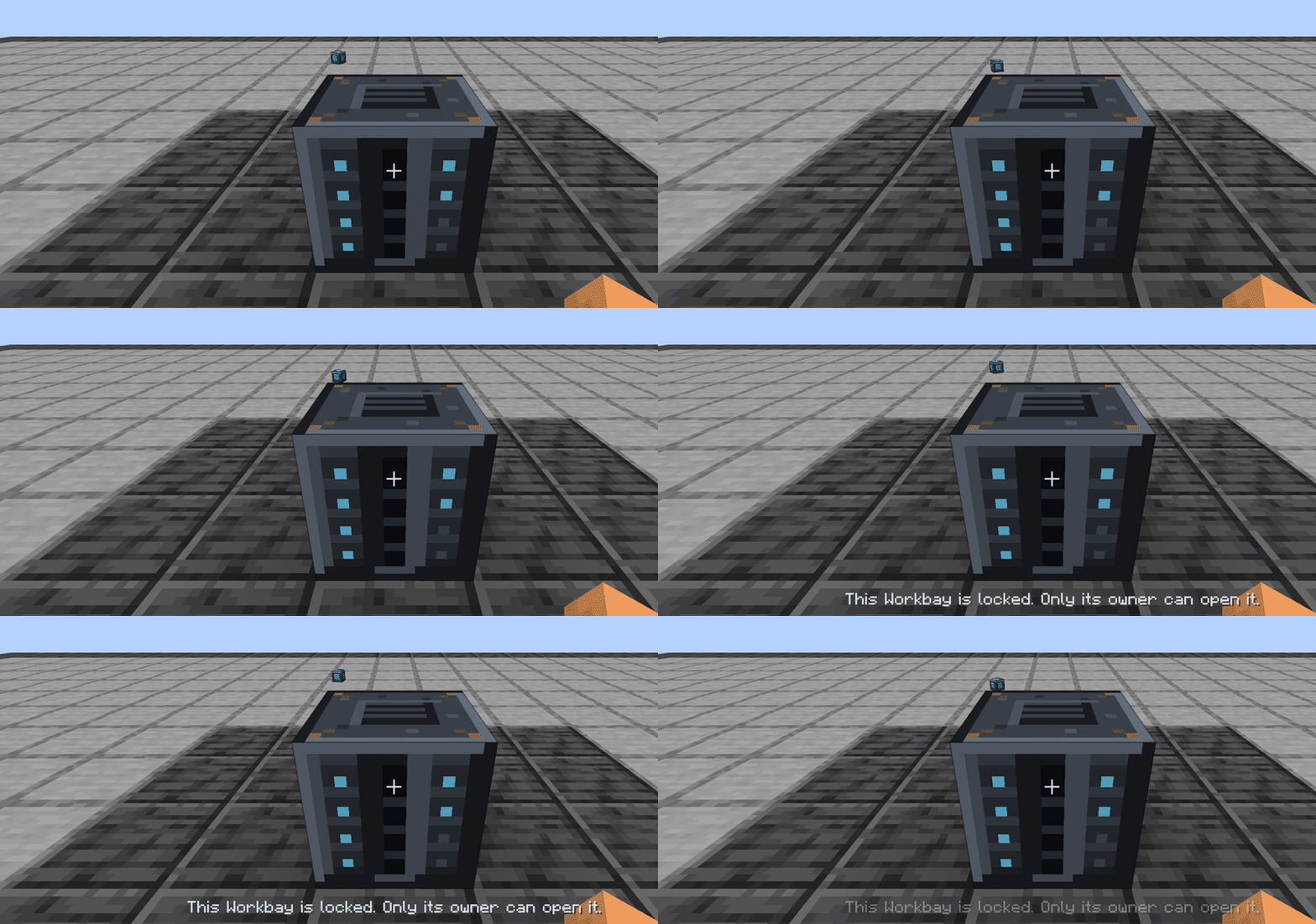
Networks belong to you. One block is one network. Break the block and place a fresh one: same
bays, same machines, same links. A network is born locked; press Unlock to share it. Two networks
per player by default; server owners change it in config/workbay-server.toml.
Built for servers. Every packet is bounded and validated, every screen rate-limited, the registry
written on every change. Measured on a dedicated server: about 0.05 ms per tick per busy network.
Nothing is force-loaded but by an Anchor, while its owner is online and for a grace period after.
What it needs
Minecraft 1.21.1, NeoForge 21.1.249 or newer, Java 21; no library mod. On a server the mod
goes on both ends. Optional: JEI / EMI (drag into filters), Mekanism (chemical links).
What it deliberately does not do
Save TPS. A hosted machine is the same block entity, ticking the same way; what you get back
is the floor. Route. A link has one source and one target, three destinations are three links
(XNet does channels, and the two get along). Host what would break. Multiblock parts, blocks
that work by joining up with their neighbours, blocks their own mod tags as not safe to relocate,
and anything in the workbay:host_denied tag are refused with a reason. Move items or fluids
through its own faces. Energy only; links go through Connectors, so there is one routing model.
Getting started
- Shopsteel: 1 iron ingot + 1 amethyst shard, makes 2. Workbay: 4 glass, 4 Shopsteel, 1 ender
pearl. Place it. Hold a machine, right-click the Workbay, click the large slot beside the name. - Connector: Shopsteel, redstone, Shopsteel, makes 4. Right-click the Workbay with it to pair it,
then place it on a chest. Press Add on the bay, tick the Connector, switch the row on. - Housing: 4 Shopsteel, 4 obsidian, 1 Eye of Ender. Every upgrade and every room is Shopsteel
around a Housing and a core, and their recipes show up once you hold a Housing.
Every item explains itself behind Shift. /workbay why <block> says whether a block can be hosted.
Licence and source
MIT; parts derive from EnderIO (Unlicense). Modpacks welcome, no permission needed.
常见问题
Workbay 支持哪些 Minecraft 版本?
Workbay 支持 Minecraft Java 版 1.21.1,可用的加载器:NeoForge。下载时注意选择和你游戏版本一致的文件。
Workbay 怎么安装?
先用 PCL2 或 HMCL 启动器安装对应版本的 NeoForge,再把下载的 .jar 文件放进游戏目录的 mods 文件夹,重新启动游戏即可。开启了版本隔离的,mods 文件夹在 versions/版本名 下面。

评论
登录后评论和评分