
Windowed Fullscreen
Enables windowed fullscreen mode, allowing for a cleaner experience while retaining access to the taskbar and panel or other apps.
截图


介绍



📗 DESCRIPTION
Windowed Fullscreen is a mod that allows you to hide the window title bar and access your taskbar/panel while in fullscreen mode. It’s perfect for players who want a cleaner fullscreen experience without losing the convenience of interacting with other system elements. This feature also known as Borderless Windowed or Borderless Fullscreen.
✨ KEY FEATURES
- Windowed Fullscreen; Maximizes the window to the monitor and hides the system taskbar when the window is focused (even if the taskbar is set to be always visible).
- Borderless Windowed; Maximizes the window to the available screen space. Similar to standard window maximization, but with a borderless appearance.
| Windowed Fullscreen | Borderless Windowed |
|—|—|
| 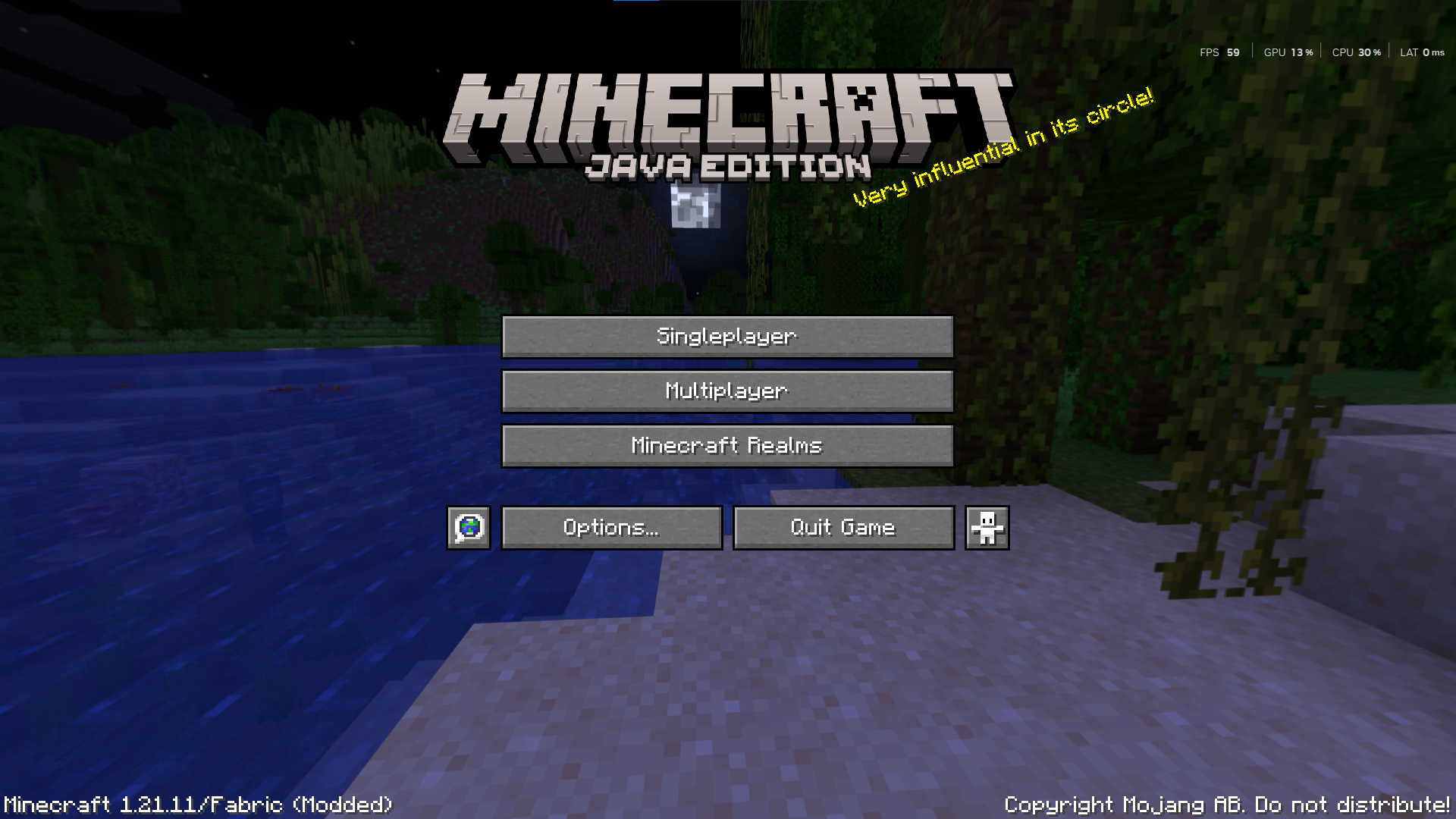 |
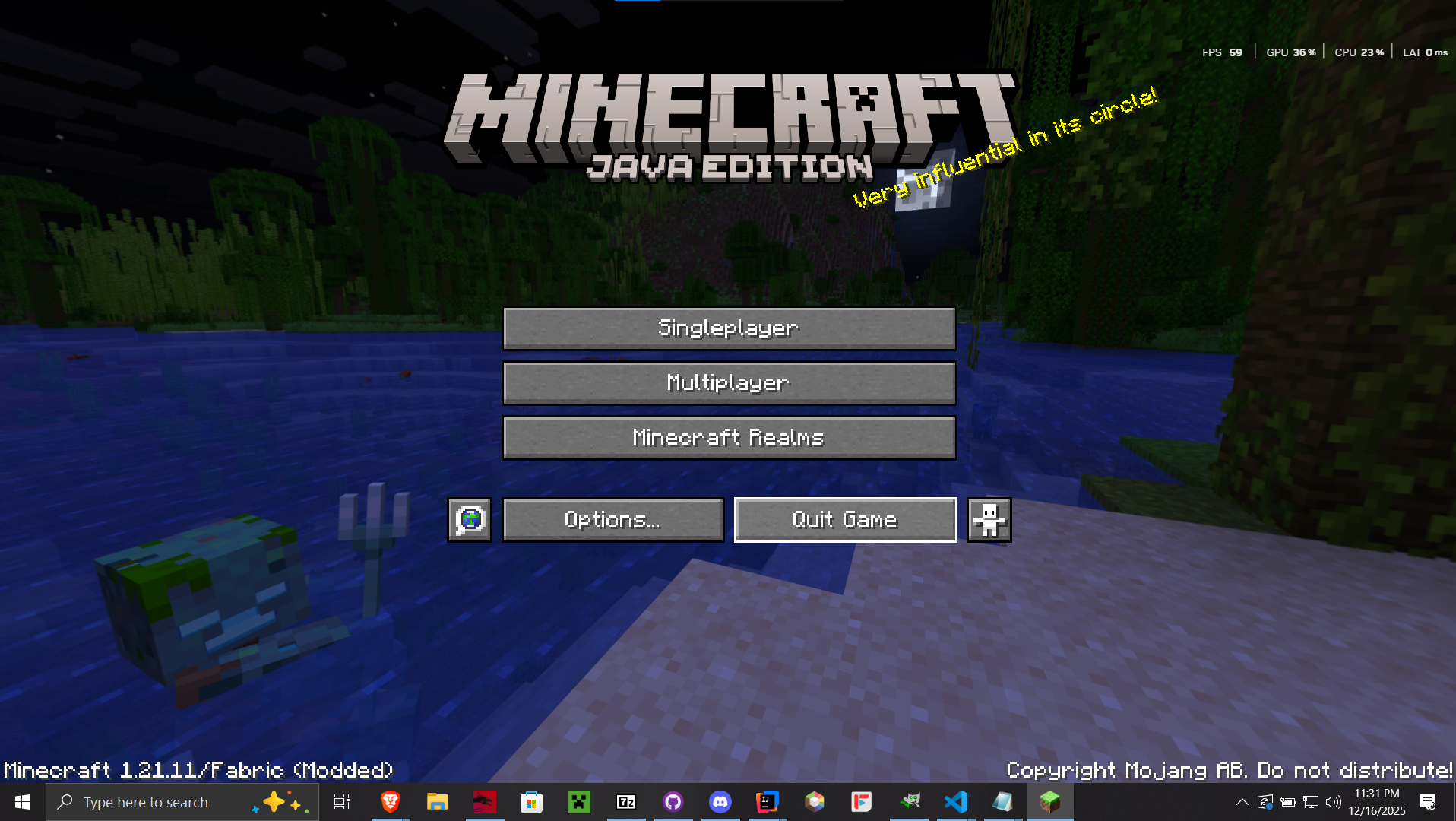 |
🧩 USAGE
- Press
F12to toggle the Windowed Fullscreen mode. - Press
F10to toggle the Borderless Windowed mode.
常见问题
Windowed Fullscreen 支持哪些 Minecraft 版本?
Windowed Fullscreen 支持 Minecraft Java 版 1.21–26.2,共 16 个版本,可用的加载器:Fabric / NeoForge。下载时注意选择和你游戏版本一致的文件。
Windowed Fullscreen 怎么安装?
先用 PCL2 或 HMCL 启动器安装对应版本的 Fabric / NeoForge,再把下载的 .jar 文件放进游戏目录的 mods 文件夹,重新启动游戏即可。开启了版本隔离的,mods 文件夹在 versions/版本名 下面。运行环境:仅客户端。
PrincParshia 的其他作品
查看全部 →
Bare Bones – Connected Glass
让玻璃块和玻璃板无缝连接!

Bare Bones – Better Leaves
增强树叶视觉效果!

Bare Bones – Low On Fire
降低燃烧时的火焰高度!

Bare Bones – Connected Glass
Makes glass blocks and panes connect seamlessly!
评论
登录后评论和评分