
截图
介绍
WindCharge Height Counter


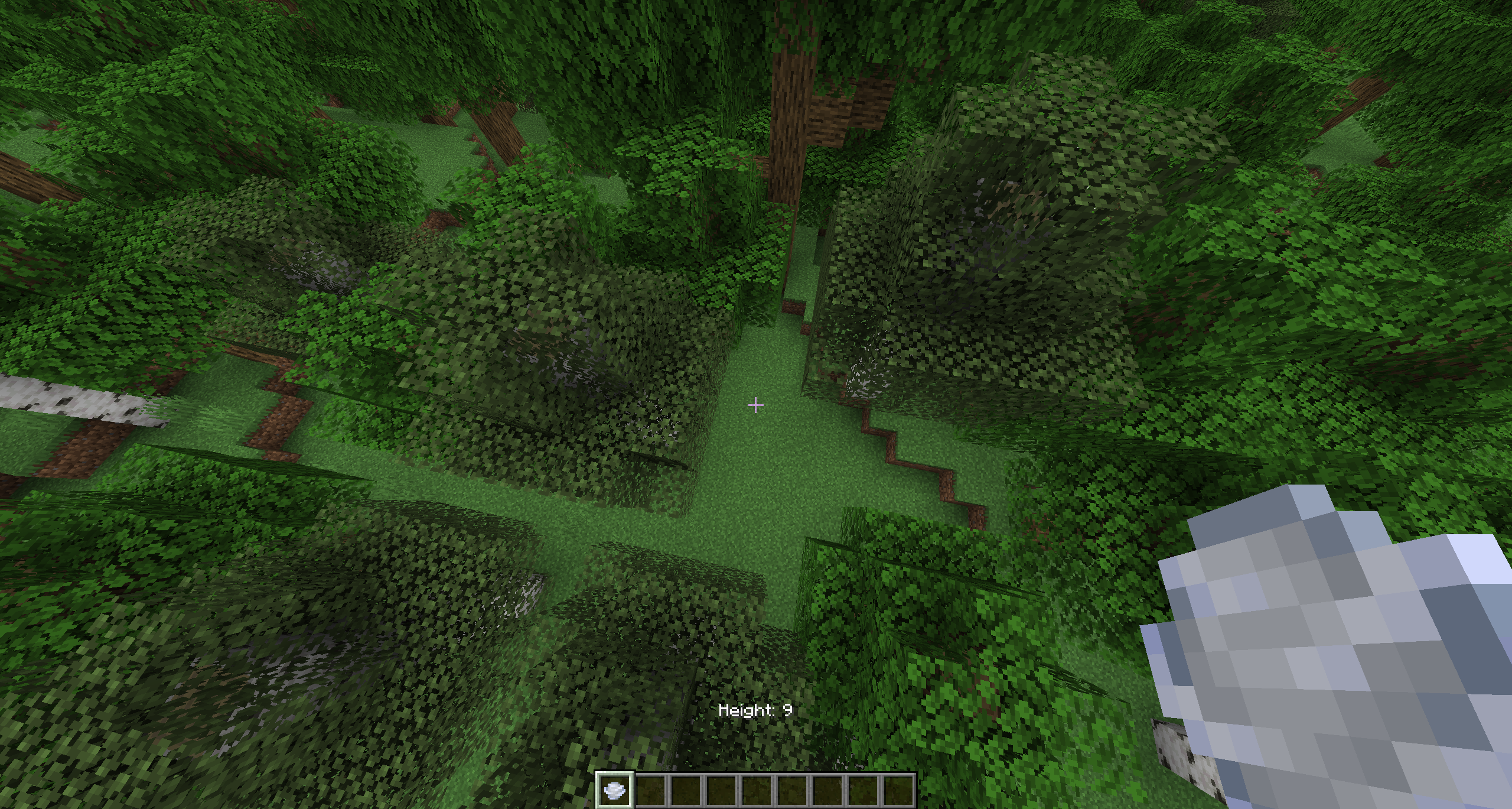
Shows your block height from the block directly below you
This is made for wind charge movement so you can instantly see how high you are after boosting, jumping, or launching yourself up
Works across 1.21 – 1.21.11 in the same jar (1.21.X)
Requires:
Optional BUT recommended to configure:
Credit: cutebow (icon and description)
What it does
WindCharge Height Counter adds a HUD that counts your height from the closest solid block directly under you.
If you are standing on a block, it shows 0.
If you go 8 blocks above that same block, it shows 8, works with howvever high it goes.
It does not use your world Y level and it does not count from bedrock, spawn, sea level, or the bottom of the world. It only checks the block directly below you and shows your relative block height from there.
Settings
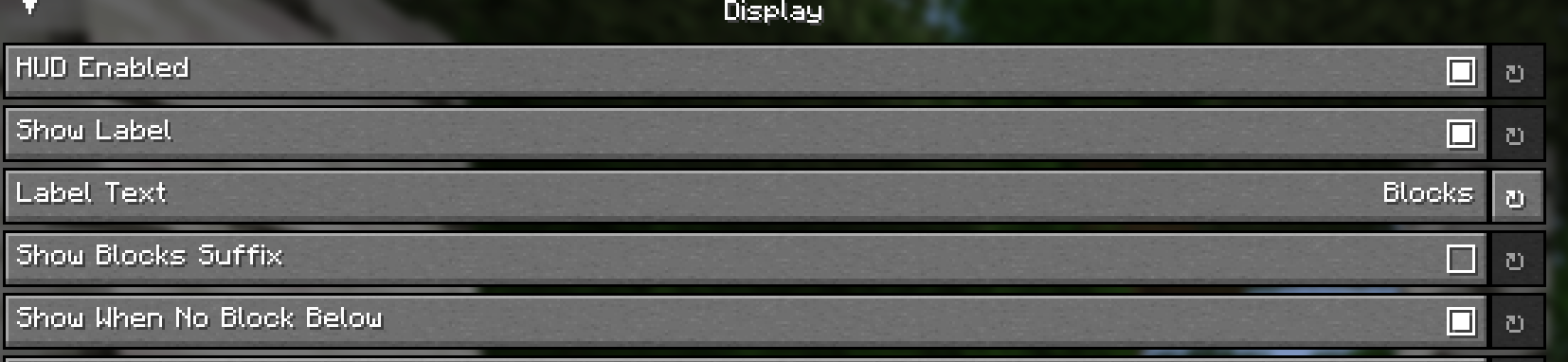
Uses YACL for the settings screen
You can change:
- HUD opacity
- Background opacity
- Text color
- Rainbow mode
- Gradient mode
- Label text
- Rounding mode
- Decimal places
- Show or hide the blocks suffix
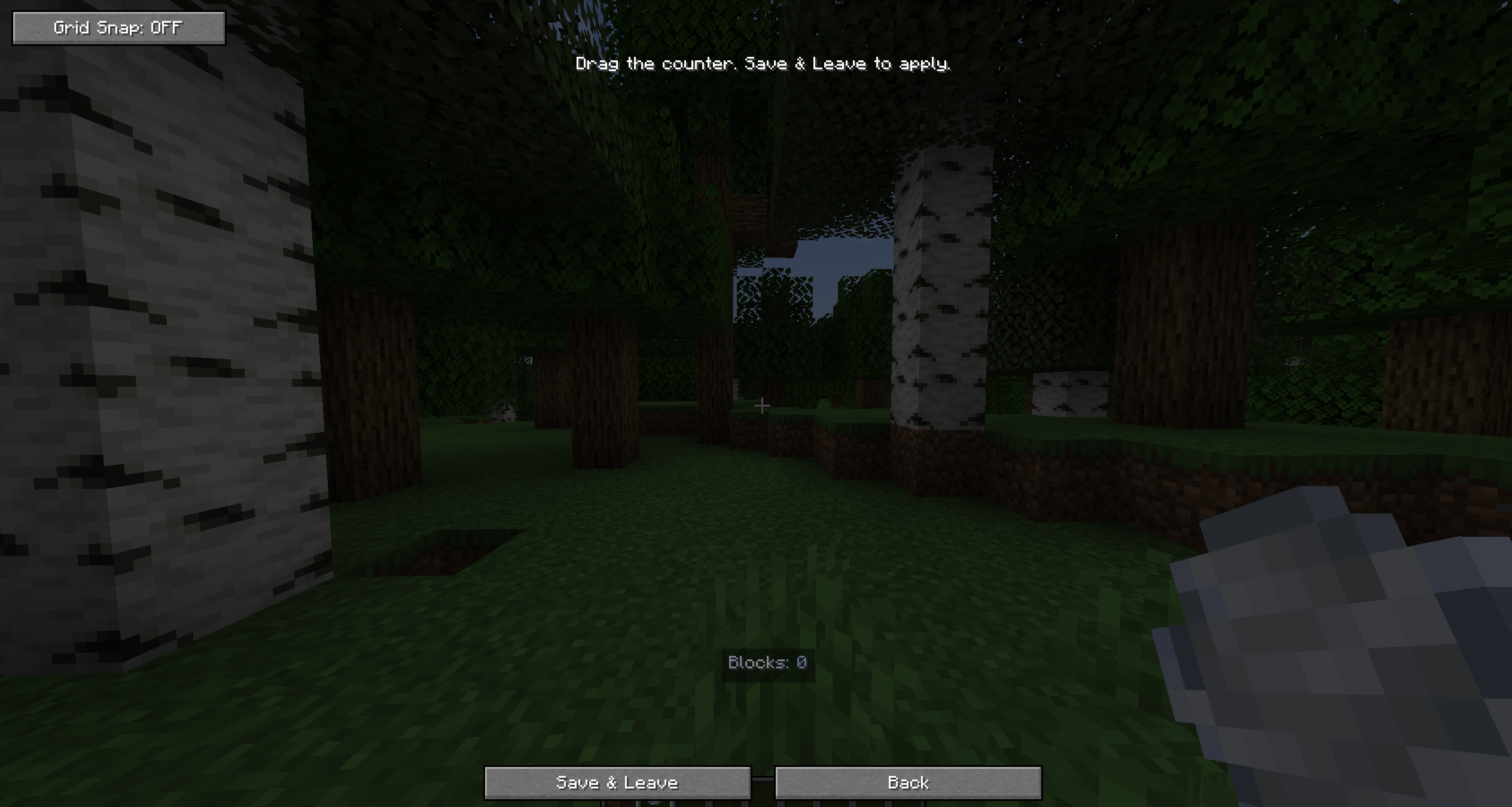
- Move the counter around with the drag position editor
常见问题
Windcharge Height Counter 支持哪些 Minecraft 版本?
Windcharge Height Counter 支持 Minecraft Java 版 1.21–1.21.11,共 12 个版本,可用的加载器:Fabric。下载时注意选择和你游戏版本一致的文件。
Windcharge Height Counter 怎么安装?
先用 PCL2 或 HMCL 启动器安装对应版本的 Fabric,再把下载的 .jar 文件放进游戏目录的 mods 文件夹,重新启动游戏即可。开启了版本隔离的,mods 文件夹在 versions/版本名 下面。运行环境:仅客户端。

评论
登录后评论和评分