
Where? – Coordinates & Pings
Share, convert, display, and manage coordinates with pings, team pings, private coordinates, and chat menus.
截图
介绍
What is _Where?_
_Where?_ is a Minecraft utility mod for quickly sharing, displaying, converting, and managing coordinates.
The mod can detect coordinates in chat and lets you copy them, convert them between dimensions, display them as pings, or send them to other players.
Features
- Detect coordinates in chat
- Copy coordinates quickly
- Convert coordinates between Overworld, Nether, and End
- Create normal world pings
- Create team-only pings
- Send private coordinates to specific players
- Send coordinates only to your team
- Use clickable coordinate menus in chat
- Manage teams with invites, leaders, members, and blocked players
- Customize ping color, size, range, transparency, lifetime, and display options
Commands

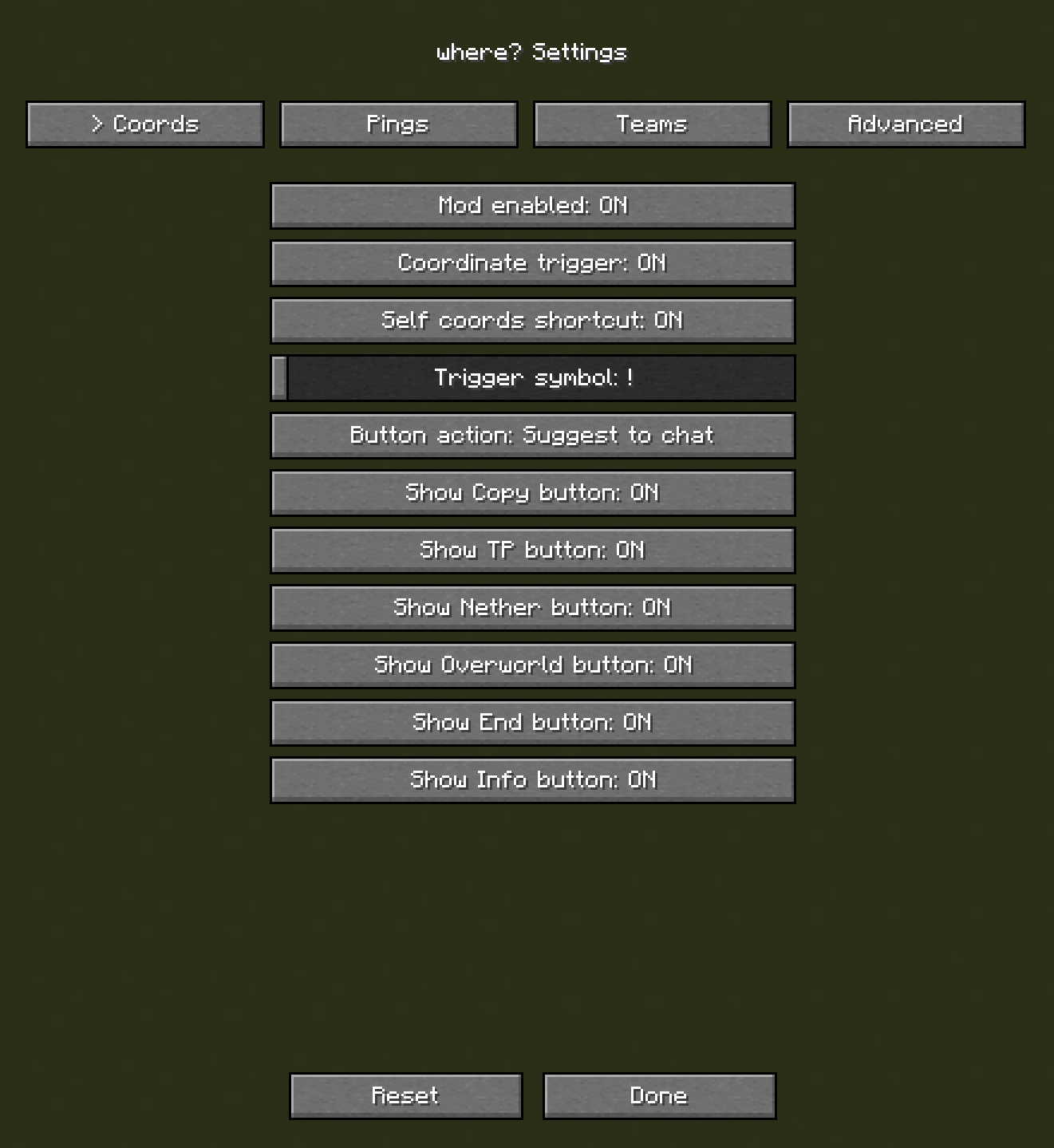
Send your current coordinates:
!coords
Enter coordinates manually:
!100 10 -30
Send your coordinates privately to a player:
!coords <player>
Send your coordinates only to your team:
!coords teams
settings menu:
Team System
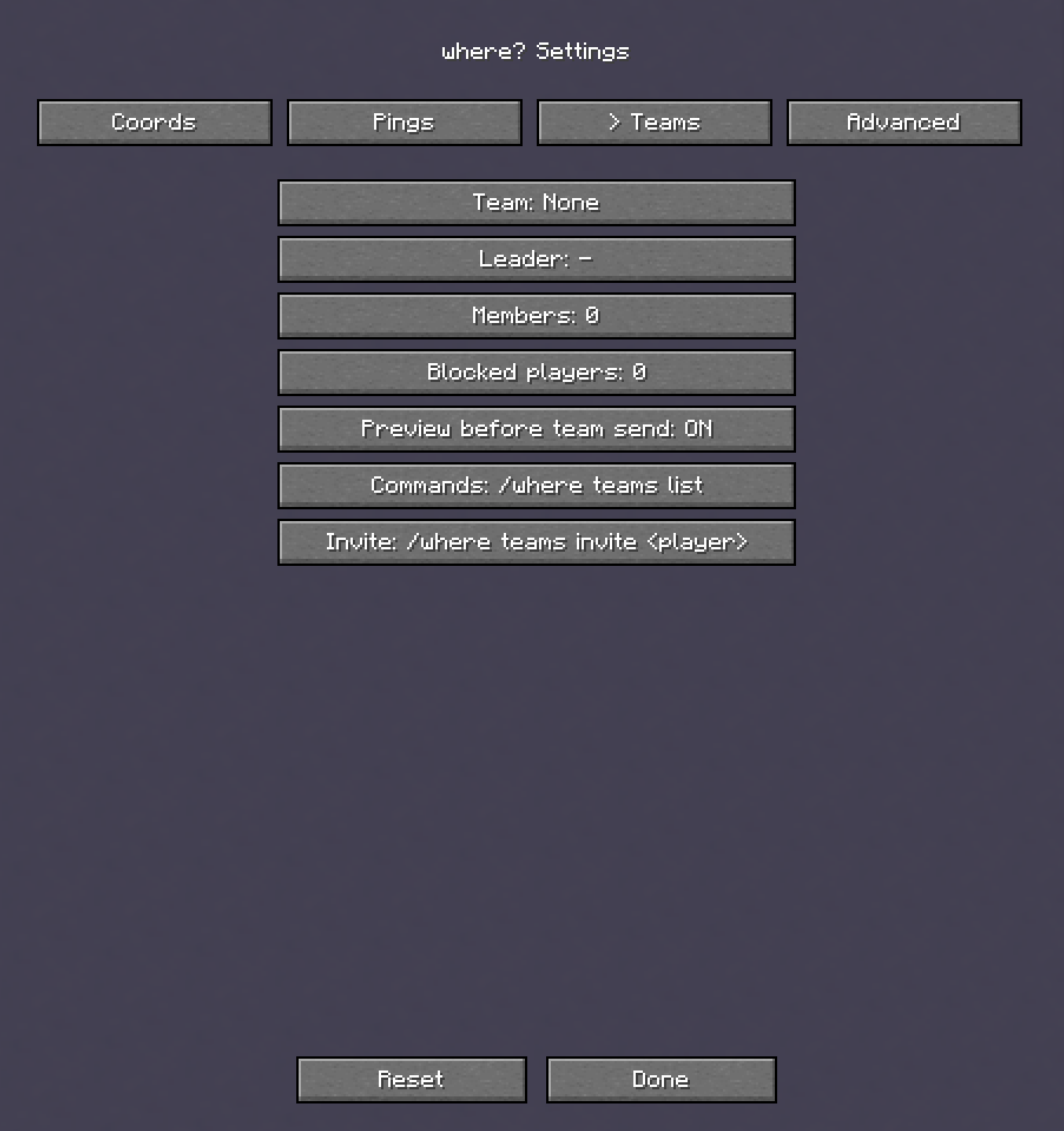
_Where?_ includes a team system with team invites, leaders, members, blocked players, private team coordinates, and team-only pings.
Team commands are available under:
/where teams
settings menu:
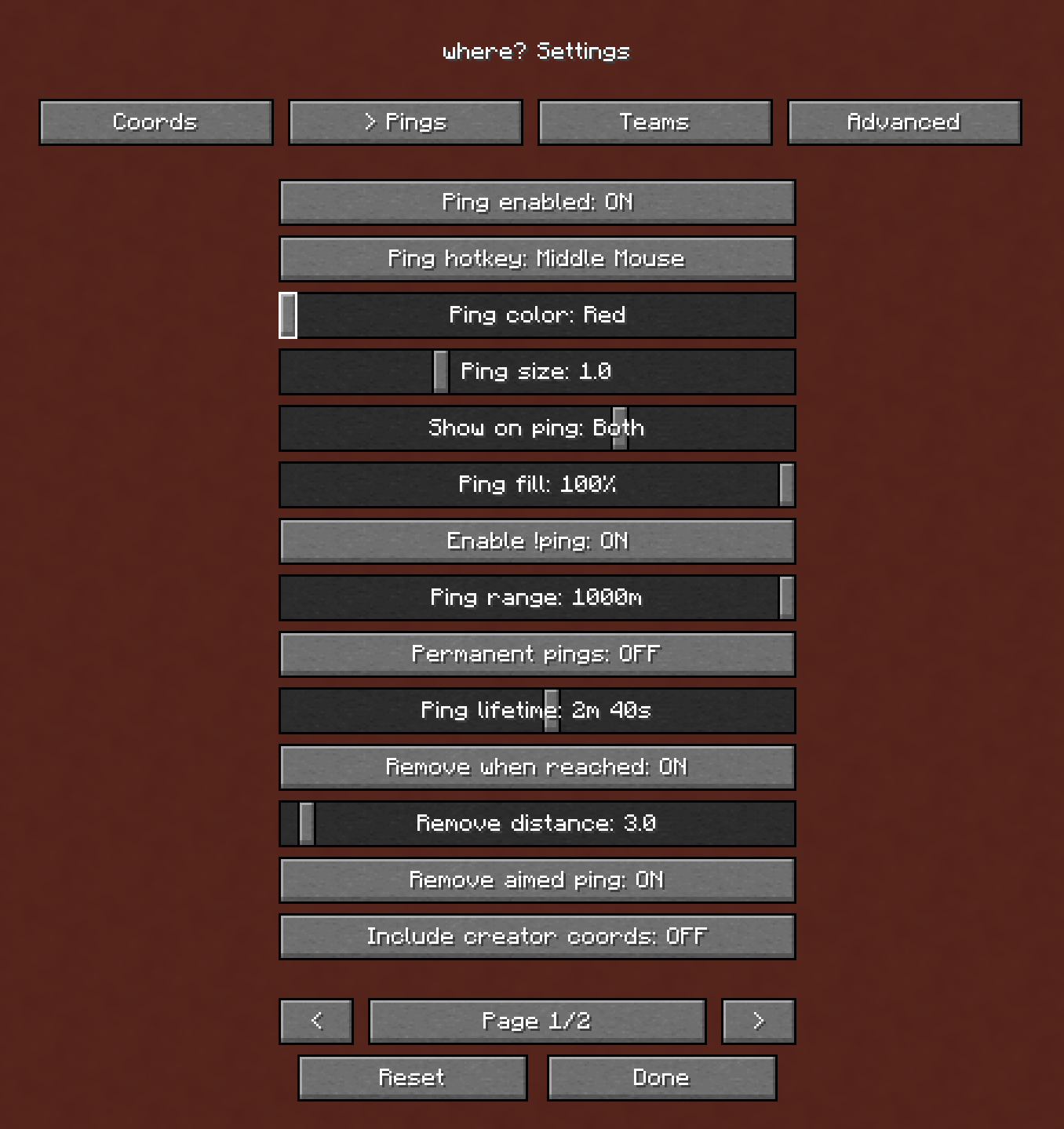
Pings
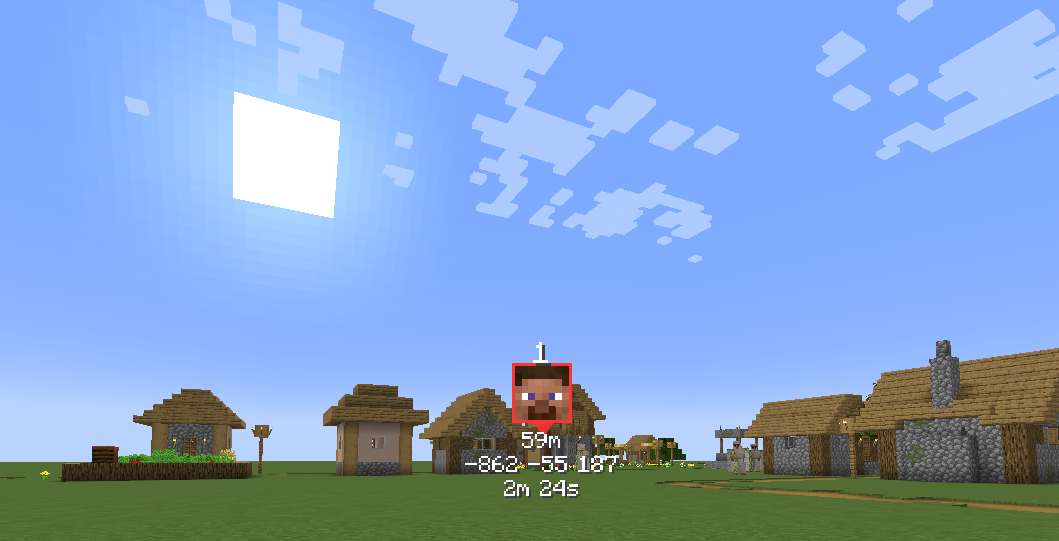
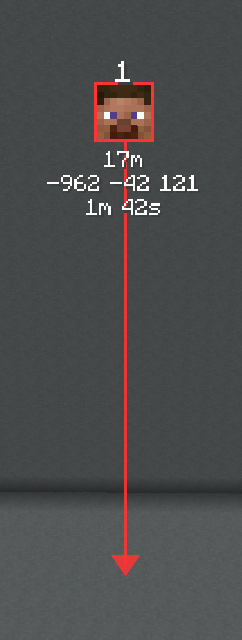
Pings can show coordinates, distance, dimension, player face, creator information, arrows, and despawn timers.
You can configure how pings look and behave in the _Where?_ settings menu.
settings menu:
Working on bug fixes and updates! Feedback is welcome, my discord in bio
常见问题
Where? – Coordinates & Pings 支持哪些 Minecraft 版本?
Where? – Coordinates & Pings 支持 Minecraft Java 版 1.21.1–26.1.2,共 12 个版本,可用的加载器:Fabric。下载时注意选择和你游戏版本一致的文件。
Where? – Coordinates & Pings 怎么安装?
先用 PCL2 或 HMCL 启动器安装对应版本的 Fabric,再把下载的 .jar 文件放进游戏目录的 mods 文件夹,重新启动游戏即可。开启了版本隔离的,mods 文件夹在 versions/版本名 下面。运行环境:客户端 / 服务端。

评论
登录后评论和评分